Creative practice
Product Video Storyboard Timing: Fit One Idea into 8 or 12 Seconds
Fit one clear idea into an 8- or 12-second product ad. Plan four visible events, check copy at real speed and revise overloaded shots before adding more motion.
A short product ad feels rushed when each shot asks the viewer to understand too many things. Before shortening the cuts, write what the viewer must notice in each moment. Then test that sequence at its intended duration. Four attractive stills do not automatically make a readable video.
Panelly currently plans four sequential full-screen shots for an 8- or 12-second video, with nominal equal durations of 2 or 3 seconds per shot. Use that as a practical starting constraint. A natural-language request can guide the movement and emphasis, but it is not a frame-accurate timeline editor or a guarantee that a generated clip will follow every timestamp.
Give each shot one visible event
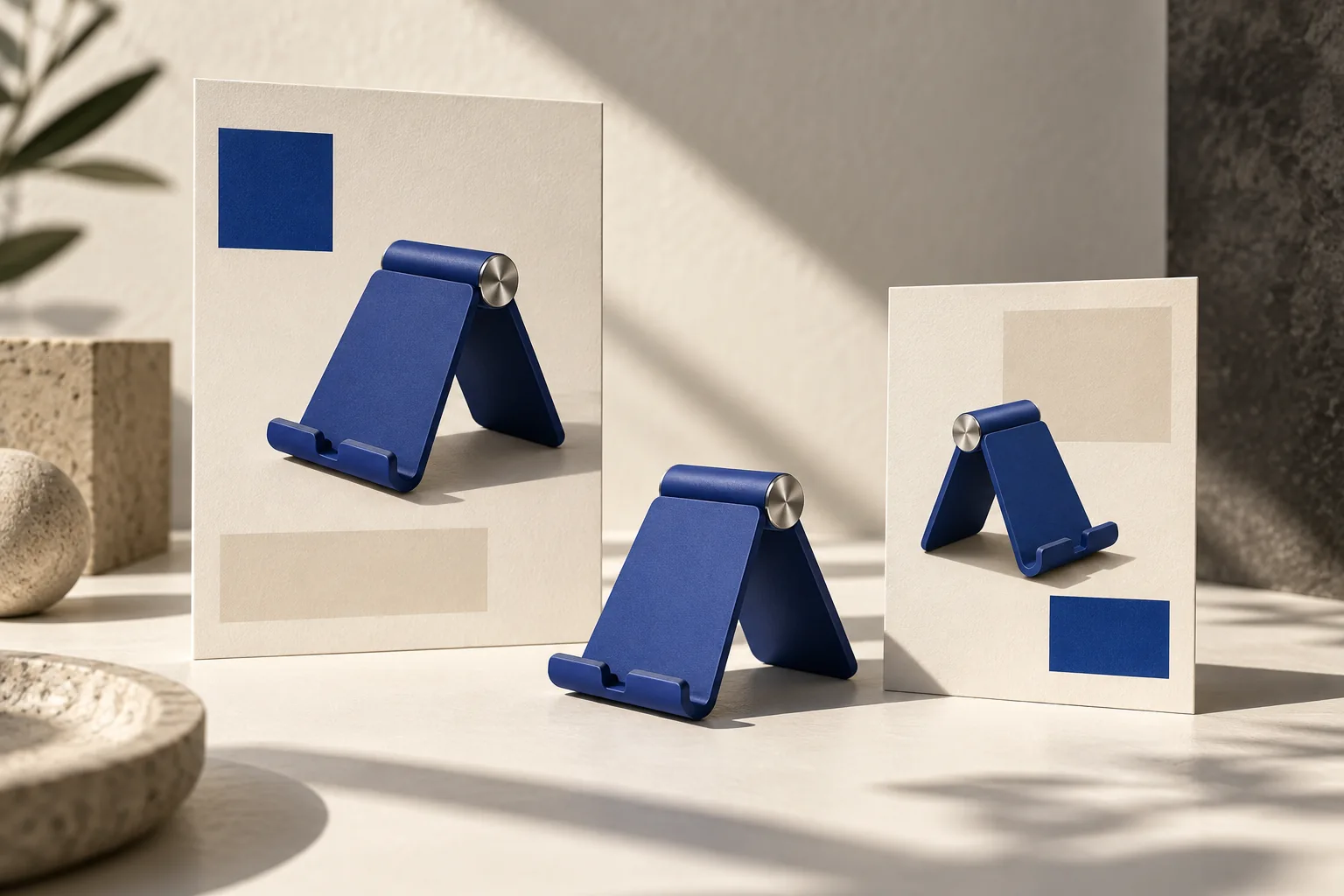
Consider a fictional folding phone stand. A weak second shot might ask it to unfold, rotate, receive a phone, reveal three labels and demonstrate a video call. Even if every event is individually possible, there is little time to understand the sequence.
Choose the event that explains the product. If the stand's folding shape is the point, start near the relevant joint and show one opening movement. Leave the video-call context to the following shot. Do not ask for the entire demonstration and all its context at once.
| Shot | An 8-second planning version | What the viewer should understand |
|---|---|---|
| 0–2 seconds | Stand already visible, phone beside it | Which product the ad is about |
| 2–4 seconds | One simple opening movement | How the folding form works |
| 4–6 seconds | Phone resting on the open stand | Where the product fits into daily use |
| 6–8 seconds | Calm product view with closing copy | What to look for next |
The table is an editorial example, not a tested performance formula. It also assumes the real stand opens in that way. If the reference only shows the folded product, obtain an open view before inventing the mechanism.
Decide whether the problem is duration or density
Try the planned sequence once without sound. If you cannot name what changed in the demonstration shot, it may contain too much movement. If the closing message disappears before you finish reading it, shorten the copy or use a longer duration. Faster transitions will not solve either problem.
An 8-second version leaves 2 seconds per planned shot. A 12-second version leaves 3 seconds: one extra second in each shot, not permission to add an extra claim everywhere. In the stand example, keep the same four events and use the extra time to let the open position settle and the closing frame hold.
Ask three separate questions:
- Can I identify the product before the demonstration starts?
- Can I see the action's end state, rather than only its movement?
- Can I read the closing line without pausing?
There is no universal reading time that fits every language, font, screen and audience. Check the actual localized wording at the final display size. The mobile text guide covers that visual check.
Test a rough sequence before paying for motion
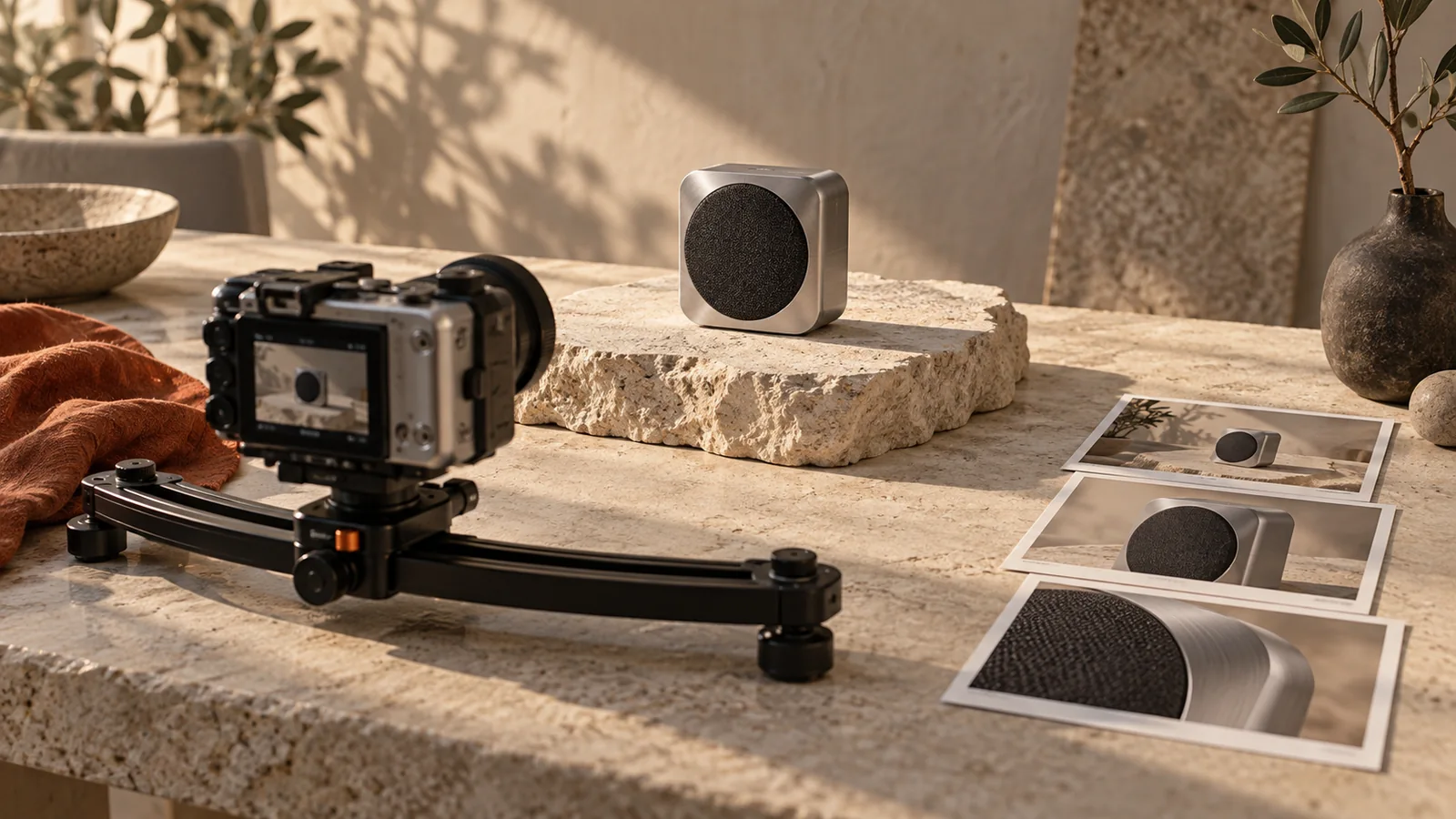
Put the four reference frames in a basic slideshow or editor and time them at the planned intervals. Read the copy as they change. This simple test can reveal an overloaded shot before motion complicates the review.
This is the role of an animatic: a rough timed sequence used to judge the pace and meaning of a proposed video. Adobe's animatics guide distinguishes it from a static storyboard. You do not need polished animation to learn that the last line has no time to land.
The slideshow check is an optional external planning step, not a claim that Panelly includes an animatic timeline. Within Panelly, describe the simpler sequence in chat and use the existing four-panel composition as the visual starting point.
Make an 8-second video from this four-panel advertisement. Keep four sequential full-screen shots. First establish the folding phone stand; then show one simple opening movement; then show the phone resting on the open stand; finish with a calm product view and the existing closing copy. Keep the first and final compositions steady. In the demonstration, let the opening finish clearly instead of adding a spin or a second action. Preserve the actual hinge, proportions and color. Do not invent extra features or voiceover.Use the selected ad in Panelly Studio. If the 8-second attempt feels crowded, request a 12-second version with the same events, then compare. Each generation is a new version; the instruction does not surgically retime a few frames in the existing file.
Review the returned clip by meaning, not just by cut count
Watch once at normal speed, then locate any unclear moment. Is the product introduced too late? Does an action start before the previous one finishes? Does a transition cover the moment that proves how the stand works? Write the correction in those terms.
For example: “Keep the opening movement; remove the rotation after it and let the open stand remain still.” That tells the next version what to preserve and what consumes unnecessary time. “Make it more dynamic” does not identify the problem.
Should every shot have the same amount of movement?
No. Equal planned duration does not require equal visual density. A quiet ending can give the product and copy room after a demonstration. Movement should help the viewer understand the event in that shot.
Should I stretch an unclear 8-second clip to 12 seconds?
First check why it is unclear. More time may help readable copy or a slow demonstration. It will not fix an invented hinge or an action the camera never shows. Repair the reference or sequence when the problem is meaning, not speed.