
AI creative for your product
AI product ads. From your photo.
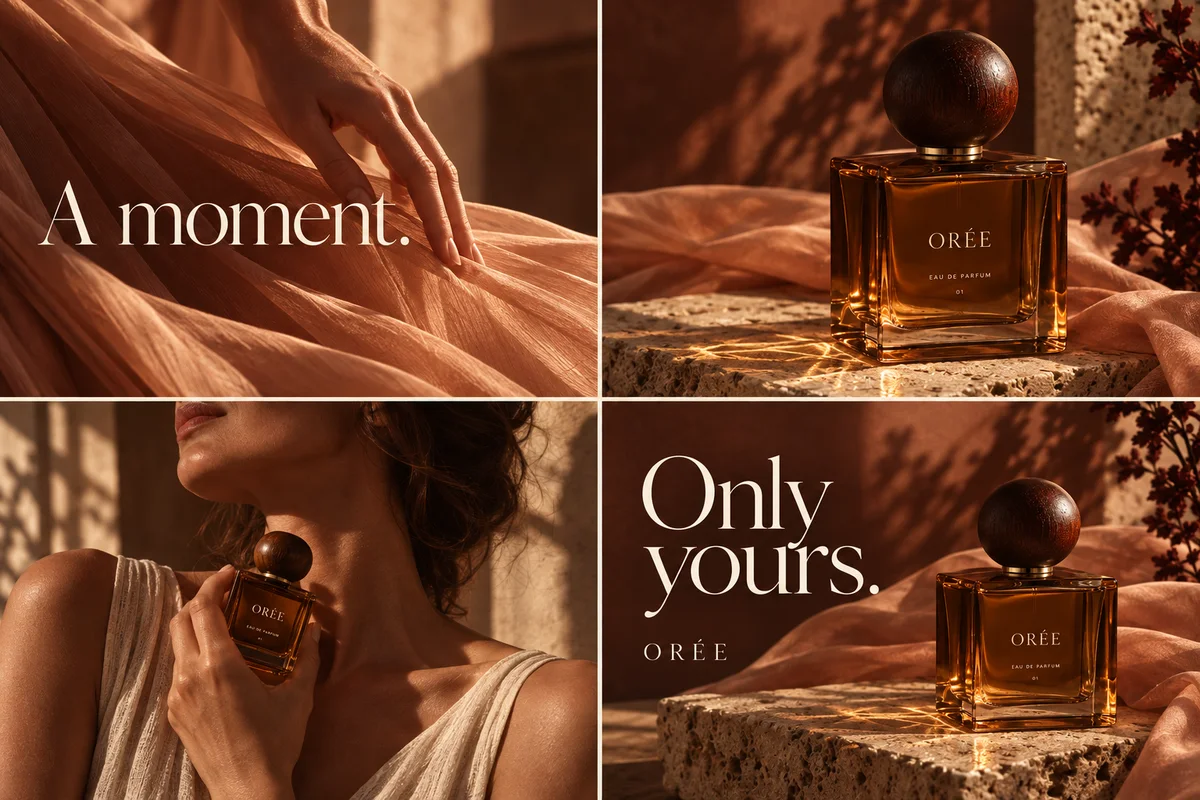
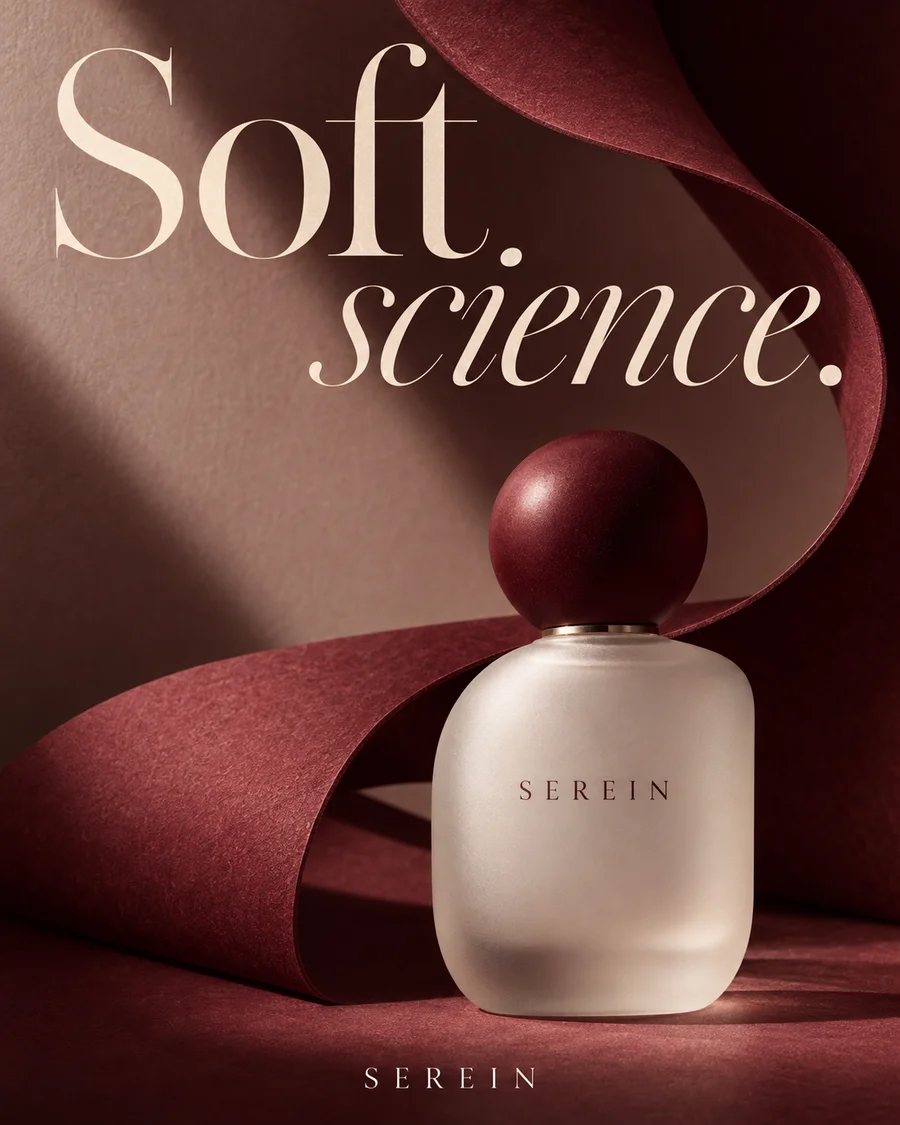
Turn a product photo into four-panel story ads, campaign visuals and posters for your brand. Shape the idea, then refine it in conversation.
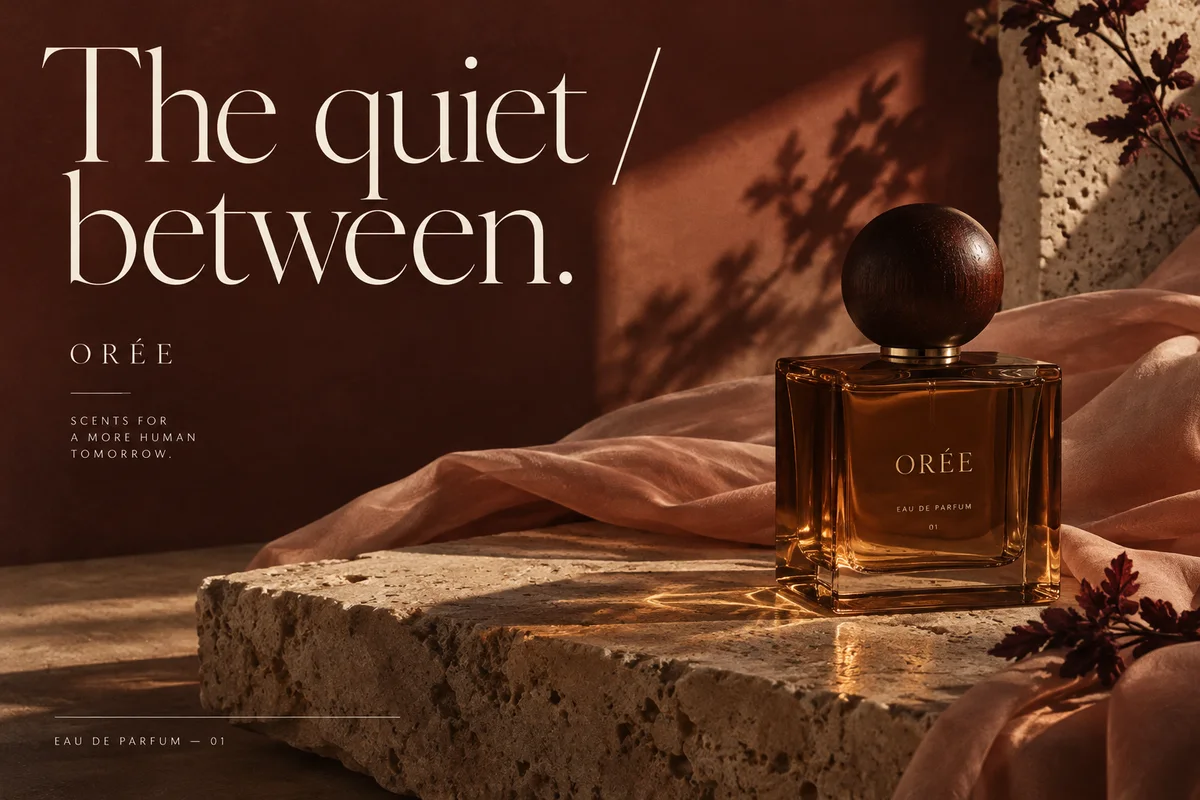
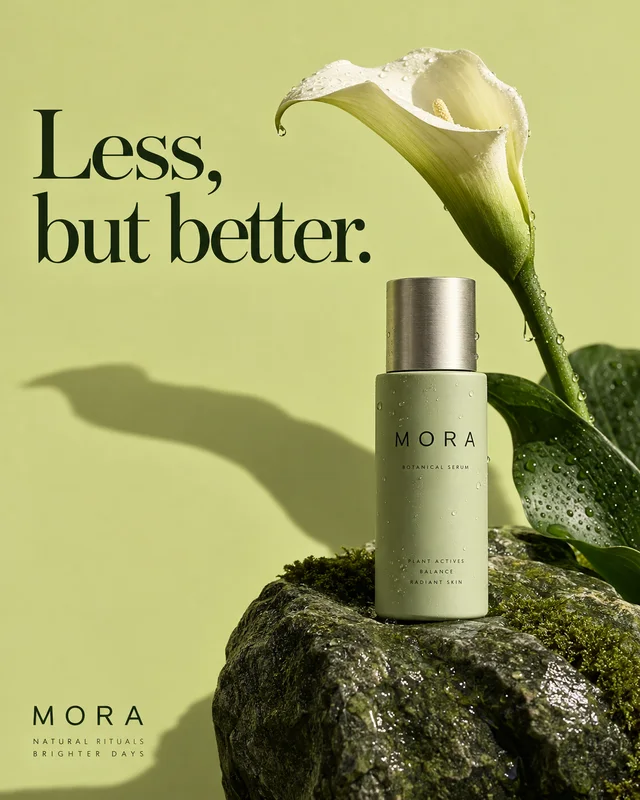
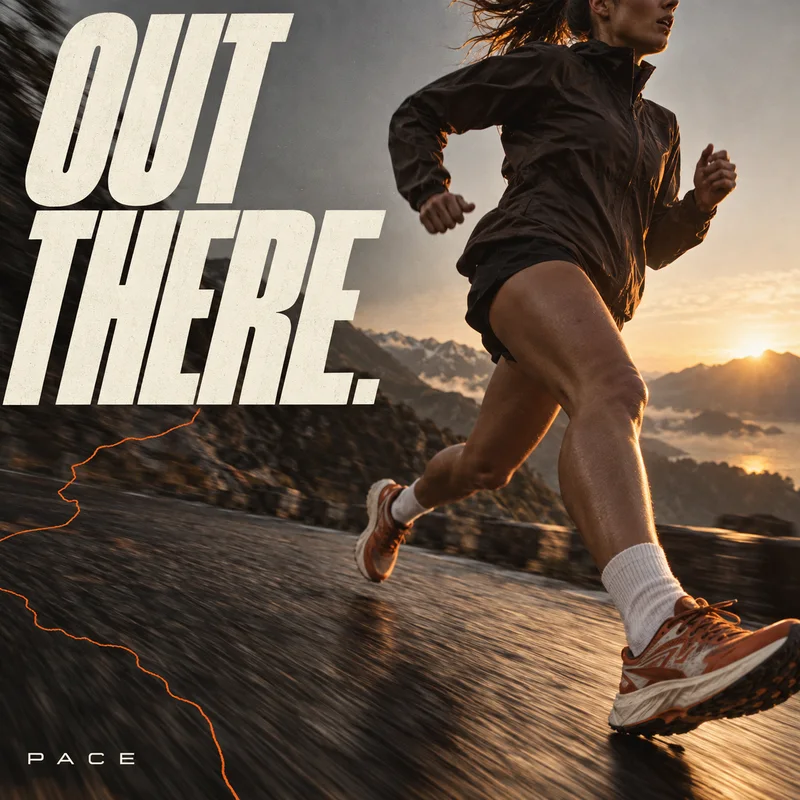
Product ad design inspiration
Original AI concept designs · Fictional brands

ORÉE
One product. A coordinated ad set.
Create for my productProduct ads for ecommerce brands
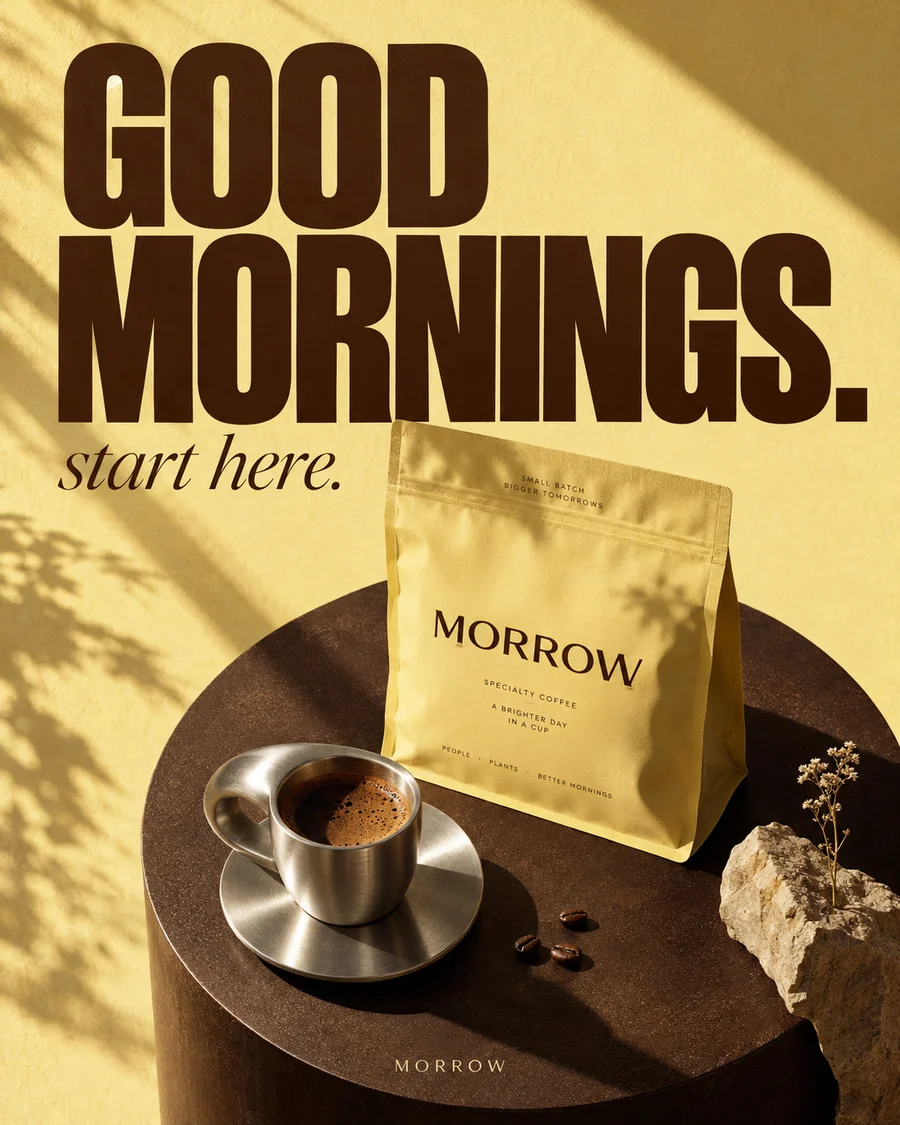
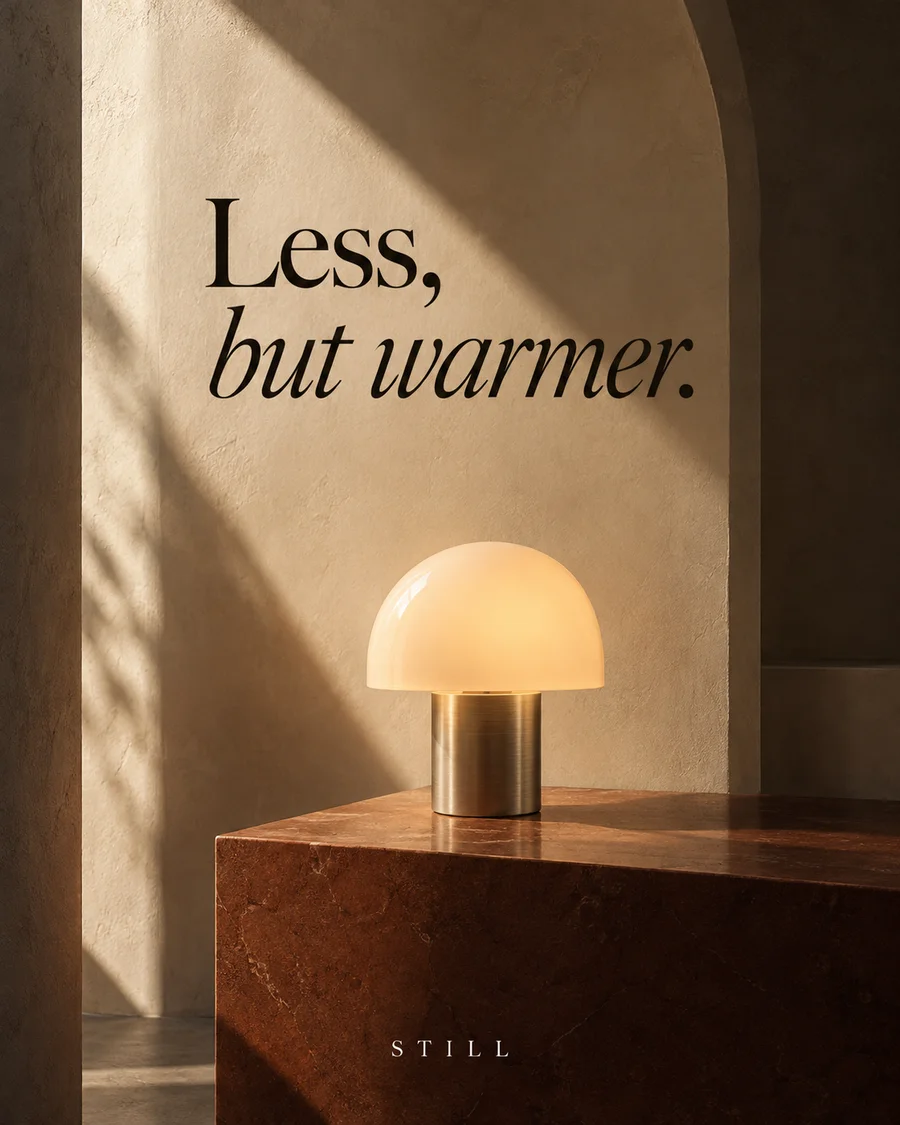
Original AI campaign concepts · Fictional brands
Resources
How to turn a product photo into ads
Bring your product and idea
Choose a shared direction
Keep refining on the canvas
Use cases
AI product ad generator FAQ
How do I make product ads from one photo?
Add your product photo and describe your audience, selling point and the ads you need. Review the plan and credit cost, then generate and refine individual images in Studio. Compare product details and text with your original before downloading. No design experience is required.
What is the difference between a four-panel ad and a carousel?
A four-panel story ad combines four connected scenes and copy in one image. A carousel uses separate images that viewers swipe through. You can request either format in Panelly; generated images need your review and are not automatically published.
What can a creative set include?
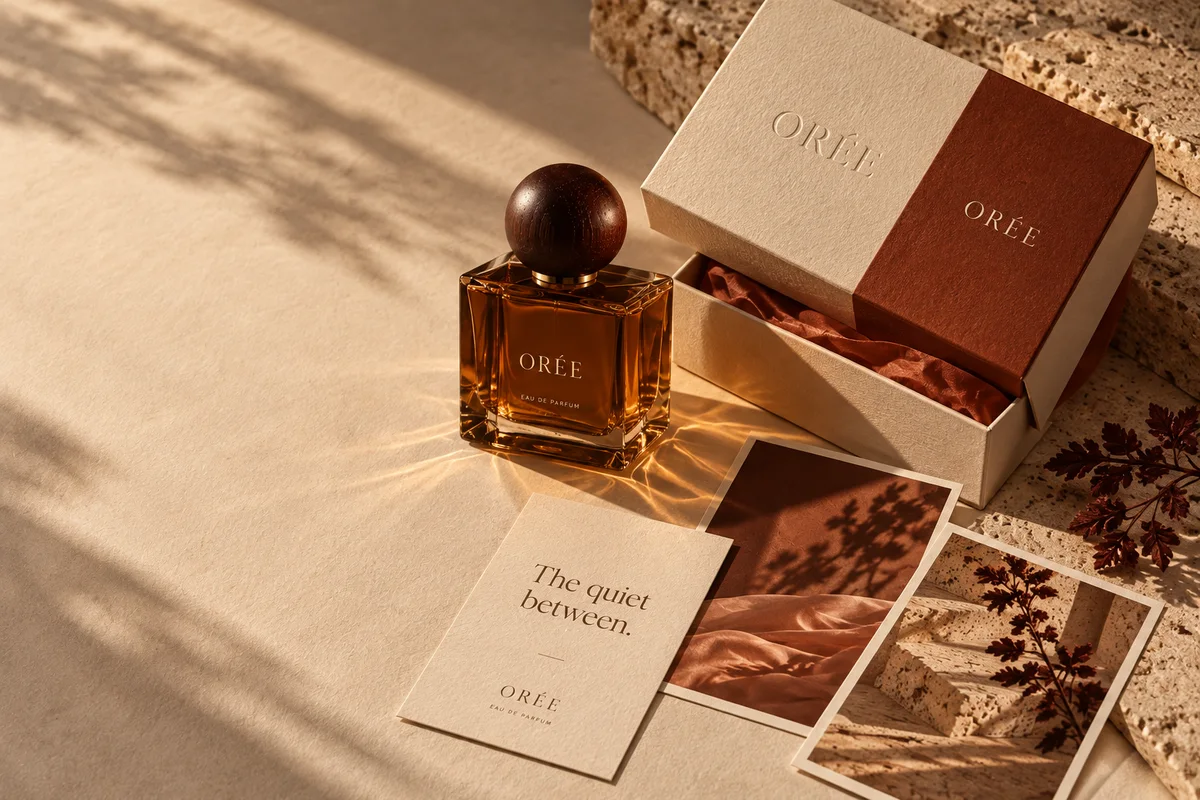
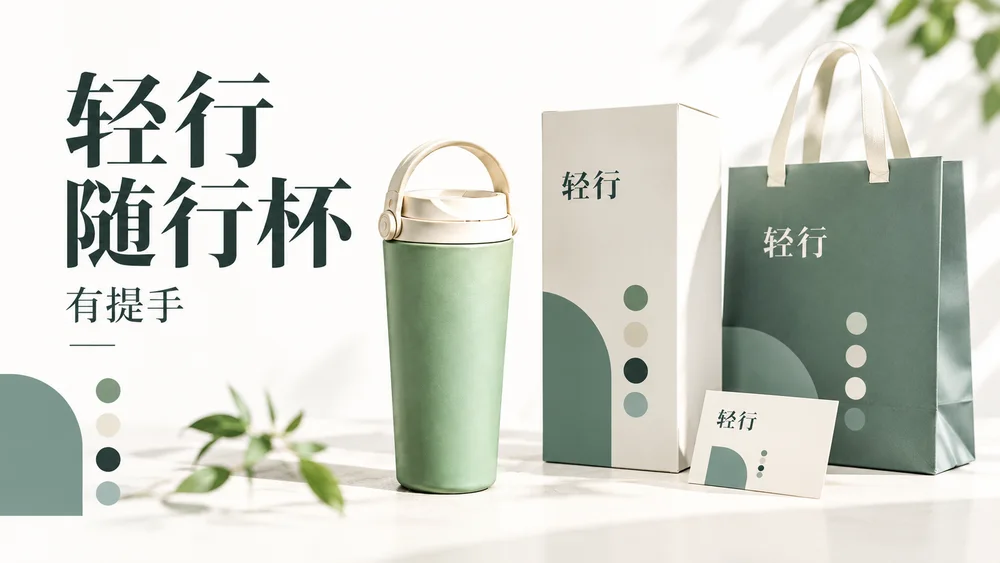
Request brand visual concepts, packaging mockups, integrated four-panel ads, square or portrait posters, and a four-slide carousel. Choose Creative set, describe what you need, then review the plan and credits before generating. Packaging is a visual mockup, not a print dieline; brand visuals are not editable vector logos.
Does Panelly generate videos?
Yes. Select an image on the canvas and choose Generate video. The action shows the duration and credit cost. Video is a separate generation; a static four-panel image does not automatically become a video.
Can I refine individual results?
Yes. Select an image and use the composer below it to change copy, setting, style or composition. Use the main conversation to adjust the overall plan and compare saved versions.
How do I save and download my ad?
Use the save and download controls on a completed result in Studio. Review the product details and copy before using the image. Downloading an ad does not publish it to a social platform.
How is a creative set charged?
Review the item count and estimated credits before starting. Image format, resolution and video model affect the cost. Studio shows current generation costs and available credit packs.
View credit packsWhich languages are available?
The website is available in English, Simplified Chinese, Arabic, Japanese, Korean and Spanish. Use the language menu to switch the interface and read guides in your preferred language.