Creative practice
Creative Advertising Ideas for Small Business: One Product, Five Directions
Develop five concrete directions for one product, keep its facts consistent and turn your chosen idea into a four-panel advertising brief.
Make it with Panelly
Four-panel product ads
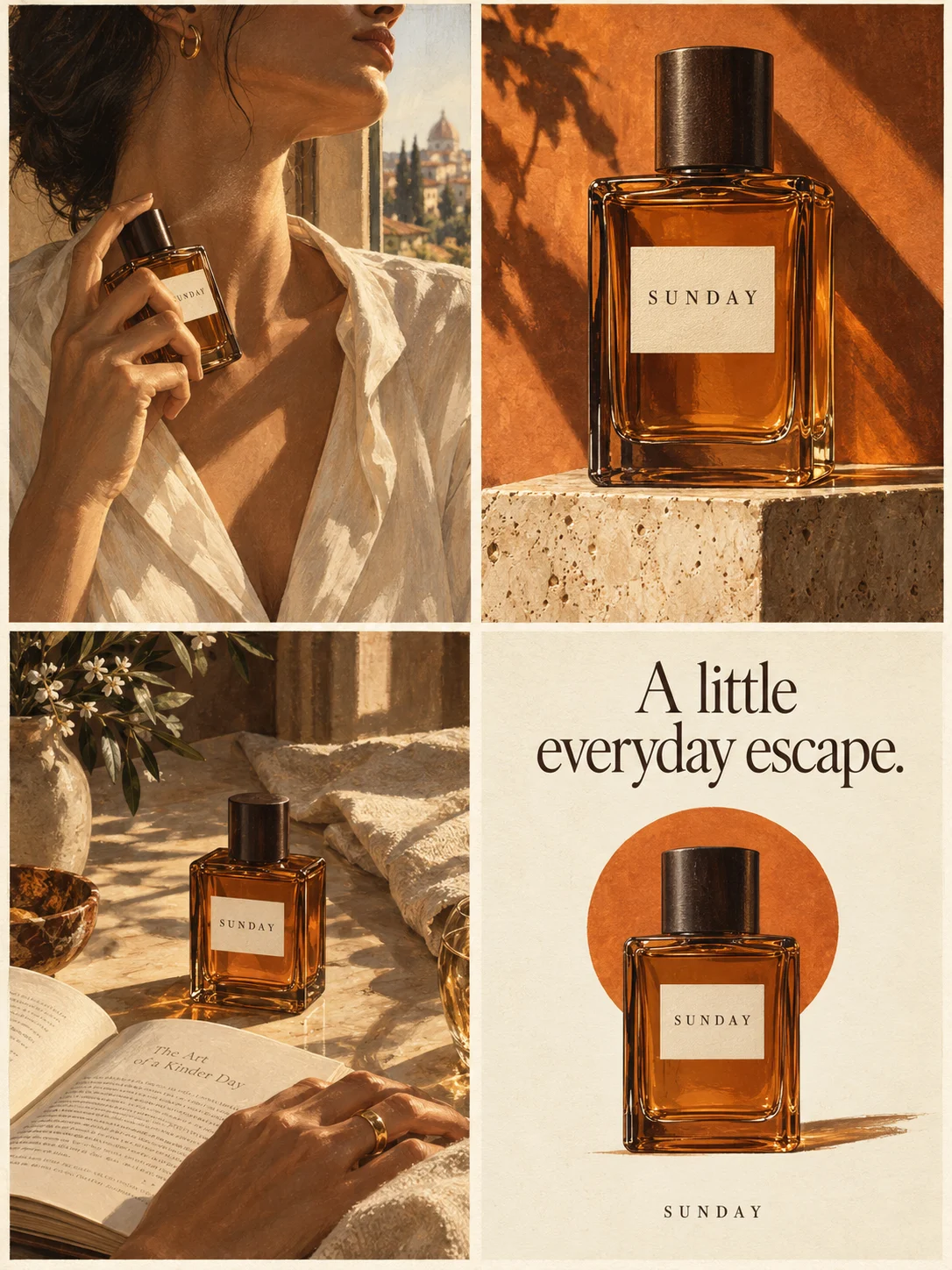
Turn a product benefit into a connected four-panel ad. Explore a visual direction, refine the result through conversation, and download the complete image.
Try this in Panelly Edit the brief before you generate.
Useful creative advertising ideas for a small business begin with a product the business actually sells and a situation its customers recognize. Change the situation or the buying question before changing colors and fonts. A different audience problem can produce a different ad direction; a cosmetic change alone may leave the idea unchanged.
This guide develops several four-panel directions for one fictional product: a folding phone stand. The supplied message is “A folding stand for your phone.” Each direction becomes a brief and a visible action you can describe in Panelly. The examples are planning exercises, not customer testimonials, generated-image test results or evidence that one angle will perform better.
Start with the facts that every idea must preserve
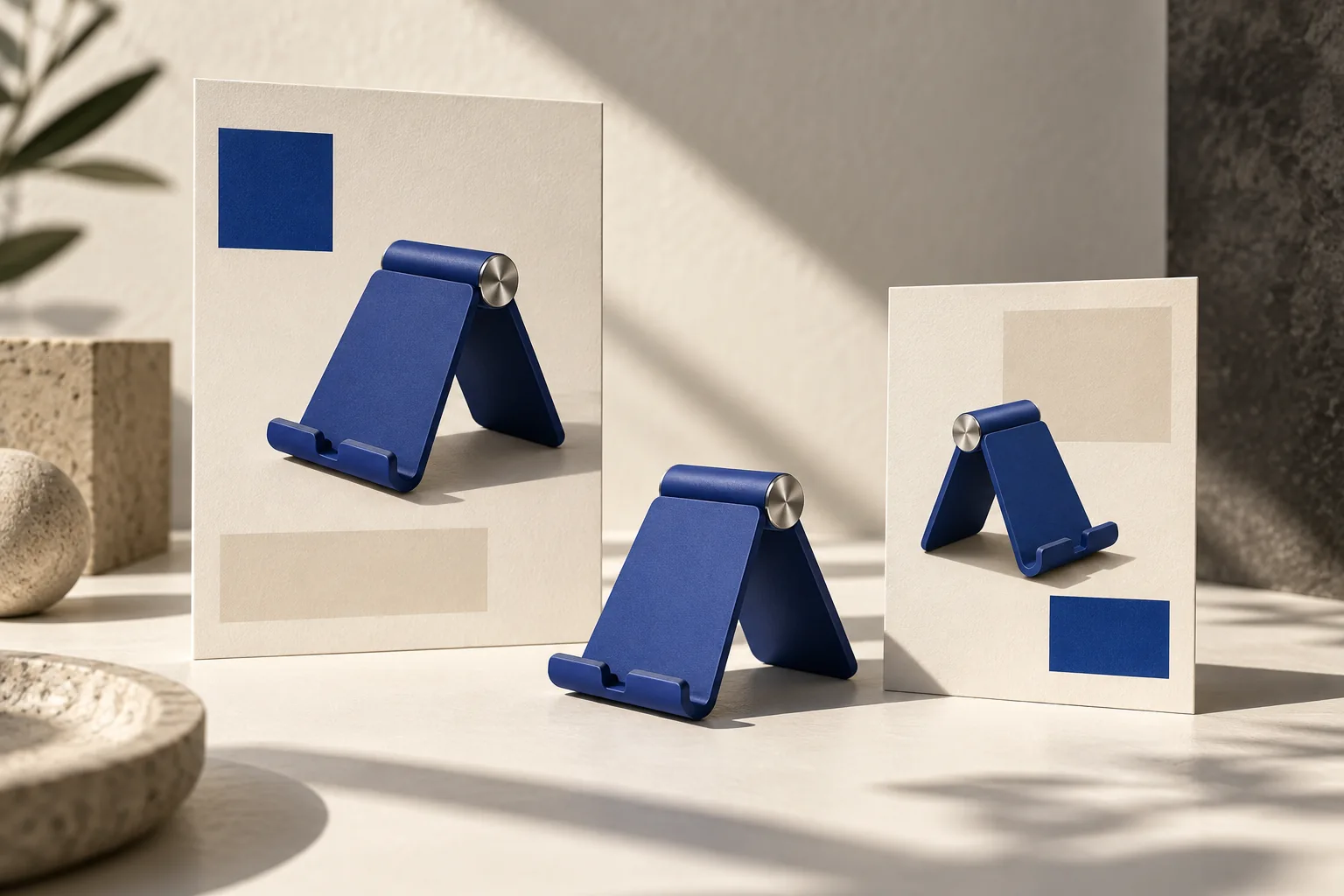
Imagine a small shop selling a cobalt-blue stand with a silver hinge and a front lip. You have an approved product photograph and the message above. You do not have evidence for universal phone compatibility, ergonomic benefits, scratch protection or a particular weight capacity.
Write those facts once before choosing a direction. They define the product across the campaign. You can change the setting from a kitchen counter to a desk without changing the stand’s shape or giving it an unsupported benefit.
If you are still gathering those details, use the four-panel brief checklist. The purpose here is to explore different advertising situations after the basic facts are clear.
Five directions for the same product
| Direction | Reader situation | Visible action | Question the ad answers |
|---|---|---|---|
| Recipe companion | Someone following a recipe on a phone | Place the phone on the stand beside ingredients | Where might I use this? |
| Small desk routine | Someone arranging a workspace | Set up the stand within reach | How does it fit my everyday setting? |
| Pack and unpack | Someone organizing a work bag | Show the stand folded, then opened | What does the folding form look like? |
| Product details | Someone comparing stand designs | Show the hinge, front lip and complete outline | What exactly am I choosing? |
| A simple gift scene | Someone presenting a desk accessory | Place the stand beside a gift note | What could this product look like as a gift? |
The gift scene does not establish gift wrapping, a gift message service or a promotion. If the shop does not supply those, keep the scene as presentation rather than an offer.
Direction 1: Show an ordinary use occasion
For the recipe direction, the opening establishes a person reading a recipe on a phone. The next position introduces the stand on the counter. The third brings attention to the actual stand with the phone in place. The ending shows the product clearly and asks the reader to explore it.
A useful brief says what the person is doing and where the product remains visible. It does not need to invent a disaster, a dramatic before-and-after result or a claim that the stand makes cooking safer.
Create one complete 2×2 four-panel product ad for this folding phone stand.
The approved message is: “A folding stand for your phone.”
Show an adult following a recipe at an uncluttered kitchen counter.
Use the supplied product reference. Keep the cobalt-blue body,
silver hinge and front lip recognizable.
Show the phone resting on the stand without obscuring the stand’s outline.
Finish with a clear product view and: “Explore the folding stand.”
Do not add safety, compatibility or performance claims.
This is a use occasion, not proof of an improvement. Inspect the generated phone and stand together: the image should not invent a mounting system that the actual product lacks.
Direction 2: Make the product form the story
The pack-and-unpack direction gives the folding form the visual job. Begin with a bag or small workspace, show the folded stand, show it opened and finish with the product. Describe the actual visible state rather than asking for an exaggerated “transformation.”
Plan a four-panel product ad around the visible folding form.
Use the same stand reference and the approved product message.
Show the stand folded on a desk, then opened, then holding a phone,
and end with the complete product and “See the stand.”
Keep the same body color and hinge. Do not invent extra joints or attachments.
Do not claim a travel size, weight or compatibility range.
A reference that shows only the opened stand may not establish the folded shape. Supply accurate appearance information before asking for that state. If you cannot verify it, choose the desk-routine direction instead.
Put the idea to work for your product
Four-panel product ads
Turn a product benefit into a connected four-panel ad. Explore a visual direction, refine the result through conversation, and download the complete image.
Try this in Panelly Edit the brief and replace the reference in Studio. Sign in when you are ready to create.Direction 3: Answer a buying question with details
A details direction helps a reader understand what they are looking at. Use a recognizable overall view and closer views of the important visible parts. The four-panel format can organize those details without pretending that the parts are separate products.
The idea is not “make the stand premium.” It is “make the hinge, front lip and full outline easy to compare.” The scene can stay quiet so those details remain legible.
Do not turn a close-up into a technical claim. A silver-looking hinge does not establish its material grade. A phone resting on the stand does not establish a tested load capacity.
For reference preparation and mismatches, read consistent AI product images. That article owns the appearance problem; this one owns the choice of creative direction.
Move from an idea to a brief
Choose one direction, name the audience situation, retain the approved product message and write the ending. Give each position a job: establish the occasion, introduce the product, show the relevant detail and finish with the next action.
Adobe’s creative brief guide discusses objectives, audience, messaging and deliverables. Apply those decisions to this one ad. The five directions above are original planning examples built around the same supplied product facts.
In Panelly Studio, describe the chosen direction in the conversation and add the product reference. Refine the scene, style and wording before requesting the image. This is a way to develop and select a brief; it does not assume the interface automatically generates five selectable strategies or five images.
If you need a filled-in model, the advertising creative brief examples show discovery, promotion and inquiry requests.
Review the idea in the completed image
A result can look attractive while missing the idea. Review it against the question you chose.
| Review question | Useful check |
|---|---|
| Is the intended situation clear? | Identify the person’s action without reading a long caption |
| Is the product recognizable? | Compare the outline, color and parts with the reference |
| Does the image express the supplied message? | Look for added wording or visual promises |
| Do the four positions connect? | Read them in order and identify each position’s job |
| Is the ending usable? | Confirm the action and the destination you will actually publish |
Changing a font or color can improve execution, but it does not resolve a missing audience situation. When the idea is unclear, revise the scene or visual action first.
Compare creative directions without inventing results
You can compare two briefs for clarity and product accuracy before producing both. Ask which one addresses a real reader question, uses the supplied facts and can be shown without unsupported assumptions.
That comparison does not tell you which ad will produce a higher click-through rate or more sales. Campaign performance requires actual delivery and outcome data. Keep a simple record of the direction, the approved image and what you later observe; do not label a preferred draft a proven winner.
To create the chosen direction as one image, follow the static product-ad workflow. Start with one clear question and one product reference, then inspect the complete result before using it.