Tutorials
Claude Opus 5.5 Design: Stop Brand Style Drift Across a Campaign
Give Opus 5.5 a small set of approved visual rules, a reference that demonstrates them and explicit room for variation.
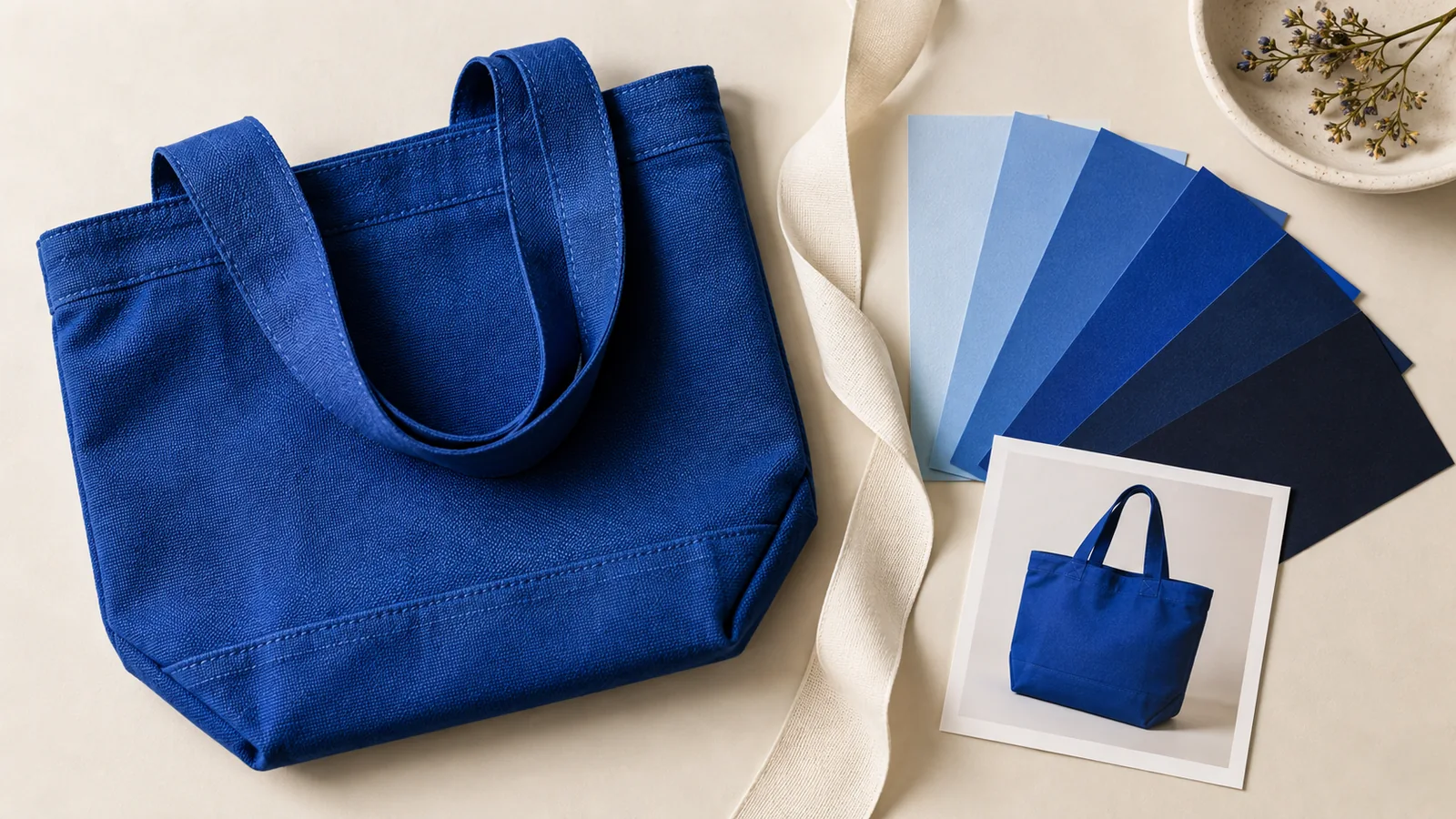
Give Opus 5.5 a small set of approved visual rules, a reference that demonstrates them and explicit room for variation. Then review the new asset against those rules side by side. “Make it premium” cannot tell the model whether to preserve your typeface, your spacing or the shape of your product photographs.
Anthropic's Opus 5.5 prompting guide recommends naming concrete design patterns. The campaign worksheet below applies that idea to a fictional brand. It is a proposed working method, not a claim that a particular model never drifts.
Separate fixed rules from creative choices
Imagine Morrow, a fictional ceramic-cup brand, launching a square product ad and a portrait story. The brand has an approved wordmark, a charcoal text color, a warm background and one display typeface. None of those choices requires every composition to look identical.
| Item | Keep fixed | Allow to change |
|---|---|---|
| Wordmark | Supplied asset and proportions | Position inside approved margins |
| Typography | Approved family and weight | Line breaks suited to the format |
| Product | Actual cup shape, handle and glaze | Camera angle and scene |
| Color | Agreed background and text values | Photography's natural light |
| Message | Approved product facts | The scene used to explain them |
Add the exact values or asset names to the real brief. A photograph of warm paper does not uniquely define a background color. Label guessed values as proposals until someone approves them.
Make one reference card that can survive a new chat
Keep the card short enough to read completely: asset versions, fixed rules, flexible choices, one accepted image and two rejected examples with reasons. A rejection such as “rounded blue badge introduces a new visual language” is more reusable than “this feels off.”
Figma describes reusable styles for recurring visual properties. For coded or editable assets, reference the existing style names instead of making nearly identical copies. For a generated ad image, use the approved visual reference and inspect the finished result; exact font or color matching still needs verification.
Give a bounded revision request
Use Opus 5.5 to review two campaign drafts for fictional Morrow. The attached brand card revision 02 is authoritative. Image A is approved; image B is the new portrait draft. The product reference defines cup geometry and glaze, not the layout.
First identify departures from the fixed rules: wordmark proportions, specified typography, color values when available, and product identity. Cite the rule and visible evidence. Do not infer exact colors or font names from a compressed screenshot; mark them for source-file checking.
Keep flexible choices open: camera angle, scene and line breaks can change. Propose only the smallest corrections required for B. Do not redesign A or replace the campaign concept.
Return a correction list, unchanged decisions and acceptance checks. The final advertisement may remain one complete image containing its headline and CTA; do not introduce separate text layers unless the requested handoff needs them.
Compare assets at the size people will see
Put the square and portrait drafts beside the reference at their intended display sizes. Check whether the wordmark has been stretched and whether a small product image is still recognizable. A desktop canvas zoomed to 200% can hide a headline that becomes unreadable in a phone feed.
Then change one thing deliberately, such as moving from a café to a home table. If the model also changes the cup handle, the brand rules did not constrain the product reference clearly enough. Restore that feature without undoing the new scene. Record the corrected output as a new version rather than silently replacing the approved reference.
In Panelly Studio, reference the approved image in chat and name the desired change and the features to preserve. The product consistency guide covers identity across images. This article adds campaign-level rules; it does not claim that Panelly uses Opus or enforces a design-token system.
FAQ
Do I need a long brand book first?
No. Start with decisions you can actually verify. A small approved card is more useful than a long list of conflicting adjectives.
Does consistency mean every ad needs the same layout?
No. Keep identity stable while testing different scenes and messages. If every asset is the same composition in a new size, the campaign may remain consistent without exploring a new idea.