Tutorials
Claude Opus 5.5: Diagnose Stretched Product Video Pixels
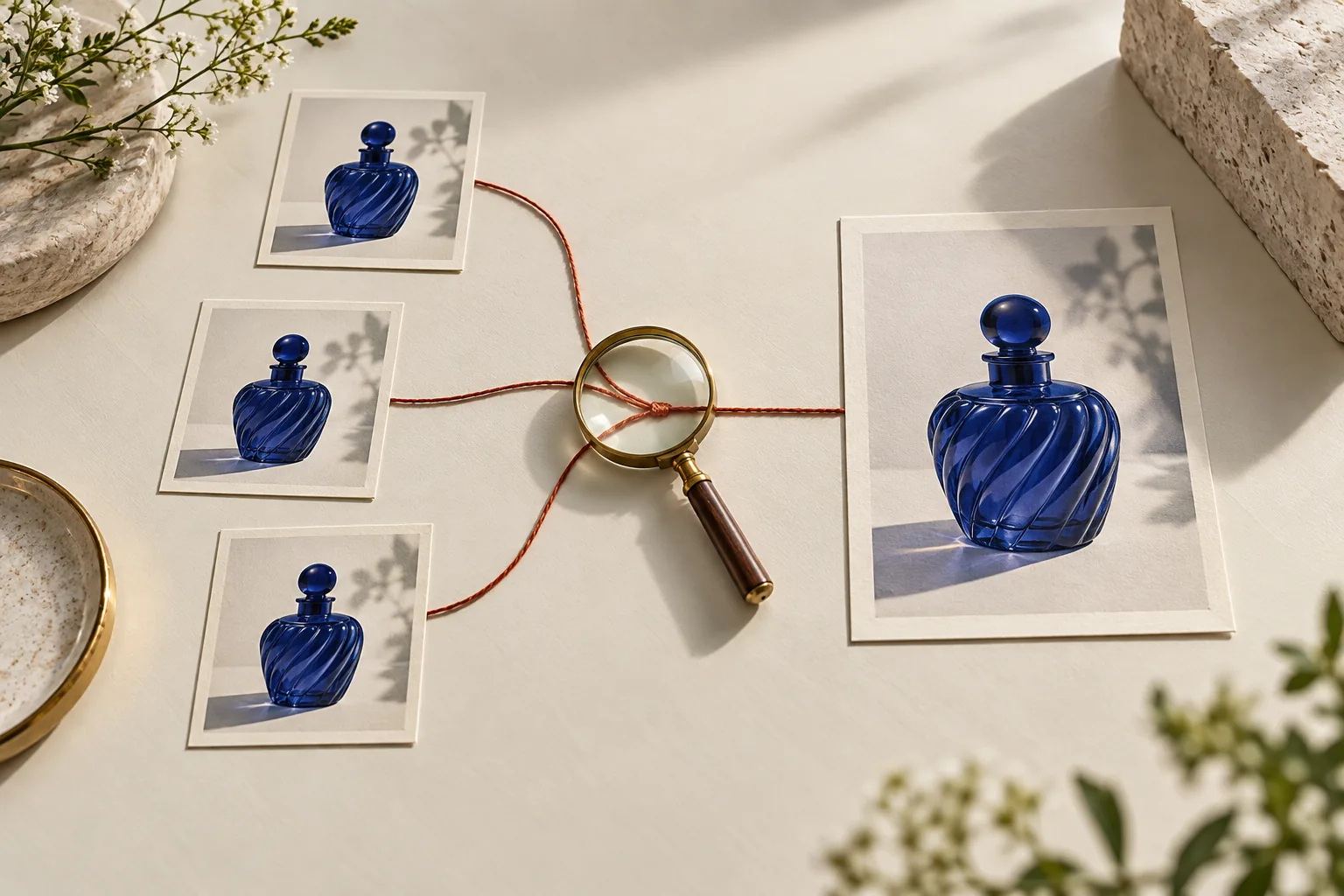
A stretched bottle in a video export may come from pixel-aspect metadata rather than the artwork.

Make it with Panelly
Static vertical-video storyboards
Plan a vertical-video ad with a static four-panel storyboard. Describe the scenes, choose 9:16 and explore the visual direction before production.
Try this in Panelly Edit the brief before you generate.
A stretched bottle in a video export may come from pixel-aspect metadata rather than the artwork. Ask Claude Opus 5.5 to compare stored frame dimensions, sample aspect ratio and intended display geometry before resizing anything. Preserve the approved product proportions; do not force every source to 16:9.
Read the file before choosing a fix
A December 2010 community question asks how to determine video aspect ratio. The current FFmpeg filter documentation distinguishes changing aspect metadata from changing frame dimensions. With full-frame display and no additional rotation or aperture adjustment, display aspect ratio equals width divided by height, multiplied by sample aspect ratio.
| Evidence | Meaning | Next check |
|---|---|---|
| Width and height | Stored raster dimensions | Do not assume square pixels |
| Sample aspect ratio (SAR) | Display shape of each sample | Compare with the intended source |
| Display aspect ratio (DAR) | Intended displayed frame shape | Check sequence and player interpretation |
| Rotation or crop/aperture information | Additional geometry instructions | Resolve before using the simple formula |
Calculate one explicit full-raster example
For a fictional 720 × 576 file with SAR 64:45, the display ratio is (720/576) × (64/45) = 16/9. Changing only SAR to 1 gives 5/4. At the same displayed height, width becomes 720 instead of 1024, or 70.3125% of the intended width. Resampling to 1024 × 576 and setting SAR to 1 preserves 16:9 in this specific example. These calculations were checked locally; no video was measured or converted and no Opus test was run.
This is not a universal DVD conversion recipe: it assumes the whole raster is displayed without additional aperture, crop or rotation. A metadata correction is appropriate only if the metadata is wrong. Resampling changes pixels; padding and cropping change composition. An illustrative filter pair, scale=1024:576,setsar=1, requires a re-encode and does not create extra captured detail. Approve the source geometry before selecting any of these operations.
Put the idea to work for your product
Static vertical-video storyboards
Plan a vertical-video ad with a static four-panel storyboard. Describe the scenes, choose 9:16 and explore the visual direction before production.
Try this in Panelly Edit the brief and replace the reference in Studio. Sign in when you are ready to create.Supply a probe and a bounded prompt
The ffprobe documentation supports selecting stream fields. This proposed inspection command has not been run on a reader's file. It lists core dimensions, but does not replace checking rotation, aperture and the editing sequence.
ffprobe -v error -select_streams v:0 -show_entries stream=width,height,sample_aspect_ratio,display_aspect_ratio -of json input.mp4Compare the supplied probe output, source reference frame, sequence settings and intended export geometry. First identify stored dimensions, SAR, DAR and any rotation, crop or clean-aperture instructions. Do not assume all pixels are square or all sources are 16:9.
Explain whether the evidence points to wrong metadata, required resampling, or a composition change. Preserve approved product proportions and frame rate. Provide the smallest reversible test using a new output file; never overwrite the source. If proposing scale and setsar, calculate the resulting DAR and explain which pixels change.
Return a before/after verification plan for the actual exported file and destination player, including a known geometric reference and identical-frame comparison. Flag missing metadata or source intent. Mark unexecuted conversion and playback tests pending; do not claim a successful repair without evidence.The model reference is the official Opus prompting guide. The prompt is an editorial workflow, not an executed model result.
Accept geometry in the destination player
Compare the same frame against an approved reference with known proportions. A front-facing circle can help if perspective and the reference itself are controlled; an arbitrary bottle silhouette cannot prove the correct ratio. Inspect the final export's metadata and playback, since later filters or players can change interpretation.
**Does setsar=1 resize the raster?** It changes the declared sample ratio; it is not a resampling operation. **Will this repair motion timing?** No. Use the separate frame-rate guide for time and frame-count issues.
With the product geometry approved, create companion still images in Panelly Studio. No Opus integration or automatic video-aspect repair in Panelly is claimed.