Tutorials
How to Make Ads Using AI: A Static Four-Panel Product Workflow
Prepare the facts, add a product reference, plan four visual beats and inspect one complete static product ad before you download it.
Make it with Panelly
Four-panel product ads
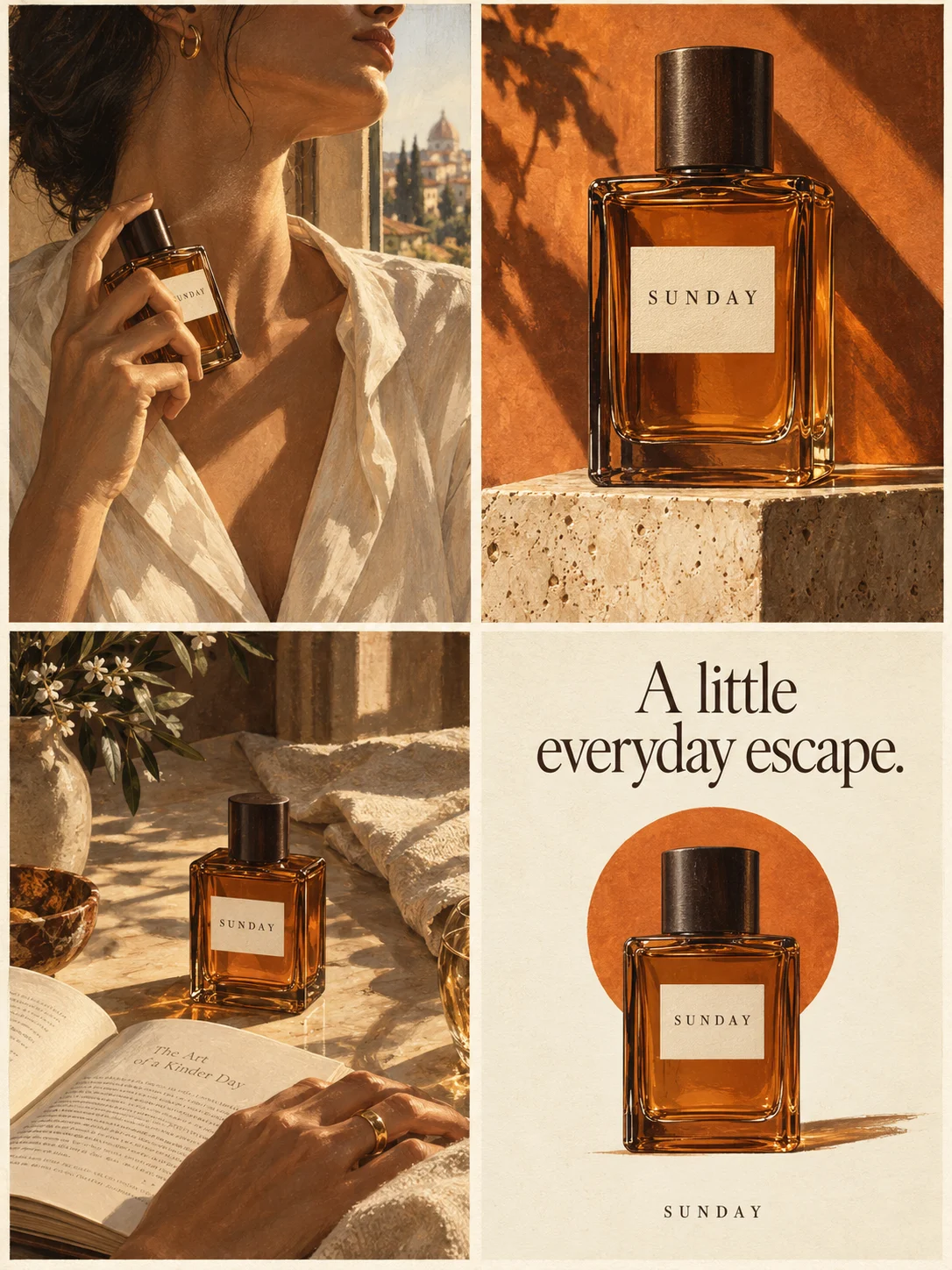
Turn a product benefit into a connected four-panel ad. Explore a visual direction, refine the result through conversation, and download the complete image.
Try this in Panelly Edit the brief before you generate.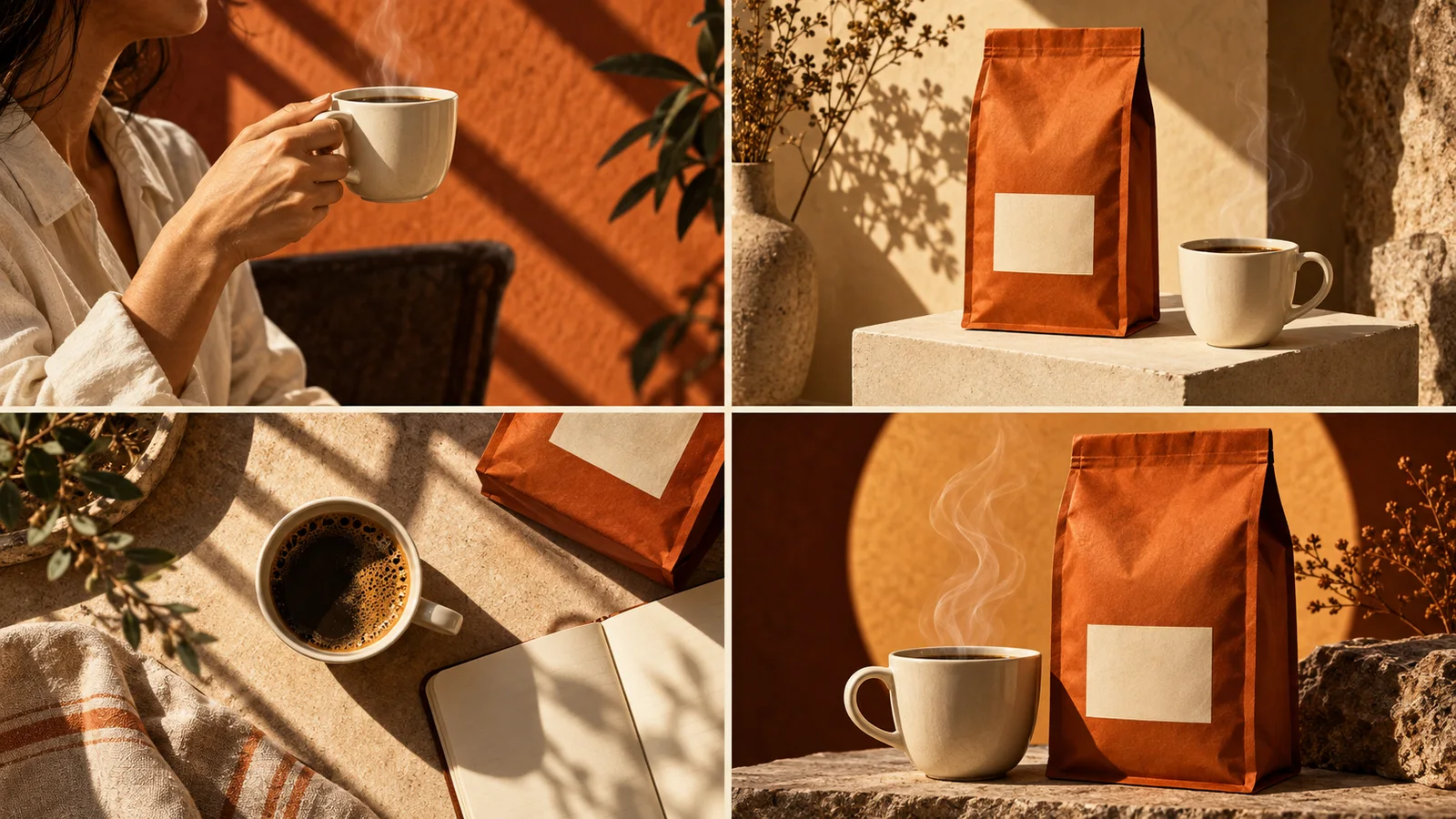
To make a static product ad using AI, prepare the product facts and audience situation, add an appearance reference where useful, describe one visual direction and generate a draft. Then compare the image with the original facts and inspect its visible copy before you download or publish it.
In Panelly, a four-panel ad is one complete image arranged as a 2×2 sequence. This guide follows that specific output from brief to inspection. It does not treat four positions as four separate carousel files, and it does not turn a static image into a finished video.
Prepare a brief before the image request
You need a product, a message the business has approved and an audience situation. State the objective and the next action so the image has a clear ending. Add the appearance reference and visual direction after those facts are clear.
| Input | Example for this walkthrough | What to verify |
|---|---|---|
| Product | A fictional reusable desk bottle | The actual product and variant you sell |
| Approved message | A reusable bottle for your desk | The wording is supplied by the business |
| Audience situation | A person preparing a small home workspace | The scene fits the intended reader |
| Reference | One clear photo of the bottle | The important shape and details are visible |
| Visual direction | Warm daylight and simple desk scenes | The style does not hide the product |
| Next action | Explore the desk bottle | You have a real destination for that action |
The bottle example is a planning exercise. It does not describe a tested product or a recorded generation result. Replace its details with your own before making an ad.
For the field decisions, use the brief checklist. For different objectives, the filled-in brief examples show how discovery, a promotion and an inquiry lead to different endings.
Choose a reference that answers the appearance question
Use a picture that clearly shows the product you want advertised. For the sample bottle, that means the full outline, the pale-green body and the charcoal cap. Avoid relying on a dramatic photograph where a hand or shadow hides the identifying parts.
The reference supports appearance. It does not prove a temperature rating, durability claim or health benefit. Keep those statements out of the ad unless the business supplies and supports them separately.
In your request, name the two or three visible details that would make the product wrong if they changed. For example: “Keep the pale-green cylindrical body and the short charcoal cap.” That is a more reviewable instruction than “keep it perfectly on-brand.”
If the product depiction changes between positions, the product consistency guide helps you inspect the reference and describe the mismatch.
Give each of the four positions a job
Before you ask for an image, describe the sequence in plain language.
| Position | Job in this example | Planned scene |
|---|---|---|
| 1 | Establish the occasion | A person preparing a small desk |
| 2 | Introduce the product in that setting | The bottle placed within reach |
| 3 | Make the product recognizable | A closer view of the actual bottle |
| 4 | Finish the ad | Product view and the chosen action |
This plan is an instruction, not a guarantee that the model will reproduce it exactly. You will check the result after generation. Avoid trying to express a new selling point in every position; that can turn the sequence into unrelated advertisements.
You can use another direction while keeping the facts. A kitchen, a study desk and a studio workbench are different settings. Changing the setting should not change the bottle’s capabilities.
Write one complete request
Open Panelly Studio, describe the ad in the conversation and add the product reference if you have it. State the direction and action clearly. Check the latest brief before you request the image.
Create one complete 2×2 four-panel static product ad for this desk bottle.
The approved product message is: “A reusable bottle for your desk.”
The audience is someone preparing a small home workspace.
Use this product photo as the appearance reference.
Keep the pale-green body and short charcoal cap recognizable in every view.
Show the desk occasion, introduce the bottle, show a clear product detail,
then finish with the product and “Explore the desk bottle.”
Use warm daylight and simple backgrounds.
Do not invent insulation, leak-resistance or health claims.
Choose a format offered by the current creation workflow before generation. A square format can be convenient for a 2×2 composition, but the target placement still determines your final requirements. Confirm current placement specifications separately; a supported image ratio alone does not guarantee platform acceptance.
Keep generation as an explicit action. Refining a description or reading an example should not be confused with an image having been produced.
Put the idea to work for your product
Four-panel product ads
Turn a product benefit into a connected four-panel ad. Explore a visual direction, refine the result through conversation, and download the complete image.
Try this in Panelly Edit the brief and replace the reference in Studio. Sign in when you are ready to create.Inspect the whole image against the brief
Read the image in the intended order. Then compare the product with the reference and inspect every visible text element, including the ending.
| What you see | What it means | Next action |
|---|---|---|
| The cap changes between positions | Appearance has drifted | Describe the mismatch and compare the next result |
| The copy adds a benefit you never supplied | The ad exceeds the brief | Remove the added claim and review again |
| The product is hidden by props or hands | The key detail is hard to assess | Request a scene where that detail stays visible |
| The ending contains an invented offer | The image adds commercial facts | Restore the actual supplied action and offer |
| The positions are attractive but unrelated | The visual sequence is unclear | Restate each position’s job |
Do not rely on the fact that a request was precise as proof that the result is accurate. The completed image is the thing your audience will see.
Refine a specific issue and preserve your reference
Give a correction that identifies the issue: “The cap in the third position should match the charcoal cap in the reference,” or “Remove the extra benefit sentence; keep the approved wording.” A request to “make it better” does not identify what should change.
Use the controls available in your current workflow and inspect the next image. Editing a selected original and generating a new image from a revised brief are different operations. Keep the original or an earlier version accessible where the workflow permits, and do not assume unmentioned areas will remain pixel-identical.
If you want a different advertising direction, change the audience situation or the visible action deliberately. The small-business creative ideas develop several directions while retaining one product message.
Download the adopted image and check its destination
After inspection, download the image you have chosen to use. Check the actual file, visible copy, crop and readability at the size the audience will see. A four-panel composite remains one file; creating a four-item carousel is a separate deliverable.
Add the real destination when setting up your post or ad. Text such as “Explore the desk bottle” inside an image is not itself a clickable product link. Make sure the destination describes the same product and message.
Questions before publishing
Is this a video workflow? No. The deliverable covered here is a static four-panel image. Motion, audio and video editing are separate tasks.
Can the reference guarantee exact labels and logos? Do not assume exact reproduction. Compare the output with the source and use a workflow that can deliver the required precision when exact artwork is essential.
Does a clearer brief guarantee better campaign results? It helps you define and review the requested image. Clicks, conversions and sales still require actual campaign evidence.
Start with your product facts in Studio. Choose one direction, produce a draft and compare it with the request before turning it into a public ad.