Tutorials
Advertising Creative Brief Examples for Four-Panel Product Ads
Three filled-in briefs for product discovery, a verified promotion and custom-order inquiries, with four-panel plans and copyable Panelly requests.
Make it with Panelly
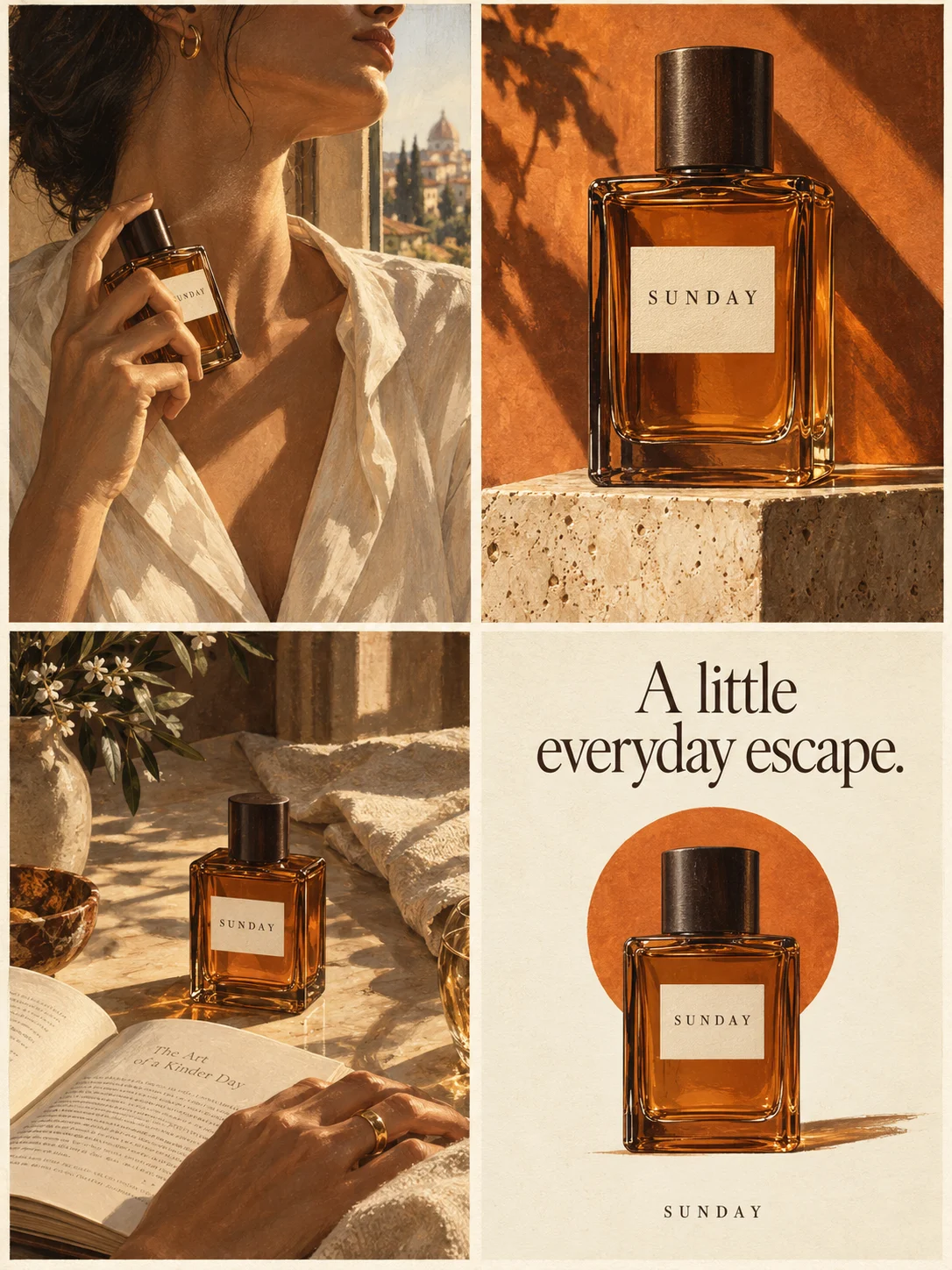
Four-panel product ads
Turn a product benefit into a connected four-panel ad. Explore a visual direction, refine the result through conversation, and download the complete image.
Try this in Panelly Edit the brief before you generate.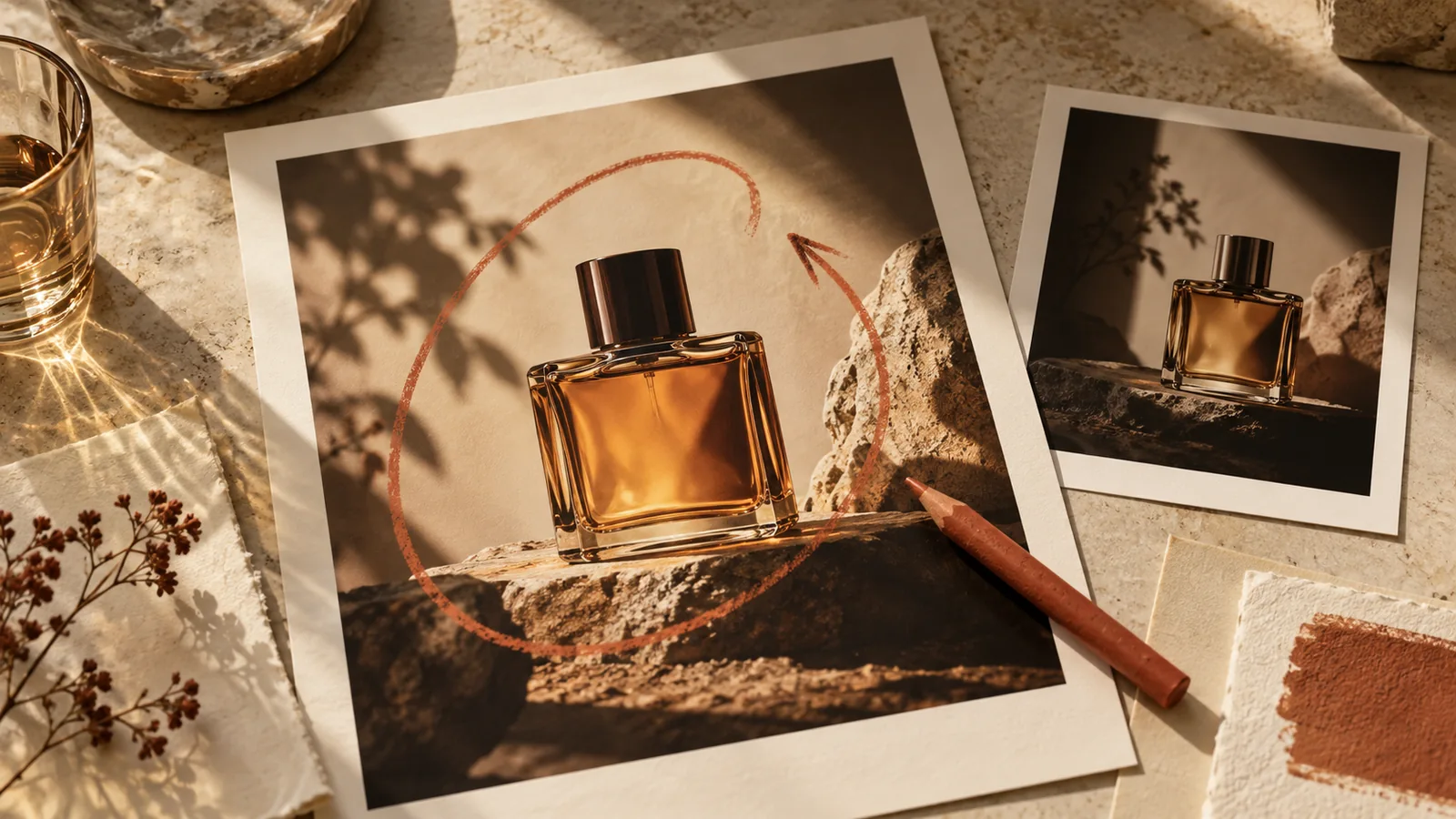
An advertising creative brief example is useful when it shows the decisions behind the ad: one objective, one audience situation, one supported product message, a visual sequence and a next action. A list of adjectives such as “premium, engaging and on-brand” leaves those decisions unresolved.
The three examples below turn the same kind of small-business request into a four-panel product ad brief. Each example includes the input, a planned four-panel sequence and a request you can adapt in Panelly. They are fictional planning examples, not customer campaigns, recorded image-generation tests or promises of ad performance.
What each example must decide
| Decision | Useful input | What it prevents |
|---|---|---|
| Product | The actual product and variant | A plausible image of the wrong item |
| Approved message | One sentence the business can support | Invented benefits or stronger promises |
| Audience and situation | A person doing something specific | A generic lifestyle scene |
| Objective | Discovery, a promotion or an inquiry | Several competing endings |
| Visual direction | What happens and what stays visible | Four unrelated product portraits |
| Next action | A real destination or action phrase | An offer or contact detail the business never supplied |
Adobe’s creative brief guide describes objectives, audience, messaging and deliverables as briefing decisions. For a Panelly request, connect those decisions to the product, the reference and the four-panel output. The brief checklist covers which facts to prepare; this article shows what those facts look like when filled in.
Example 1: Product discovery for a desk bottle
Suppose a fictional shop sells a pale-green desk bottle with a charcoal screw cap. The shop supplies this message: “A reusable bottle for your desk.” The audience is people arranging a small home workspace. There is no supplied claim about insulation, leak resistance or health benefits.
The creative question is where the bottle fits in that routine. It does not need a dramatic transformation. A person moving a bottle into reach is an observable action; a person becoming more productive because of it would add a result the brief cannot support.
| Brief field | Filled-in planning example |
|---|---|
| Goal | Introduce the bottle and help someone recognize its use |
| Audience | A person setting up a small home workspace |
| Approved message | A reusable bottle for your desk |
| Reference details | Pale-green cylindrical body and short charcoal cap |
| Visual direction | Warm daylight, a simple desk and a clear product close-up |
| CTA | Explore the desk bottle |
A possible four-panel plan is: establish the desk routine; introduce the bottle within that routine; show its visible shape in a closer view; finish with a recognizable product view and the chosen action. Those are four positions in one image, not four separately editable deliverables.
Copy and adapt this request:
Create one complete 2×2 four-panel product ad for this desk bottle.
Use the supplied product photo as appearance reference.
The approved product message is: “A reusable bottle for your desk.”
Show a person preparing a small home workspace and placing the bottle within reach.
Keep the pale-green body and charcoal cap recognizable throughout.
Use warm daylight and uncluttered scenes.
End with: “Explore the desk bottle.”
Do not add insulation, leak-resistance or health claims.
Example 2: A promotion with exact offer information
A promotion needs facts that the discovery example does not. Consider a fictional coffee shop that has approved an offer of two 250 g coffee bags for $24, ending on October 31, 2026. These are invented facts for this example only; replace every offer detail with your own verified information before using the request.
The brief should make the eligible items and offer readable. It should not create a countdown, discount percentage, shipping promise or stock limit merely because those devices are common in ads.
| Brief field | Filled-in planning example |
|---|---|
| Goal | Present the approved coffee bundle offer |
| Audience | Someone choosing coffee for the coming week |
| Confirmed offer | Two 250 g bags for $24 |
| Confirmed deadline | October 31, 2026 |
| Product reference | The actual packaging for the eligible bags |
| CTA | View bundle details |
Plan the four positions around a coffee occasion, the two eligible bags, the supplied offer and the action. Review the generated wording and the number of visible bags: an extra bag in the picture can change the apparent offer even when the text is correct.
Create one complete four-panel coffee promotion image.
Use the supplied packaging reference for the two eligible bags.
The approved offer for this example is: two 250 g bags for $24,
ending October 31, 2026.
Show a simple coffee routine, then the two bags, then the exact offer.
Keep the final action: “View bundle details.”
Do not invent a percentage discount, stock warning, shipping benefit or coupon code.
If the real offer is not ready, keep the brief unfinished or switch to product discovery. A promotional layout is not a reason to manufacture commercial facts.
Put the idea to work for your product
Four-panel product ads
Turn a product benefit into a connected four-panel ad. Explore a visual direction, refine the result through conversation, and download the complete image.
Try this in Panelly Edit the brief and replace the reference in Studio. Sign in when you are ready to create.Example 3: An inquiry for a custom product
For an inquiry ad, the next action is a conversation rather than an assumed checkout. Imagine a fictional maker offering made-to-order ceramic desk cups. The approved message is “Made-to-order ceramic desk cups.” There is no supplied delivery time, starting price or promise that every requested color is available.
The reader may need to ask about options. The ad can show a cup and an inviting workbench scene, while the ending asks the reader to inquire about a custom order.
| Brief field | Filled-in planning example |
|---|---|
| Goal | Encourage a relevant custom-order inquiry |
| Audience | Someone choosing a distinctive cup for a desk |
| Approved message | Made-to-order ceramic desk cups |
| Product reference | One approved sample cup |
| Visual direction | Tactile ceramic, quiet workbench, visible rim and handle |
| CTA | Ask about a custom order |
Create one complete four-panel ad for made-to-order ceramic desk cups.
The approved message is: “Made-to-order ceramic desk cups.”
Use this sample cup as the product appearance reference.
Show a desk occasion and clear views of the cup.
End with: “Ask about a custom order.”
Do not add prices, delivery dates, contact details or color availability.
The brief still needs an actual inquiry destination when you publish the ad. A button-like drawing in the generated image is not a functioning contact link.
Turn the brief into a Panelly request
Open Panelly Studio and describe the product, approved message and audience situation. Add the product reference if you have one. State the goal and the action phrase explicitly, then refine the setting or visual style in the conversation.
Before generation, check that the current request still contains the product facts you intended. A later message such as “make it more dramatic” should change presentation, not silently upgrade the product’s capabilities. If you have several creative directions, choose one to generate first instead of combining incompatible scenes.
After generation, inspect the complete image against the brief. Compare product appearance, visible wording, story order and the final action. Correct the request or use the editing controls available in your current workflow. A new generation and an edit of a selected original are different operations; inspect the result of either one before adopting it.
Questions to resolve before you create
Can you use a reference photo as proof of a benefit? A photo can show visible product details, but it does not establish a performance claim. Supply the message separately.
Should every brief include an offer? No. Product discovery and inquiry ads can work from the product message and audience situation. Only include an offer when its details are confirmed.
Can you reuse the same brief for another product? Reuse the structure, then replace the product, reference, approved message and action. Do not carry over claims or promotional terms from the previous item.
For other ways to present the same product, read creative advertising ideas for a small business. To follow the complete image workflow, continue with making static product ads with AI.