Tutorials
How to Compress Product Images Without Losing Important Detail
Choose a delivery format, compare exports and check your uploaded product images. Includes a practical quality checklist and an illustrative file-size budget.

Make it with Panelly
Turn inspiration into your next product ad
Bring a product image and an idea. Create a four-panel ad, a coordinated asset set, or a video with Panelly.
Create with Panelly Edit the brief before you generate.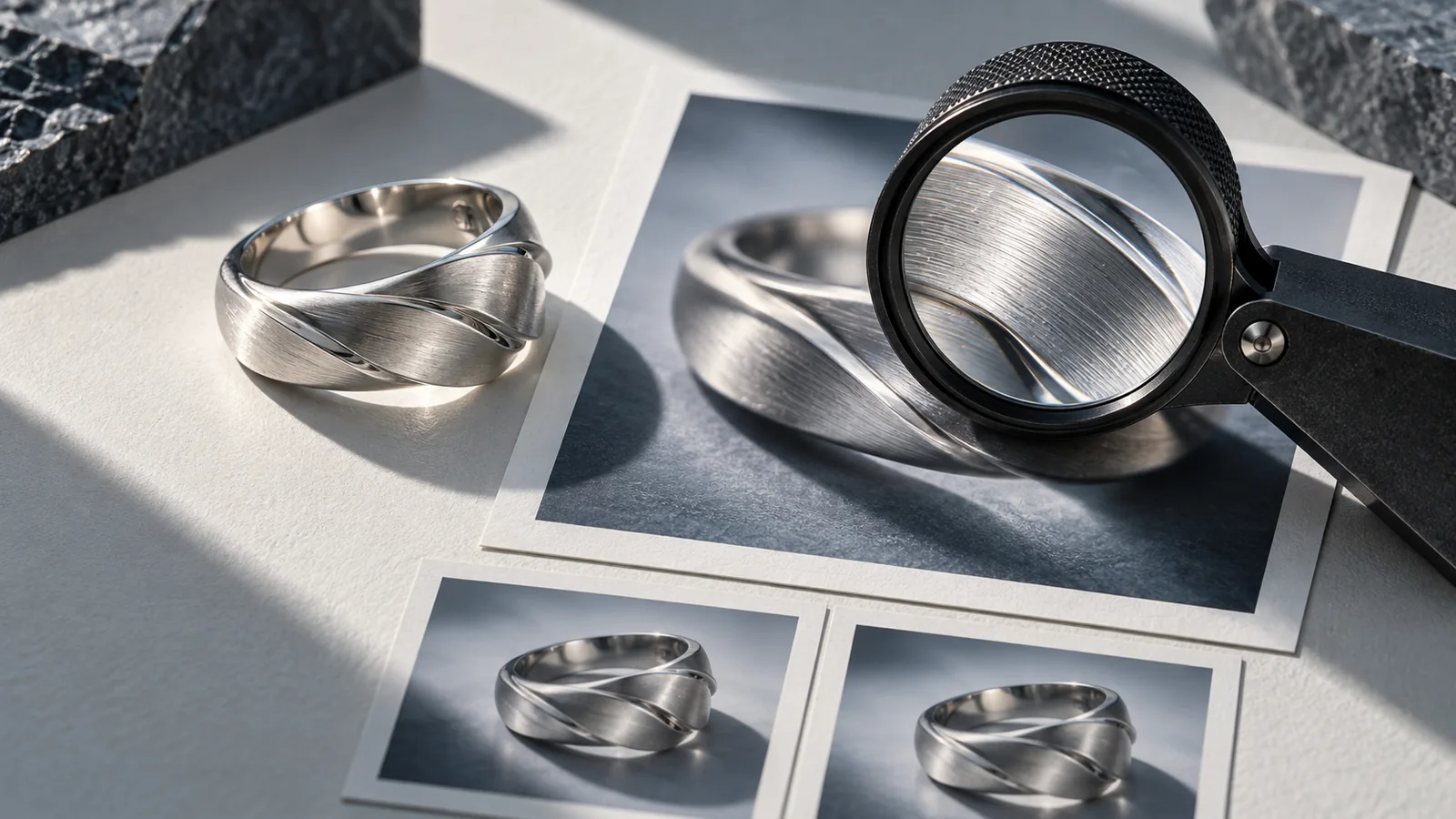
Compress product images by making a delivery copy at the size the destination needs, choosing an accepted format, and comparing exports against the details customers must see. Keep the original. Judge the result after upload as well as before it, because the destination may resize or recompress your file. There is no single kilobyte target that works for every product image.
A simple bottle on a plain background and a four-panel illustrated ad have different failure points. The bottle may lose label detail; the ad may lose thin panel lines and small copy. Your smallest file is useful only if the important information survives.
Separate dimensions, format and file weight
Pixel dimensions describe the image's width and height. File weight describes the bytes that must be stored or transferred. Format and compression determine how those pixels are represented. Changing a resolution label such as DPI, without changing pixels or encoding, is not a practical way to make a web image lighter.
web.dev's image-performance guide explains matching image delivery to its display size and reducing unnecessary image bytes. Responsive delivery can supply different source sizes for different screens. That is a website feature; uploading a huge file alone does not ensure that the correct smaller version reaches a phone.
For your own store, inspect the size actually downloaded in the browser. For a marketplace or social platform, check its current upload requirements and its final preview. Those are different delivery environments.
Choose a format that fits the picture and destination
MDN's image-format reference documents the capabilities of JPEG, PNG and modern web formats. The following is a working selection guide, not a promise that a particular upload form accepts every format.
| File type | Useful candidate for | Detail to inspect |
|---|---|---|
| JPEG | Photographic images without transparency | Label edges, texture and compression halos |
| PNG | A lossless copy or imagery needing transparent areas | Whether the resulting file is unnecessarily large for the destination |
| WebP | Website delivery that supports it, using lossy or lossless encoding as appropriate | Fine copy and gradients at the chosen settings |
| AVIF | Website delivery with a compatible publishing pipeline | Quality, supported workflows and the actual encoded result |
Do not convert a photograph to a different extension by renaming the file. Export it through a tool that actually encodes the chosen format. Also, a lossless export cannot restore information already discarded by an earlier lossy export.
Run a three-copy comparison
Take a fictional four-panel ad for a navy desk organizer. It includes a fabric texture, a small white logo, a thin panel divider and the words “Room for the essentials.” Prepare three delivery copies from the same original: one conservative quality setting, one moderate setting and one smaller candidate.
Use the same pixel dimensions for this comparison so you are testing compression rather than several changes at once. Record the format, export setting and resulting bytes. Quality numbers are specific to the encoder; “80” in one tool need not match “80” in another.
Compare each copy at the size a customer will see. Then zoom in briefly to locate damage. A flaw visible only at extreme magnification may not matter to the intended placement, but unreadable words at normal size do.
| Inspection point | Acceptable outcome | Reason to reject a candidate |
|---|---|---|
| Product name | Readable at the intended display size | Letters merge or disappear |
| Fine texture | Still communicates the material accurately | Fabric becomes a smeared patch |
| Panel boundaries | Clear separation between scenes | Halos or noise distract from the sequence |
| Smooth background | Visually even in normal viewing | Obvious bands appear across a gradient |
| Product silhouette | Clean, recognizable outline | Edge artifacts change the impression of the shape |
If all three versions look weak, check the original and the display size. Compression cannot solve copy that was already too small in the composition.
Budget for the page, not just one file
Imagine a page that loads eight product images immediately. At a hypothetical 600 KB each, those images total about 4.8 MB using decimal units. At 180 KB each, they total about 1.44 MB. That arithmetic illustrates cumulative transfer size; it is not a measured loading-time improvement or a recommended universal limit.
The actual experience also depends on which images load initially, connection conditions, caching, other page resources and the website's image handling. A large image below the page may not be part of the initial transfer if the site defers loading it.
Use the calculation to find where to investigate. If the first product photo is already clear and small but twelve hidden gallery images download at full resolution, another round of aggressive compression on the first photo may be the wrong fix.
Inspect the published copy
Upload your selected candidate, then open the customer-facing destination. Compare its copy, edges and color with your delivery file. Check a phone-sized layout as well as a wider view. A platform can crop or recompress an image after accepting the upload.
Keep a small delivery record: original filename, export dimensions, format, resulting bytes, destination and version. If the published image looks worse, this makes it easier to separate a weak original, an export issue and a destination transformation.
For a four-panel creative made in Panelly Studio, download the final image and prepare any destination-specific compression in your usual image tool. Do not assume Studio exposes every format or encoder setting described here. Keep the complete original available for future placements.
FAQ
Should every product image be under 100 KB?
Use a destination-specific budget and visual comparison. A fixed limit can be too severe for detailed imagery and unnecessarily generous for a tiny thumbnail. Check the full page as well as the individual file.
Can I compress the same JPEG repeatedly?
Prefer making each new delivery copy from the retained original. Repeated lossy saves can accumulate damage and make it harder to identify when the important detail was lost.
Why does my image look worse after upload?
The destination may transform it. Compare the original, your exported copy and the version displayed to customers. That three-way check identifies where to focus the next correction.