Tutorials
Product Video Loops: Fix the Restart Jump Before Adding Effects
Diagnose a product video that jumps on repeat. Compare motion, lighting, text and sound, with a 120-frame example and a practical loop-planning brief.
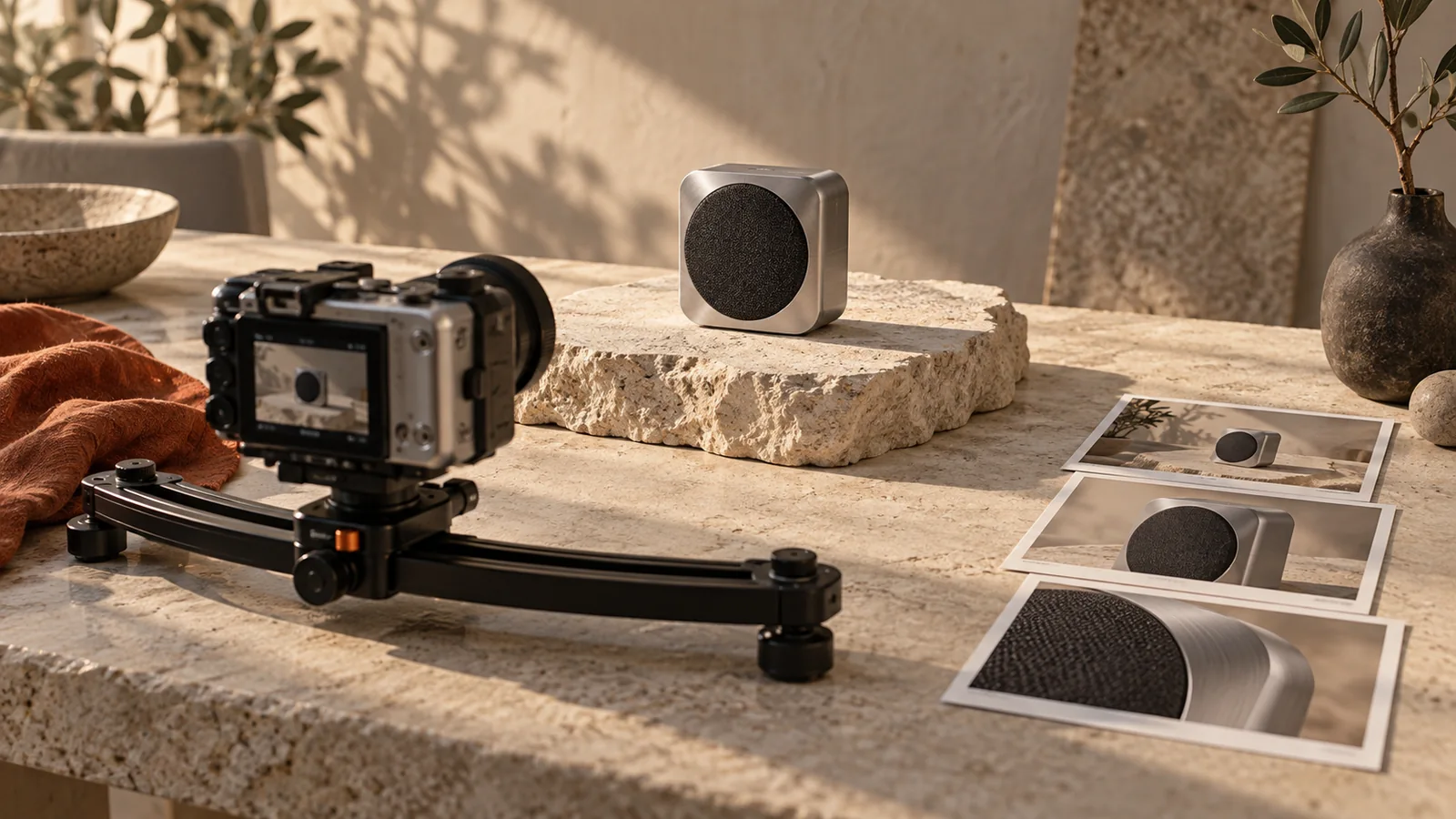
A product video loops cleanly when the state after its final displayed frame can continue into its opening. Matching the product's position is only part of that state: light, motion, background detail, text and sound can all reveal the restart. Repeat the exported clip several times before deciding that the seam is fixed.
A four-shot advertisement does not have to be a seamless loop. If the closing call to action needs a clear ending, keep it. Plan a loop when repetition helps the placement, such as a quiet product motion background, rather than adding it as a default effect.
Find what changes at the seam
| What jumps on replay | Compare | First repair to try |
|---|---|---|
| Product shifts sideways | End and opening position and scale | Reframe or choose a compatible cut point |
| Light suddenly brightens | Highlights and background exposure | Use a more stable lighting sequence |
| Motion pauses briefly | Speed near the boundary and duplicate frames | Inspect the exact frame range |
| Smoke or grain resets | Background texture state | Simplify or use deliberately cyclic material |
| A word flashes away | Text timing across the boundary | Keep the message stable or give it a clear ending |
| Audio clicks or cuts | Waveform and continuity at the edit | Repair the audio join separately |
Visualdon's loop guide emphasizes compatible motion states and avoiding an extra duplicate endpoint. This is not a guarantee that arbitrary generated footage will become seamless by trimming one frame.
Use a small frame calculation to locate a pause
Suppose a deliberately animated cycle lasts four seconds at 30 frames per second. It has 120 displayed frames. In a zero-based example, render frames 0 through 119; frame 120 represents the start of the next cycle. Including both frame 120 and a repeated frame 0 can create an extra held moment if those frames are identical.
The calculation is a teaching example, not a recommended duration for every ad. Check whether your editor treats the out point as inclusive or exclusive, and whether your footage uses the assumed frame rate. Do not delete a frame blindly when the real problem is a changed camera angle.
Plan a repeatable state in the conversation
For a hypothetical desk-speaker advertisement, begin with the speaker stationary, a fixed camera and a gentle repeatable light change. A falling object or a cup filling up cannot simply reset without an explanation. Reversing the clip may make those actions look physically strange.
Use the selected speaker advertisement as the visual reference. Plan a restrained product video suitable for repeated playback: keep the speaker, camera framing and headline stable, and use only a subtle light change that can return to the opening look. No orbit, added objects, smoke or disappearing text. Preserve the current product and CTA. Before generating, describe how the closing state will connect to the opening and flag any part that may need a separate edit.Use this as a planning request in Panelly Studio. The current video workflow creates new versions; this request does not claim an exact loop-boundary editor or a guaranteed seamless output. Confirm the available generation plan and cost, then inspect the downloaded video. For frame-accurate joins, finish the exported clip in a dedicated editor. The camera-motion guide helps reduce unnecessary movement first.
Test the file across several repeats
Place three consecutive copies on a timeline, or use repeat playback in a player. Watch the boundaries at normal speed with sound, then inspect the specific frames that draw attention. Compare the product, its shadow, reflections, background movement and lettering separately.
A dissolve may hide a lighting jump but create two overlapping products. A reverse pass may close the motion but reverse a label change or an irreversible action. Choose the smallest repair that preserves the meaning. If the problem occurs between the four shots rather than at the restart, use the transition guide.
Is matching the first and last image enough?
No. A moving object can occupy the same position while arriving at a different speed or direction. Sound and changing background textures can also expose the cut.
Does a loop automatically improve ad performance?
No. Whether repetition helps depends on the placement, message and audience. This article offers a continuity check, not a measured lift in views, retention or sales.