Creative practice
Product Video Camera Prompts: Choose One Move for Each Shot
Plan one camera move per shot, turn a four-panel ad into a short sequence and simplify motion that changes the product.
Make it with Panelly
Static vertical-video storyboards
Plan a vertical-video ad with a static four-panel storyboard. Describe the scenes, choose 9:16 and explore the visual direction before production.
Try this in Panelly Edit the brief before you generate.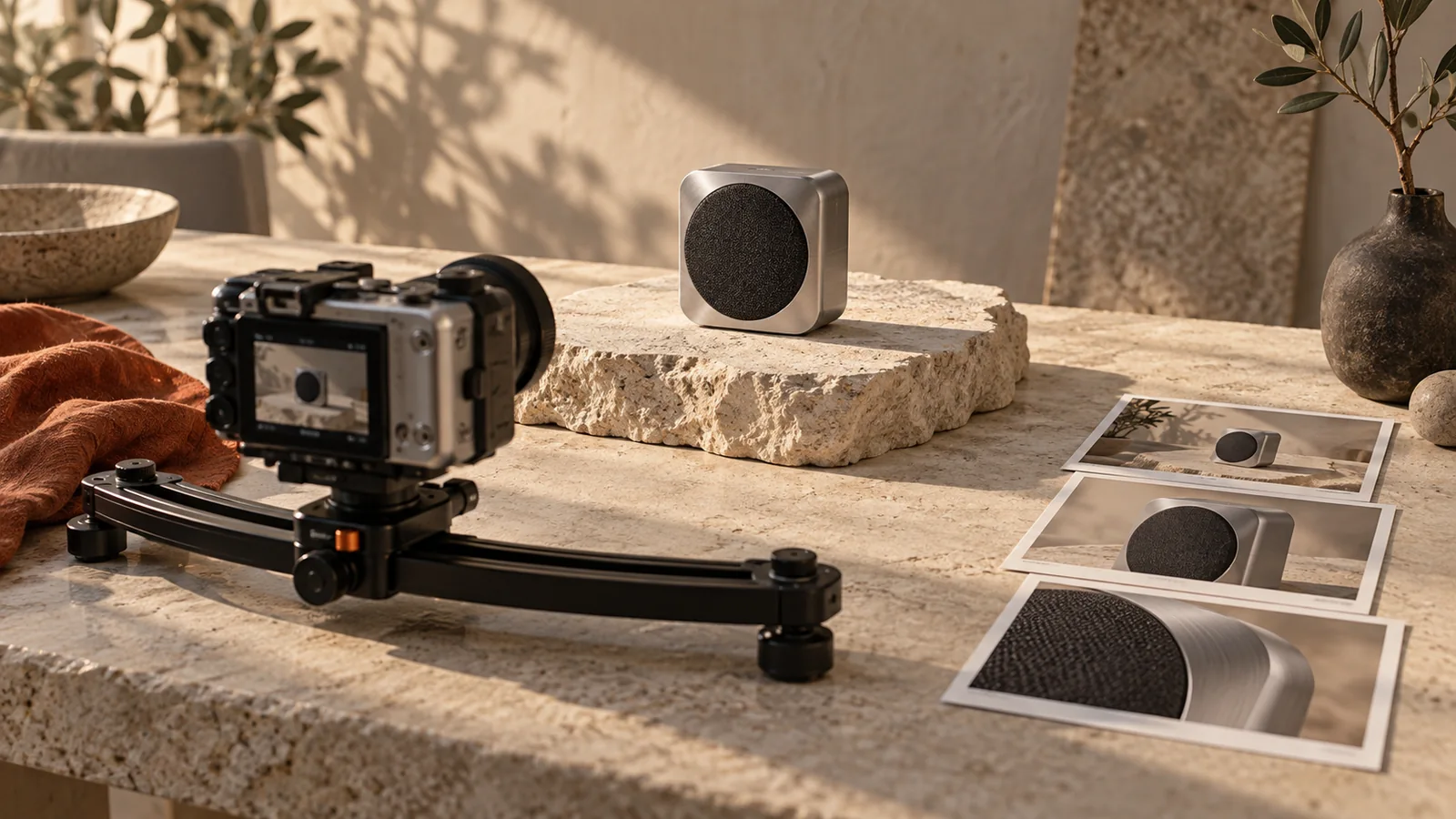
Describe one camera move and one product action for each shot. “Slow push toward the label; bottle stays still” gives a short product video a clearer task than asking for a rotation, zoom, splash, unboxing and flying camera at once. Use the finished product image to establish appearance, then use the motion brief to explain what changes over time.
Runway's image-to-video guide separates the input image's visual information from the prompt's motion instructions. That is a useful planning distinction, not a claim that Panelly uses Runway.
Pick a move for a reason
| Move | What it can emphasize | Check in the result |
|---|---|---|
| Locked camera, small product action | A visible function or handling gesture | Product shape stays stable |
| Slow push-in | A label or material detail | The important feature remains in frame |
| Short sideways move | Depth and separation from the background | The product does not rotate unintentionally |
| Restrained arc | A known side profile | Unseen packaging is not invented |
An orbit is not automatically more premium than a still camera. It asks the model to reveal surfaces the starting image may not show. If the back of the package matters, provide suitable source information or choose a move that stays with the known view.
Turn four ad panels into a sequence
Consider a fictional portable-speaker ad. Its four panels introduce the product, show a control, place it on a desk and end on a clean hero composition. The motion plan can be modest: a slow opening approach, a still detail shot, a short desk-level move and a steady closing frame.
The panels are storyboard beats for full-screen shots. They should not remain as four animated boxes unless that is deliberately the desired format. Panelly's current video workflow turns the selected four-panel ad into sequential shots.
Make this ad a video. Use gentle camera moves, keep the speaker still, give the control detail a locked shot, and finish on a steady hero frame. Keep the product and existing copy.This is an original planning prompt, not an executed video test. In chat, discuss the direction first and review the proposed generation before starting it. No professional camera vocabulary is necessary: “come closer slowly” is a useful request too.
Put the idea to work for your product
Static vertical-video storyboards
Plan a vertical-video ad with a static four-panel storyboard. Describe the scenes, choose 9:16 and explore the visual direction before production.
Try this in Panelly Edit the brief and replace the reference in Studio. Sign in when you are ready to create.Keep the timing realistic
As checked in Panelly's implementation on September 18, 2026, this workflow offers 8- or 12-second videos. The current four-shot plan assigns 2 or 3 seconds per beat respectively. Those are planning intervals, not a frame-accurate editing timeline or a guarantee that every generated action lands exactly on its boundary.
Two seconds is a poor place to demand a complete unboxing, a hand-off, a product rotation and a readable closing message. Simplify the beat. If the benefit needs explanation, establish it in the still creative before animating it.
For the fictional speaker, keep the closing frame steady so the viewer has a chance to recognize the product and message. Avoid a large move precisely when the headline is meant to be read.
Repair the failed movement, not the whole concept
If a push-in becomes an orbit, ask for the camera to remain on the same side and move only closer. If the product changes shape during a rotation, try a stationary product and a smaller camera movement. Review the start, middle and end, rather than judging only the attractive first frame.
Make a new video version with smaller movement. Keep the camera on the front side; no orbit. Hold the last shot steady. Preserve the speaker shape and the ad's current message.Use Panelly Studio to select a generated four-panel ad and discuss its video direction. A revision generates a new video version; it is not an in-place frame edit. For sound, continue with the product-video audio guide.
FAQ
Should I name a camera lens?
Only when it helps communicate a look. The subject, framing and movement usually provide a clearer starting brief than a list of equipment names.
Can I animate any uploaded picture through this workflow?
The current workflow starts from a generated four-panel ad asset. Use references to create that ad first; do not assume every uploaded image is a video source.
Does a motion prompt preserve packaging exactly?
No prompt locks every frame. Inspect the product throughout the clip and simplify a movement that introduces unwanted changes.
Choose the smallest movement that makes the product more understandable, then judge the full clip.