Decide what the product actually promises
Write the benefit in the words you are comfortable putting in front of a customer. Keep exact figures, materials and specifications tied to your own product information.
For a fictional cup with a carry handle, show someone carrying it. That is different from adding a claim that it is leakproof, keeps drinks hot for a specific number of hours or is safer than another cup.
Separate the fact from the treatment
Light, colour, setting and composition are creative decisions. Product specifications and performance statements are factual ones. Put them in separate sentences when the distinction might be unclear.
| Input | What it controls |
|---|---|
| “The cup has a carry handle.” | The product detail to preserve and show |
| “Use warm morning light.” | The visual treatment |
| “Show a commuter holding it.” | The use scene |
| “Finish with ‘Meet your daily companion.’” | The requested closing copy |
Give the same fact different visual expressions
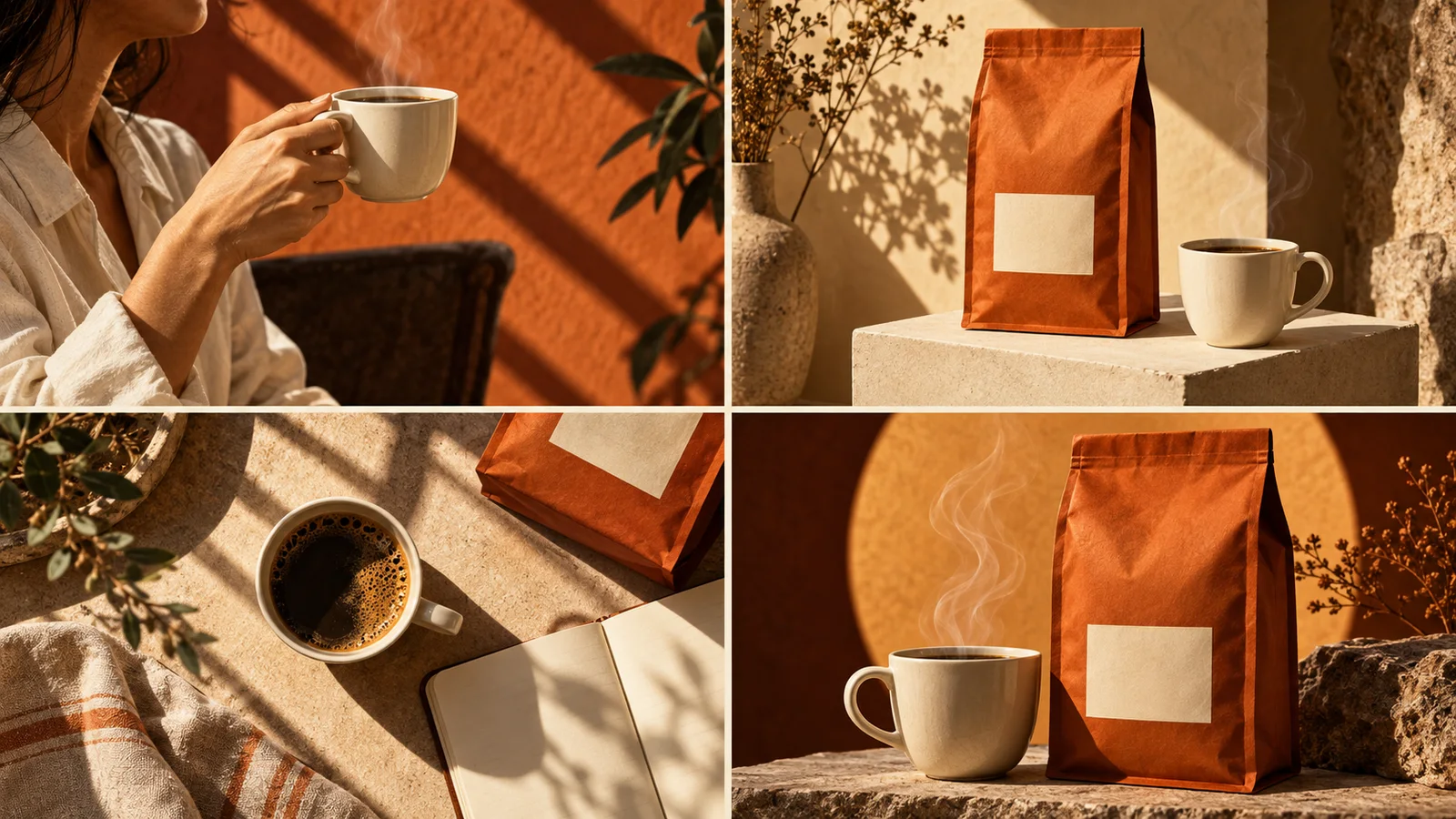
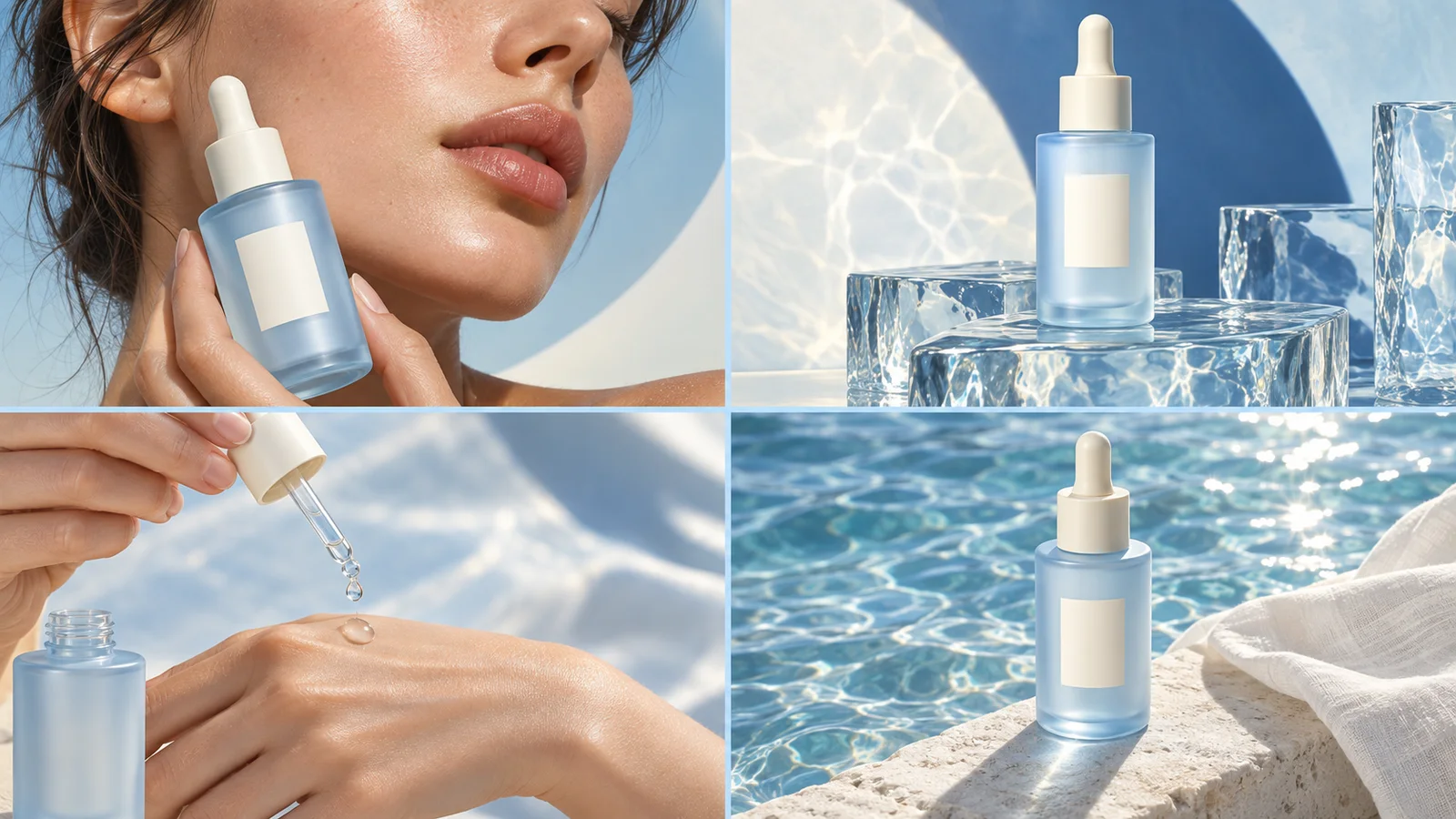
Use a close-up to make the feature recognisable and an action to make it understandable. The final frame can repeat the product name and invite the viewer to learn more without adding another promise.
Look at words and images together. A scene can imply a result even when the text is cautious. Revise any visual that suggests a benefit you did not intend.
Correct the specific mismatch
Name the phrase or visual detail that drifted, provide the replacement, and say what should remain. Avoid asking for “stronger claims” when you mean a more distinctive visual.
A few useful answers
Should every frame repeat the exact sentence?
No. Repeat the meaning through different visual jobs. Short text and a clear product detail can carry the idea without four identical captions.
Does Panelly verify my product claims?
No. Supply the product information you want used and check that the final words and images represent it accurately.