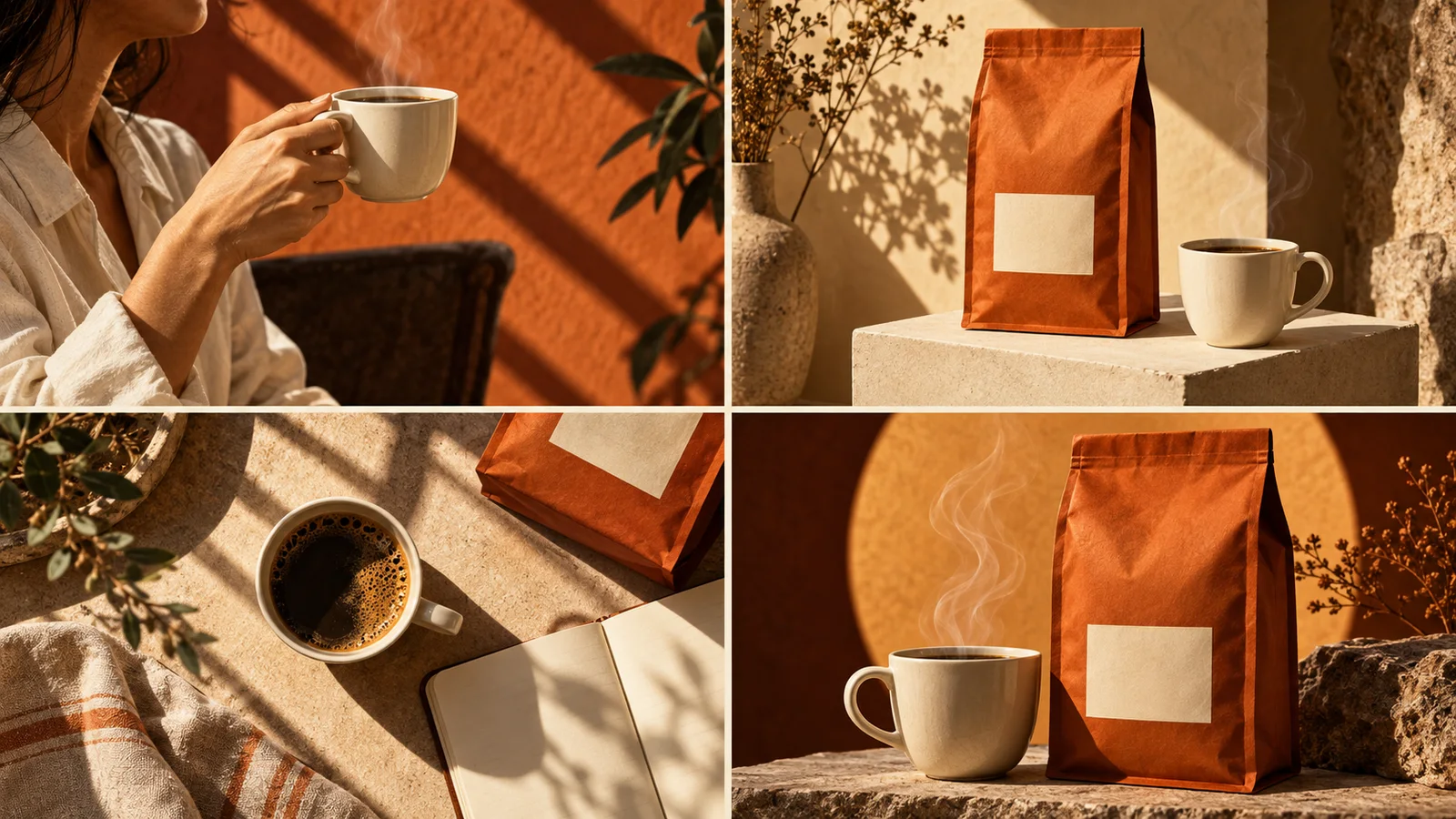
Start here · 3 min read
Creative guides
From the first idea to the final detail. A few useful ways to give your product a visual voice.
Find your starting pointStart here · 3 min read
The field notes
Turn a product, a benefit and a real-life moment into a clear creative brief. Includes a natural-language example you can adapt in Panelly Studio.
Read the guidePlan four distinct visual jobs: catch attention, show a benefit, put the product in use and invite the next step. Includes a worked coffee-ad example.
Read the guide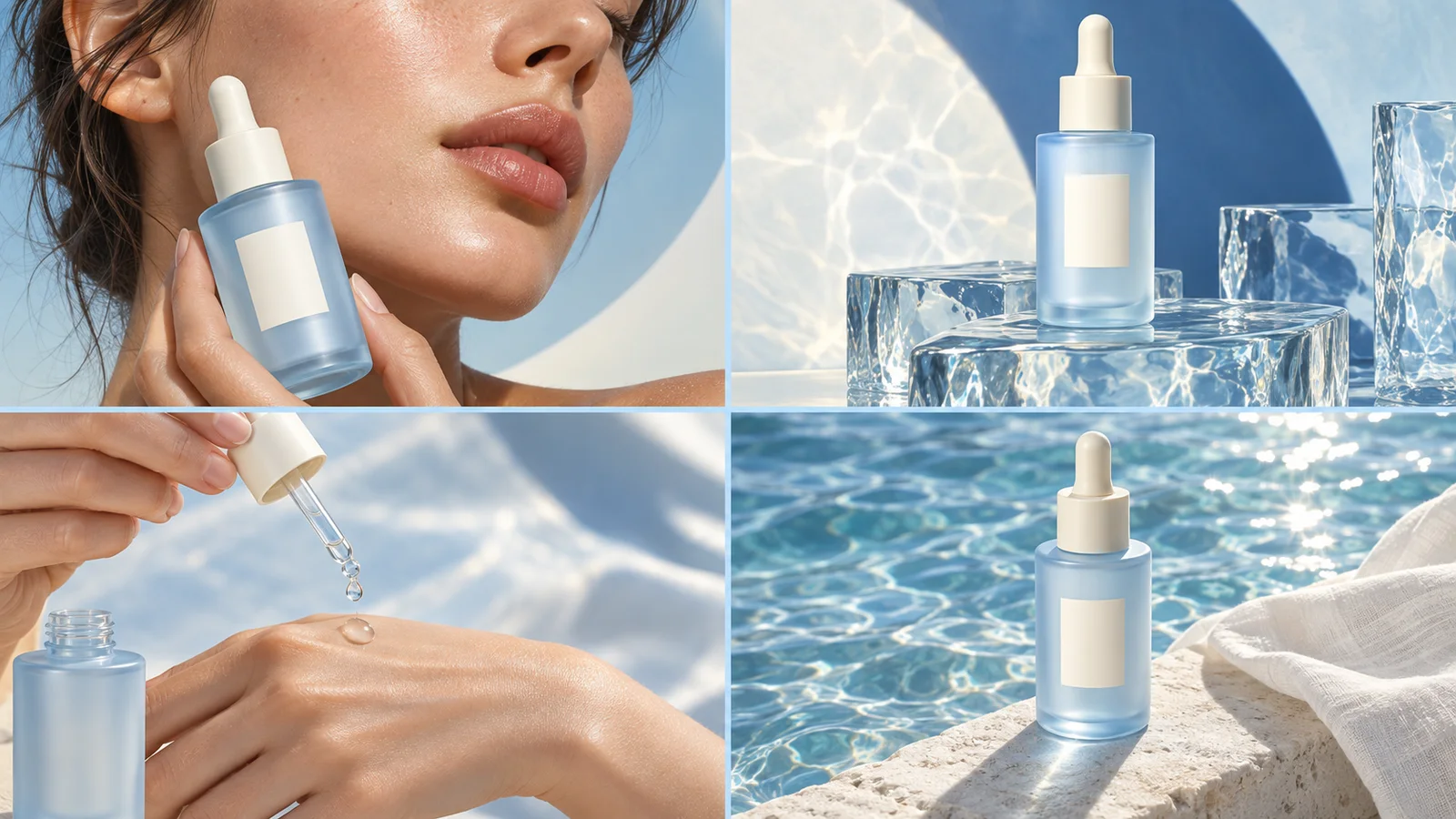
Choose between generating a new four-panel product ad and arranging stills from an existing video. Compare source material, creative control and the final output.
Read the guideSeparate product facts from creative direction and keep copy consistent across a four-panel ad. Includes focused wording examples and clear revision requests.
Read the guideA practical final check for product appearance, ad copy, reading order and image detail. Learn how to request a focused revision and download your four-panel ad.
Read the guideFrom reading to making
Each guide helps with a practical creative decision. For more product ideas and examples, explore the Journal.
JournalStart with the brief guide for your first ad. If the idea is already clear, move to composition. If you have a result, use the final-look guide.
No. Guides and Journal articles are public. Sign in when you are ready to create in Studio.
They focus on static four-panel product ads: describing the idea, organising the image, keeping copy accurate and refining the result.
Make it yours
Bring a product, a reference or simply an idea. We’ll take it from there.