Four frames, four useful jobs
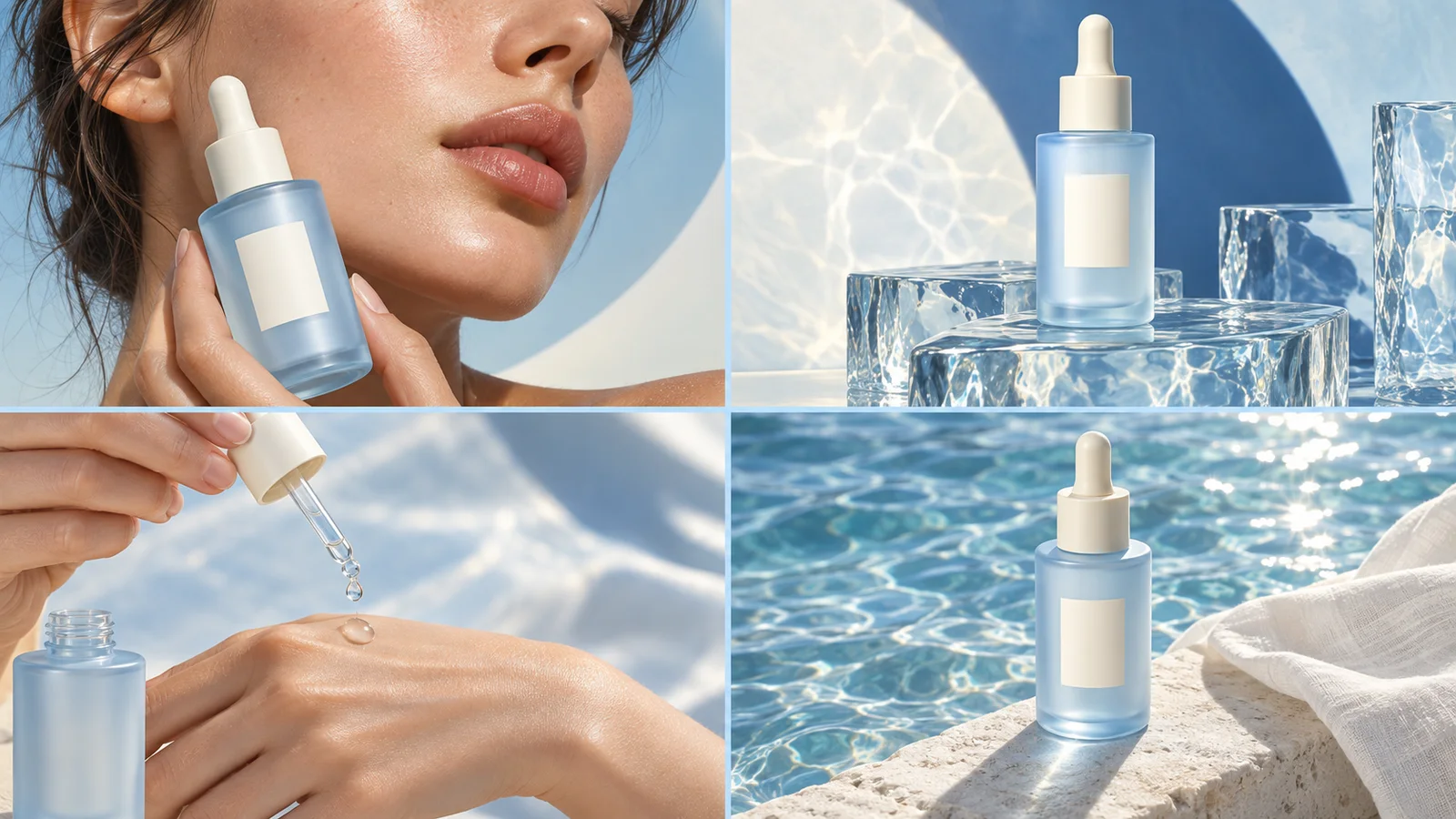
Begin with an everyday moment that makes the product relevant. Move closer to a concrete feature, show it in use, then finish with the action you want the viewer to take.
The sequence is a creative starting point. A simple product may need a quiet close-up, while a use-driven product may benefit from more visible action.
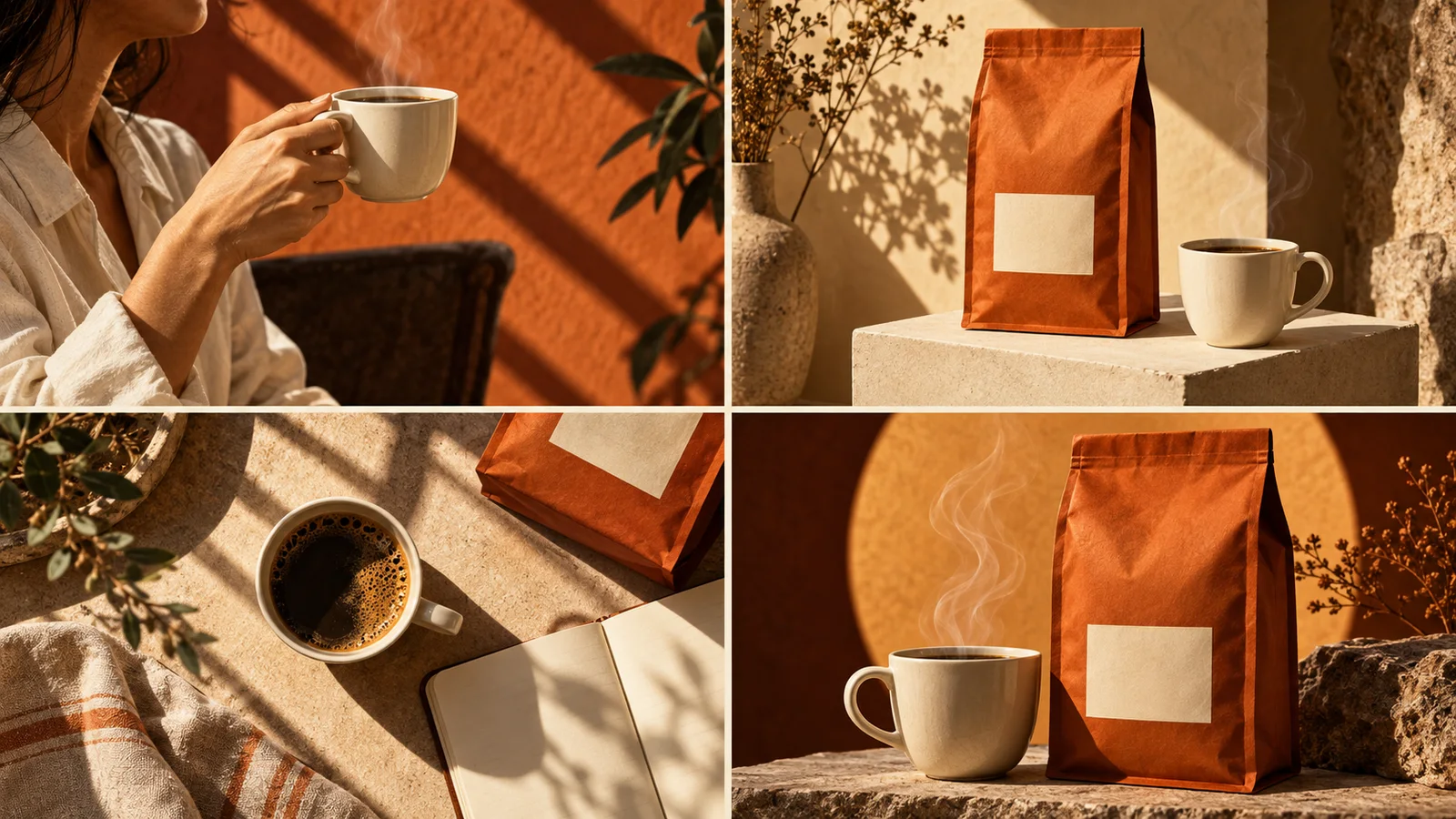
| Frame | Purpose | Fictional coffee example |
|---|---|---|
| 1 | Catch attention | A person pauses with a warm cup at the kitchen window. |
| 2 | Show the product | The coffee bag sits beside the cup in morning light. |
| 3 | Set the scene | A cup accompanies a notebook at the breakfast table. |
| 4 | Invite action | A clear product image and “Find your morning cup.” |
Keep the product visually connected
Repeat the product colour, packaging and main visual cues. Let the setting and camera distance change while the product remains recognisable.
A shared palette can connect the frames without making them identical. In the coffee example, warm orange packaging and directional light carry through the whole image.
Let the words do less
Use short copy that adds something the image cannot convey on its own. If every panel has a headline, the viewer has to read four separate ads instead of one connected idea.
Try keeping the product name and call to action clearest in the closing frame. Include exact required text in the conversation, then check the generated spelling and placement.
Read the finished image at a smaller size
Zoom out and follow the order from the opening frame to the close. If the product disappears, the text competes with the scene or two panels repeat the same job, ask for a focused revision.
The generated result is one complete image. Planning four different jobs does not make the panels separate editable image layers.
A few useful answers
Does every ad need a plot twist?
No. A clear product moment can be enough. The third frame can demonstrate a use or deepen the setting rather than introduce a dramatic twist.
Can I change just the wording in my request?
Yes. Specify which wording should change and what should stay consistent. The generated image may still change visually, so inspect the next version.