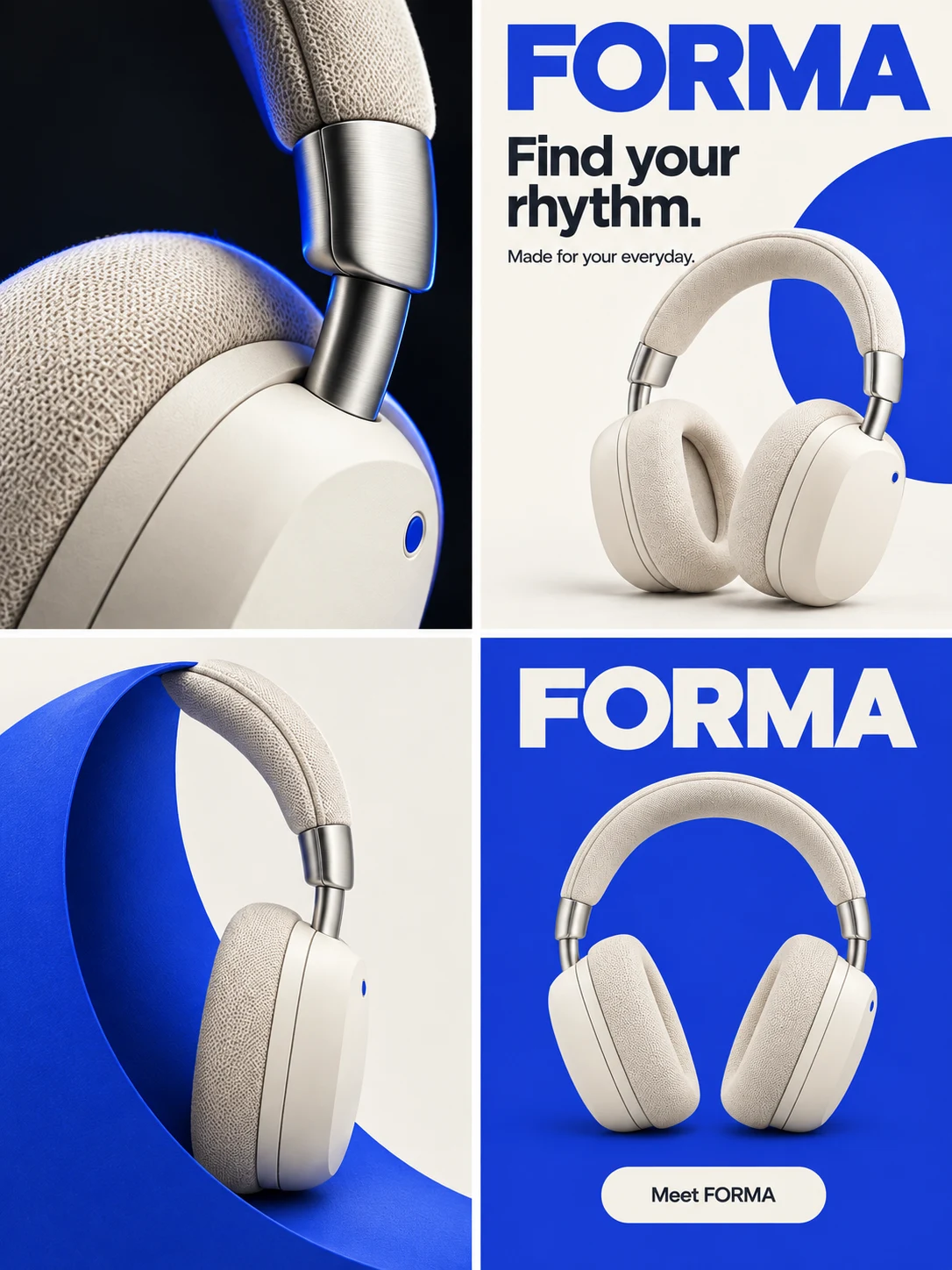
Circle one visible problem
On mobile, open the canvas first. Select the existing image, click “Select an area” and draw a closed shape without crossing lines around the box label. Enter the correction below, review the credits shown on the edit button, then submit. Check the result before starting a separate colour correction.
Panelly currently combines the circle with a reference image; this is visual guidance, not a pixel mask.
Write the replacement and what must stay
Use the clean original as the edit target and the real product photo as identity evidence. Specify the exact letters, their location and the details to preserve. A generated ad can guide composition but cannot prove the real product’s specifications.
Compare the result with both references
Compare the new version with the original ad for unintended layout changes, then with the product photo for identity. Read FORMA letter by letter; inspect the earcup shape, colour, logo and box edges in every panel. If the text is fixed but the packaging drifts, keep the earlier version and request only the remaining correction. Model editing does not guarantee pixel preservation outside the circle.
Download the version you choose
Select the completed image you prefer and download it. Check the saved file at the intended display size. Panelly’s image asset workflow supports PNG, JPEG and WebP; this does not promise a conversion selector on every download. Downloading does not publish the ad.
Where GPT Image 2.6 could help
OpenAI documents GPT Image 2.6 editing with a separate transparent PNG markup overlay on the first input image; later images can serve as references. This could help communicate a label or packaging correction without drawing directly on the clean original. Panelly has not integrated GPT Image 2.6. Its current circle reference workflow is different, and no 2.6 quality comparison was run for this guide.
A few useful answers
Does circling guarantee only that area changes?
No. It communicates location; compare the whole result because other details may change.
Can I use GPT Image 2.6 in Panelly now?
No. This article describes a documented OpenAI capability and a possible future use, not an available Panelly model.