Creative practice
ChatGPT vs Canva for Product Ads: Choose by the Edit You Need Next
Choose by the revision and delivery you need: a complete generated ad, a reusable product-card layout or an editable handoff. Includes complete briefs and a practical trial.
Make it with Panelly
Turn inspiration into your next product ad
Bring a product image and an idea. Create a four-panel ad, a coordinated asset set, or a video with Panelly.
Create with Panelly Edit the brief before you generate.
Choose ChatGPT when the difficult part is finding a visual idea or changing a scene through conversation. Choose Canva when you already know the design and need to move, replace or reuse its individual elements. If you only need a finished ad image, you do not automatically need to use both.
ChatGPT can generate wording inside an image. The choice is not “AI for pictures, Canva for text.” It is whether you want to describe a new result or manipulate a reusable layout. Feature references below were checked on September 19, 2026; this is a workflow comparison, not a quality benchmark.
Start with tomorrow's revision
| Your likely next request | Practical starting point | Why it fits |
|---|---|---|
| “Try this lamp in a quieter evening scene” | ChatGPT | The scene and mood are the work |
| “Keep the scene, make the headline shorter” | ChatGPT for a finished image | You can request the change in the same conversation |
| “Change the price on these 12 product cards” | Canva with a reusable layout | You can target the price elements without recreating every scene |
| “Move the logo and align all the margins” | Canva | Direct placement is more useful than describing coordinates in prose |
| “Find four ways to explain this product” | A conversation-led creative workflow | The concept needs development before layout polish |
| “Deliver an editable file to another designer” | Canva or another agreed design editor | The working file itself is part of the deliverable |
Canva also has AI features, and ChatGPT has image editing. The table is a way to choose where to begin, not a boundary around everything either product can do.
Make one complete ad in ChatGPT
Take a fictional amber desk lamp. The product reference shows a rounded shade, short stem and circular base. The campaign idea is an evening reading corner; the final deliverable is one image with a headline and CTA.
OpenAI's image guide documents creating and editing images in conversation, including adding text. Start with the complete deliverable:
Use the attached amber desk lamp as the product reference. Make a finished vertical product ad for an evening reading corner. Keep its rounded shade, short stem and circular base. Place it beside one closed book, with a warm pool of light on the desk and a quiet dark background. Include the exact headline “Make room for a quiet evening” and the CTA “Explore the lamp” in the image. Keep the lamp dominant and the wording readable on a phone. No price badge.The headline belongs in the generated ad. Leaving an empty box for later typesetting would add an unnecessary step for this job.
After the first version, decide what needs attention. If the lamp is too small, ask for a larger product and less surrounding furniture. If the headline dominates, shorten it and explain the intended hierarchy:
Keep the lamp, desk and warm light. Replace the headline with “Your evening, softer.” Make it secondary to the lamp. Keep “Explore the lamp” at the bottom with breathing room. Do not add more objects.Then look at the whole result. OpenAI notes that image edits can extend beyond the requested area, so check the lamp's outline as well as the words you changed. That is a reason to review the result, not a reason to rebuild every ad in a second tool.
Use Canva when the layout needs to survive many changes
Now change the job: you sell 12 lamps, and the weekly promotion needs each product's photograph, name and current price. You already have the images. The recurring work is matching each product to its offer and keeping the cards aligned.
Build a sample card with the longest product name and another with the tallest product image. If both fit, reuse that structure for the remaining items. Keep the product photo, name, price and CTA as separate elements because you already know those are the parts that will change independently.
Canva's brand tools are designed around reusable brand assets such as logos, colors and fonts. Its Magic Layers announcement describes converting flat images into editable designs. Check that feature on your account and a representative file before making it a required step in a team workflow.
A suitable handoff note is short and specific:
Use the supplied product photos. Keep each photo paired with its product name and supplied price. Use the same card spacing throughout. Test the longest name and tallest lamp first. Deliver the editable layout and the final exported image. The campaign headline is “Find your evening light.”This is where a reusable layout earns its setup time. You are preparing for repeated edits, rather than adding editable layers simply because the first image came from AI.
Compare one difficult revision, not just the first output
Give each workflow the same product, message and destination. Record the time to a usable first version, then perform the change you actually expect next week.
| Record this | Lamp campaign image | Weekly product grid |
|---|---|---|
| First task | Find a convincing evening scene | Arrange the supplied photos and offers |
| Revision to try | Shorten the headline without losing the mood | Change two prices and swap one product |
| What would cause rework? | A changed lamp shape or crowded composition | A wrong photo-price pairing or broken spacing |
| Required delivery | Finished image | Editable layout plus finished image |
Do not fill the worksheet with estimated “speed scores.” Time the real work, including corrections. A beautiful first image can still be inconvenient for weekly catalog changes; a good template can still leave you with an uninteresting campaign idea.
We do not quote subscription prices here because they vary by plan, region and billing term. Compare the plans you actually have, then include the finishing time revealed by this trial.
Where Panelly fits
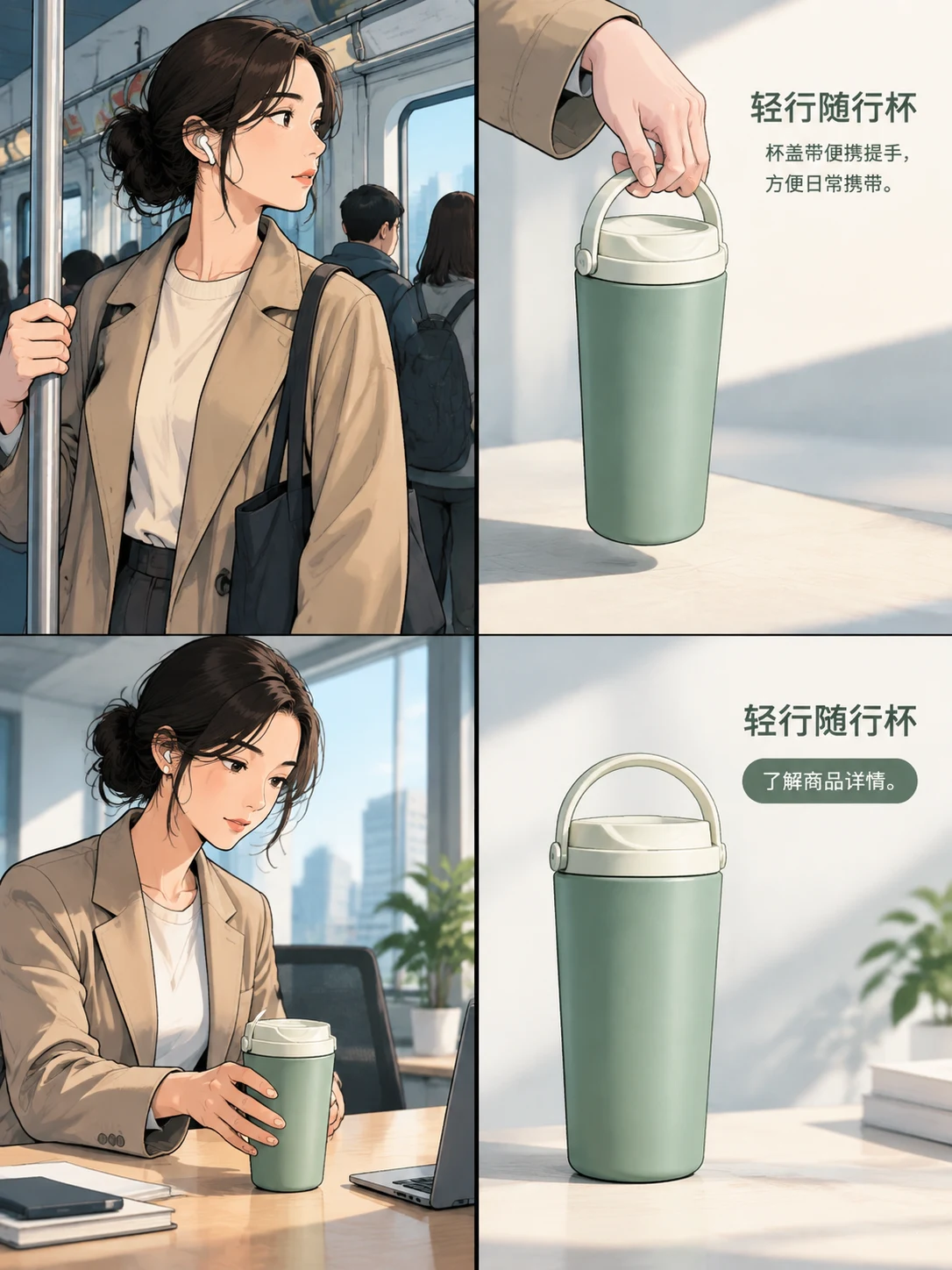
If the output you want is a four-panel product ad, Panelly Studio keeps the creative brief, references and revisions in conversation. Ask for the customer situation, the useful product detail, the scene and the closing action as one complete ad. Include the headline and CTA in that request.
For the lamp, the sequence could move from an untidy evening desk to the lamp detail, then a settled reading moment and a clear closing product view. That gives each panel a job. If the ad needs a quieter mood, keep the sequence and revise the light; if it needs a different selling idea, discuss that before generating another image.
Choose the workflow that makes your next useful revision easier. Add a second tool when its control solves a specific problem in your delivery, rather than treating a two-tool handoff as mandatory.