Tutorials
Hands Holding Products in AI Ads: Fix the Grip, Not Just the Fingers
Fix hand-to-product contact, grip and overlap while keeping the package, label and intended action visible in an AI ad.
Make it with Panelly
Turn inspiration into your next product ad
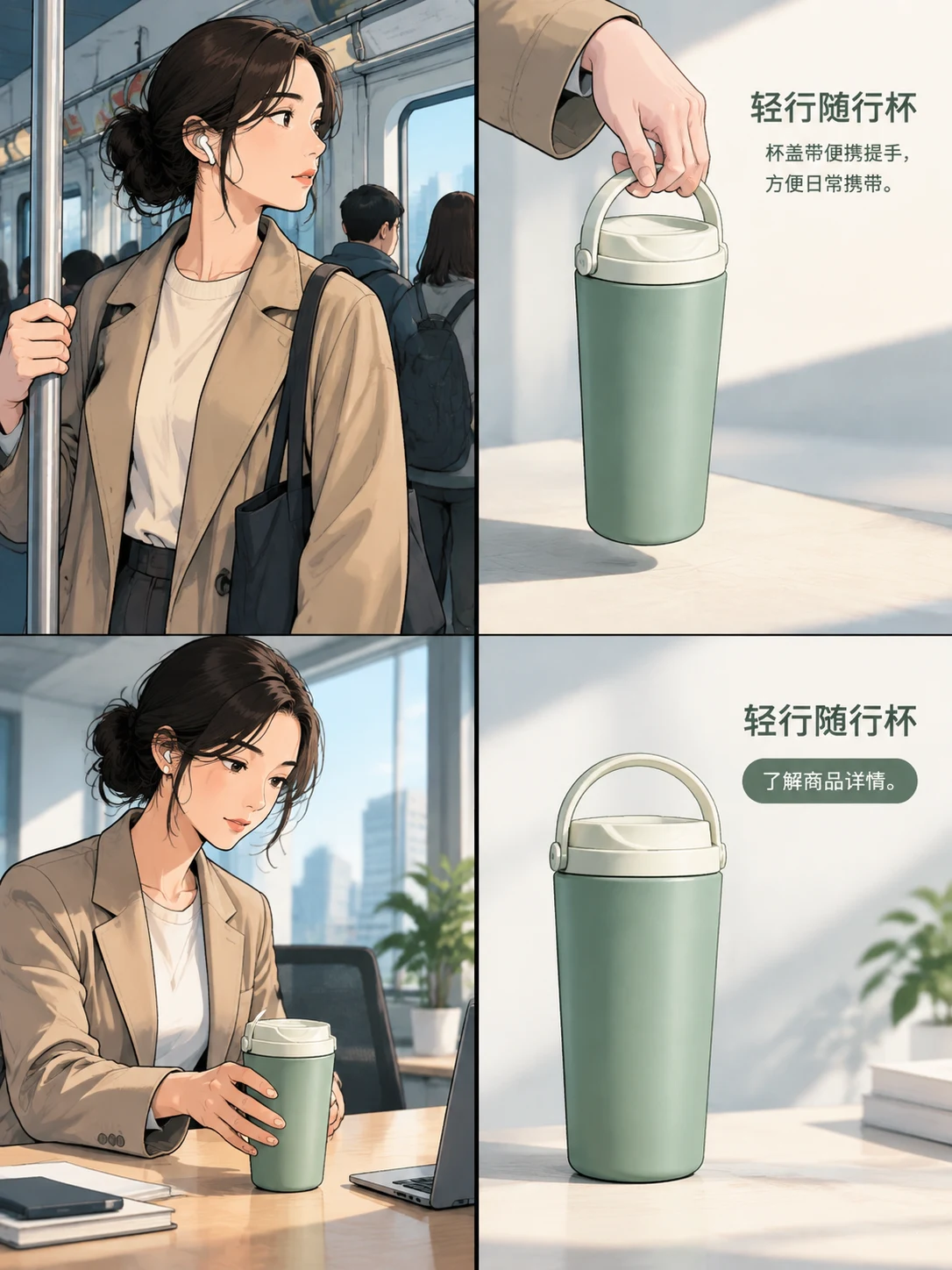
Bring a product image and an idea. Create a four-panel ad, a coordinated asset set, or a video with Panelly.
Create with Panelly Edit the brief before you generate.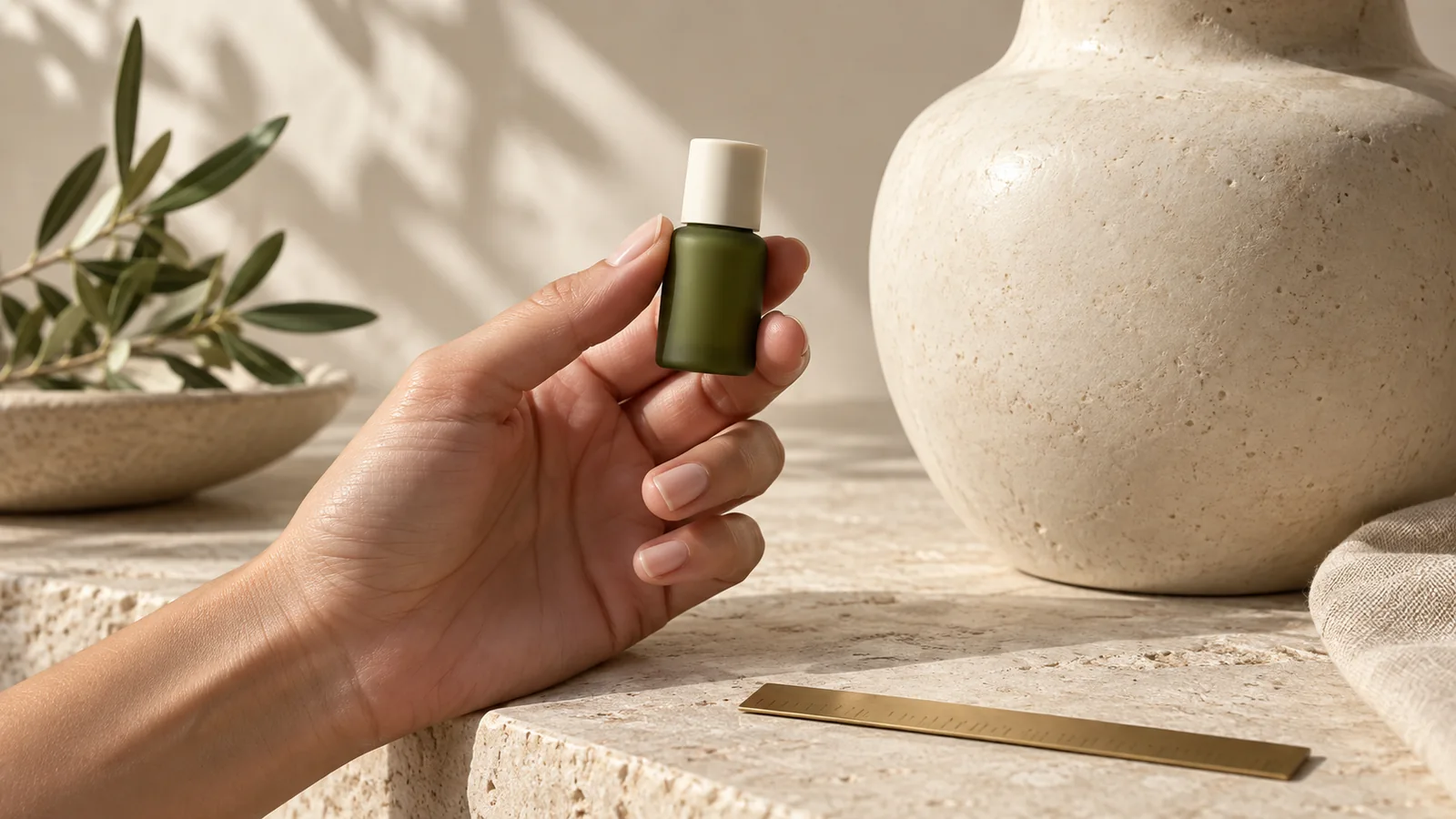
A believable hand-held product image needs a plausible grip, visible contact and a clear view of the item. Counting fingers is only one check. A hand can have five fingers and still appear to pass through a bottle, squeeze a rigid package or cover the feature the ad is meant to show. Choose the action first, then describe where the hand supports the product.
Photographer Rachel Kimberley's hand-modeling guide discusses hand poses for presenting products. Here we turn the presentation problem into an original editing checklist for generated ads.
Choose a grip that explains the action
| Intended action | Contact to describe | Detail to keep visible |
|---|---|---|
| Present a small jar | Palm supports the base | Lid, label and outer shape |
| Carry a travel cup | Fingers wrap the body or use its real handle | Opening and handle attachment |
| Operate a dispenser | One hand stabilizes; one finger reaches the pump | Actual pump and nozzle |
| Show a small accessory | Thumb and finger support a suitable edge | Connector, clasp or functional face |
Use a photographed hand holding the actual product when the grip is important. A product-only reference describes the object, but does not show how a person holds it. A pose reference can help explain the action; it should not replace the product with the object in that second photograph.
A practical correction for a jar ad
Suppose a fictional green jar rests in a palm, but the thumb crosses its label and the base floats above the skin. The first correction should keep the camera and jar, lower the base into contact, and move the thumb toward the side. Do not simultaneously ask for a different model, manicure, background and lighting.
Revise @image1. Keep the green jar, ivory lid, label, camera and background. Rest the jar base on the open palm with visible contact. Move the thumb to the side so the label stays clear. Keep the hand relaxed and the jar rigid. Preserve the ad copy and make a new version.This is an editorial example, not a tested output. Compare the new image with the product reference. An improved hand is not a success if the lid becomes wider or the packaging changes.
Inspect the overlaps in a useful order
Start at the wrist and follow the hand into the grip. Check which fingers should be in front of the product and which should disappear behind it. An occluded finger does not need to be made visible just to satisfy a count; forcing all five into the frame can create an unnatural pose.
Next check the contact points. A supporting palm should meet the base. A finger on a handle should follow its real opening. Rigid packaging should not bend around the fingers. Finally, check whether the gesture describes a real use: pressing a decorative cap like a pump invents a function.
For a second revision, ask only for the failed relationship: “The index finger intersects the handle. Keep the cup and the rest of the pose; place the finger through the existing handle opening.” This is more actionable than “make the hand perfect.”
Keep scale and identity separate from pose
A palm gives context, but hands vary in size and camera distance changes apparent proportions. Do not use a generated hand as proof of exact dimensions. Use real measurements or a suitable reference when scale matters; see showing product size in photos.
In Panelly Studio, add the product and, when available, an example grip. Explain each image's role in chat. Use the @ identifier inserted by the interface when requesting a revision, and keep the best previous result for comparison. These instructions guide generation; they do not create a joint rig or a locked product cutout.
FAQ
Must all five fingers be visible?
No. Natural grips hide fingers behind objects. Check plausible anatomy and overlap instead of demanding five visible fingertips.
Can I remove the hand if repeated edits fail?
Yes. A product resting on a surface may communicate the same idea more clearly. Preserve the human context in another panel if it helps the story.
Should the hand cover the brand for a natural look?
Only if that fits the shot's job. A use scene can allow partial cover; a label-focused product frame should keep the required information visible.
Choose one gesture, show its contact points and revise that relationship before changing the rest of the ad.