Static vertical-video storyboards
See the idea.Before the shoot.
Plan a vertical-video ad with a static four-panel storyboard. Describe the scenes, choose 9:16 and explore the visual direction before production.
Try this in PanellyA starting point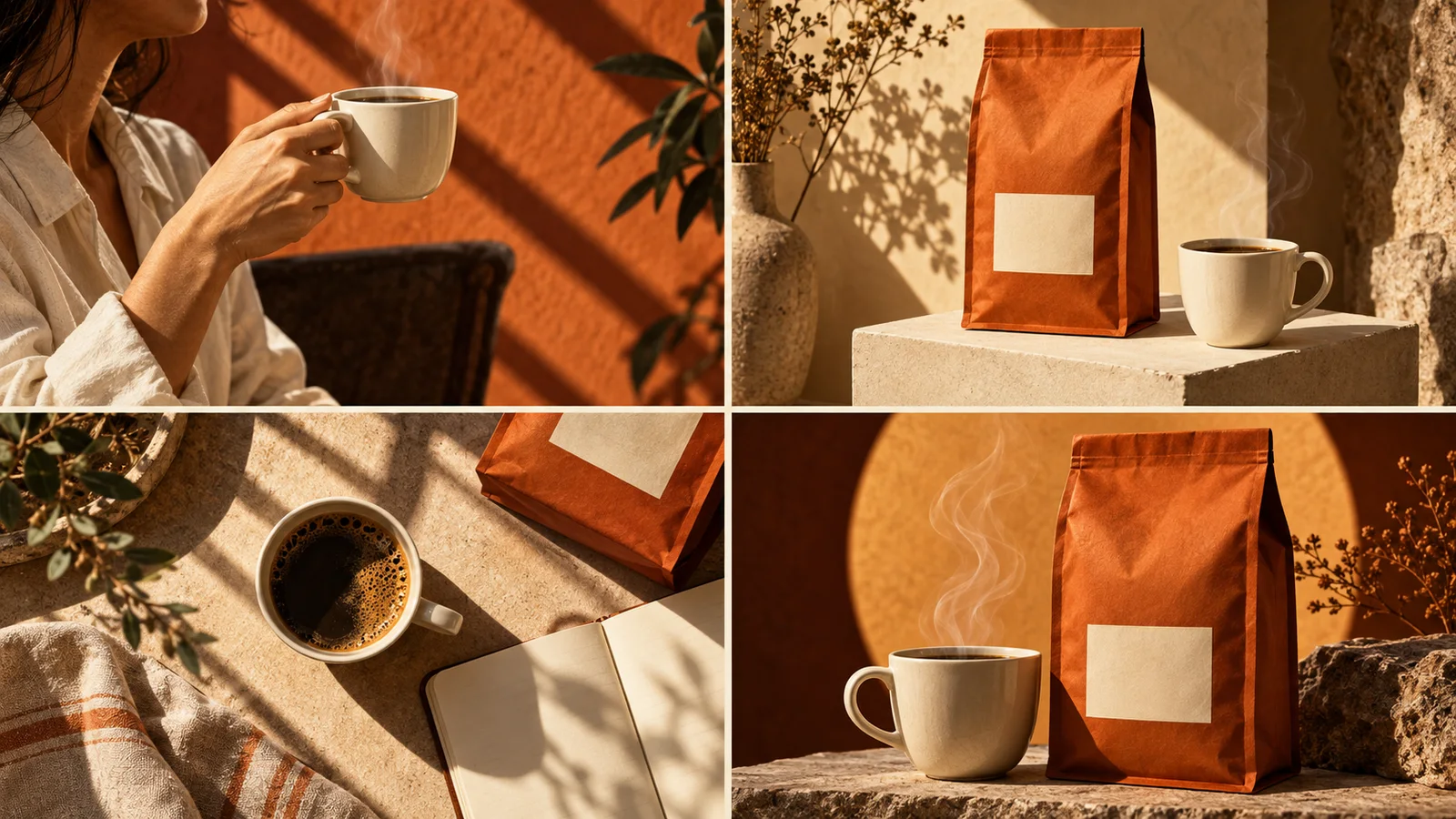
A starting point
Say it in your own words.
For creative and video teams aligning on a concept before filming. Use four key moments to discuss the product, the atmosphere and the sequence, then take the image into your production planning.
Plan a 9:16 static four-panel storyboard for a coffee ad: opening the curtains, a close-up of the coffee bag, breakfast at the table and a final cup beside the pack. Use warm morning light and connected terracotta tones.
An example brief for a fictional product. Bring your own product details and references.
Try this in PanellyFrom the first idea to the final detail.
A conversation that gives your ad a direction, then room to refine it.
Tell us about the product
Describe the benefit, the audience and the moment you have in mind. Add images and use @image to explain what to keep.
Give the idea a look
Choose the format. Explore illustration or realistic imagery, colour and lighting that suit your product.
Make it feel right
Generate the complete four-panel image. Continue the conversation to refine it, compare versions on the canvas and download your favourite.
“Keep the packaging. Make the light warmer and the last frame simpler.”
Room to make it yours
A clear idea. A considered image.
Keep the product recognisable while exploring a different scene, light or composition. Tell Panelly what should change and what should stay. The words and visuals belong to one complete image.
Create a four-panel ad or reuse video frames?A few useful answers
Will this create a finished video?
This flow creates a static storyboard image. Motion, editing and sound are separate production steps; Panelly does not extract frames from an uploaded video here.
Do I need to fill out a brief template?
No. Describe your idea naturally, upload references if you have them, and add details as the conversation develops.
Can I change the image after generating it?
Yes. Describe the change in the conversation, then generate another version. You can compare versions, move and resize images on the canvas, and download the result. New generation can also change other details.
Are the headline and call to action separate layers?
No. Include the exact wording in your request. The four panels, product imagery and text are generated together as one complete image.
Do I need approval before downloading?
No approval form is required. Download the finished image directly, and check your product facts and wording before publishing it.
Another way to tell it.
Creative guides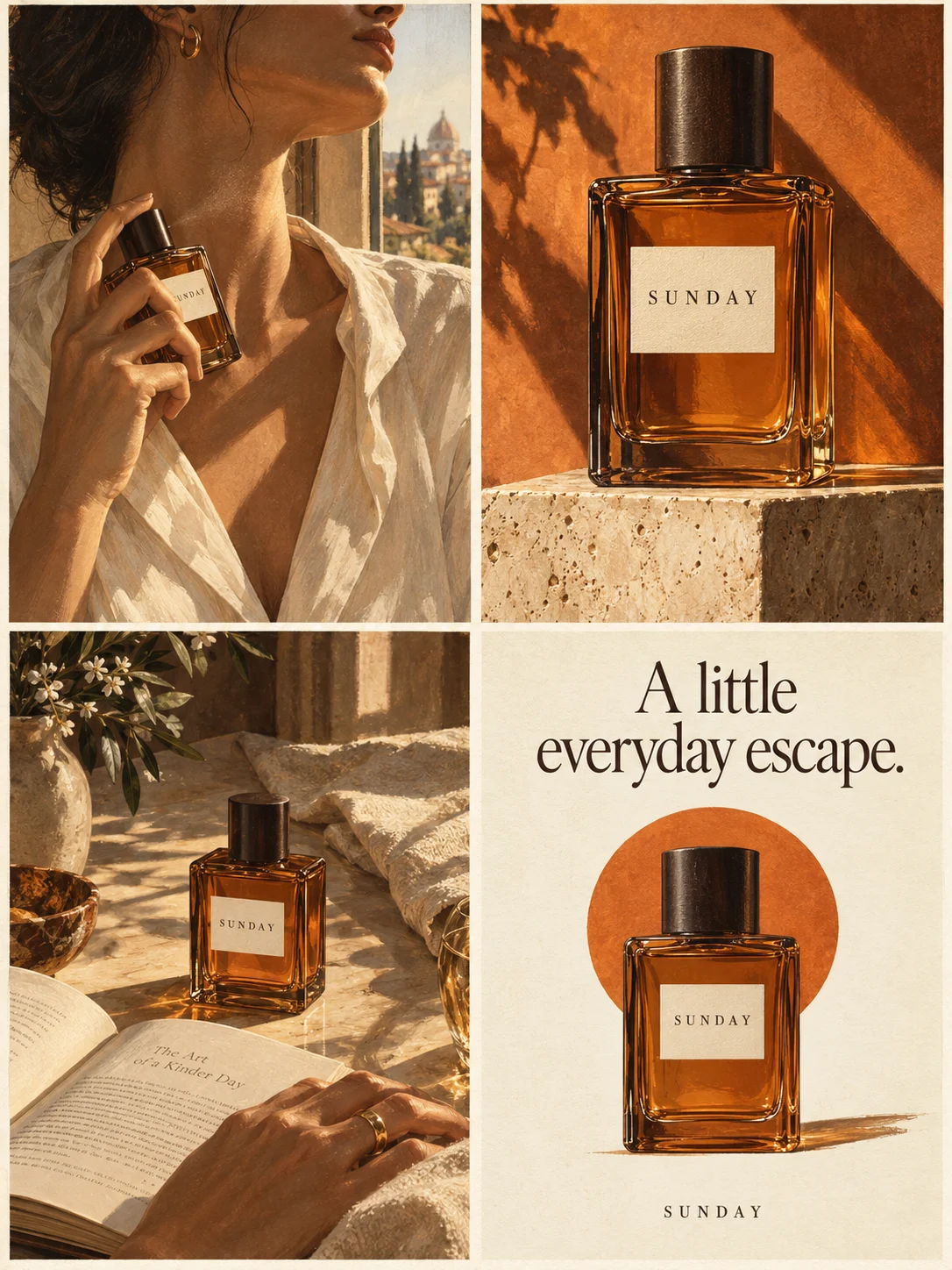
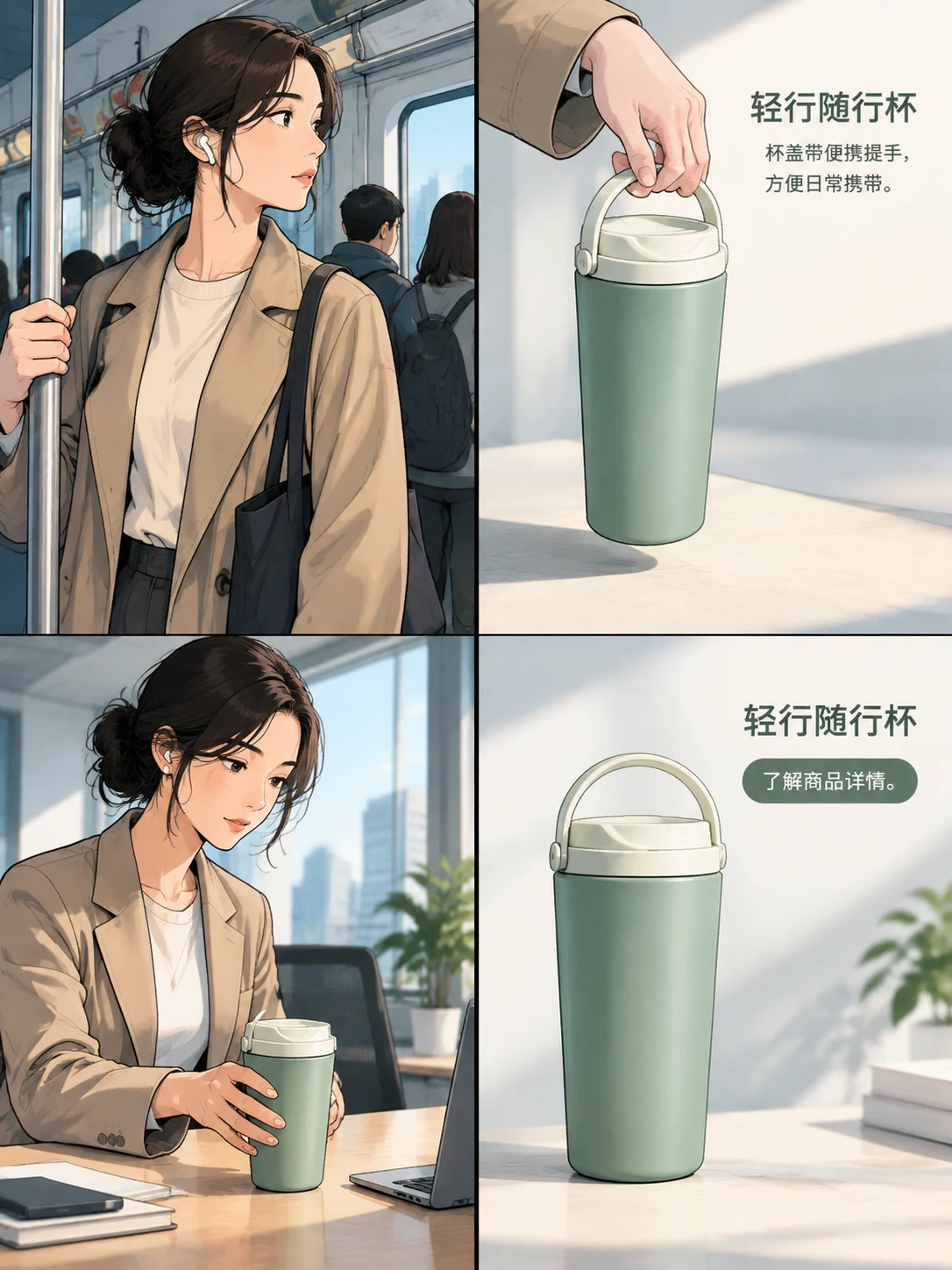
Your product. Your next great idea.
Bring the idea to Studio and give it a visual direction.