A clean backdrop from a product photo
AI background remover: a clean white, black or studio backdrop
Pick a backdrop to start. A short prompt is already filled in; add your product photo if you want, then continue into Studio. This tool isolates a product on a clean white, black, gray or cream field. Generation happens in Studio. This page does not remove the background by itself, and it is not a dedicated cutout API or a video background remover.
For ecommerce and product teams who have a product photo and need it on a clean white, black or studio backdrop, and who will still review the result against that photograph.
Pick a scene
Start from a scene, then generate in Studio
Click a scene to fill a short prompt and use its example still. Edit a little or upload your product photo if you want—you do not need a long brief. Then generate in Studio. You can still edit the prompt and the photo in Studio. Sign in when you are ready to generate. Studio generation uses one-time credit packs and one shared balance; there is no subscription. New accounts start with 20 free credits. The credit estimate is shown before you generate.
What this tool does
A clean white, black or studio field
Studio generates a new still of your product on a pure white, pure black, soft gray or cream backdrop, kept to the product photo you provide.
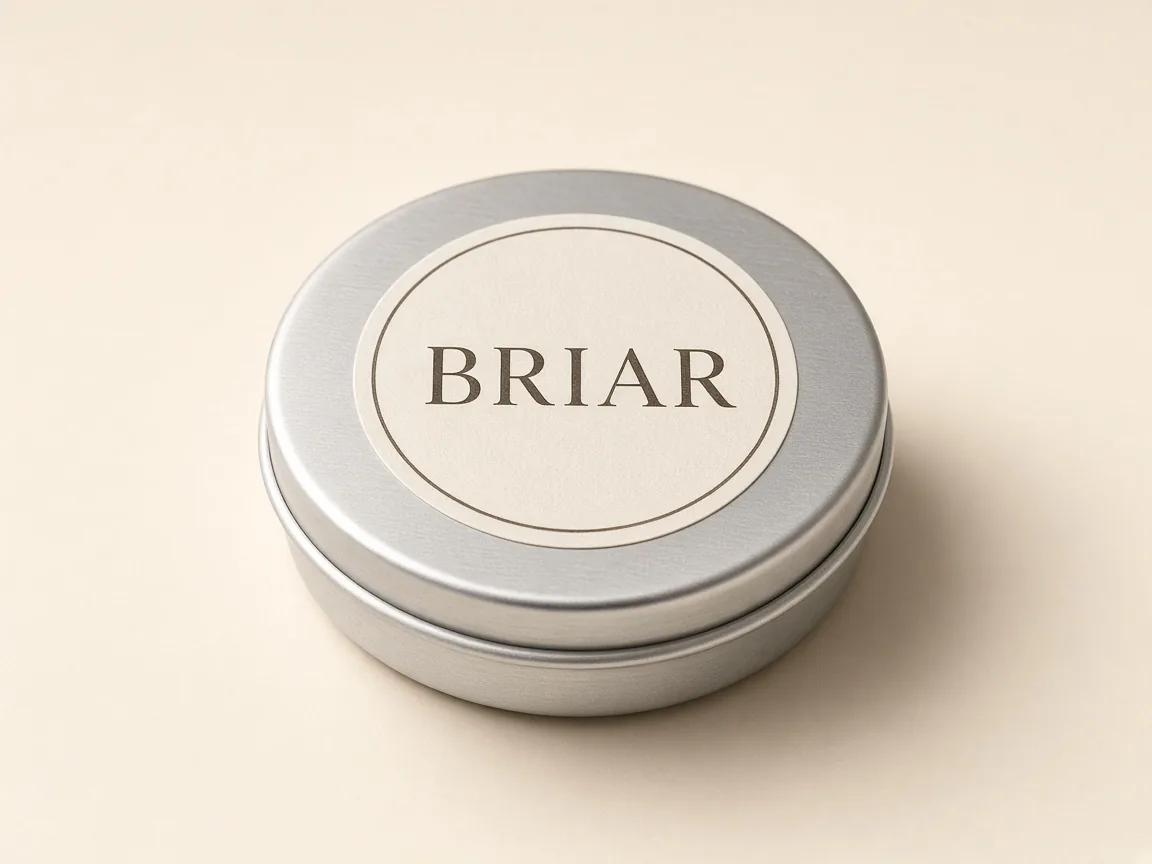
The same job, including a simple mark
Isolating a labelled tin or a wordmark on a clean field is the same backdrop job. It is not an editable vector logo, and it does not get its own URL.
A generation job in Studio, not a cutout API
This page takes a simple scene and an optional photo. Studio generates a new product still on the requested field. It is not a dedicated matting API, and a transparent PNG with an alpha channel is not a promised download format.
What this tool is, and what it is not
This page is for AI background removal on a still: a product photo you already have, generated again on a clean white, black or studio backdrop. Searches such as background removal AI, background remove AI, AI photo background remover, product cutout, white background, black background and logo background remover describe this same job, and they stay on this page rather than getting their own URLs.
It is not a video background remover. Panelly can generate a short video from a still; it does not remove the background of an existing video. For a short product video advertisement, use the AI video ad generator. For a packshot or a lifestyle product photograph that is not only a clean field, use AI product photography.
This page does not generate by itself. It does not run a specialist cutout pipeline. Studio generates a new still of the product on the requested backdrop from your photo. Review every result against the photograph you provided. A true transparent PNG with an alpha channel is not a promised download format.
Studio generation uses one-time credit packs and one shared balance; there is no subscription. New accounts start with 20 free credits. The credit estimate is shown before you generate.
Clean backdrops, one fictional product
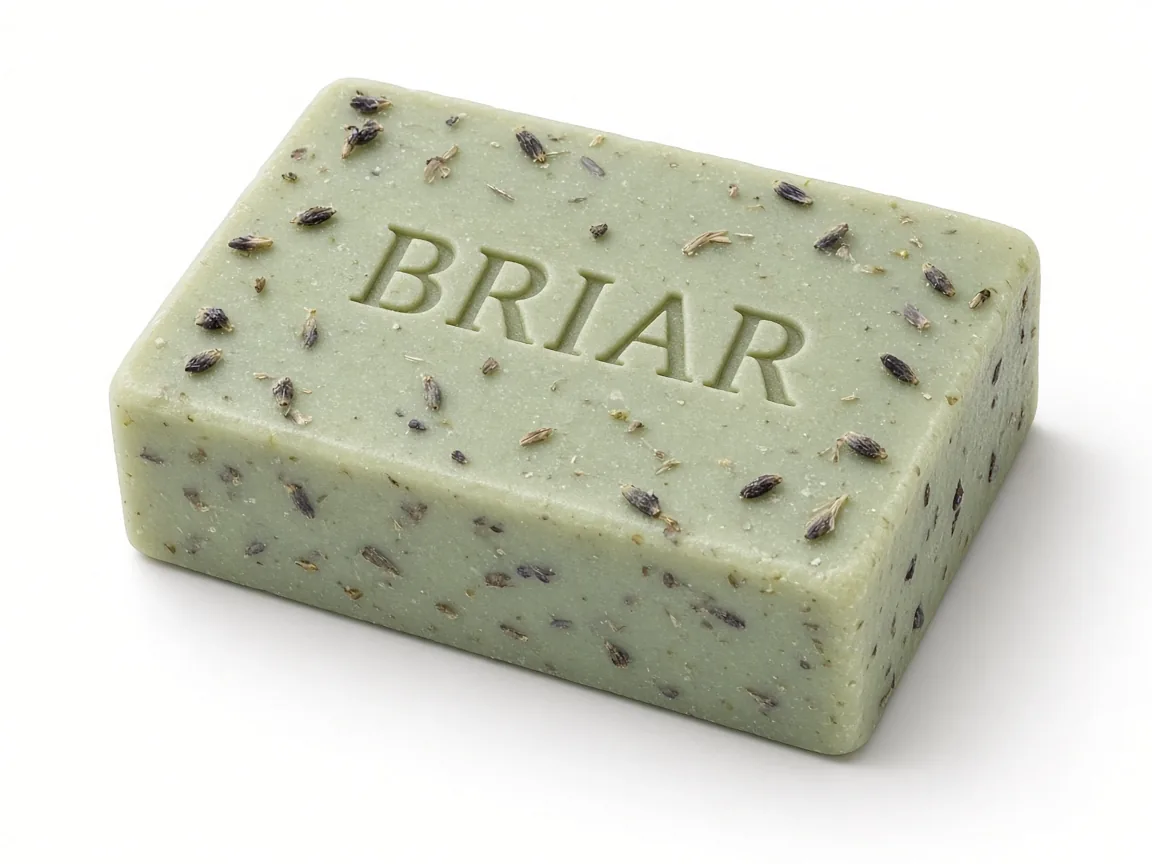
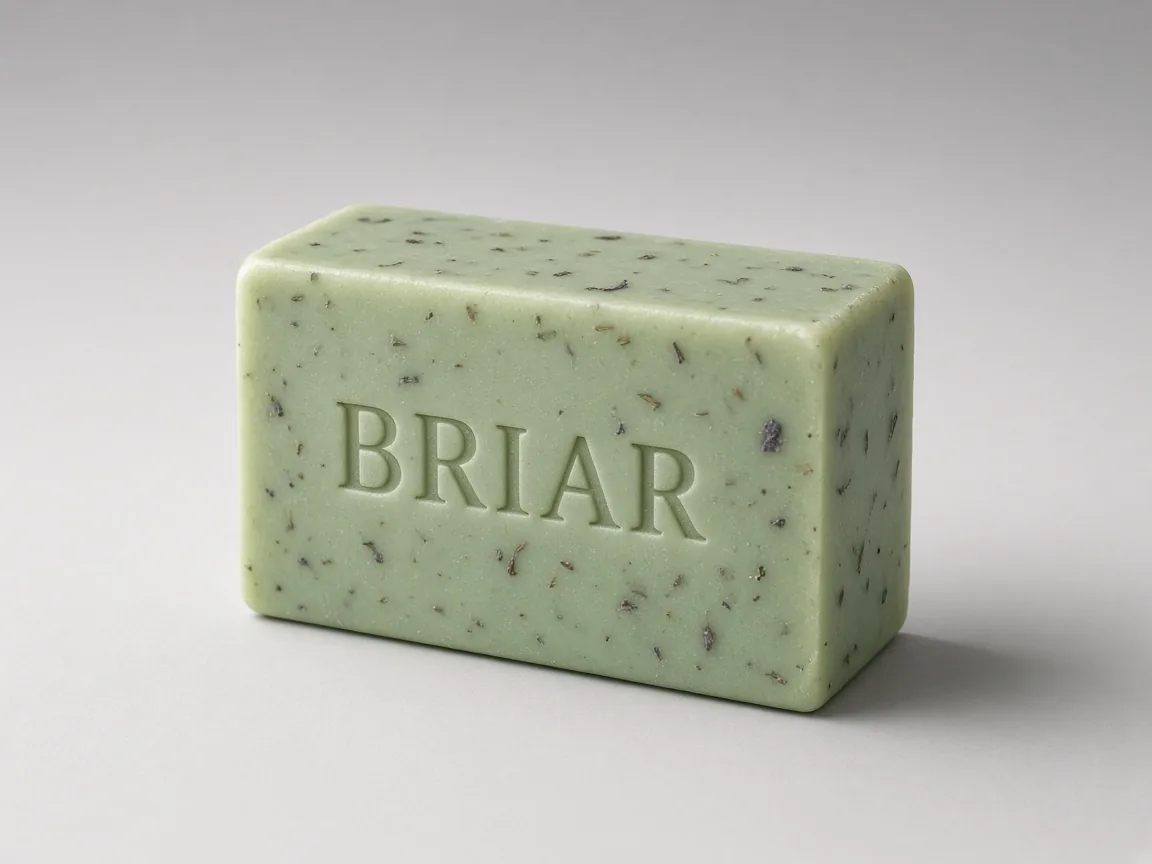
These stills are starting examples for a fictional botanical-soap brand called BRIAR, on white, black, gray and cream fields. They are not customer cases, and they are not a claim that a real shop commissioned this product.
A product still on a white backdrop. Fictional product, not a customer case, and not a transparent PNG download. 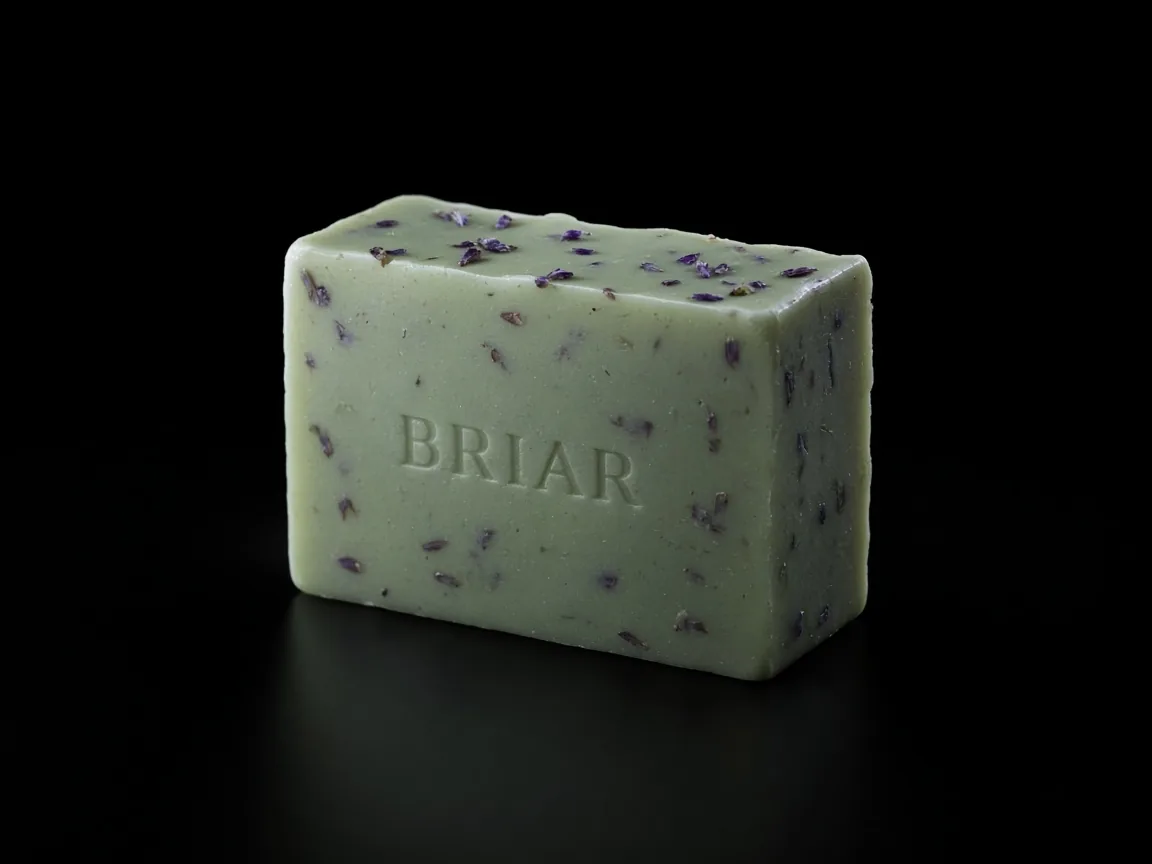
A product still on a black backdrop. Fictional product, not a customer case. A product still on a clean gray studio field. Fictional product, not a customer case. 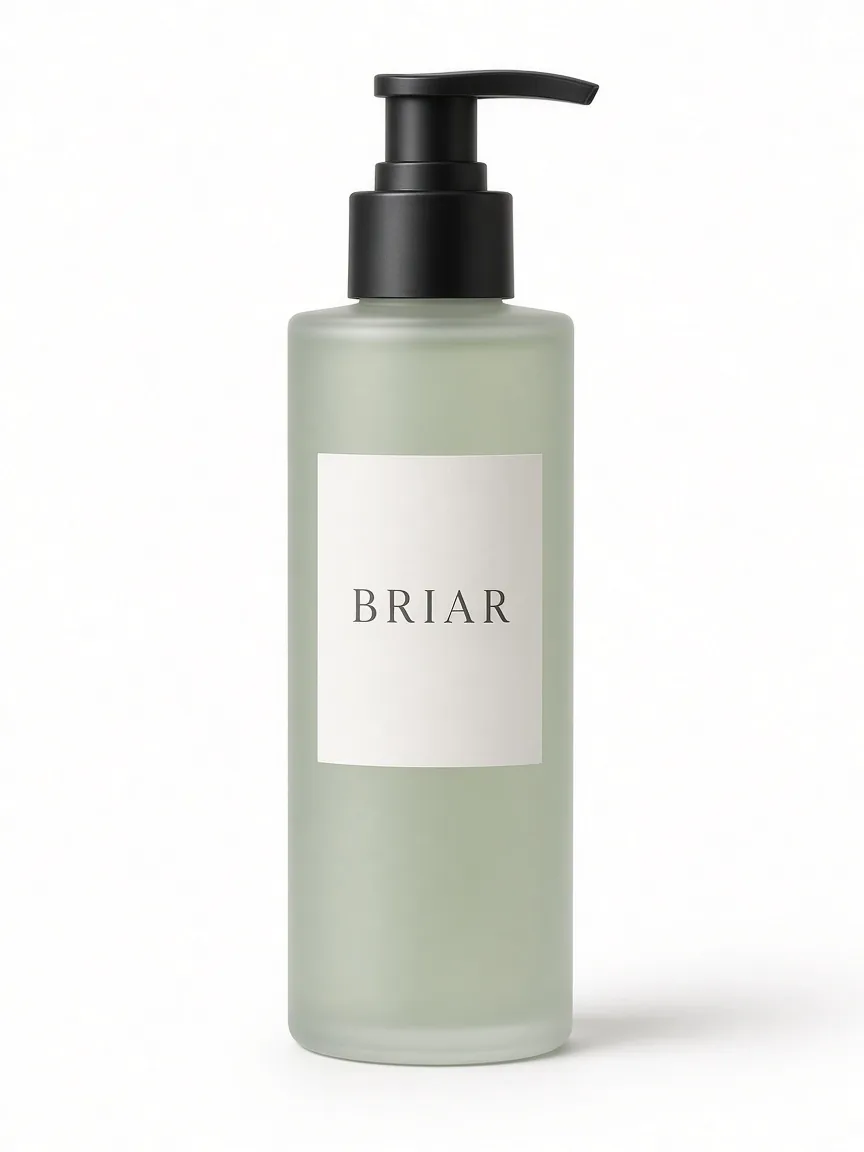
A tall product cutout on white. Fictional product, not a customer case. A labelled tin on a cream field—the same clean-backdrop job, including a simple mark, not an editable vector logo. Fictional product, not a customer case.
How to remove a background from a product photo in Panelly
Pick a backdrop, add your product photo if you want, then continue into Studio to generate a new still on a clean field. Sign in to generate.
Pick a backdrop
Click a scene card. A short prompt fills in for a white, black, gray or cream field. You can use the example still or upload your own product photo.
Adjust if you want
Edit the short prompt if you need a different clean field. This remains a single product still on a backdrop, not a lifestyle scene and not a landing-page set.
Generate in Studio
Continue into Studio with this prompt and photo already set. Sign in to generate a new still of your product on the clean field. Studio uses one-time credit packs and a shared balance; new accounts start with 20 free credits. The credit estimate is shown before you generate.
Open the background-removal job in Studio
Questions and answers
Does this page generate the clean backdrop by itself?
No. This page helps you pick a backdrop and a short prompt. Generation happens in Studio after you sign in. The credit estimate is shown before you generate.
Is this a dedicated cutout API, and do I get a transparent PNG?
No. Studio generates a new still of your product on a white, black or clean studio backdrop from the photo you provide. It is not a specialist matting API, and a transparent PNG with an alpha channel is not a promised download format. Ask for a plain white, black or studio field if you need a clean cutout-style still.
What about a white, black or logo background?
Those are the same job. White, black, gray and cream backdrops, and isolating a labelled mark on a clean field, all stay on this page. A logo on a clean field is not an editable vector logo.
Can I remove the background from a video?
No. This tool is for a still. Panelly generates a short video from a still; it does not remove the background of an existing video.
Is this the same as AI product photography?
No. AI product photography is for packshots and lifestyle product photos. This page is only the clean-backdrop job: the same product on a white, black or studio field.
Do I need an account, and how do credits work?
You can pick a scene and edit the prompt without an account. Sign in to generate in Studio. Studio generation uses one-time credit packs and one shared balance; there is no subscription. New accounts start with 20 free credits. The credit estimate is shown before you generate.
Are the examples customer case studies?
No. The stills on this page are starting examples for a fictional botanical-soap brand called BRIAR. They are not customer cases.
Explore related work
 Product visualsProduct-angle and clean website visuals, a broader job than a clean field alone.
- AI product photographyPackshots and lifestyle product photos, not only a clean field.
 AI image generatorA still from a written prompt, not only a product cutout.
 A short video from a stillA separate job, after you have a selected image. Not a video background remover.
 All creative toolsPublic utilities and first-level generation tools.
 Credit packsOne-time packs and a shared balance. There is no subscription.