Product-angle and website visuals
AI product images for ecommerce websites
This page is for product-angle requests and clean website visuals, not for the broad “AI ad generator” job already owned by the homepage. Upload a product photo and describe the view you need. Panelly helps you create those images from the product you already have. It is not a general photography studio, and it does not replace a photoshoot when you need certified, measured or unseen product facts.
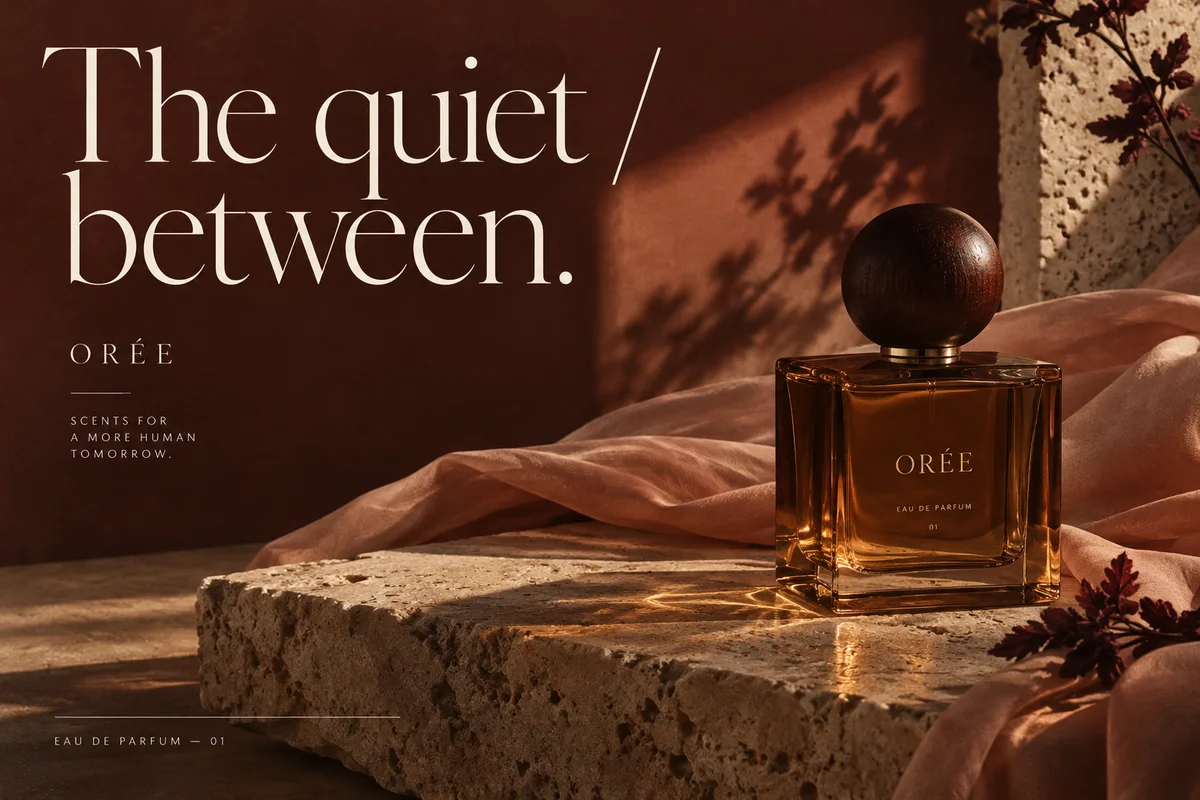
What you can request
Product angles from a photo you have
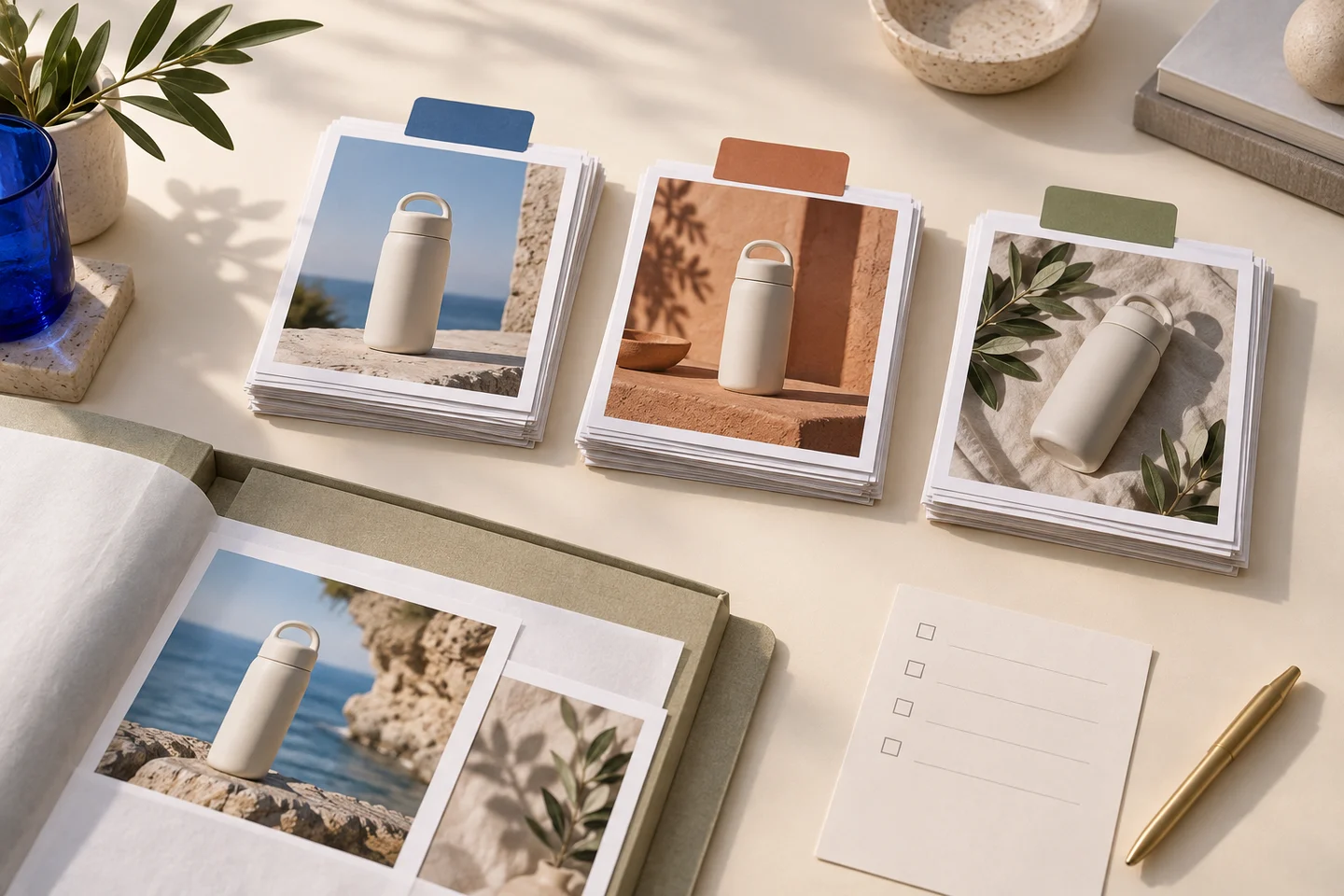
Ask for a front hero, a three-quarter side view, a close-up of a part that is visible in your photo, or a use scene. Keep the same product identity, and ask for a clear change in angle, shot size or composition between images.
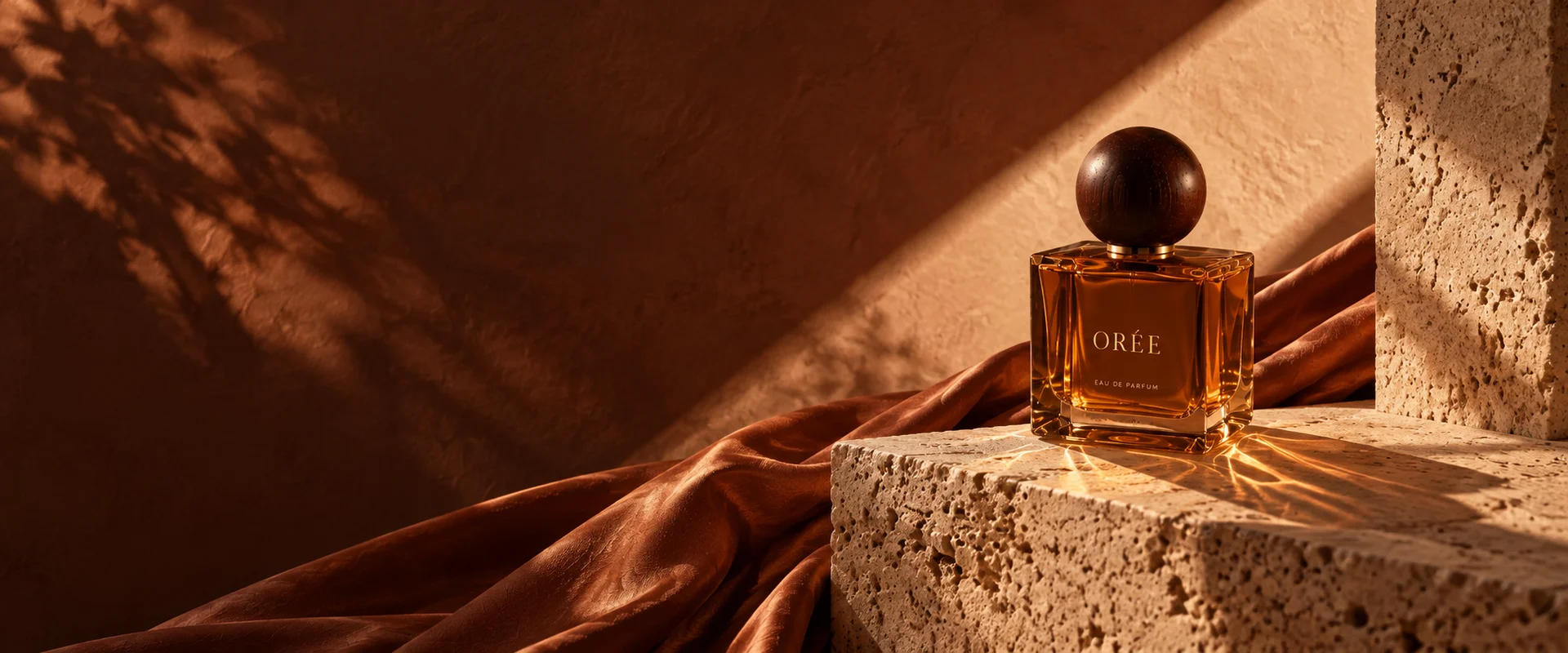
Visuals for a page, not page code
For website imagery, you can request a coordinated set of landing-page visuals: a hero, a detail, a lifestyle scene and a product closing image. A typical website-hero request leaves space for a page headline and keeps wording out of the image.
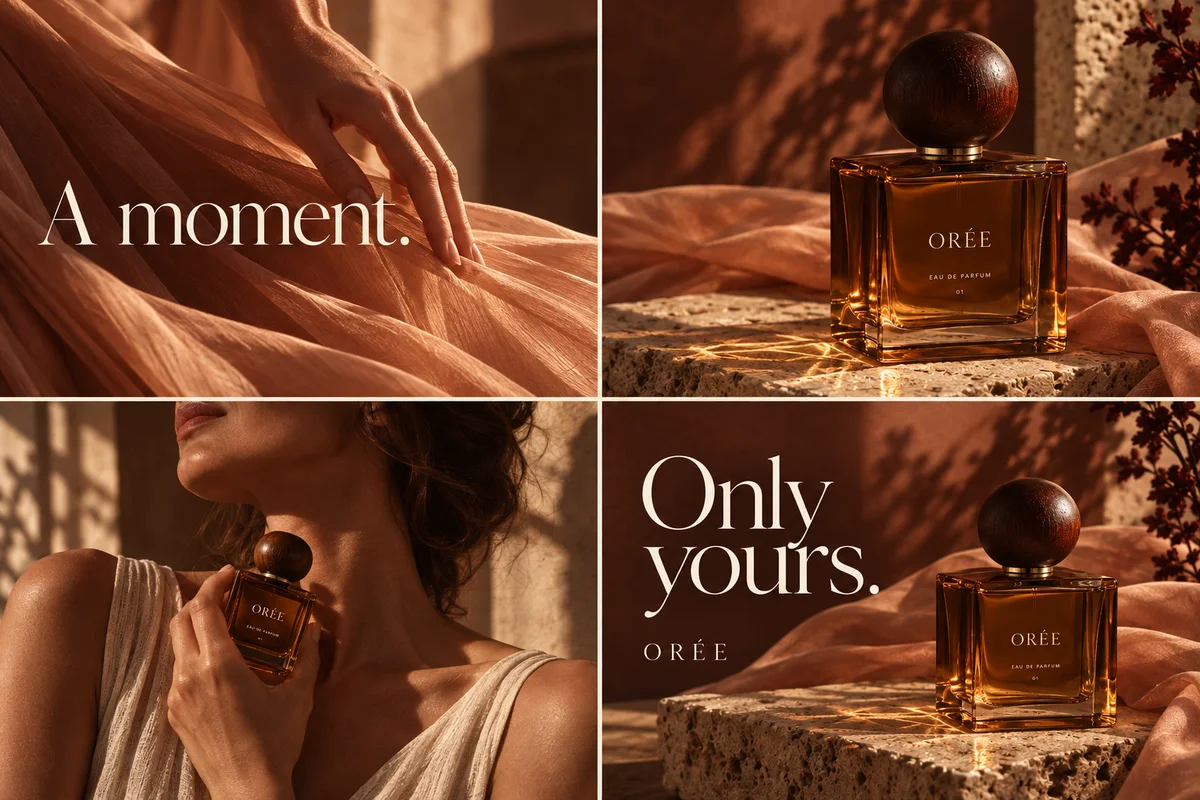
One product identity across views
Each image is generated and refined on its own, but the request should keep one product identity and a consistent visual direction.
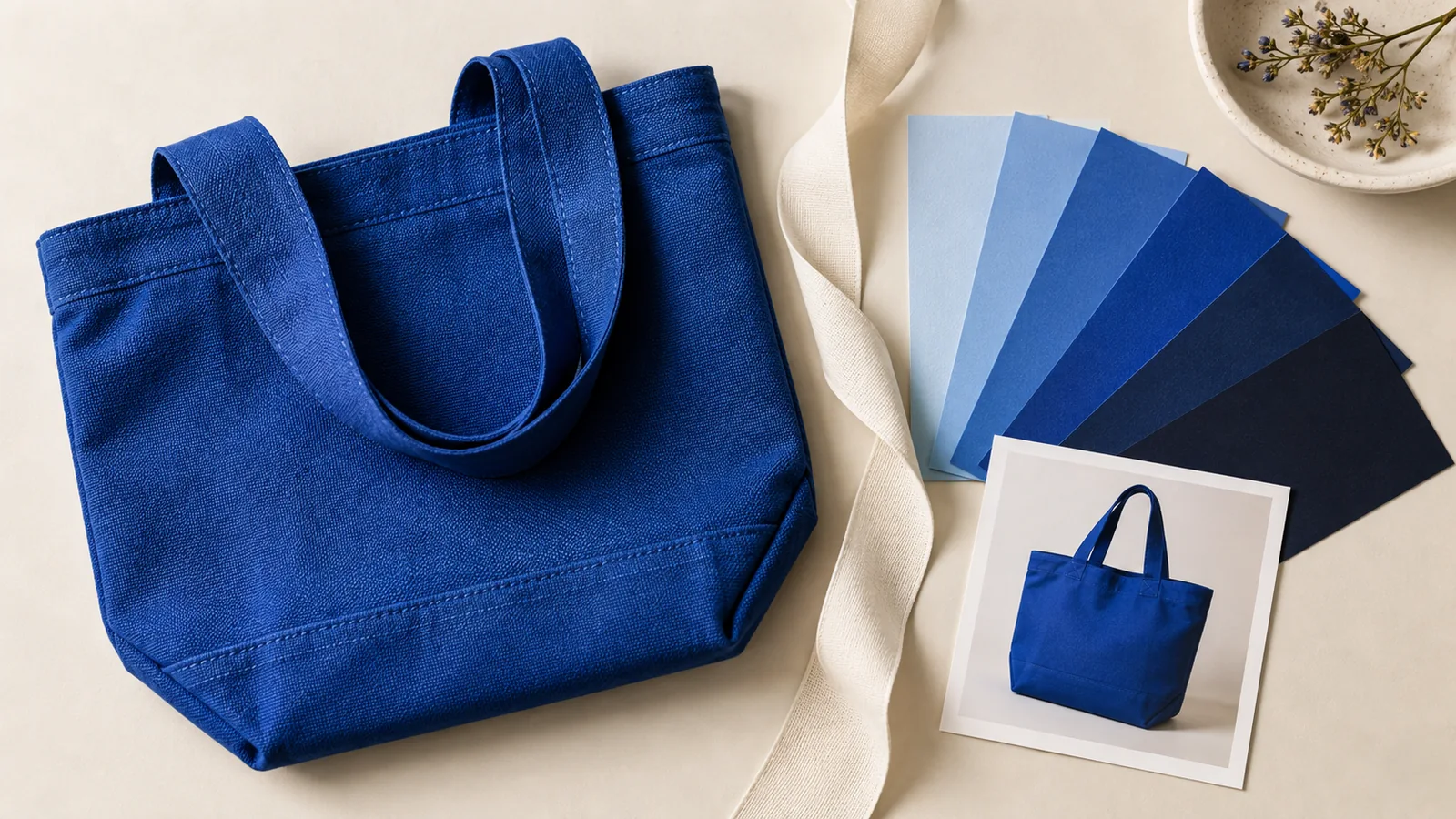
Inspection against the original
These visuals can support an ecommerce page or a campaign, but they are still generated images. Compare packaging, colour, shape and any visible markings with your original photo before you use them.
Product angles, and visuals for a page
For product angles, you can ask for a front hero, a three-quarter side view, a close-up of a part that is visible in your photo, or a use scene. Keep the same product identity, and ask for a clear change in angle, shot size or composition between images. Each image is generated and refined on its own.
For website imagery, you can request a coordinated set of landing-page visuals: a hero, a detail, a lifestyle scene and a product closing image. A typical website-hero request leaves space for a page headline and keeps wording out of the image—you are asking for imagery to bring into a page design, not for website code.
For packshots and lifestyle product photographs—the AI product photography job—use the AI product photography tool. This page stays the capability story for product-angle and website visuals. The product angle generator and the landing page image generator start those narrower Studio jobs.
These visuals can support an ecommerce page or a campaign, but they are still generated images. Compare packaging, colour, shape and any visible markings with your original photo before you use them.
From a product photo to a reviewed visual
Write the product name, the view you need and any approved facts first. The advertising creative brief template can format those fields; it does not generate an image. The brief checklist is also a useful list of product facts, audience and exclusions, even when the output you want is a website visual rather than a four-panel advertisement.
Then open a multi-angle product-image task or a landing-page visual task in Studio. After generation, compare the result with your original photo. The article on consistent product images explains how to keep a product reference distinct from a selected image.
When you have a visual you want to deliver, resize or fit it to a working canvas or compare a compressed delivery copy. Those tools work on an image you already have. Studio generation uses the credit packs and plans described on the pricing page; the quote is shown before you generate.
What this page will not promise
Do not treat a generated close-up as proof of a material, an interior, or a construction detail that is not visible in your reference. If a back, lining or inner structure is not in the photo and you have not supplied a verified fact, it is not a product specification.
Panelly will not invent performance results, certifications, or measurements. It does not output an editable 3D model. A lifestyle or interior-looking scene is a visual setting for the product, not a documented room, finish or material study.
If your actual job is a four-panel advertisement with copy in the image, or a coordinated set that includes a square hero and a portrait poster, use those capability pages instead. This page stays with product-angle and clean website visuals. For a complete advertising goal that uses the four-panel output, open the four-panel use case.
Who this page is for
This page is for people who need product-angle or clean website visuals from a product photo—hero, detail, lifestyle or closing images for an ecommerce page or a campaign—rather than a complete advertisement with copy in a 2×2 grid.
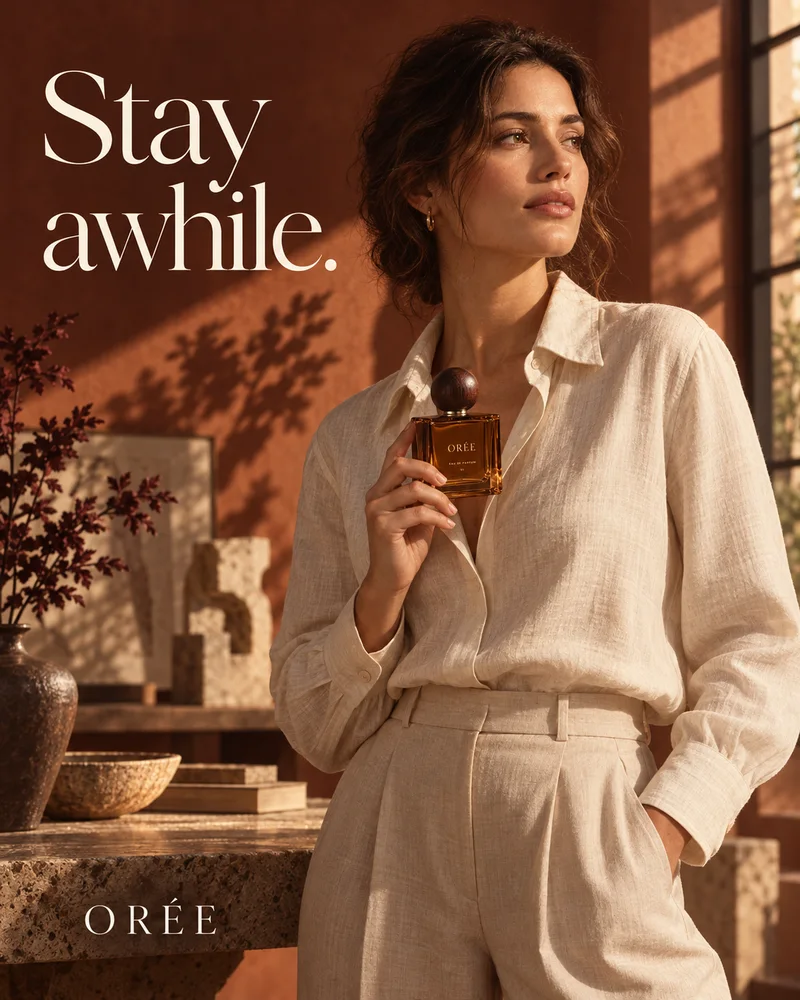
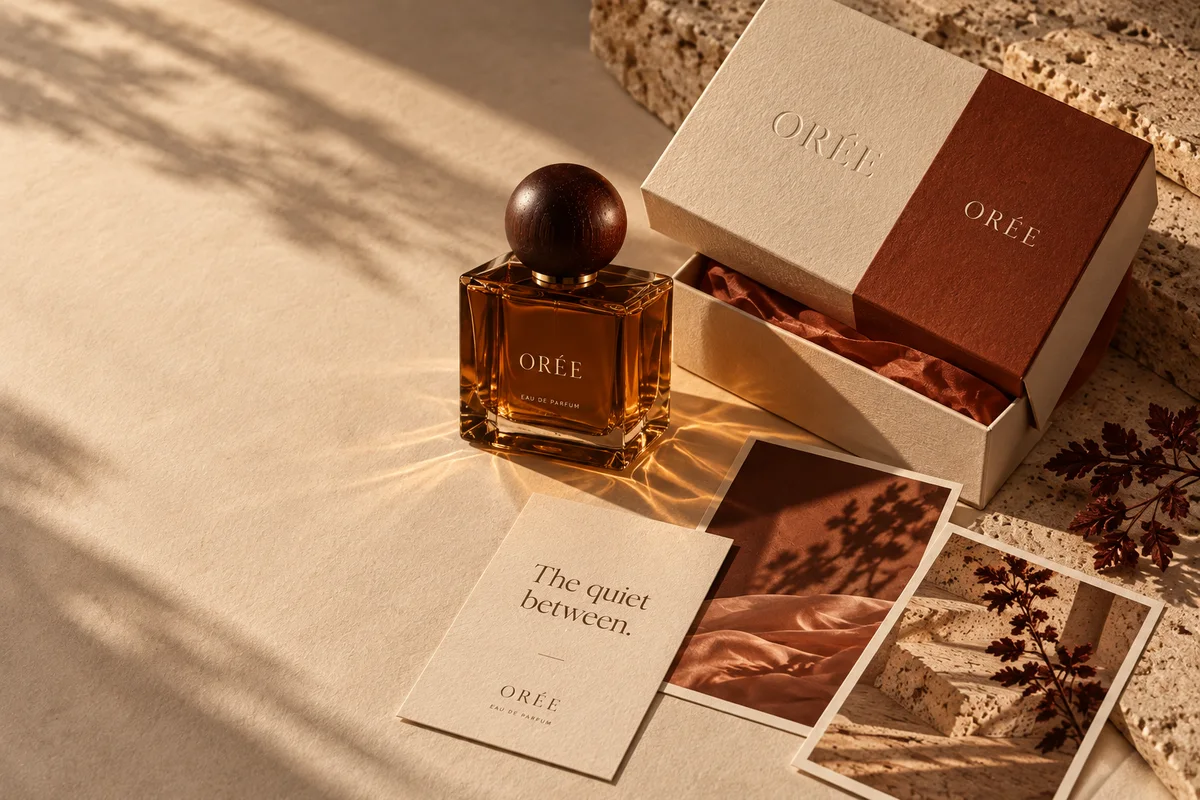
It is not a substitute for a photoshoot when you need certified, measured or unseen product facts. The ORÉE images on this page are a fictional concept series, not a customer case and not a guarantee of a matching result. Packaging in the ORÉE series, when you see it elsewhere on the site, is a visual mockup.
A second Studio entry, “product ads from multiple angles,” plans a front hero, three-quarter view, visible-part close-up and use scene as individual advertising images. If you later need those images as part of a campaign set, plan a coordinated creative set.
A concrete product-visual plan
ORÉE, a fictional fragrance — used here as website-style visuals, not as a photography-studio shoot
Create coordinated landing-page visuals for a fictional fragrance called ORÉE: a clean product hero, a closer bottle view, a lifestyle scene and a portrait closing image. Keep one bottle identity, warm side light, and a quiet, natural mood. Leave space in the hero for a website headline; no text inside these images. I need website imagery, not website code.
- HeroA clean product hero with space for a website headline, and no wording in the image.
- LifestyleA use or atmosphere scene that keeps the same bottle identity and lighting.
- Portrait closeA tighter, vertical crop of the product or a person with the product, still without invented claims.
- Story stillA wider story still that can sit on a page section, consistent with the same visual direction.
These are original AI concept images for a fictional brand. Bring your own product photo and approved facts. Review every result against that photo. Packaging in the ORÉE series, when you see it elsewhere on the site, is a visual mockup. A second Studio entry, “product ads from multiple angles,” plans a front hero, three-quarter view, visible-part close-up and use scene as individual advertising images.
How to request product-angle and website visuals
Start from a product photo, describe the view you need, then generate in Studio and compare the result with your original.
Prepare the product facts and the view you need
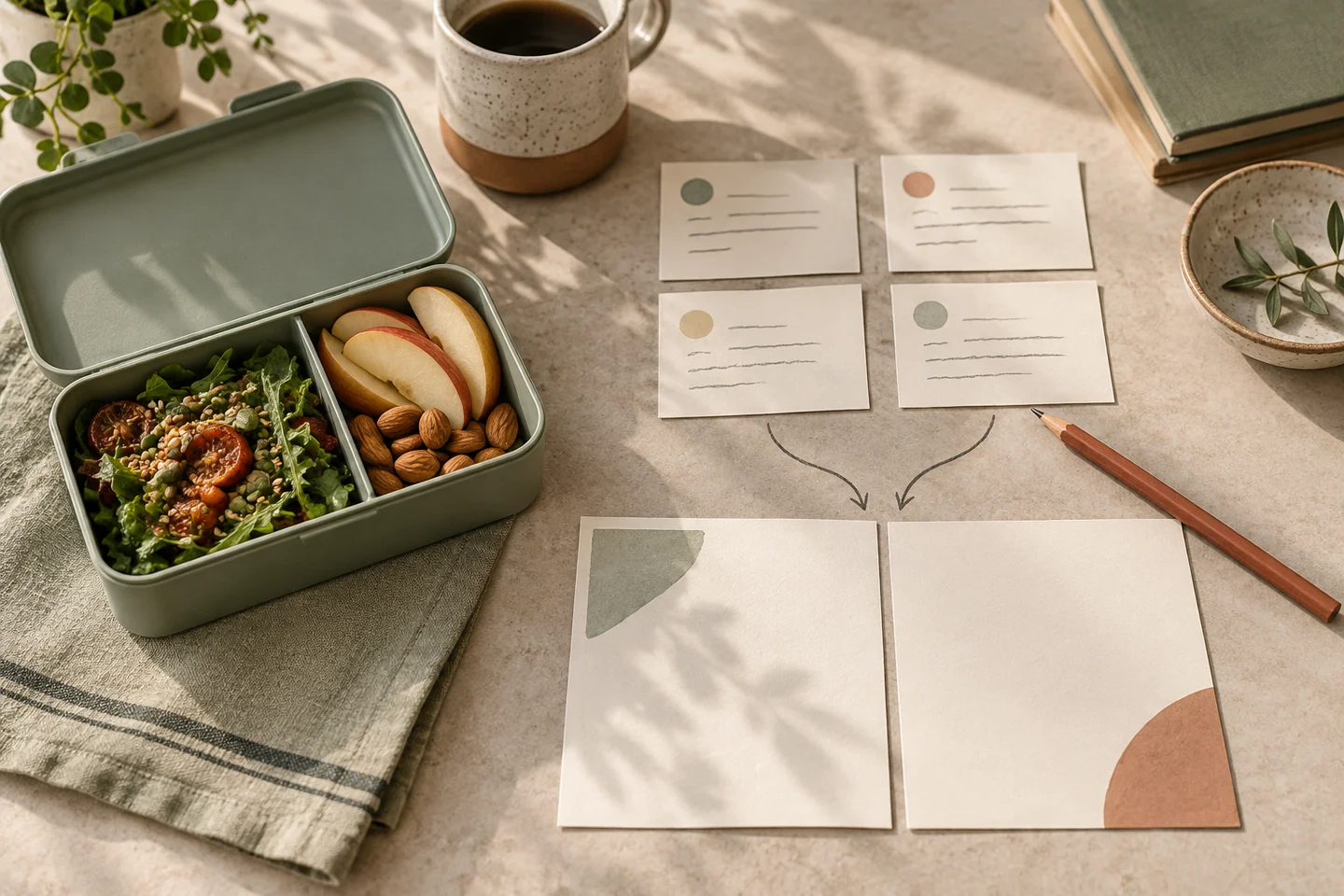
Upload or plan to use a product photo, and write the product name and any approved facts. Decide whether you need product angles—a front hero, a three-quarter side view, a close-up of a part that is visible in your photo, or a use scene—or a coordinated set of landing-page visuals. You can collect those facts in the advertising creative brief template; the tool does not generate an image.
Open the advertising creative brief templateDescribe the visual direction
Keep the same product identity, and ask for a clear change in angle, shot size or composition between images. For a typical website hero, leave space for a page headline and keep wording out of the image: you are asking for imagery to bring into a page design, not for website code. Each image is generated and refined on its own.
Generate and inspect in Studio
Open a multi-angle product-image task or a landing-page visual task in Studio. After generation, compare packaging, colour, shape and any visible markings with your original photo before you use the image. Do not treat a generated close-up as proof of a material, an interior, or a construction detail that is not visible in your reference. Credit packs and the quote shown before generation are described on the pricing page.
Open a multi-angle product-image task in Studio
Questions and answers
Is this a general AI product photography studio?
No. Panelly helps you create product-angle and clean website visuals from a product photo you already have. It is not a general photography studio, and it does not replace a photoshoot when you need certified, measured or unseen product facts.
Can I request a close-up of something not in my photo?
Do not treat a generated close-up as proof of a material, an interior, or a construction detail that is not visible in your reference. If a back, lining or inner structure is not in the photo and you have not supplied a verified fact, it is not a product specification.
Does this output an editable 3D model or website code?
No. Panelly does not output an editable 3D model. A website-hero request is a request for imagery to bring into a page design, not for website code.
Are the ORÉE images on this page a customer case?
No. They are original AI concept images for a fictional brand, used as website-style visuals. They are not a customer case and not a guarantee of a matching result. Bring your own product photo and approved facts, and review every result against that photo.
How is this different from a four-panel advertisement or a creative set?
A four-panel advertisement is one complete 2×2 image with scenes and copy designed together. A creative set is a planned group that includes a four-panel story, a square campaign hero and a portrait poster. This page stays with product-angle and clean website visuals.
Will Panelly invent performance results or measurements?
No. Panelly will not invent performance results, certifications, or measurements. A lifestyle or interior-looking scene is a visual setting for the product, not a documented room, finish or material study.
How do credits work for these images?
Studio generation uses one-time credit packs and one shared balance for image and video models. New credits are valid for 6 months, and there is no subscription. New accounts start with 20 free credits. A finished image, including a four-panel advertisement, counts as one image generation; the credit quote is shown before you generate. Current packs are listed on the pricing page.
Explore related work
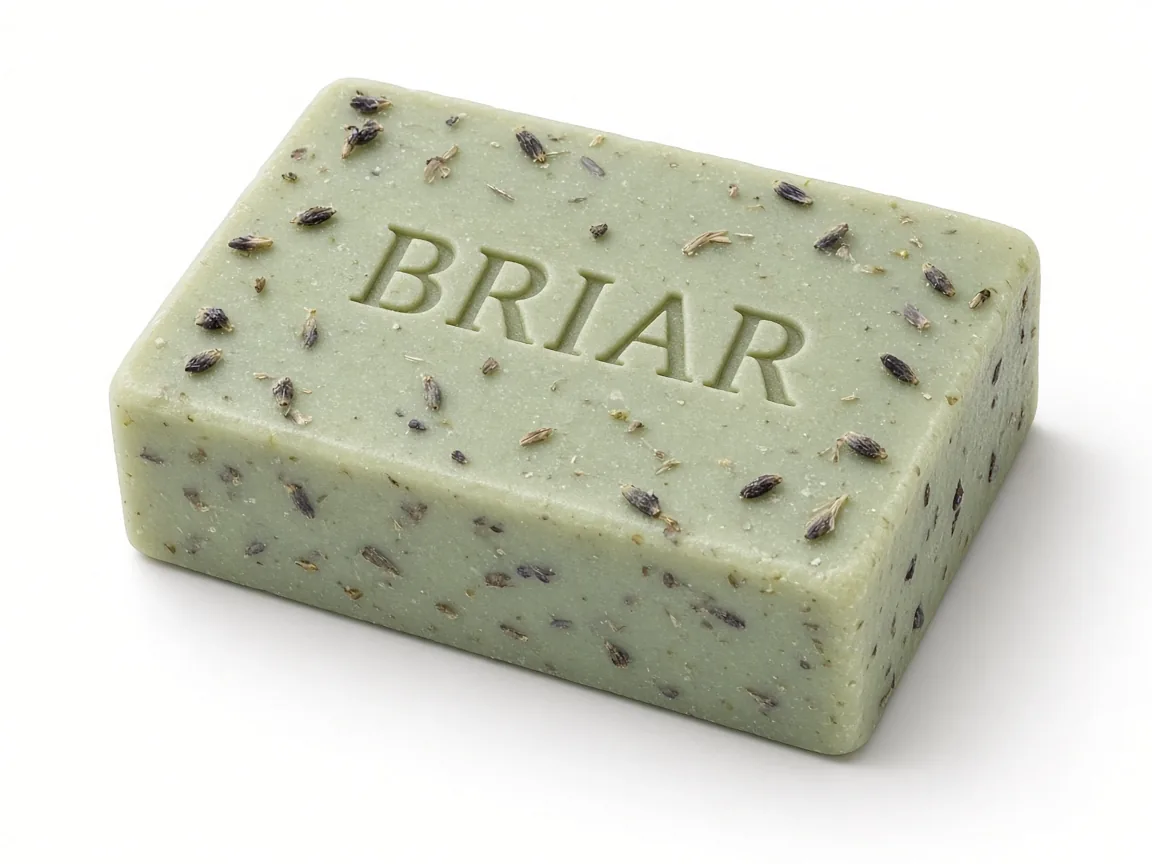 AI background removerA clean white, black or studio backdrop from a product photo. Not a video background remover, and not a transparent PNG download.
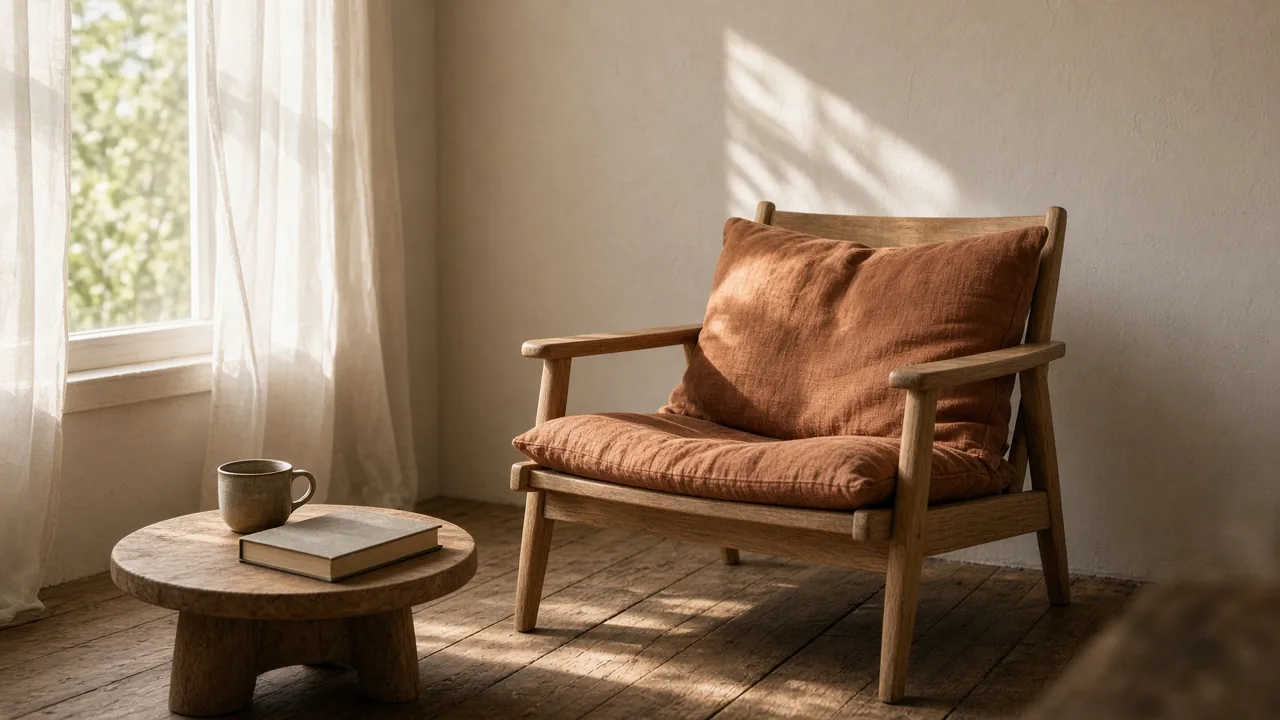 AI image generatorA still from a written prompt and an optional reference, not only product photography.
- AI product photographyPackshots and lifestyle product photos from a product photo, not a landing-page set and not a multi-angle advertising set.
- Generate multiple product anglesStart the product-angles Studio job from one product photo.
- Make landing-page visuals with no ad copyStart the landing-visual Studio job for website imagery.
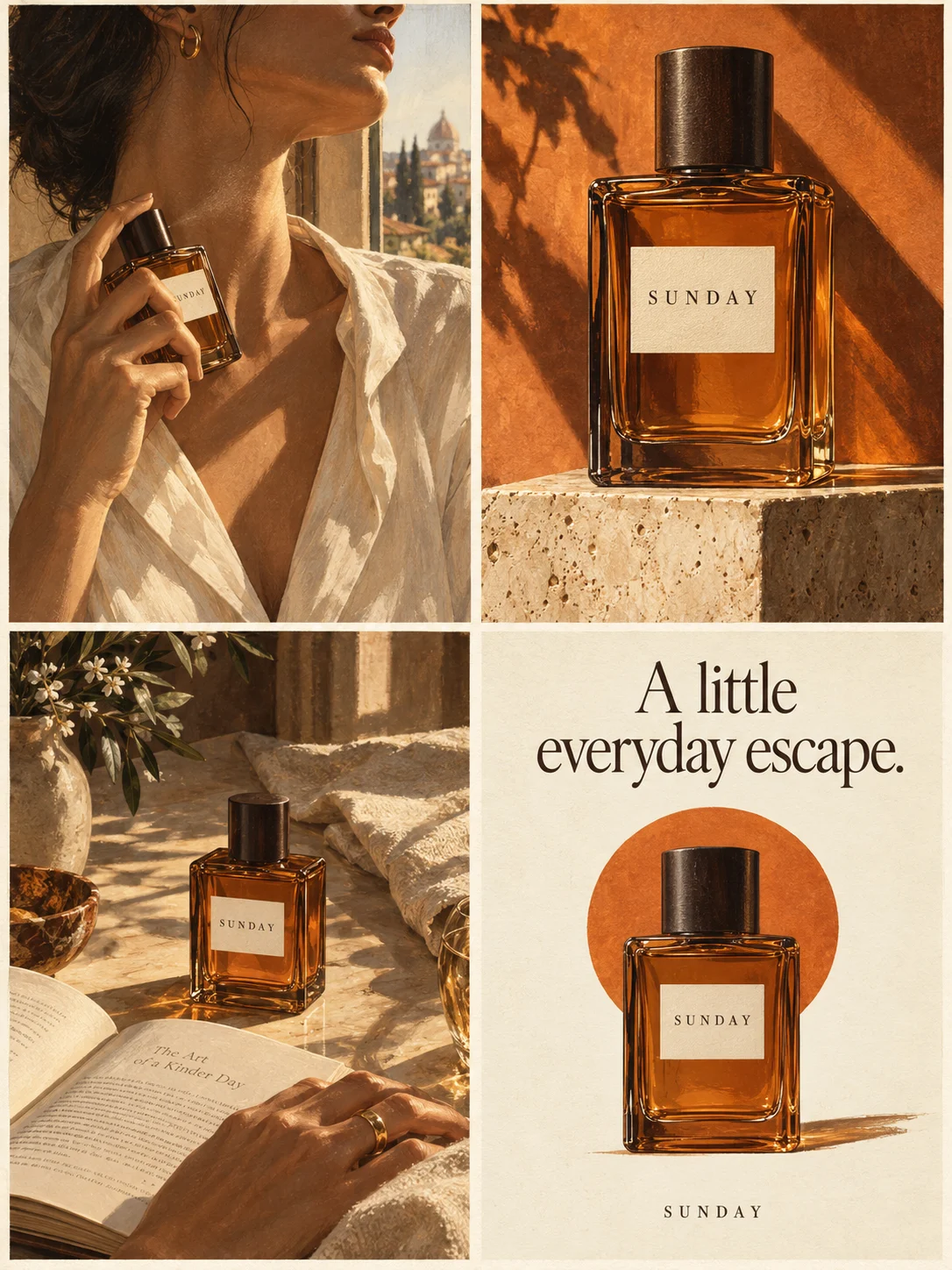 See how one 2×2 product advertisement is composedWhen the job is a complete four-panel ad with copy in one image.
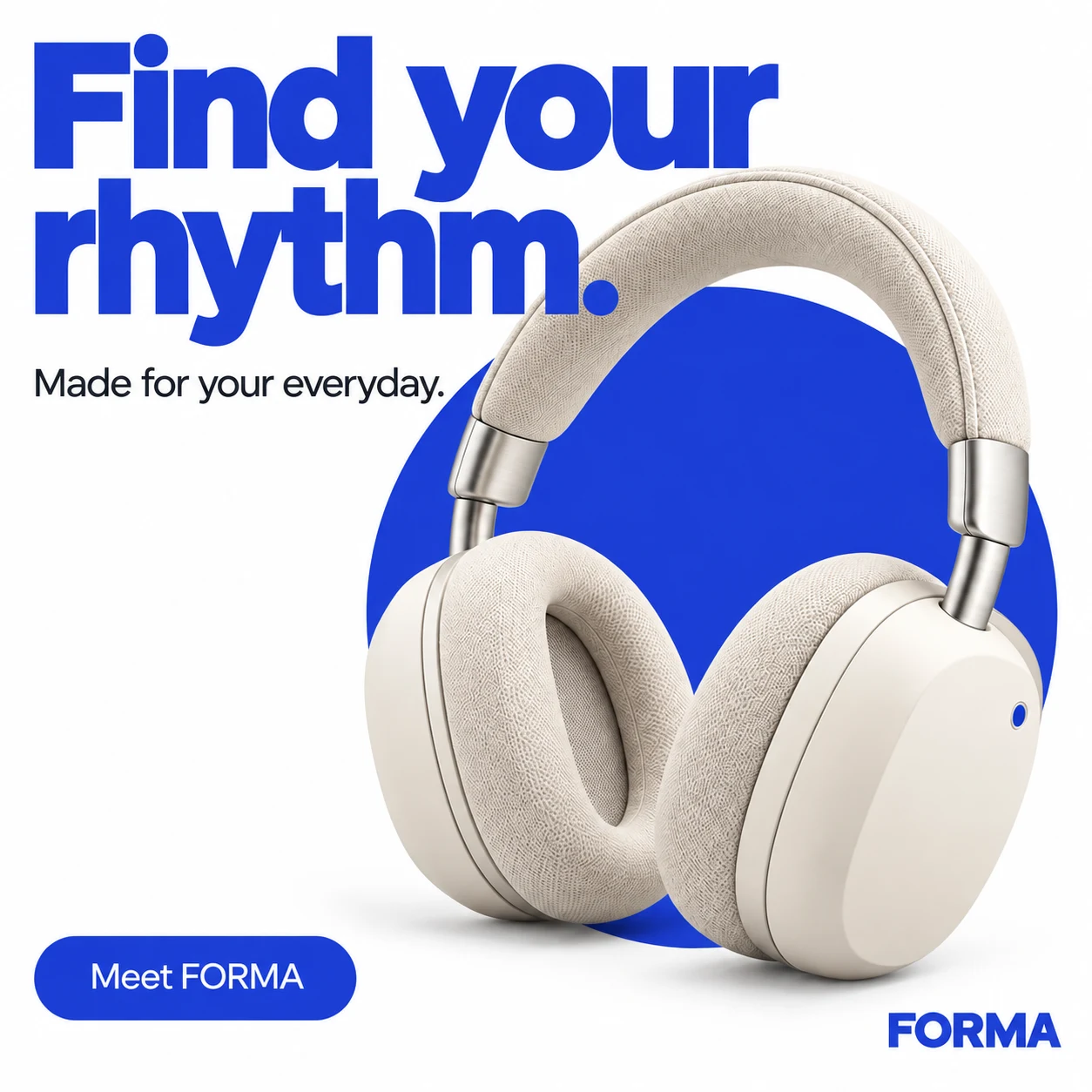 Plan a coordinated set with a square hero and portrait posterWhen you need several ad formats that share one visual direction.
- Apply the four-panel task to a complete ad goalIf your next job is a complete 2×2 advertisement rather than website visuals.
- Keep a product reference distinct from a selected adHow to inspect a generated image against the original product photo.
- Prepare an editable product-ad briefWrite the facts and the visual request before you generate.
- Review the brief fields before you generateA checklist for product facts, audience and exclusions.
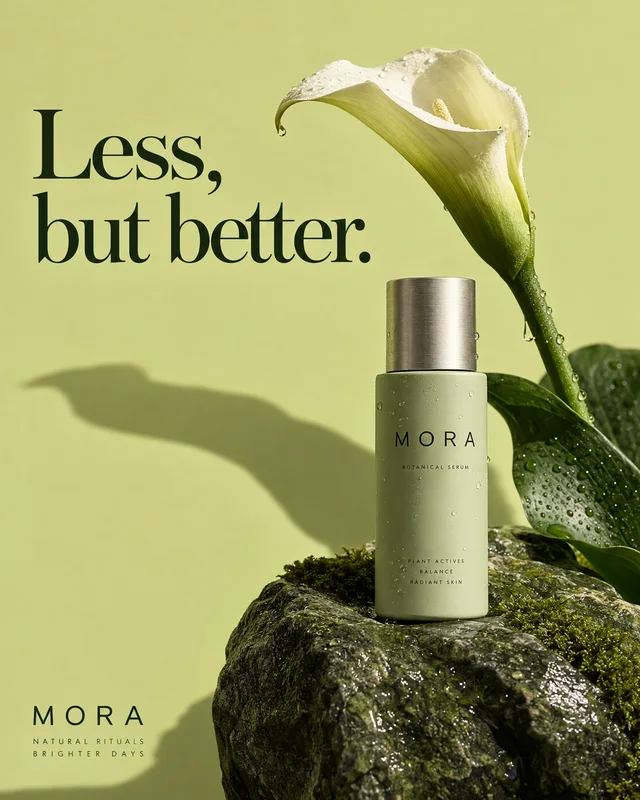 All product-ad capabilitiesThe collection of live capability pages, including GPT Image 2.6 product tasks.
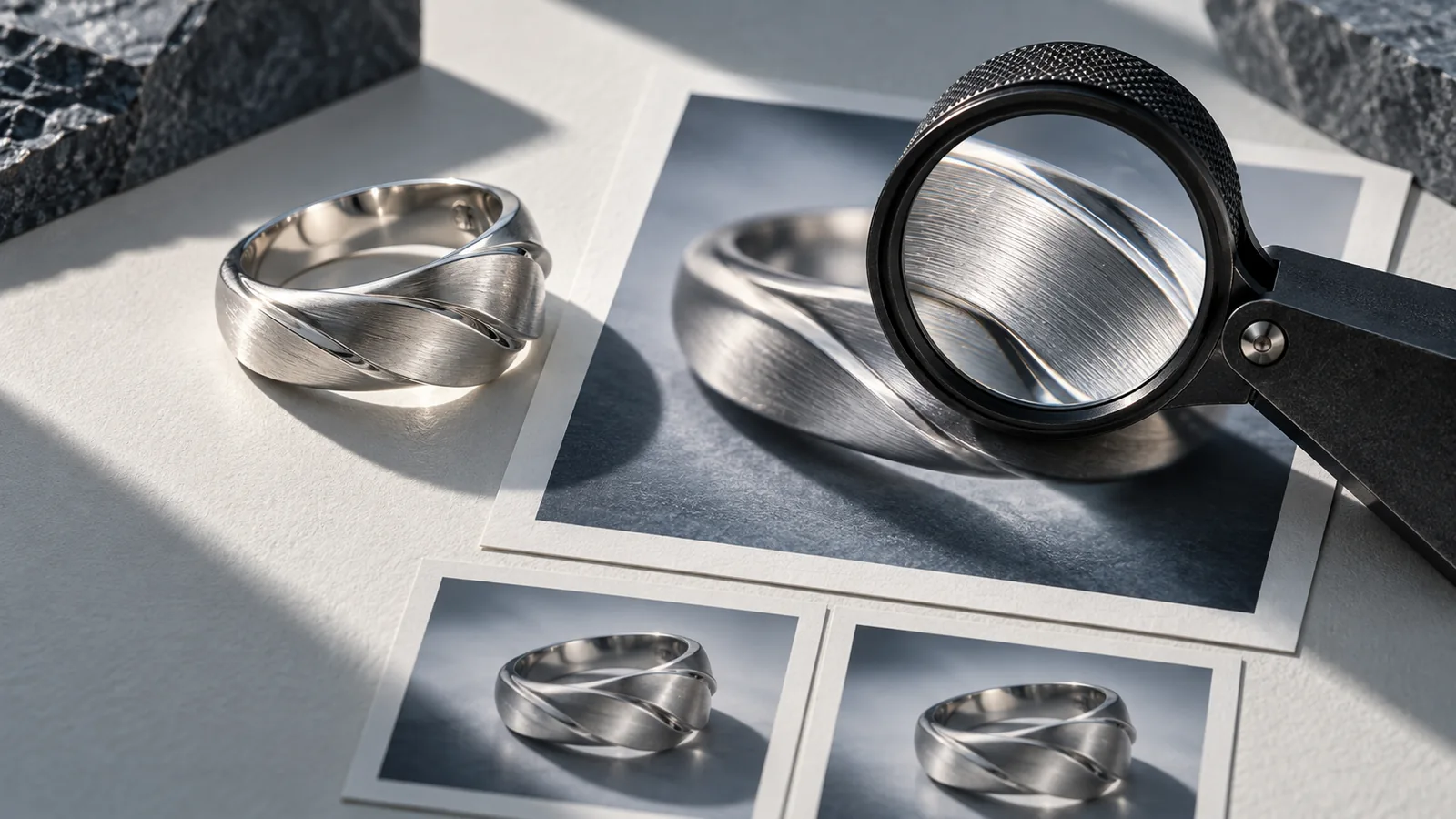 Compare a compressed delivery copyCheck file size and visible detail in an image you already have. This tool does not generate an image.
 See credit packs and plansOne-time credit packs, one shared balance, no subscription. New accounts start with 20 free credits. A finished image, including a four-panel advertisement, counts as one image generation; the quote is shown before you generate.