Capabilities
Product ad capabilities
Each capability page explains one job, with a real example, how-to steps, limits and a path into Studio. The homepage remains the place for the broad “AI product ad generator” question. These pages do not repeat that intent.
Live pages in this collection
 Four-panel product advertisements: one composite 2×2 imageOne complete 2×2 product advertisement, with four connected scenes and copy in a single image.
 AI product images for ecommerce websitesProduct-angle and clean website visuals from a product photo, for ecommerce pages—not a general photography studio.
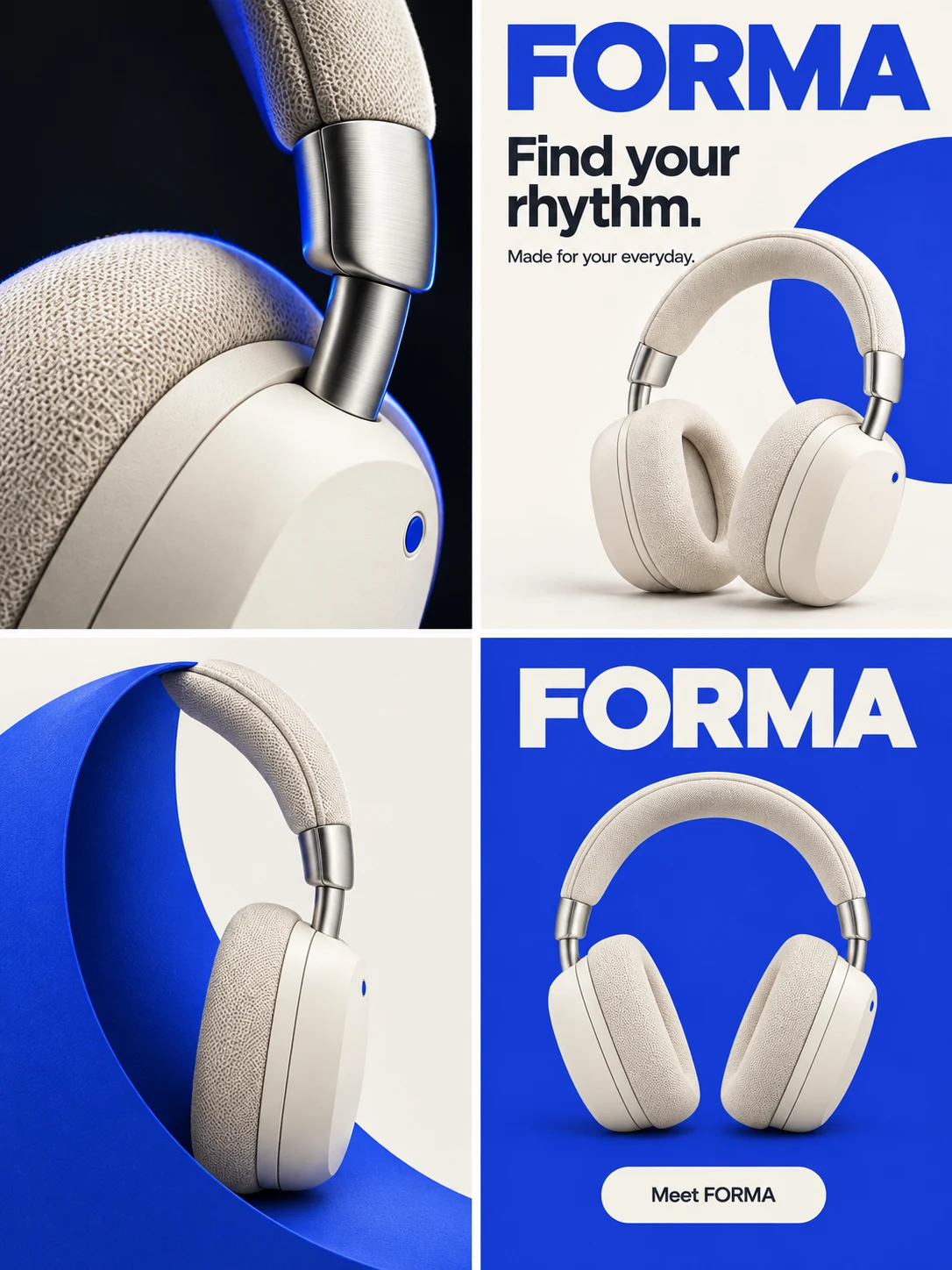 Product ad creative sets: a four-panel story, square hero and portrait posterA planned set: a four-panel story, a square campaign hero and a portrait poster, each with a distinct role.
 GPT Image 2.6 featuresChoose the right kind of instruction. Compare model choices, planning effort, marked edits and delivery formats through concrete product briefs.
How to use this collection
Start from the output you need today, then open the matching page. This hub lists only live capability pages. It is not a second homepage, and it does not hide a generation result behind the index.
If you need a public utility instead—a brief template, an image resizer, an image compressor, or a GPT Image 2.6 prompt builder—open the creative tools. To apply a task to a complete advertising goal, choose a use case. Credit packs and plans are on the pricing page.
For practical brief and composition notes, read the creative guides. For a static workflow walkthrough, open the static product-ad article.
How to choose a product-ad capability page
Identify the job you have today, open the matching capability page, then use its example, limits and Studio path.

Start from the job, not from a generic generator question
The homepage remains the place for the broad “AI product ad generator” question. These capability pages each explain one job and do not repeat that intent. Use this collection when you already know you need a specific kind of output.
Open the page that matches the output you need
Choose the composite 2×2 advertisement, product-angle and website visuals, a coordinated creative set, or the GPT Image 2.6 product tasks already listed in this collection. This hub lists only live pages.

Read the example and the limits, then take a next step
Each capability page includes a real example, how-to steps, questions and answers, and a path into Studio. If you need a public utility instead, open the creative tools. To apply a task to a complete advertising goal, choose a use case. Credit packs are listed on the pricing page.
Open the creative tools
Choosing a page in this collection
How is this collection different from the homepage?
The homepage remains the place for the broad “AI product ad generator” question. Each page in this collection explains one product-ad job—a composite four-panel advertisement, ecommerce product visuals, a coordinated creative set, or GPT Image 2.6 product tasks—and does not repeat that homepage intent.
What is the difference between a capability page and a use case?
A capability page explains one kind of output: what you provide, what comes back, and what it is not. A use case applies Panelly to a specific advertising task, with an audience, a full example and a path into Studio. They can describe the same product capability while answering different questions.
Do these pages generate an image themselves?
No. The pages explain a job and link to Studio, to public tools, and to guides. Generation happens in Studio. Public tools such as the brief builder, image resizer and image compressor do not generate a four-panel advertisement on their own.
Where do I find tools, guides and pricing?
Public creative tools are listed on the tools hub. Creative guides and the journal are linked from each capability page and from this collection. Studio generation uses one-time credit packs and one shared balance; new accounts start with 20 free credits, and current packs are listed on the pricing page.
Explore more in Panelly
 Creative tools for product adsPrepare a brief, or resize and compress an image you already have.
 Product ad use casesApply a task to a complete advertising goal.
 Creative guidesBrief fields, four-panel structure and review notes.
 Walk through a static product-ad workflowFrom brief and reference to inspection, without a video promise.
 See credit packs and plansOne-time credit packs, one shared balance, no subscription. New accounts start with 20 free credits. A finished image, including a four-panel advertisement, counts as one image generation; the quote is shown before you generate.
Looking for a public utility instead? Open the creative tools. To apply a task, choose a use case.