Public tools
Creative tools for product ads
This collection lists live public tools at first-level keyword addresses. The brief builder, image resizer, image compressor and GPT Image 2.6 prompt builder run in the browser and do not require an account. The generation tools—a four-panel ad maker, AI product photography, posters, packaging mockups, product angles, landing-page visuals, carousels, a short video from a still, a brand identity concept, an AI background remover, a general AI image generator, and a short product video advertisement—start a real Studio job. You can edit an example brief and a reference here, then sign in to generate. They do not invent capabilities Panelly does not have.
Live pages in this collection
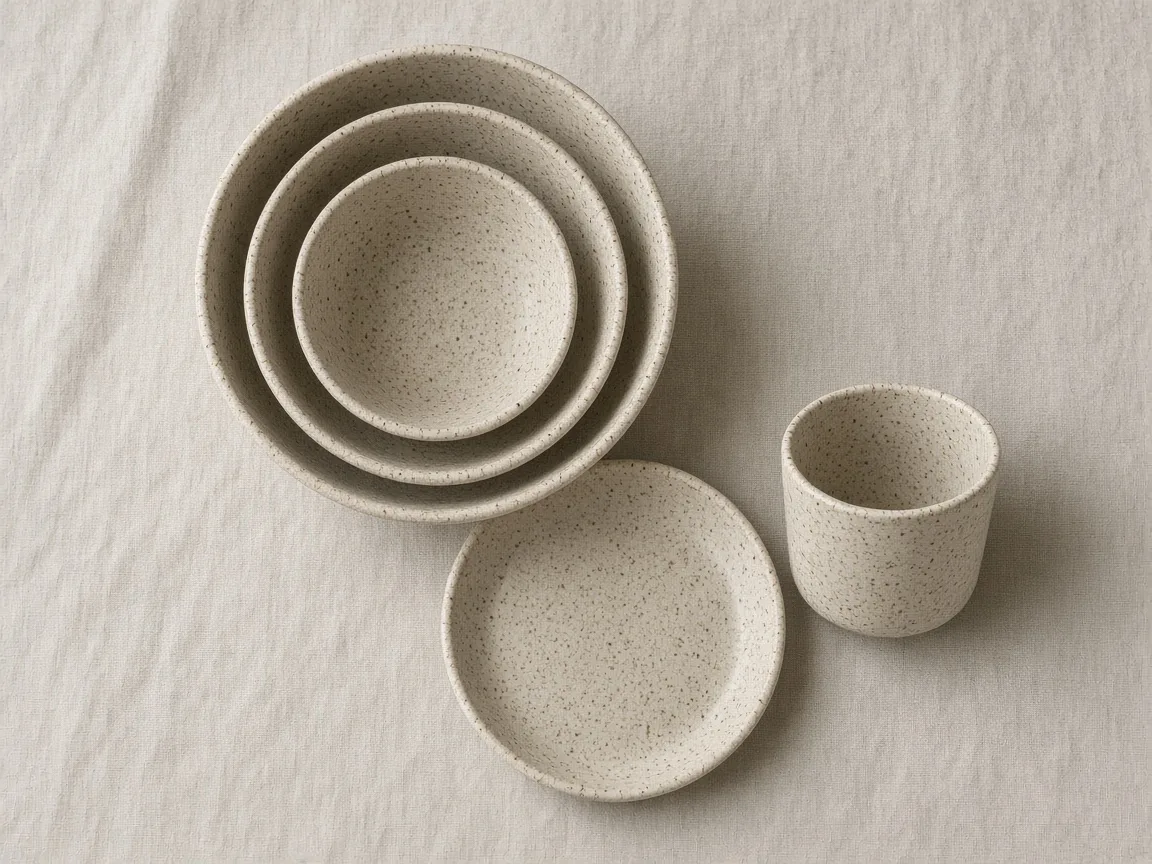 Flat lay backdrop size calculatorSize a tabletop surface for your arrangement and final crop.
 Product photography lighting setup plannerPlan a repeatable tabletop light and card test for your product finish.
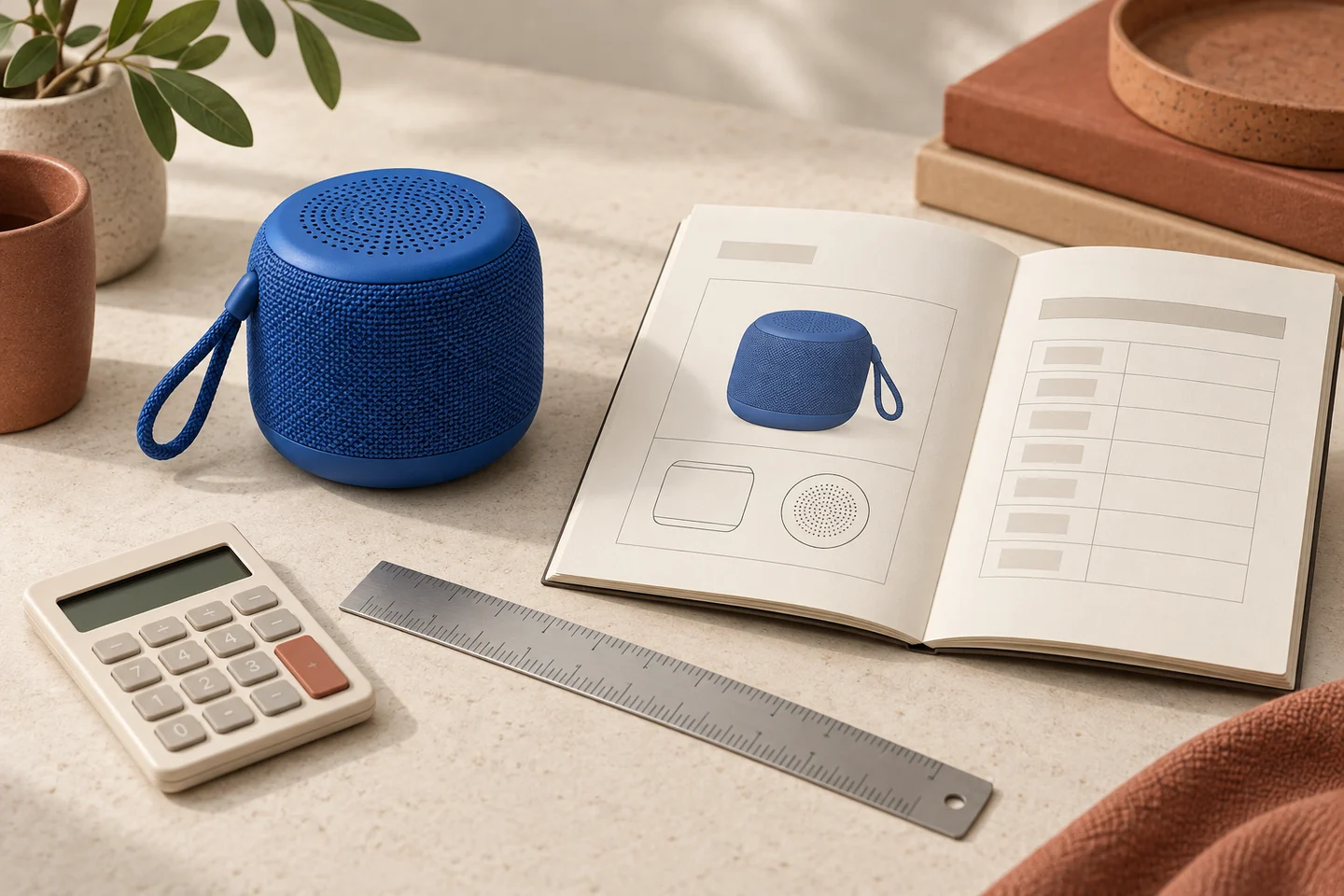 Print size calculatorCheck usable print dimensions at a requested resolution.
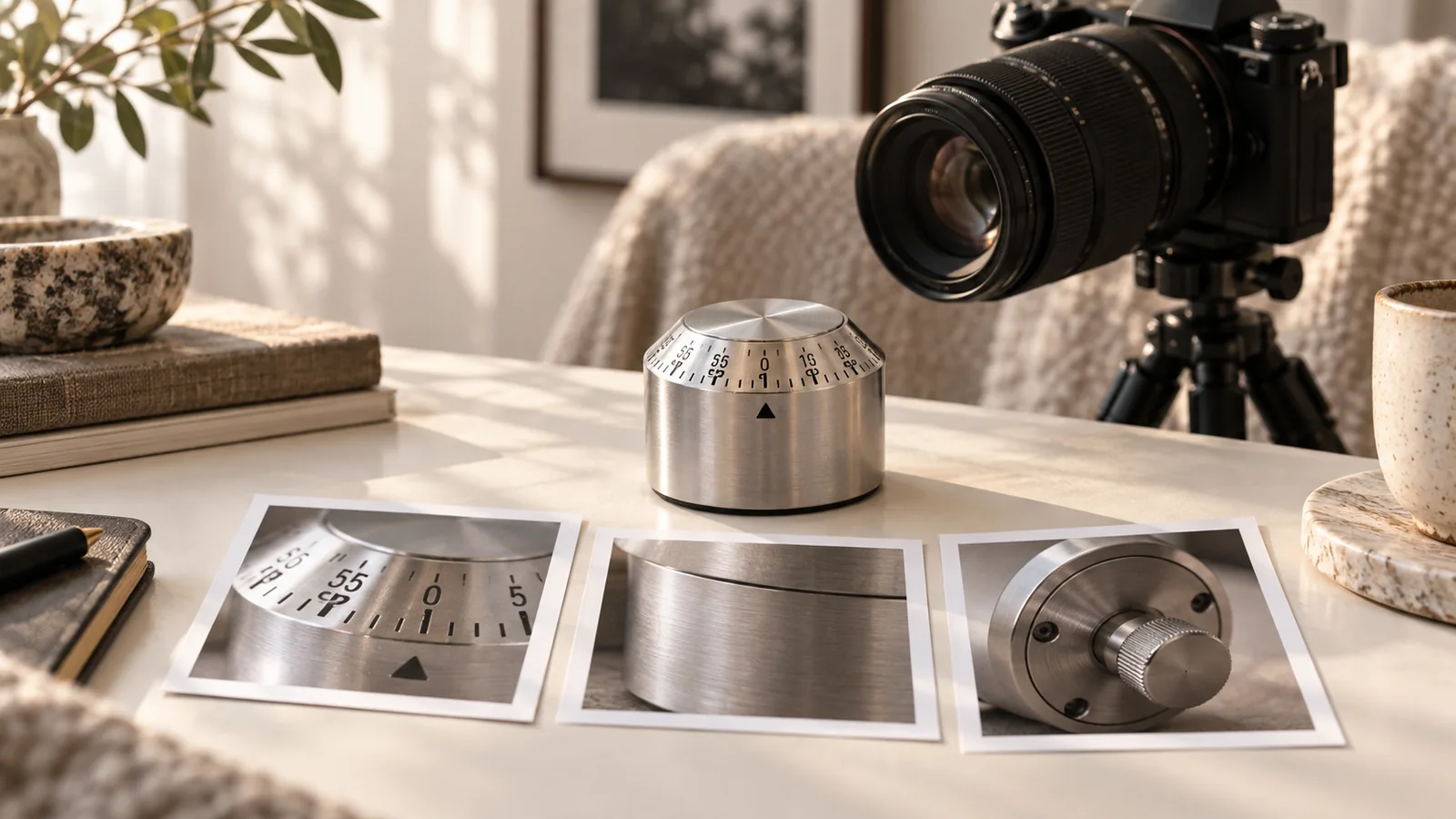 360 product turntable shot listDownload the angle for each exposure in a single rotation.
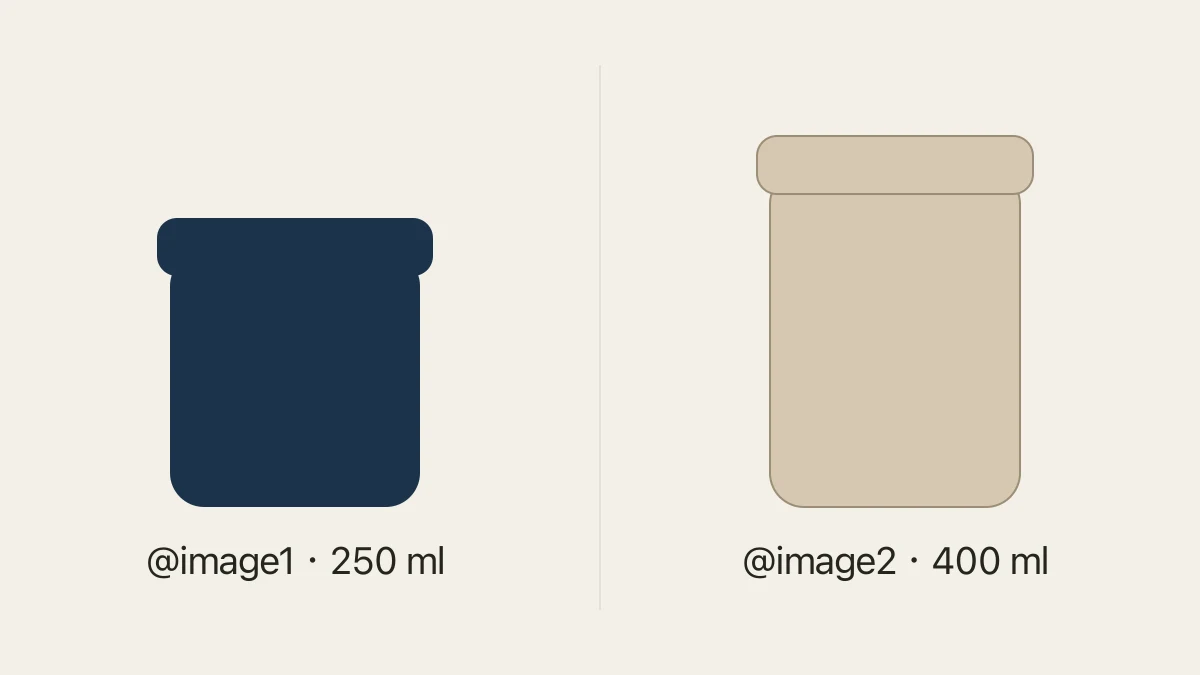 Product photo coverage checkerCompare logged photos against required SKU and view combinations.
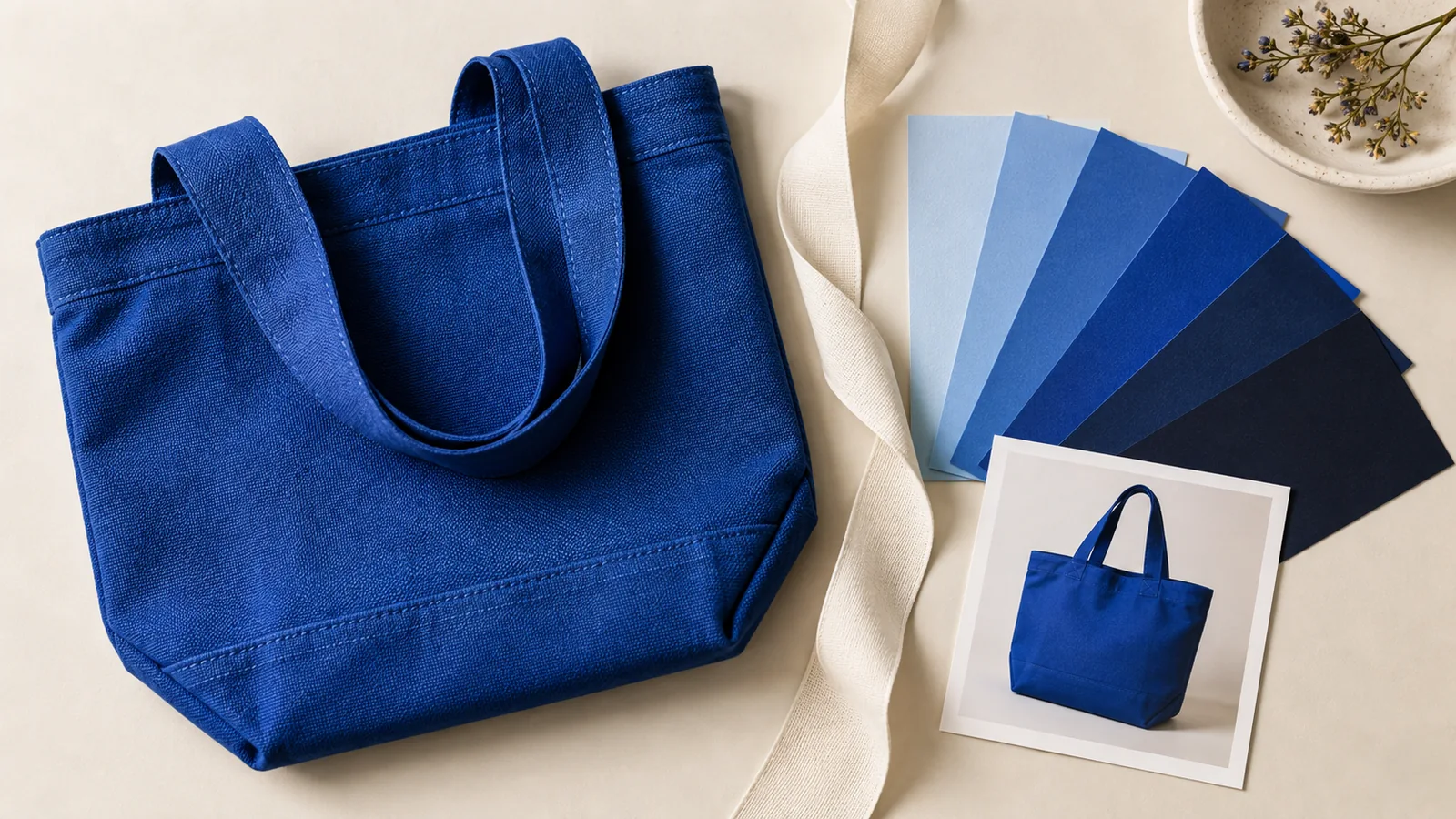 Packaging pattern repeat calculatorFind the motif phase at the folds of a two-face package wrap.
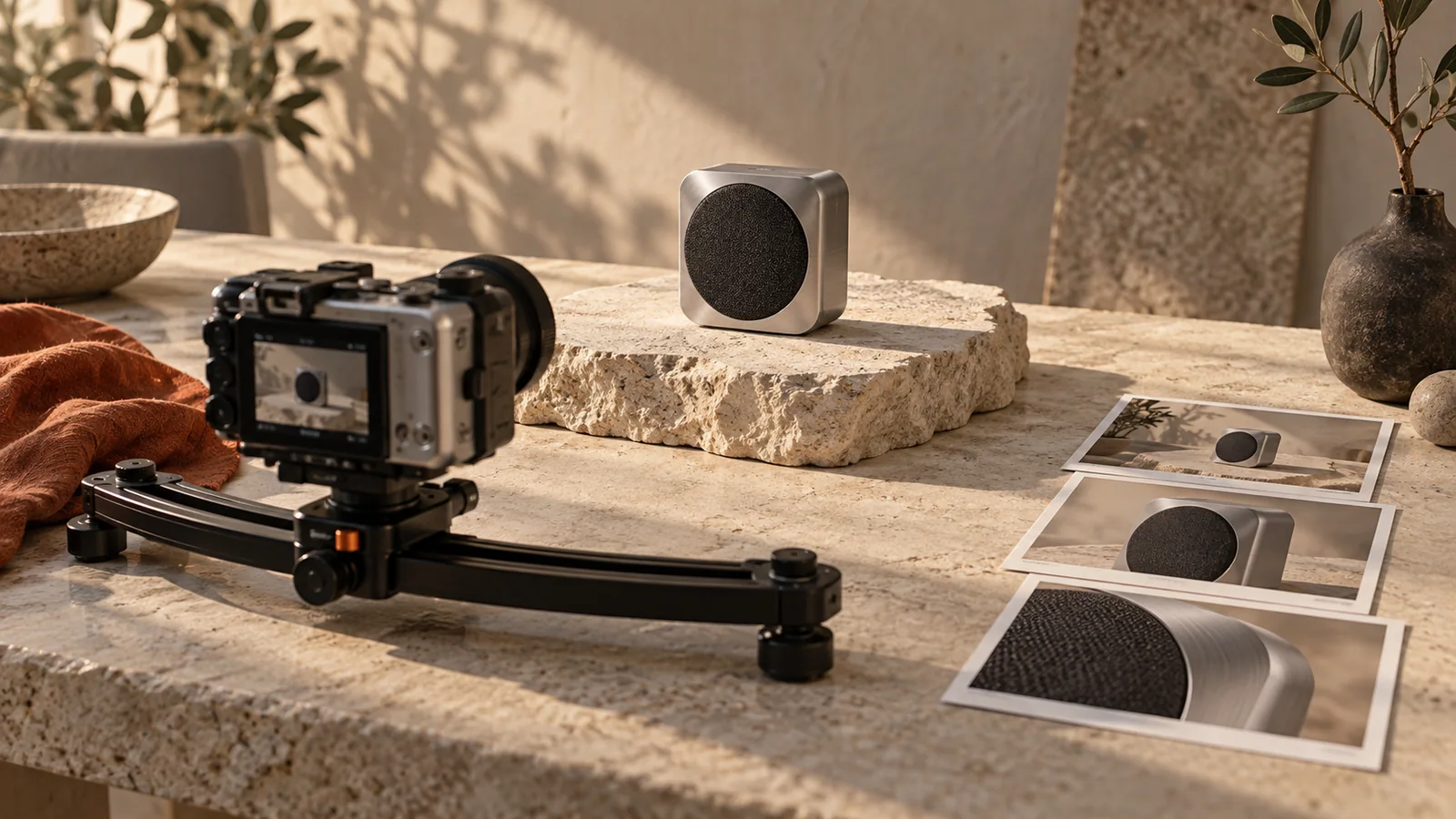 Storyboard timing calculatorConvert storyboard beats into frame ranges for your edit.
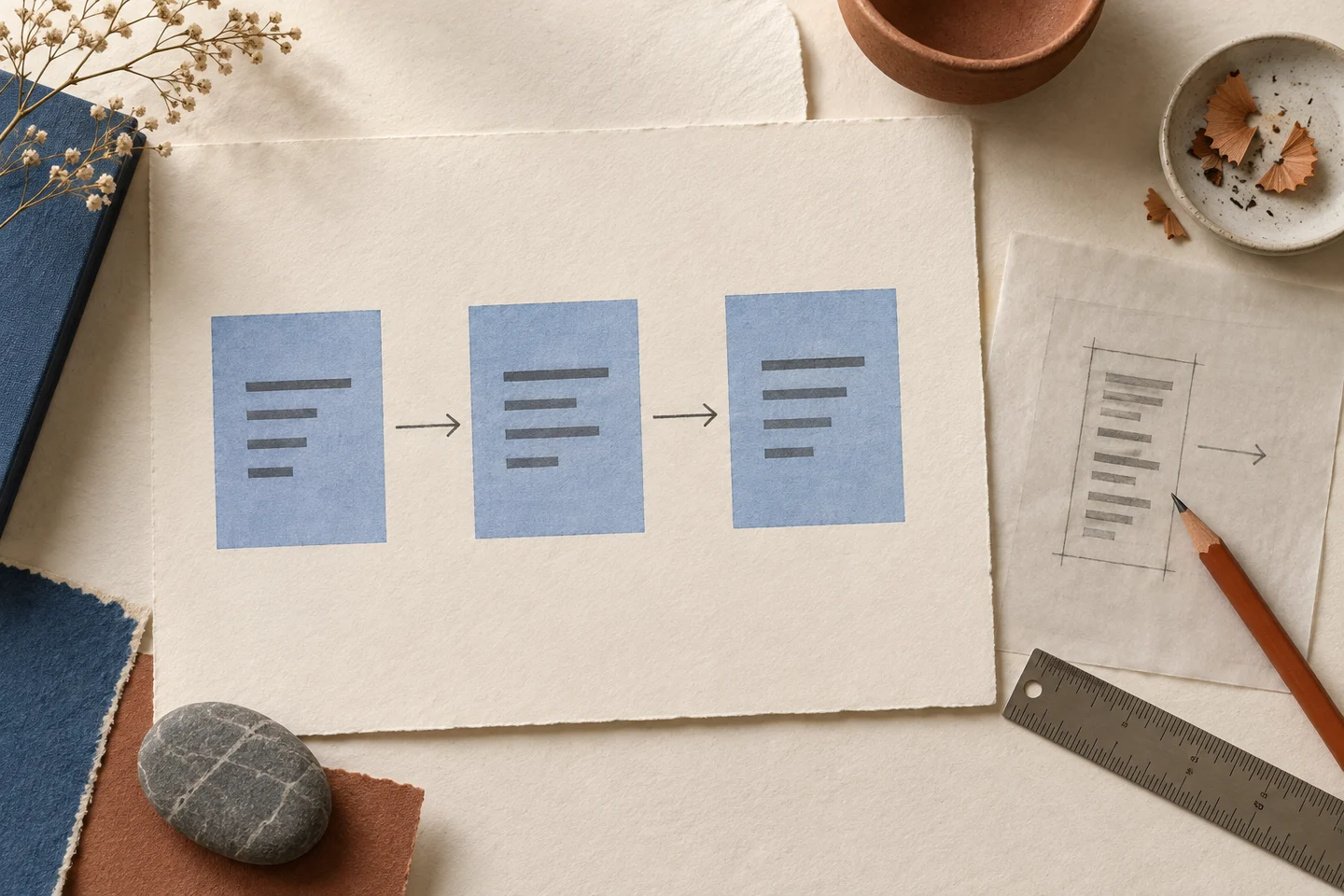 Poster tile calculatorEstimate the A4 or Letter sheets needed to print a product poster at its finished dimensions.
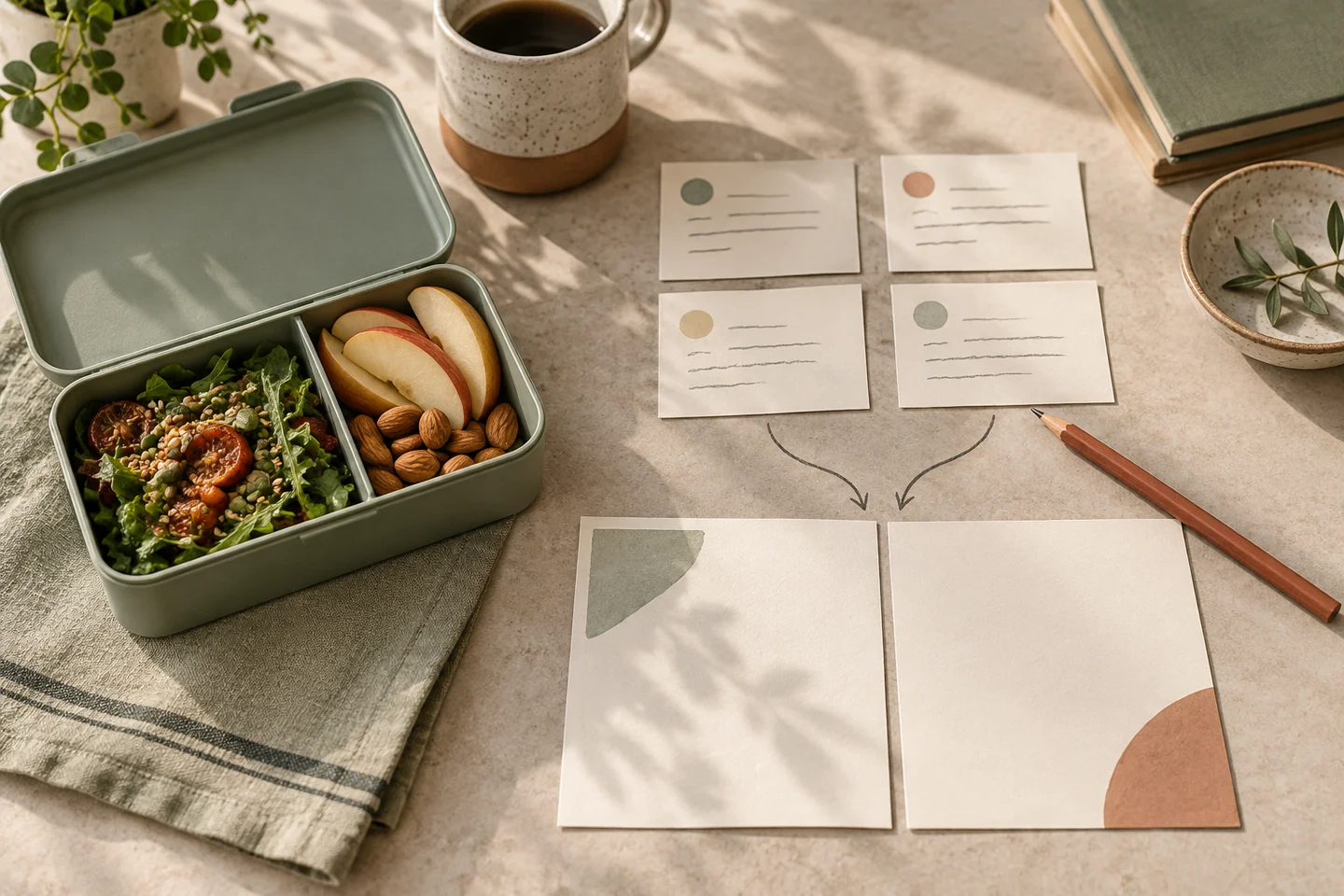 Advertising creative brief templateFill, check, copy or download an editable brief. No account is required; this tool does not generate an image.
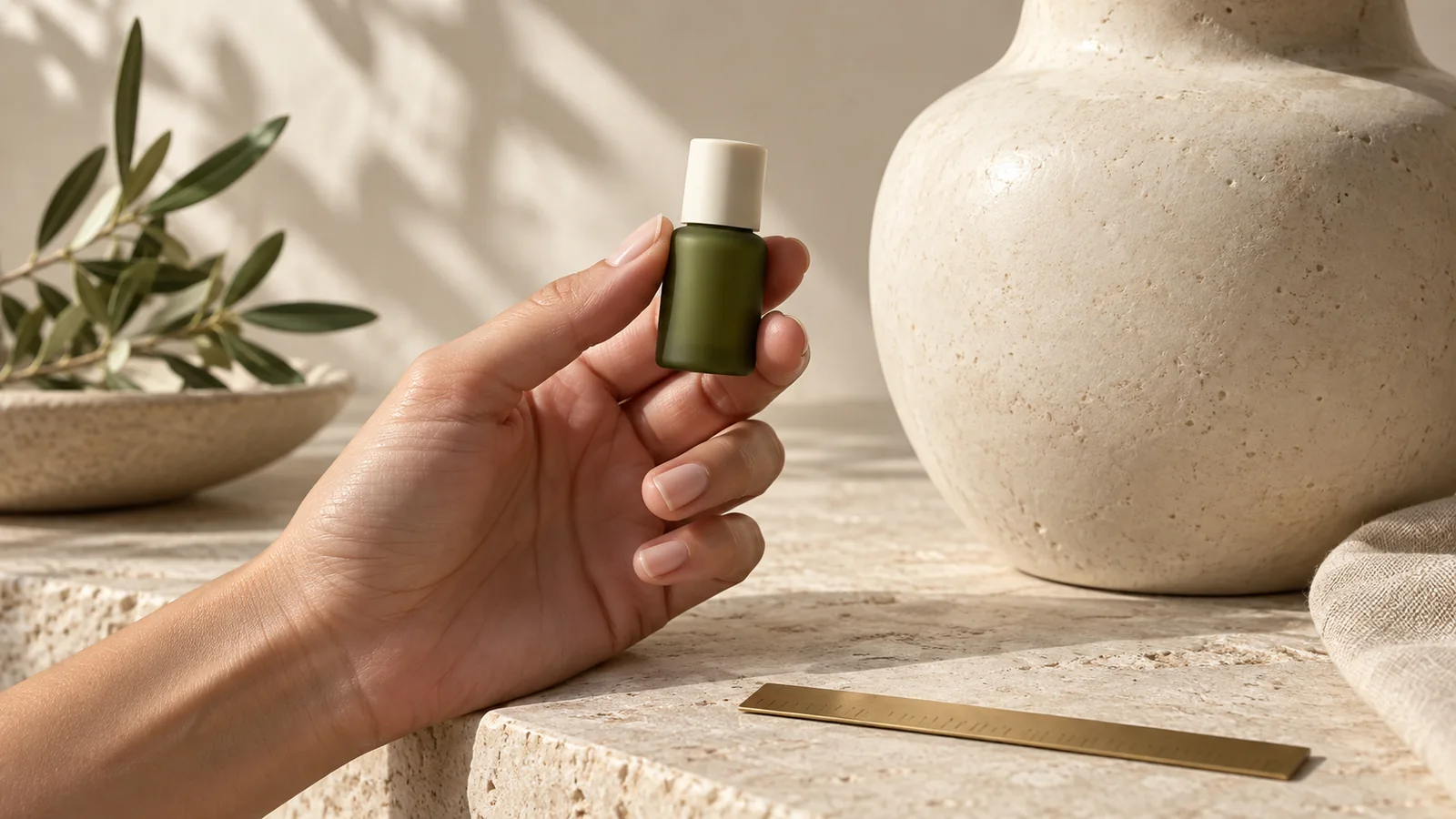 Image resizerResize, crop or fit an existing ad image to a working canvas. No generation credits.
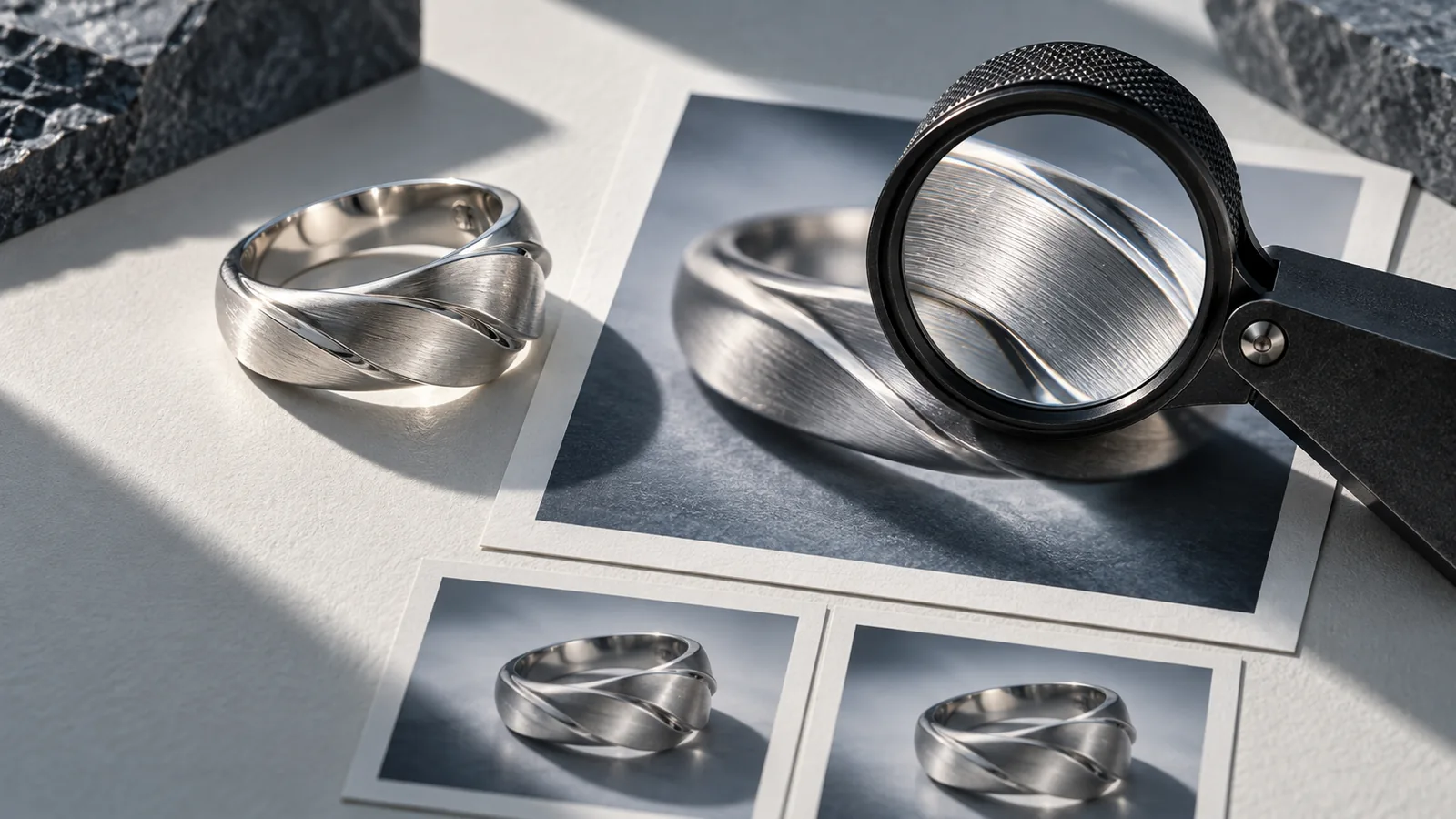 Image compressorCompare file size and visible detail in a compressed delivery copy.
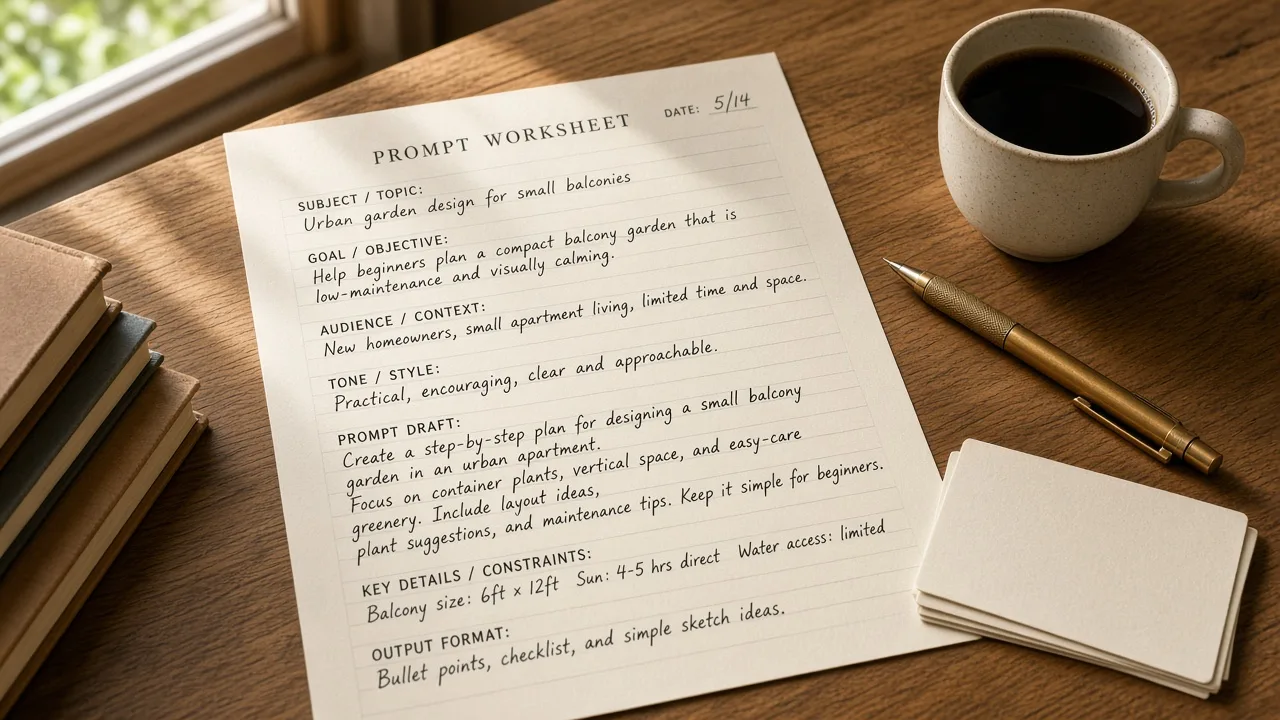 GPT Image 2.6 prompt builderStart with a product ad, a four-panel story or a precise edit. Make the wording yours, then copy it or bring it into Studio.
 Product poster layer splitterExplore a real layer split, then upload a poster to move its product or hide a foreground detail.
 Product poster maker: a square campaign hero and a portrait posterA square campaign hero and a portrait poster. These are posters, not banners.
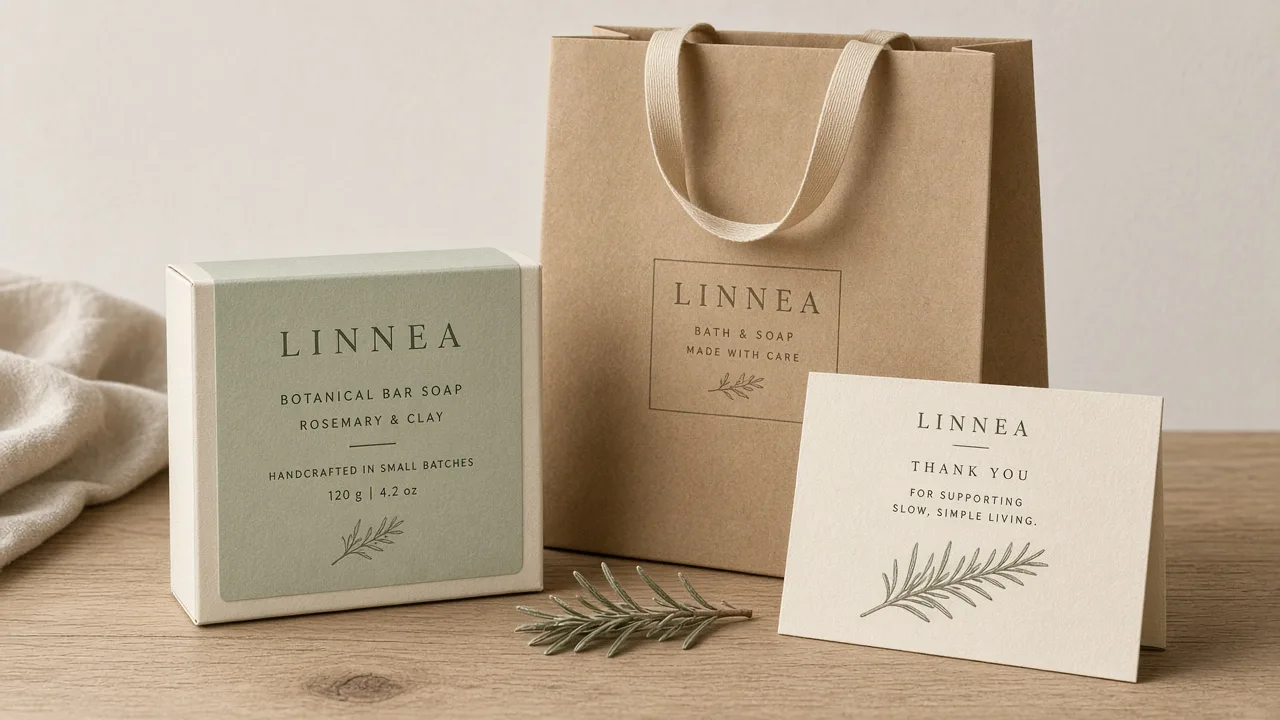 Packaging mockup generator: visual box, bag and card mockupsVisual box, bag and card mockups—not print dielines.
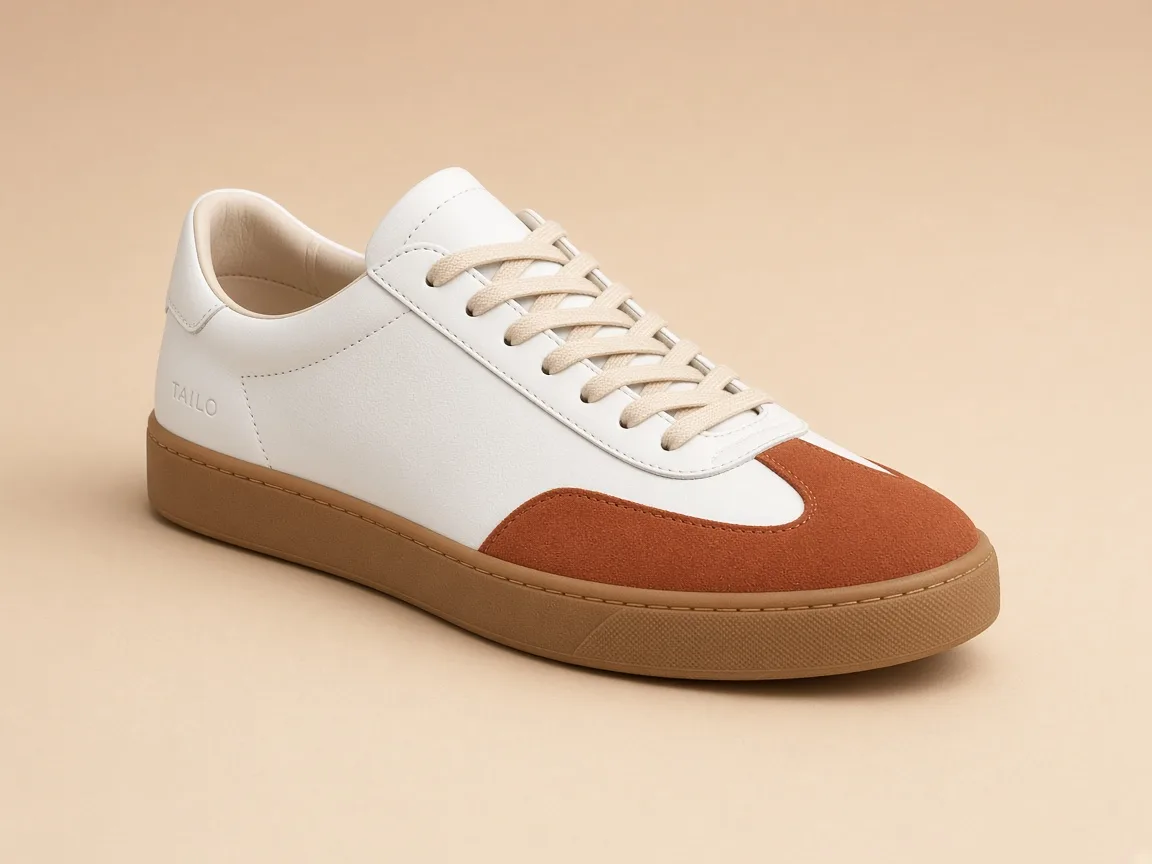 Product angle generator: multiple angles from one product photoSeveral product views from one product photo.
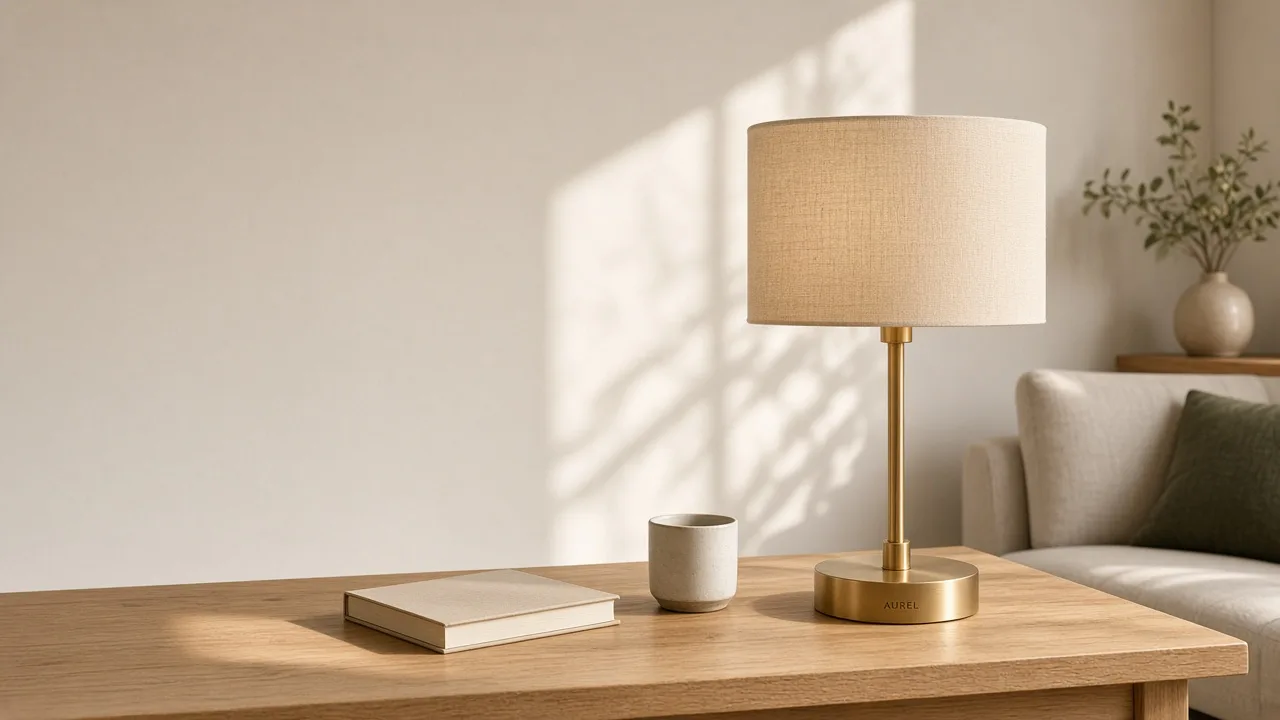 Landing page image generator: website visuals with no ad copyWebsite visuals with no advertising copy in the pictures.
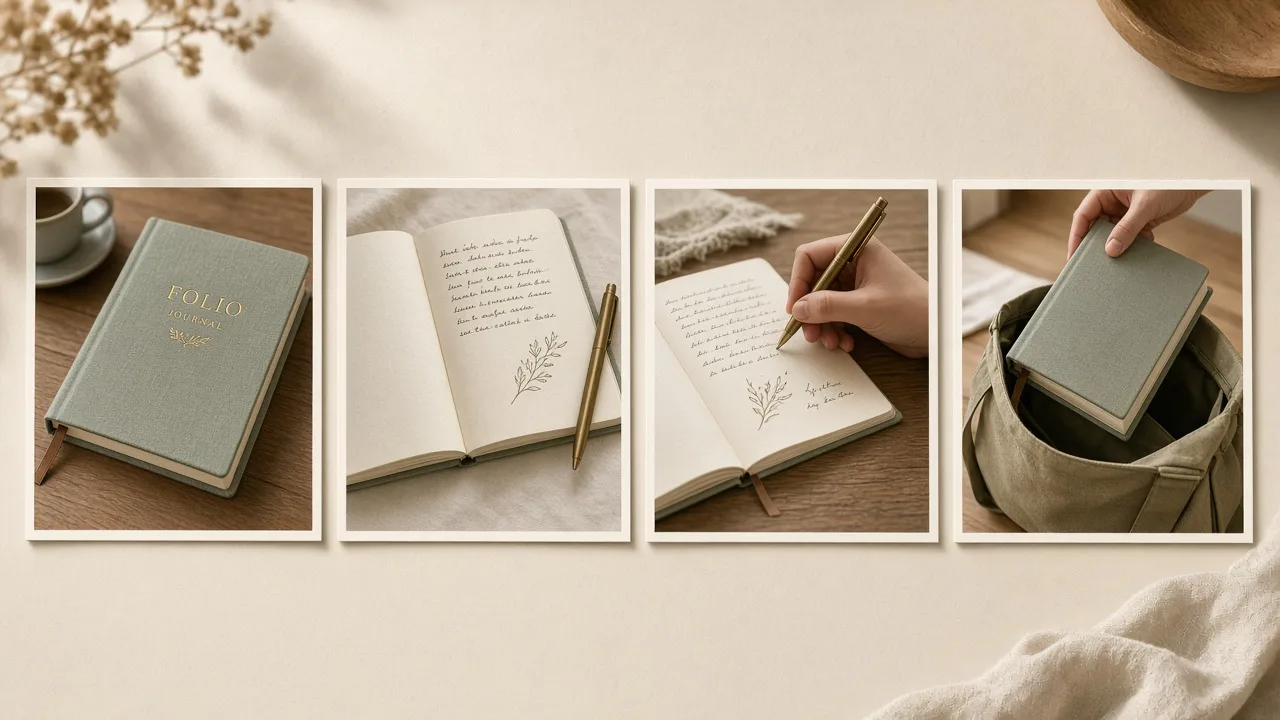 Product carousel maker: four separate sequential imagesFour separate sequential images, not a 2×2 composite and not a video.
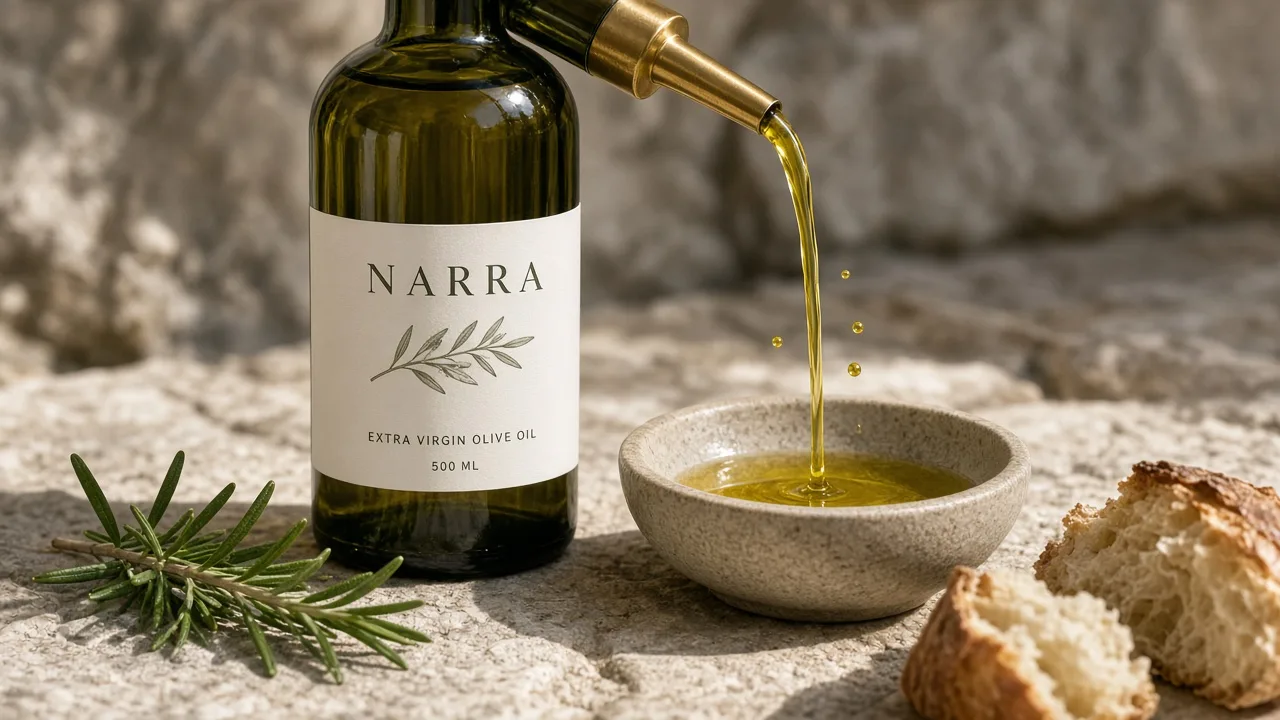 Product image to video: a short video from a stillA short 8 or 12 second video from a still, at 9:16 or 16:9.
 AI product photography: packshots and lifestyle product photosPackshots and lifestyle product photos, with no promotional copy in the image.
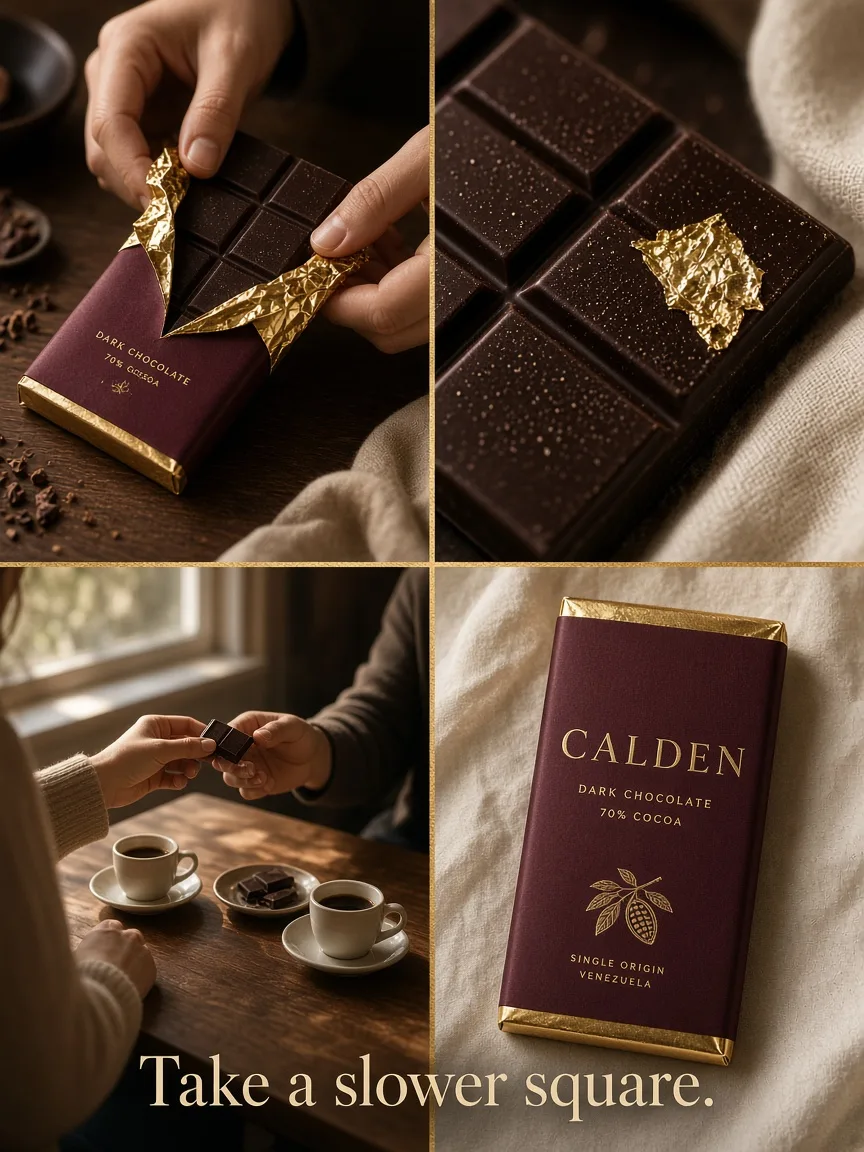 Four-panel ad maker: one composite 2×2 product advertisementOne complete 2×2 story advertisement, not a carousel and not a video.
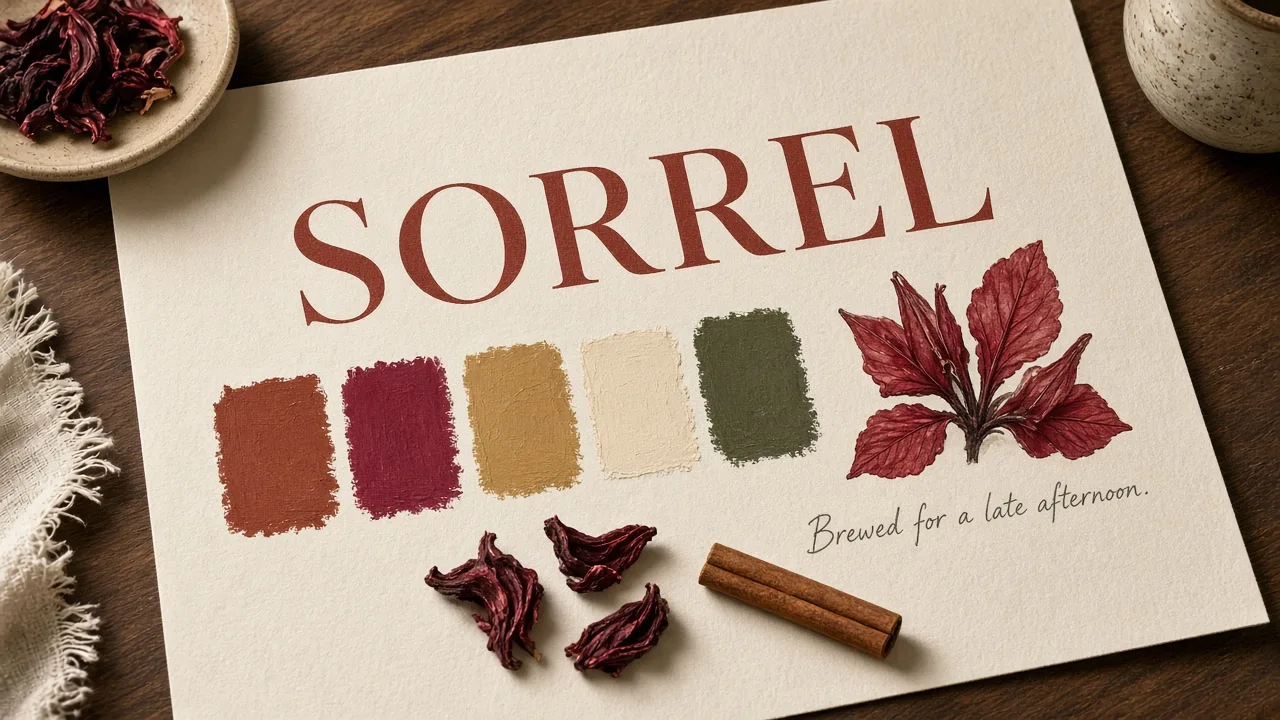 Brand visual generator: a brand identity concept, not a logo fileA brand identity concept image, not an editable vector logo.
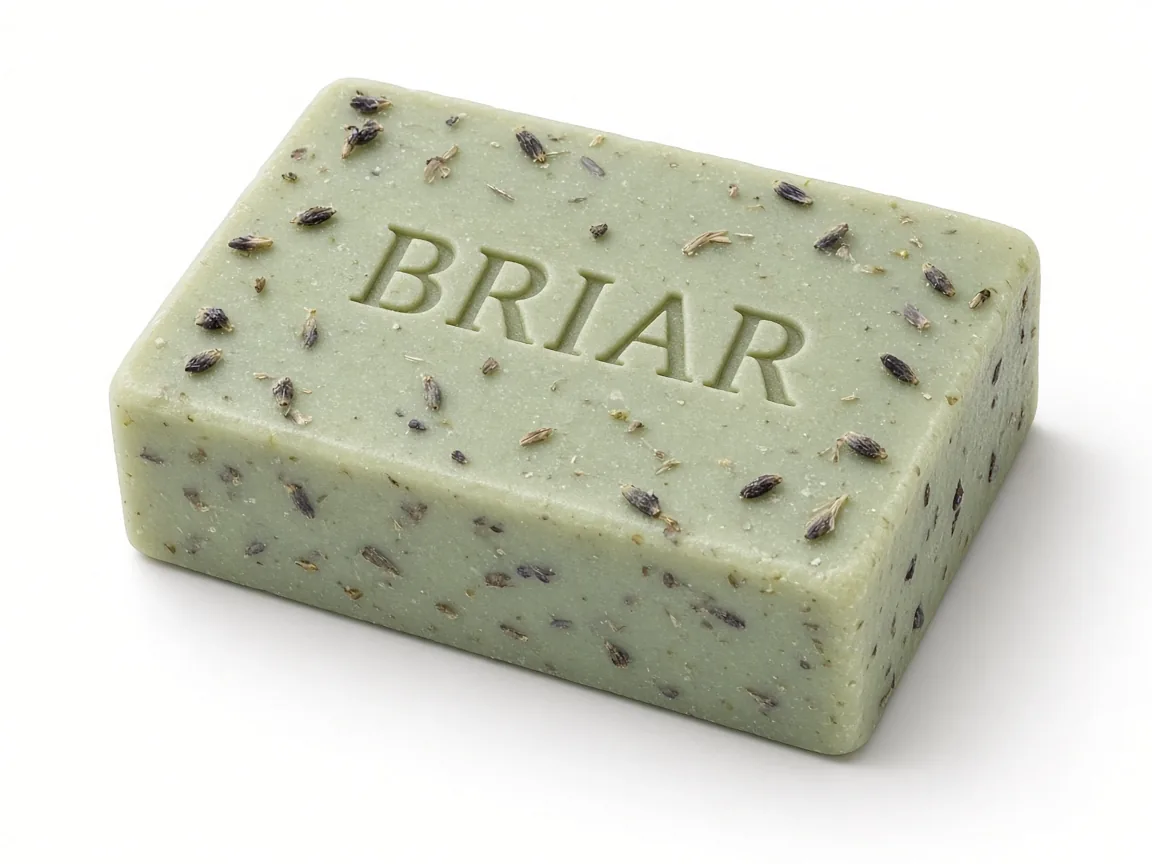 AI background remover: a clean white, black or studio backdropA clean white, black or studio backdrop from a product photo you provide.
 AI image generator: a still from a prompt and an optional referenceA still from a written prompt and an optional reference image.
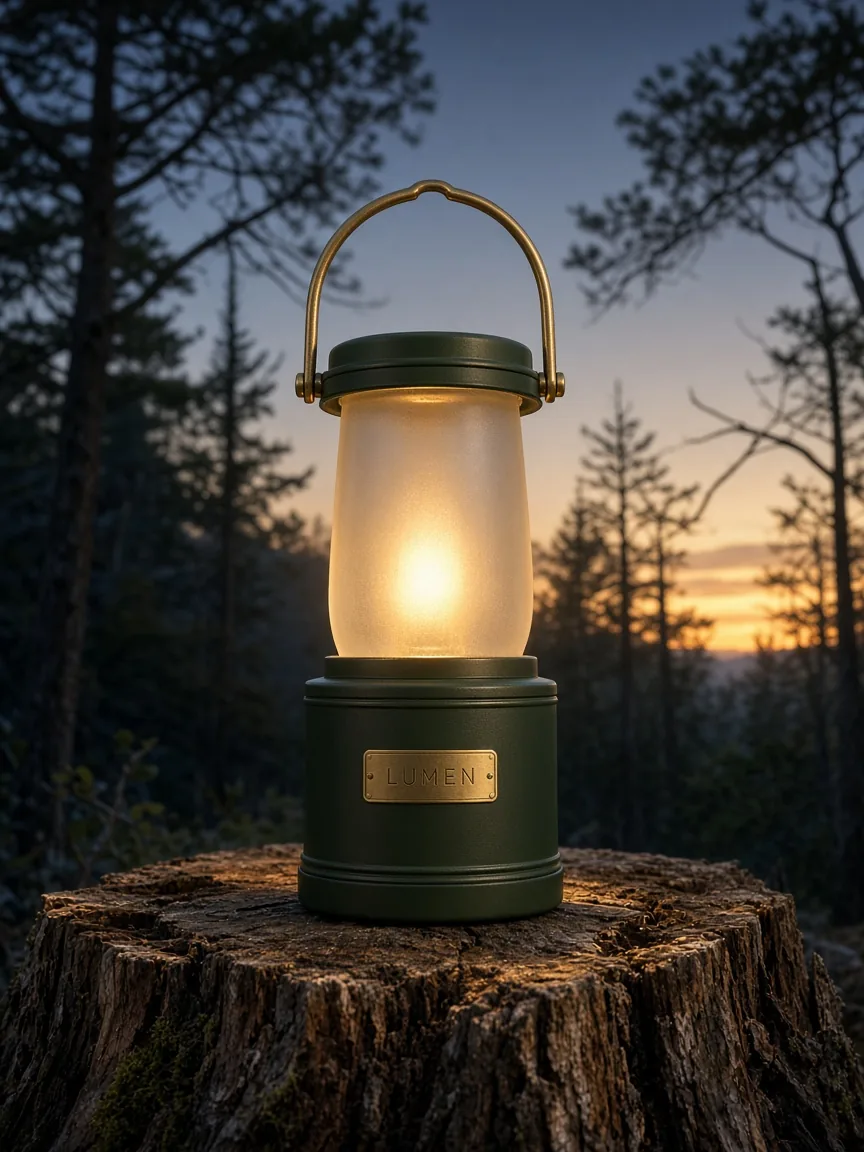 AI video ad generator: a short product advertisement from a stillA short 8 or 12 second product video advertisement from a still, at 9:16 or 16:9.
How to use this collection
Pick the tool that matches the job you have. The brief builder formats a request. The resizer and compressor work on an image you already have. The GPT Image 2.6 prompt builder compiles a prompt. Those four utilities run in the browser. The generation tools start a real Studio job for a four-panel advertisement, AI product photography, a poster, a packaging mockup, product angles, landing-page visuals, a four-slide carousel, a short video from a still, a brand identity concept, an AI background remover, a general AI image generator, or a short product video advertisement.
Already have a flat poster? Separate its product and backdrop to rearrange the foreground and export a new composition.
To understand a product capability, read the capability pages. To start a four-panel advertisement, prepare an editable brief or open the four-panel task in Studio. Credit packs for Studio generation are on the pricing page.
How to choose a creative tool
Pick a browser utility when you are preparing a brief or finishing an image you already have, or pick a generation tool when you want to start a real Studio job for a four-panel advertisement, AI product photography, a poster, a mockup, product angles, landing visuals, a carousel, a short video from a still, a brand identity concept, an AI background remover, a general AI image generator, or a short product video advertisement.
If you need to write a request, start with the brief builder
Fill, check, copy or download an editable brief. No account is required. The tool formats what you enter and does not generate an image.
Open the advertising creative brief templateIf you already have an image, resize then compress
The image resizer crops or fits an existing ad image to a working canvas. The image compressor compares file size and visible detail in a delivery copy. Neither tool uses generation credits, and neither generates a four-panel advertisement.
Open the image resizerIf you want to generate a new image or a short video, pick a first-level generation tool
Each generation tool starts a real Studio job: a four-panel advertisement, AI product photography, a product poster, a packaging mockup, product angles, landing-page visuals, a four-slide carousel, a short video from a still, a brand identity concept, an AI background remover, a general AI image generator, or a short product video advertisement. Edit the example brief and a reference, then sign in to generate. The credit estimate is shown before you generate.
Open the product poster maker
Choosing a page in this collection
Do I need an account to use these tools?
The brief builder, image resizer, image compressor and GPT Image 2.6 prompt builder do not hide a result behind an account. The generation tools let you edit an example brief and a reference without an account, then require you to sign in to generate in Studio.
Do these tools generate a four-panel advertisement?
The browser utilities do not. They help you prepare or finish an image you already have. The four-panel ad maker starts the four-panel Studio job: one complete 2×2 story advertisement. The other generation tools start their own jobs—AI product photography, posters, packaging mockups, product angles, landing-page visuals, a four-slide carousel, a short video from a still, a brand identity concept, an AI background remover, a general AI image generator, or a short product video advertisement. The four-panel capability page stays the 2×2 capability story.
Do the resizer and compressor use generation credits?
No. Those image utilities run in the browser and do not use generation credits. Studio generation uses one-time credit packs, described on the pricing page, and the credit quote is shown before you generate.
Where do I go to generate an image?
Open a first-level generation tool, a capability page or a use case, then continue into Studio. The four-panel task, product-angle and landing-visual tasks, and creative-set entries are linked from those pages. Current credit packs are listed on the pricing page.
Explore more in Panelly
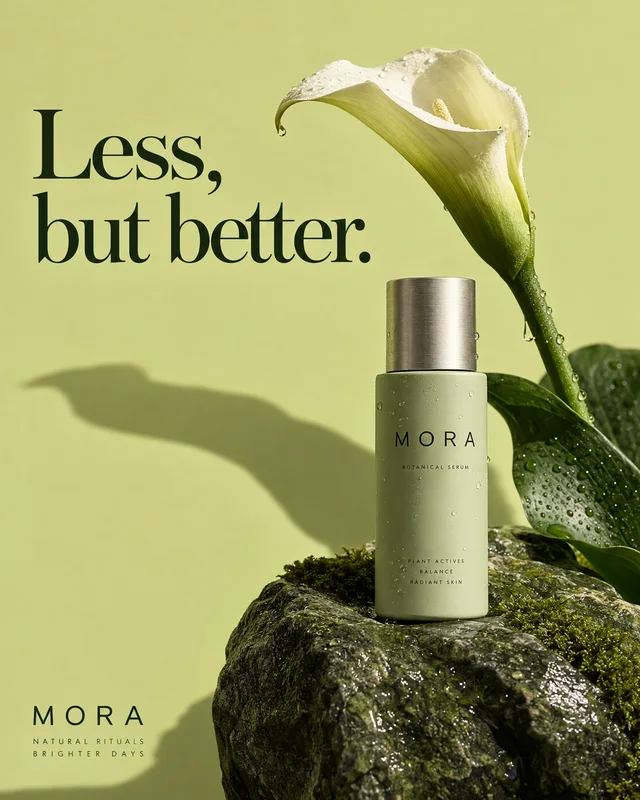 Product ad capabilitiesUnderstand a four-panel advertisement, product visuals or a creative set.
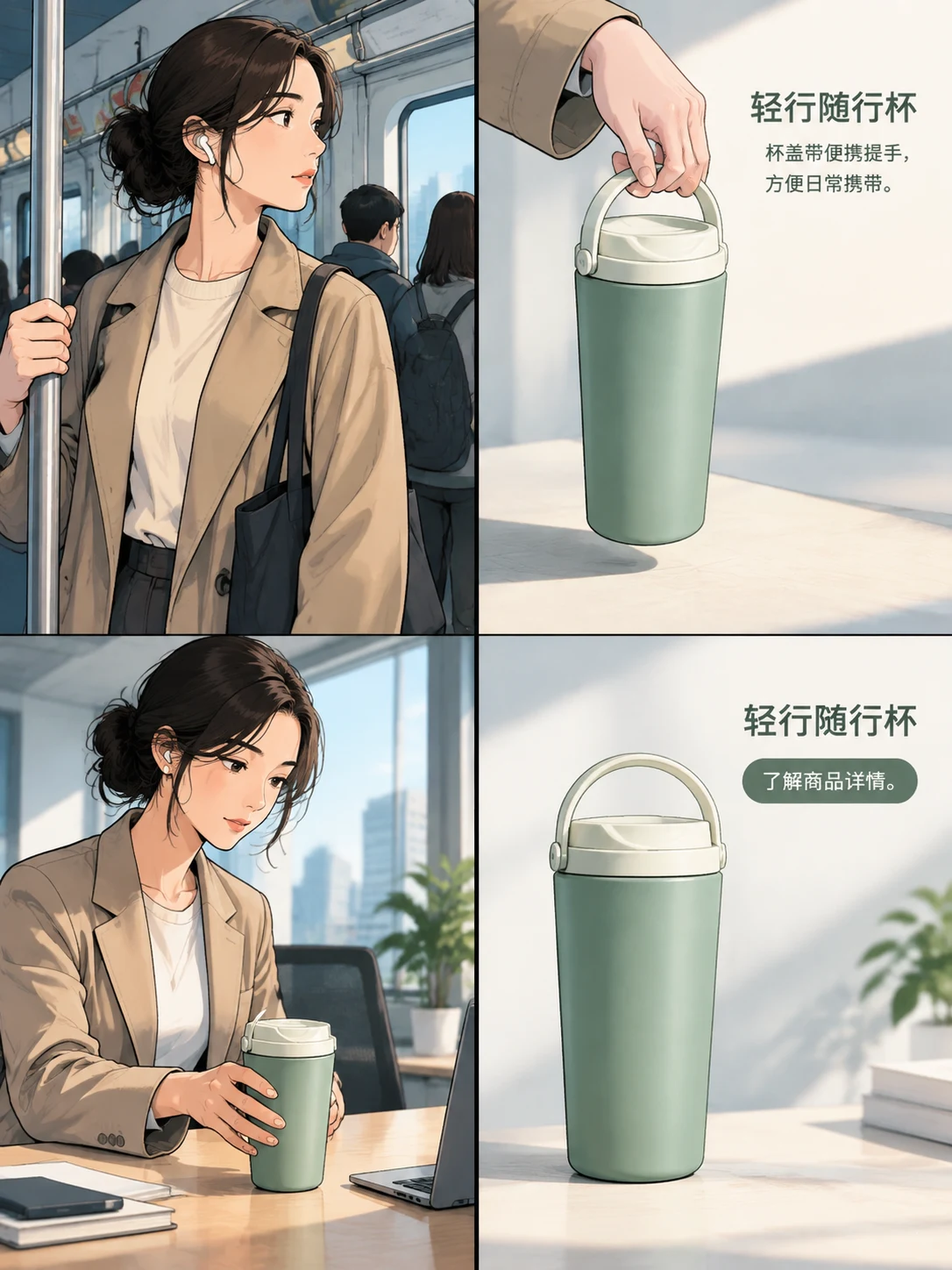 Product ad use casesApply a task to a complete advertising goal.
- Review the brief fields before you generateA companion to the brief builder.
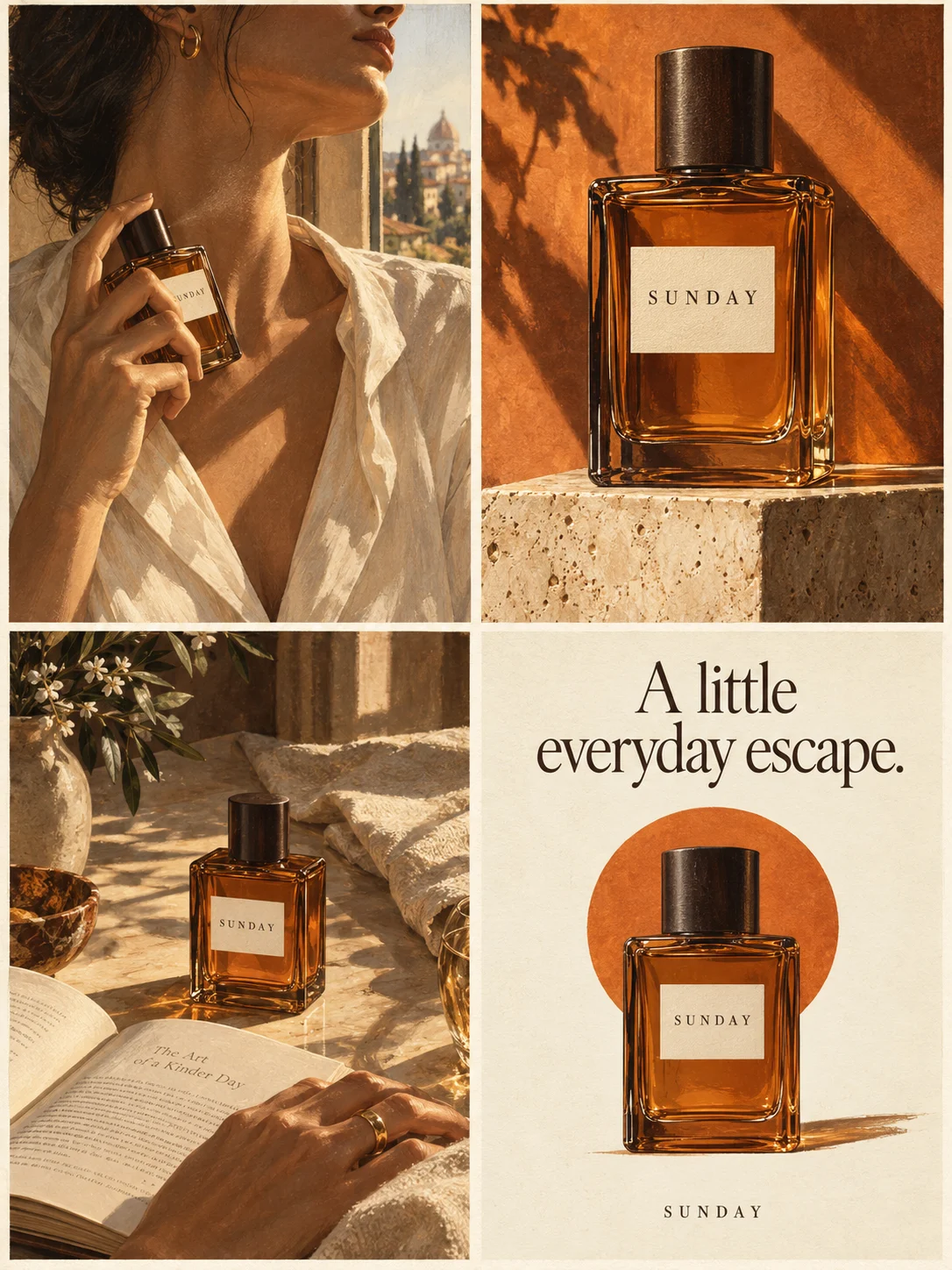 Open the four-panel task in StudioWhen the brief is ready and you want to generate one complete image.
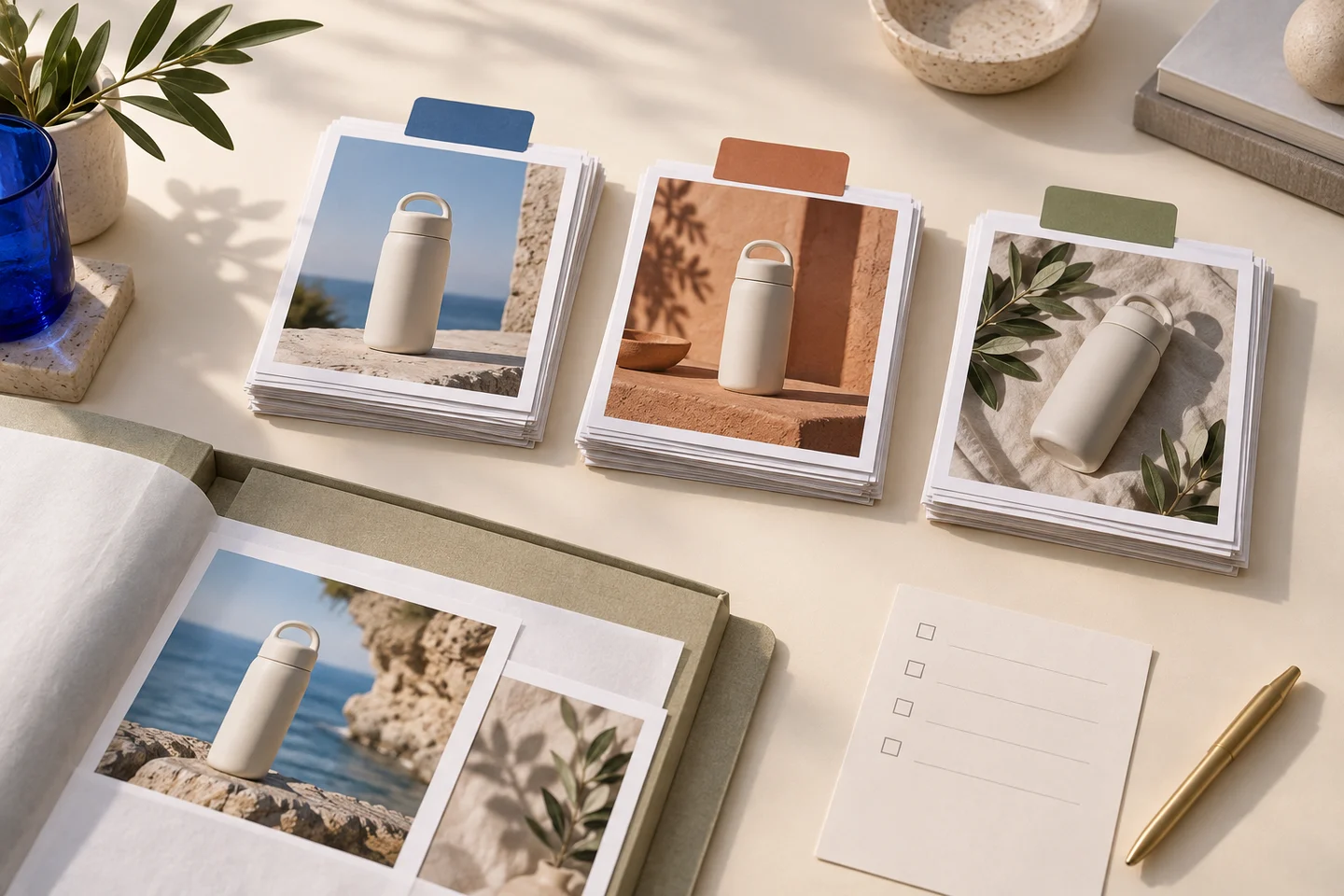 See credit packs and plansOne-time credit packs, one shared balance, no subscription. New accounts start with 20 free credits. A finished image, including a four-panel advertisement, counts as one image generation; the quote is shown before you generate.
To understand a product capability, read the capability pages. To start a four-panel advertisement, prepare an editable brief or open the four-panel task in Studio.