A short video from a still
Product image to video: a short video from a still
Pick a still to start. A short prompt is already filled in; use that still or your own, then continue into Studio to generate a short video from that selected image. It starts from a still. It is not a from-scratch cinematic or UGC video suite, and it is not titled as a general AI video generator.
For teams who have a product photograph or a generated ad still and want a short motion version, and who will review the credit estimate before generating.

Pick a scene
Start from a scene, then generate in Studio
Click a scene to fill a short prompt and use its example still. Edit a little or upload your product photo if you want—you do not need a long brief. Then generate in Studio. You can still edit the prompt and the photo in Studio. Sign in when you are ready to generate. Studio generation uses one-time credit packs and one shared balance; there is no subscription. New accounts start with 20 free credits. The credit estimate is shown before you generate.
What this tool does
It starts from a still
You select a generated advertisement or a product image already on the canvas. The video is made from that still. This is not a from-scratch video studio that begins with only a text prompt and no image.

Short clips, two durations, two ratios
Signed-in users can generate an 8 or 12 second video at 9:16 or 16:9. Available models are Seedance 2.0 Mini, Seedance 2.5, Seedance 2.0 Fast, Wan 3.0, Kling 3.0.

A credit quote, then generate
The credit estimate is shown before you generate. Sign in is required. Failed videos that are not delivered do not use credits. After a successful job you can play and download the video on the canvas.
What this tool is, and what it is not
In Studio today, a signed-in user can select an existing still—including a four-panel result or a product image—review the visible credit quote, and start a separate video generation. This page prepares that job: you can add a product photo and a brief, open Studio, get a still on the canvas if you do not already have one, then turn the selected still into a short video.
It is not a from-scratch cinematic or UGC video suite, and it is not an “AI Video Generator” in the general sense. A static 9:16 four-panel storyboard is a different job: that use case creates a still, not a finished video.
Studio generation uses one-time credit packs and one shared balance; there is no subscription. New accounts start with 20 free credits. The credit estimate is shown before you generate.
The still the video starts from
These are stills of a fictional olive-oil brand called NARRA. This page does not host a finished video sample. In Studio, a short video is generated from a selected still like these. Fictional products, not customer cases.
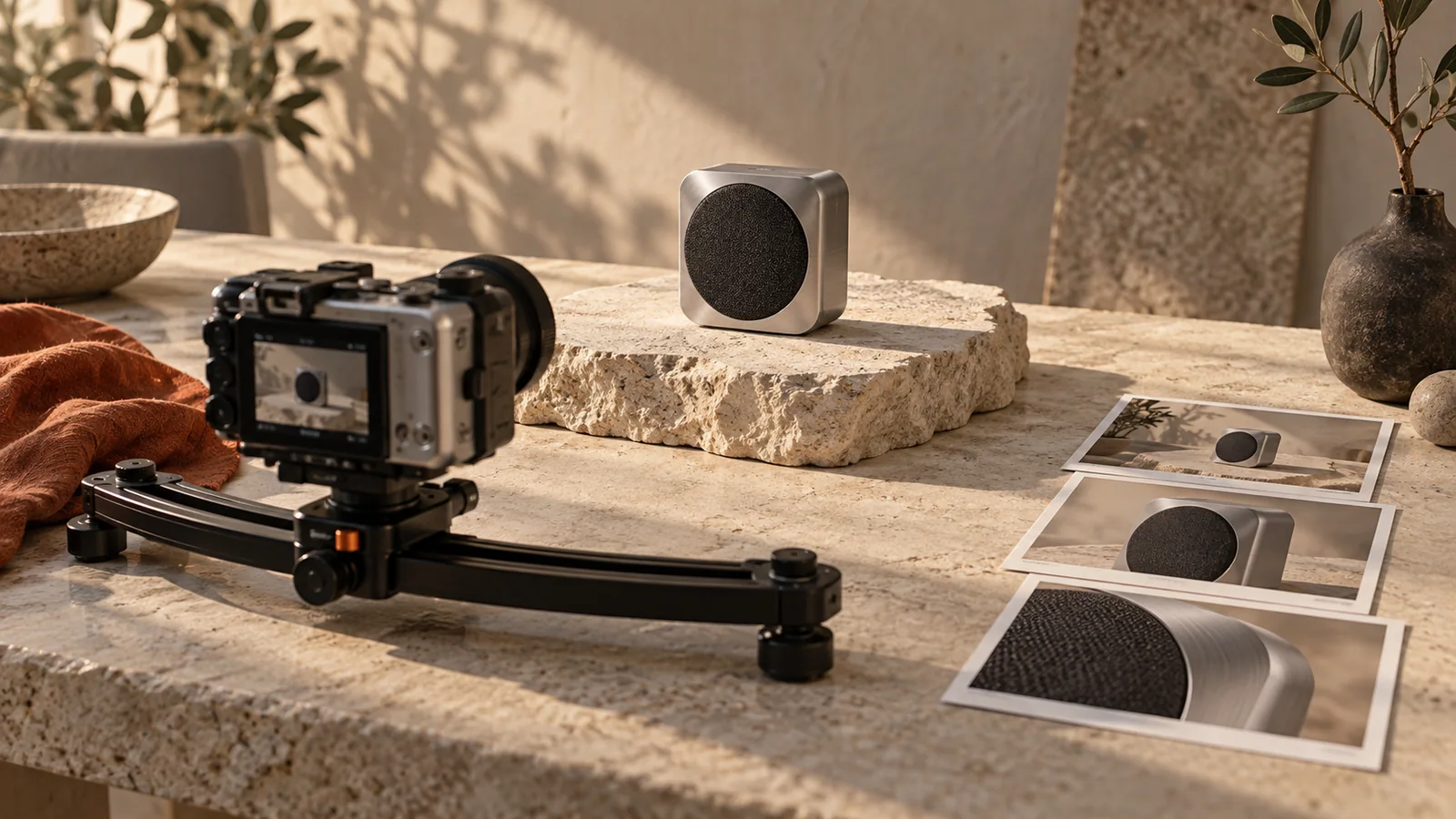
A still that suggests motion. This page does not host a finished video sample. A still used to illustrate starting a short video from a selected image. 
A calm starting still. Not a finished video and not a customer case. 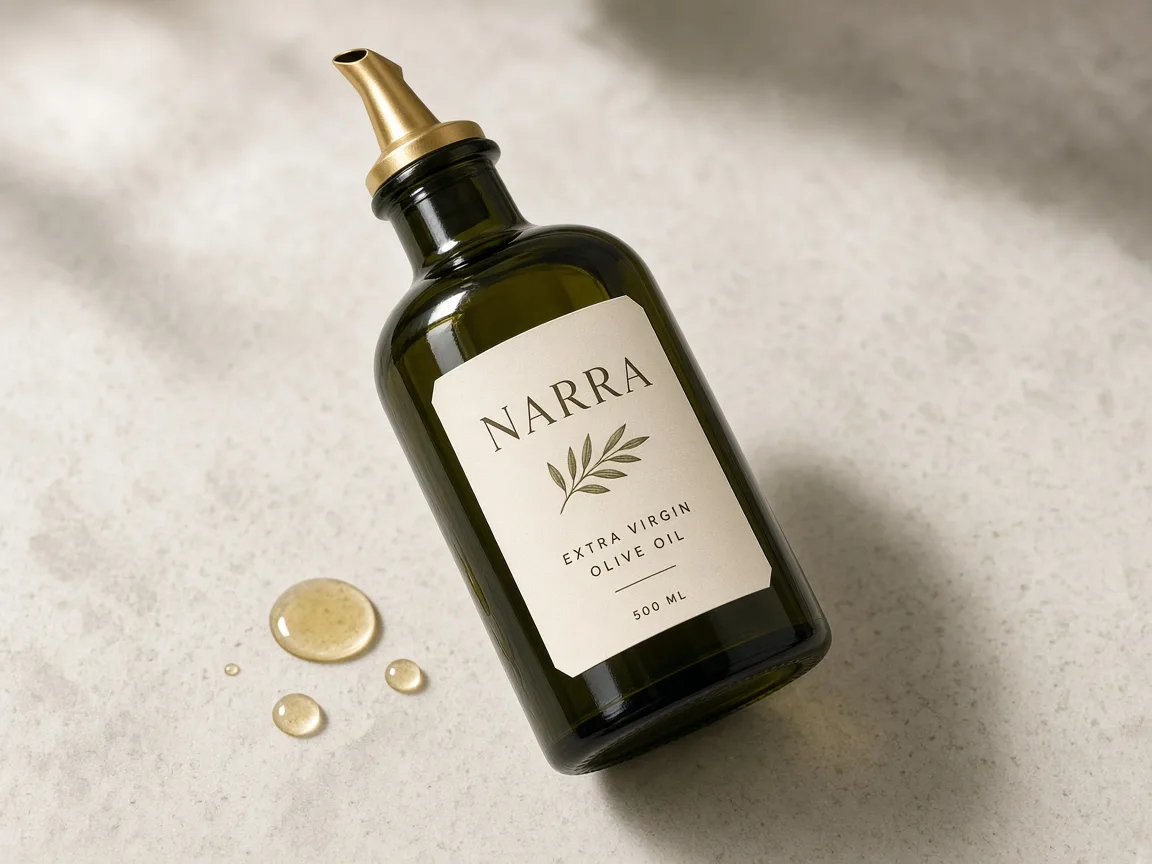
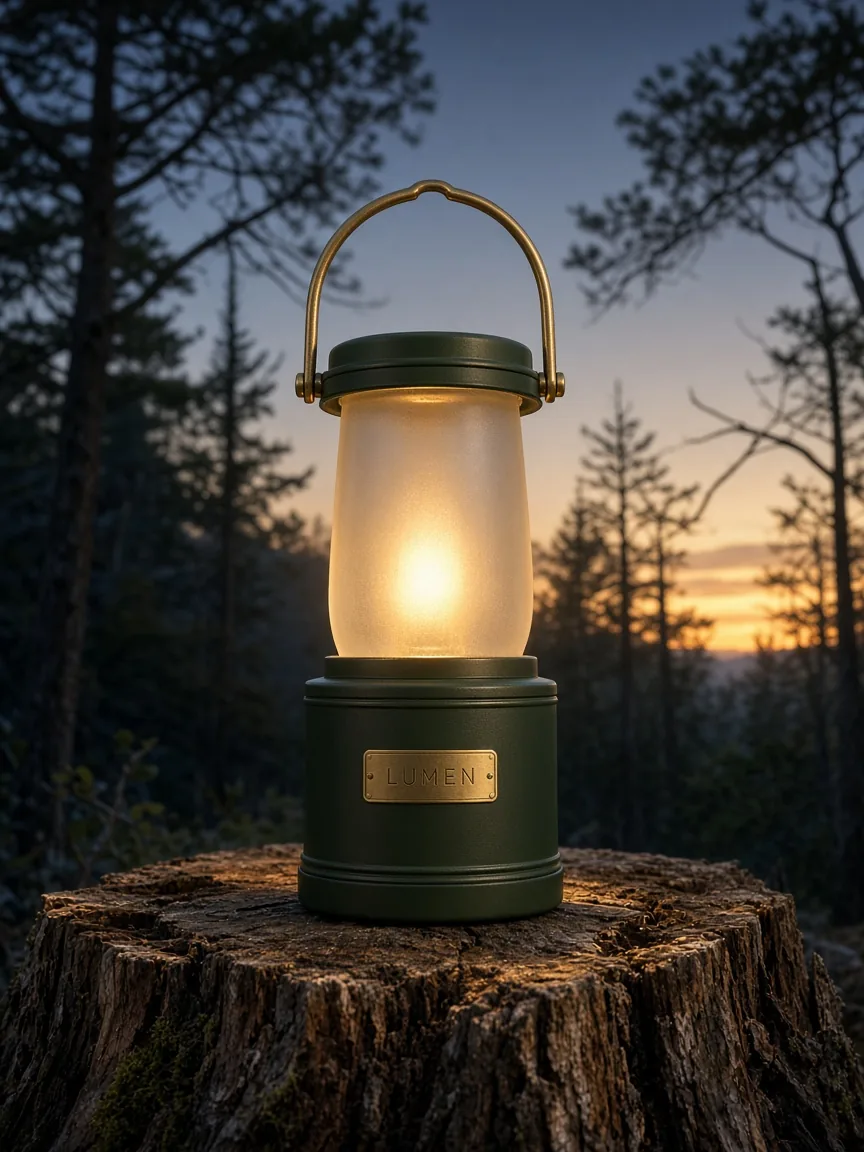
A still that can start a short product video. Not a finished video. A 9:16 starting still. Not a finished video and not a customer case.
How to make a short video from a product still in Panelly
Pick a still, continue into Studio, then select that image, review the credit estimate and generate an 8 or 12 second video. Sign in to generate.
Pick a still
Click a scene card. A short prompt fills in, and you can use that scene’s example still—or upload your own. The video starts from a still, not from a blank timeline.
Adjust if you want
Edit the short prompt, or use a different still. Duration, ratio and model—8 or 12 seconds, 9:16 or 16:9, Seedance, Wan or Kling—are chosen in Studio once the still is selected.
Generate in Studio
Continue into Studio with this still already set. Place or select the still on the canvas, then review the credit estimate and generate an 8 or 12 second video at 9:16 or 16:9. Sign in to generate. Studio uses one-time credit packs and a shared balance; new accounts start with 20 free credits.
Open Studio to start from a still
Questions and answers
Does this page generate the video by itself?
No. This page helps you pick a scene and a short prompt. Generation happens in Studio after you sign in. The credit estimate is shown before you generate.
Is this a general AI video generator?
No. This tool is the utility of turning a selected still—a generated ad or a product image—into a short motion clip. It is not a from-scratch cinematic or UGC video suite, and it is not titled “AI Video Generator”. For a short product video advertisement with an art direction, use the AI video ad generator.
What lengths and frames can I use?
Videos are 8 or 12 seconds, at 9:16 or 16:9. The models available in Studio are Seedance 2.0 Mini, Seedance 2.5, Seedance 2.0 Fast, Wan 3.0 and Kling 3.0.
Do I need a still first?
Yes. The video is generated from a selected image on the canvas. Pick a still here, then continue into Studio to place or select it before you generate.
Is a static vertical storyboard the same thing?
No. The vertical-video storyboard use case creates a static 9:16 four-panel image, not a finished video. Motion, editing and sound are a separate job.
What does it cost?
Picking a scene on this page does not use credits. Video generation in Studio uses one-time credit packs and one shared balance; there is no subscription. New accounts start with 20 free credits. The credit estimate is shown before you generate.
Can I start from a four-panel advertisement?
Yes. In Studio you can select an existing image, including a four-panel result, and start a separate video generation from that still.
Explore related work
 Storyboard timing calculatorConvert storyboard beats into frame ranges for your edit.
 AI video ad generatorA short product video advertisement from a still: the advertising job, with an art direction. Same mechanism, a different job.
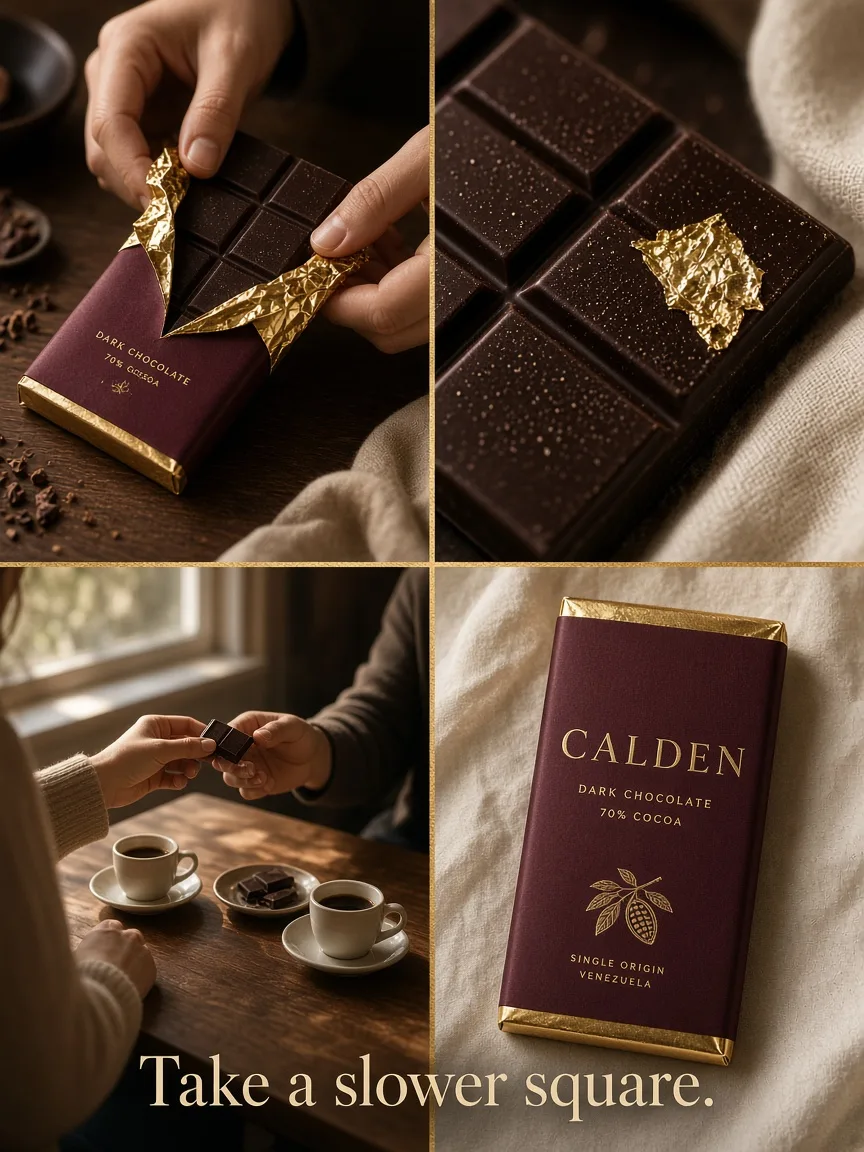 Four-panel ad makerOne composite 2×2 story advertisement, not a video.
- The composite four-panel advertisementA 2×2 still that can also be selected as the source for a short video.
- The static vertical-video storyboardA still 9:16 previsualization, not a finished video.
- Four-panel images and video framesHow a static four-panel job differs from motion.
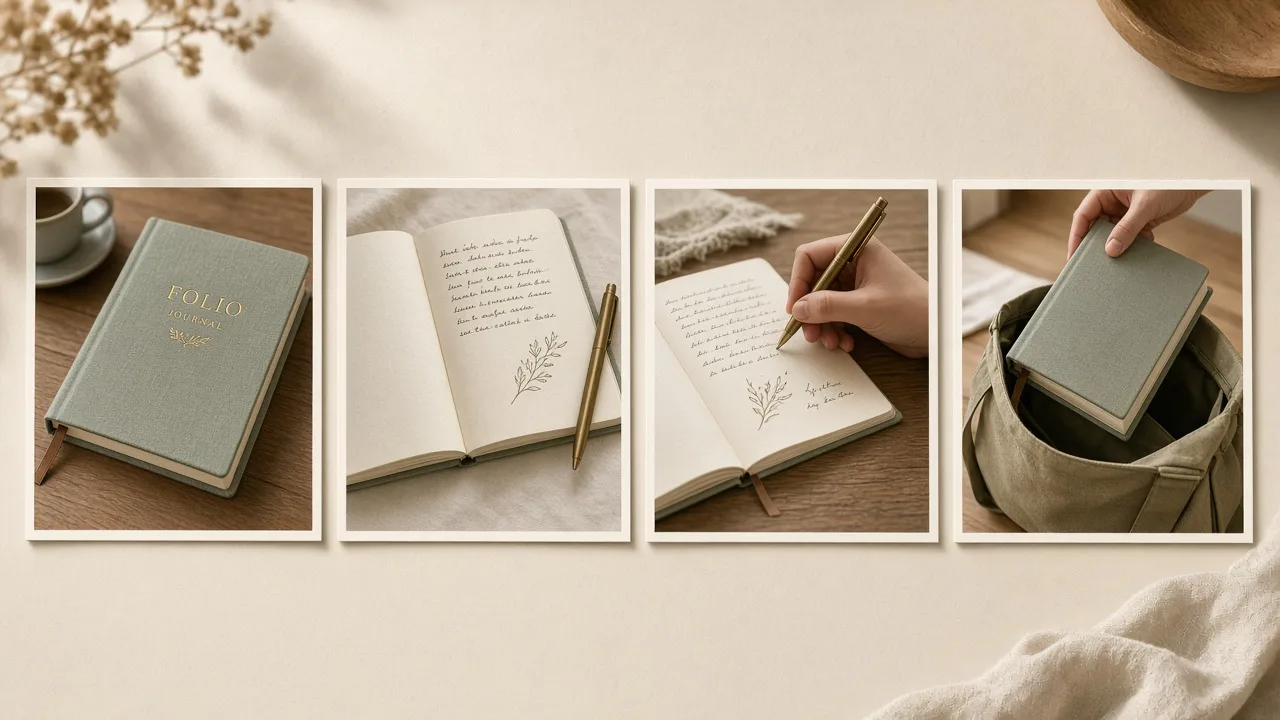 Four sequential stills insteadA carousel of images, not a video.
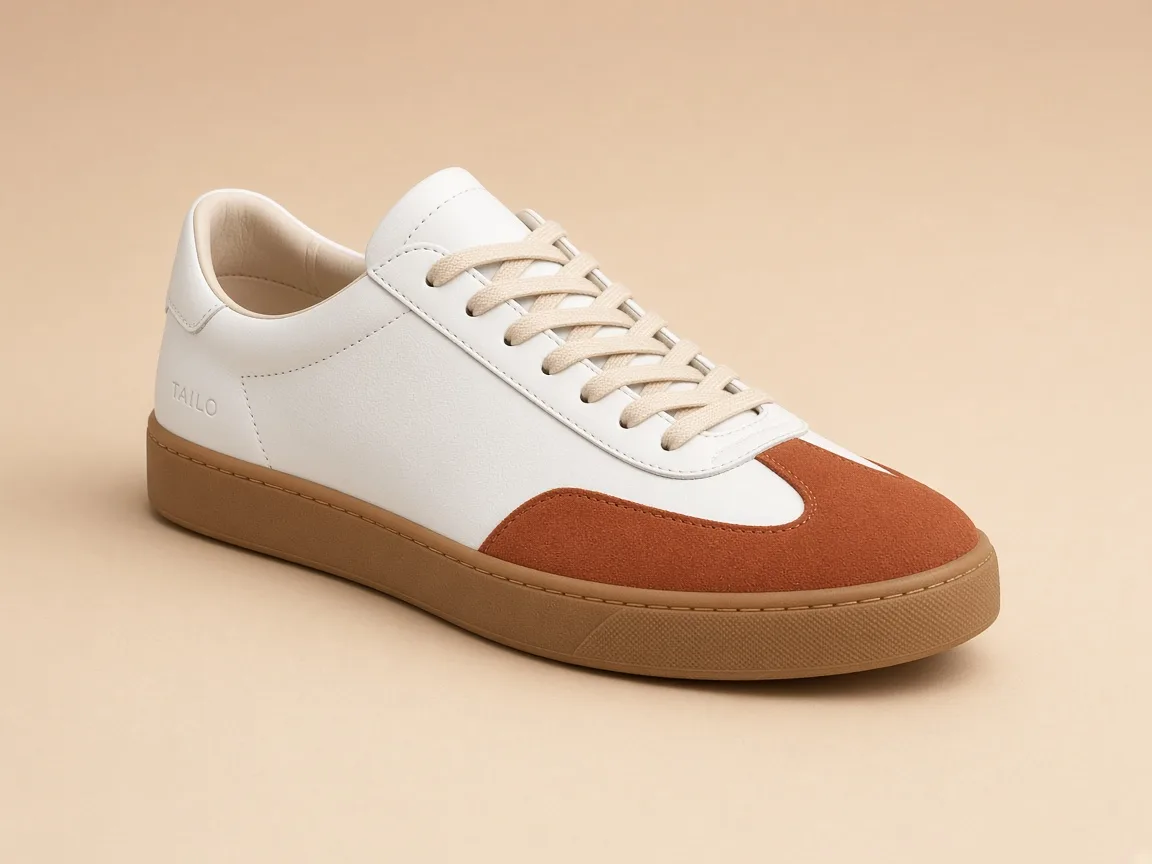 Make a product still firstMultiple angles from one product photo, which you can then select.
 All creative toolsPublic utilities and first-level generation tools.
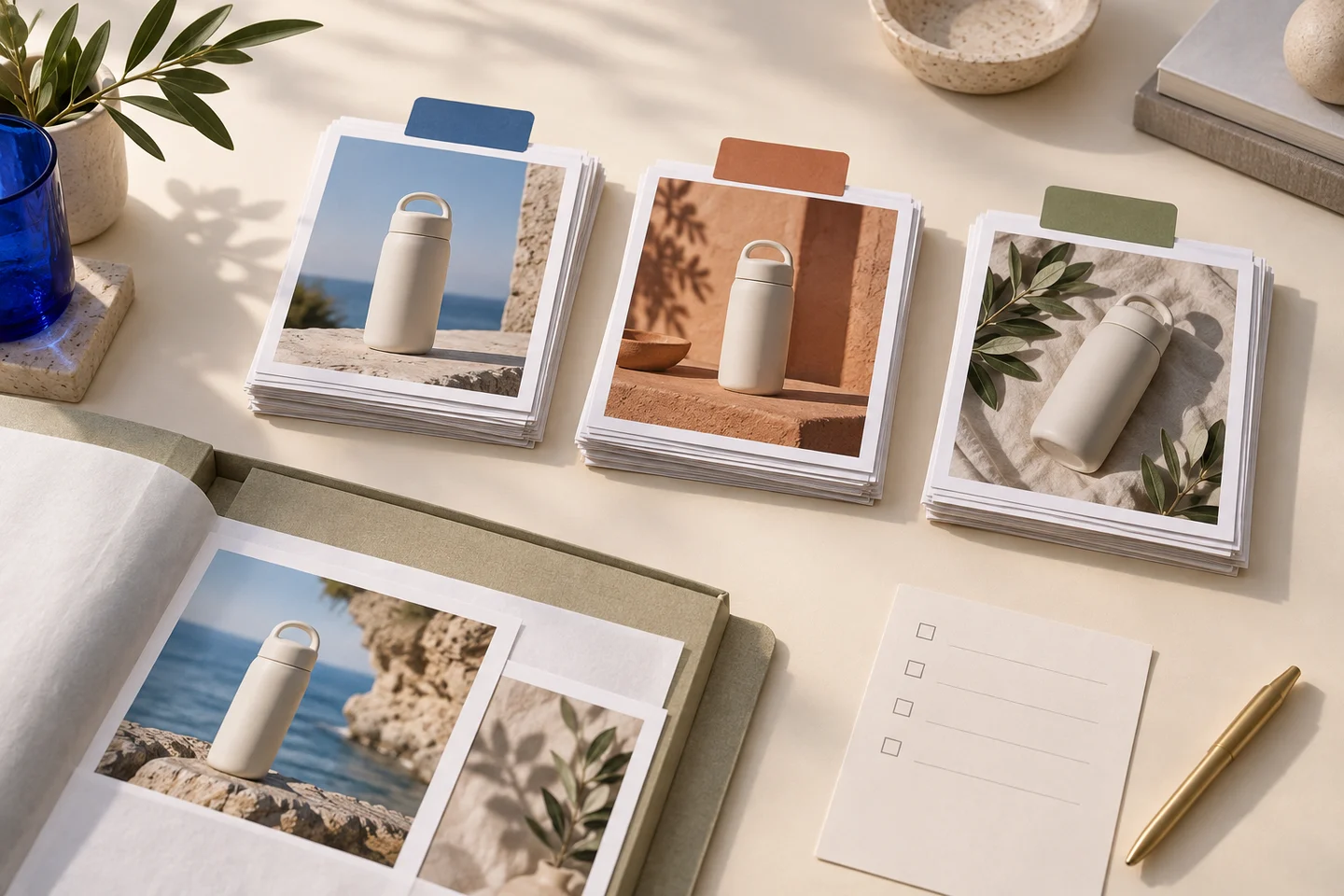 Credit packsOne-time packs, one shared balance, no subscription.