Tutorials
Claude Opus 5.5 print stylesheet fixes for product sheets
Use Claude Opus 5.5 to identify screen-only layout rules before shrinking a product page to make it printable.
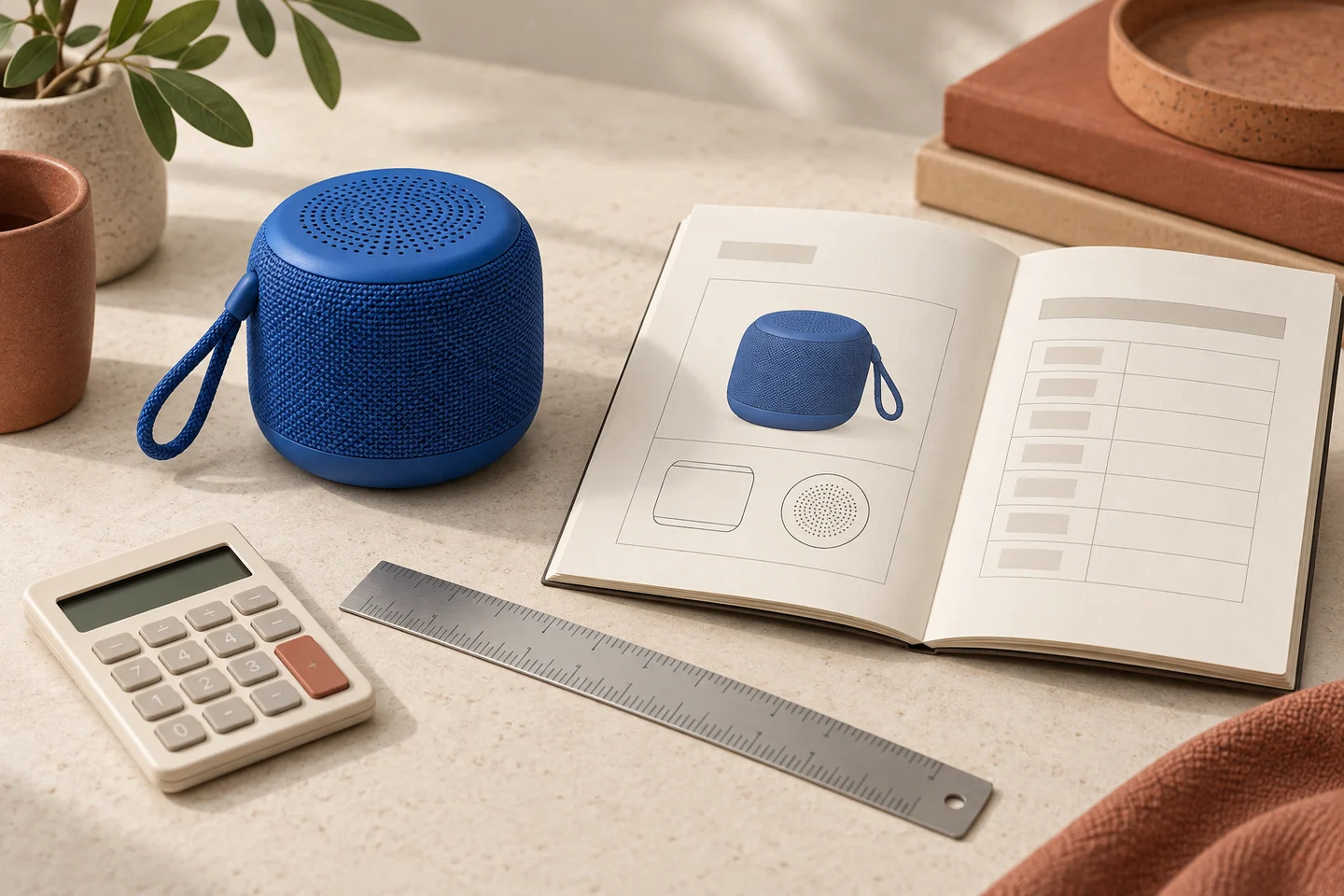
Use Claude Opus 5.5 to identify screen-only layout rules before shrinking a product page to make it printable. Fixed navigation, clipped overflow and oversized blocks can remove specifications or create blank pages in a PDF. Supply the print output as well as the HTML and CSS, then ask for a small print-specific patch that preserves every product fact.
Match the symptom to a print rule
| Printed symptom | Inspect | First repair to evaluate |
|---|---|---|
| Rows disappear at the bottom | Fixed height and clipped overflow | Let the print container grow |
| Navigation covers content | Fixed or sticky screen controls | Hide irrelevant controls in print |
| A large blank area precedes a section | Unbreakable block and forced breaks | Allow appropriate fragmentation |
| Product facts become unreadably small | Screen width and global scaling | Reflow columns before shrinking text |
MDN's printing guide explains print stylesheets, `@media print` and page settings through `@page`. These are tools for adapting the document to paper. A narrow screenshot is not a substitute for a generated print document.
Calculate the width before changing type
For a hypothetical sheet, A4 paper is 210 mm wide. With 15 mm margins on both sides, the usable width is 210 − 30 = 180 mm. US Letter is 215.9 mm wide, leaving 185.9 mm with the same margins. These arithmetic examples were calculated locally; they are not an Opus output or a measurement of your printer's usable area. The print dialog, headers and printer limitations can affect the result.
A two-column screen section may need to become one column on paper. Preserve model number, units, variant labels, warranty wording supplied by the business and links or references needed to interpret the sheet. Do not hide an inconvenient table just to meet a one-page target. If the content needs two pages, a legible two-page sheet may be the correct deliverable.
Review `break-inside` in the MDN reference. Asking a block to avoid breaking does not make an oversized block fit onto a page. Prefer keeping short captions with their images while letting long sections fragment sensibly. Check the first page, the longest table and the last page rather than approving only the cover.
A complete print repair prompt
Repair the print layout of this product sheet. Inputs: HTML/component markup, screen and print CSS, generated PDF or page screenshots, paper size, margins, scale and browser version. Mark unspecified print settings as unknown. This is a print-layout task, not permission to rewrite product facts.

Identify fixed heights, overflow clipping, fixed/sticky controls, oversized widths and forced or avoided page breaks. Connect each proposed change to a visible symptom and code location. Calculate the usable paper width from the supplied dimensions. Prefer print-specific layout changes and readable reflow over blanket font reduction.

Return a minimal patch and a before/after verification checklist. Preserve every supplied specification, unit, variant and required explanatory note. Treat one page as a preference unless explicitly mandatory; flag content that cannot fit legibly. Include A4 and Letter checks if both are required. Distinguish print-media emulation from actual PDF output, and never say a PDF passed without inspecting the generated pages.
The official Opus guide provides the model reference for clear context and output constraints. The scenario is a proposed workflow, not a claim that an Opus run generated or passed a PDF.
Verify the exported document
Generate the PDF with recorded settings and read every page. Count specification rows against the source, inspect clipped text and overlapping headers, and confirm that product labels remain associated with the correct images. Repeat on each required paper format. Print-media emulation is useful for inspecting CSS, but it does not establish the final pagination. If physical output matters, check a real print too; the PDF alone cannot certify printer behavior.
Common questions
**Should I use `break-inside: avoid` everywhere?** No. Overusing it can push large sections forward or leave awkward gaps. Apply it to small groups that should stay together and inspect the result.
**Is browser “fit to page” the repair?** It can make the text smaller without fixing clipping or content loss. Diagnose layout before relying on scaling.
**Does the existing PDF-specification workflow cover this?** That workflow extracts and reconciles facts from a PDF. This one repairs the HTML-to-print layout that creates the document.
Keep the product facts and creative asset together
Take the approved product facts and visual into Panelly Studio for campaign artwork, keeping the printable sheet as a reference. If the incoming specification document is inconsistent, first use the PDF product-specification review. This handoff does not claim a Panelly PDF exporter or Opus integration.