Tutorials
AI Product Ad References: Give Each Image a Different Job
Give product, detail, mood and edit-target images separate jobs so your AI ad brief avoids contradictory packaging and mixed subjects.
Make it with Panelly
Turn inspiration into your next product ad
Bring a product image and an idea. Create a four-panel ad, a coordinated asset set, or a video with Panelly.
Create with Panelly Edit the brief before you generate.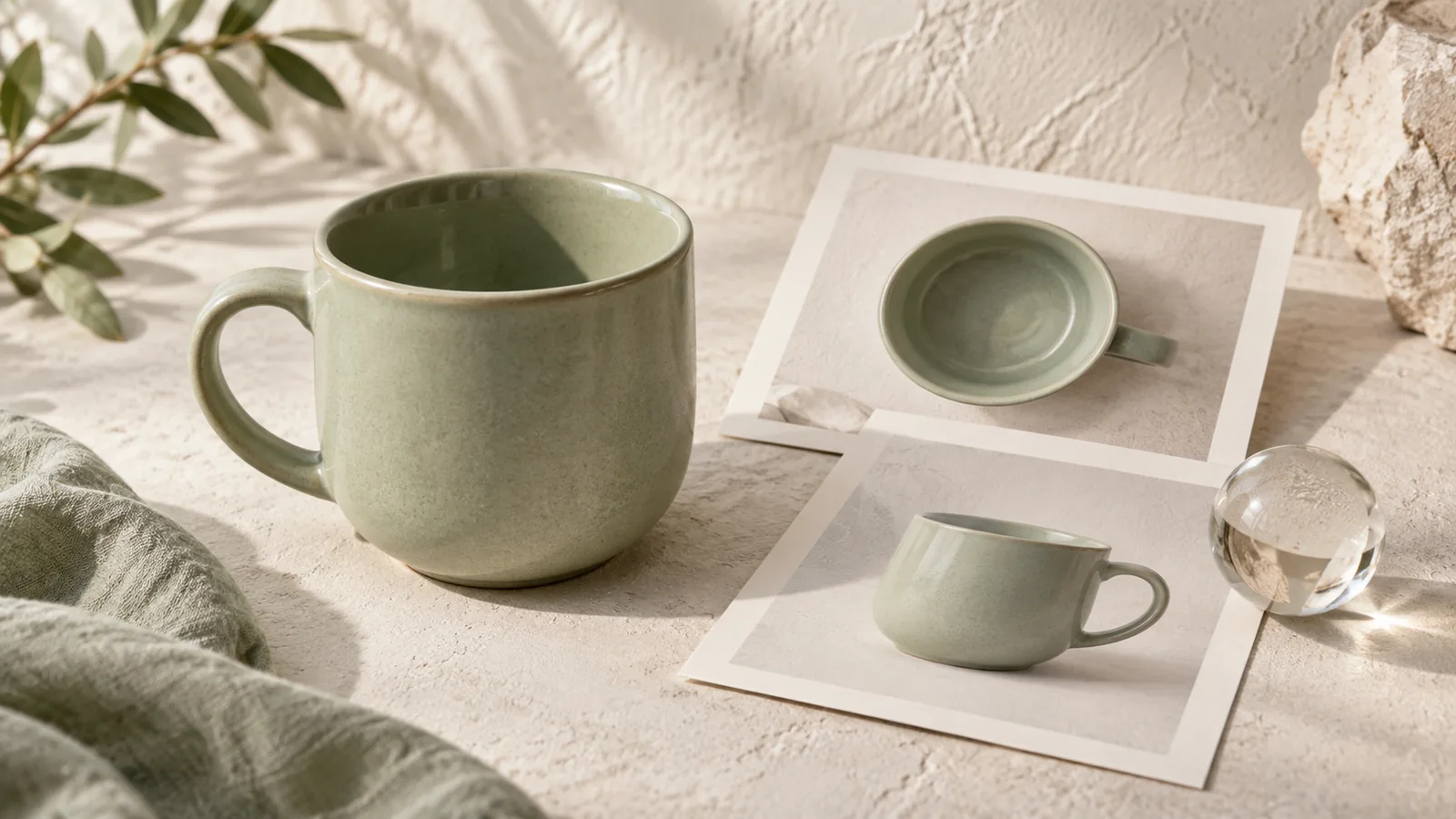
Use one image to identify the product, another only when it supplies missing detail, and a separate mood reference for the setting or light. Tell the model which role each image serves. A pile of attractive pictures is not a precise brief: it can leave the product shape, scene and style competing for authority.
This is a guide to preparing inputs. The product consistency article covers judging and correcting the output across an ad.
Make a small reference map
| Reference | What it controls | What it should not contribute |
|---|---|---|
| Main product photograph | Shape, color and current packaging | An unwanted background |
| Detail photograph of the same item | A real lid, seam or connector | A second product in the scene |
| Scene or mood image | Light, palette or composition | Its brand, product or unsupported claims |
| Current generated result | The version to revise | Authority over details that conflict with the real product |
Adobe's composition-reference documentation distinguishes structural guidance through outline and depth. Its controls are specific to Firefly; this article's reference map is a conversational method, not a claim that Panelly has the same sliders.
Remove contradictions before adding instructions
Consider a fictional green jar. Your first reference shows an ivory lid; a second shows an older black lid; a third is a perfume campaign with an amber glass bottle. “Use all three” leaves an avoidable ambiguity. The old packaging is not extra detail about the current product.
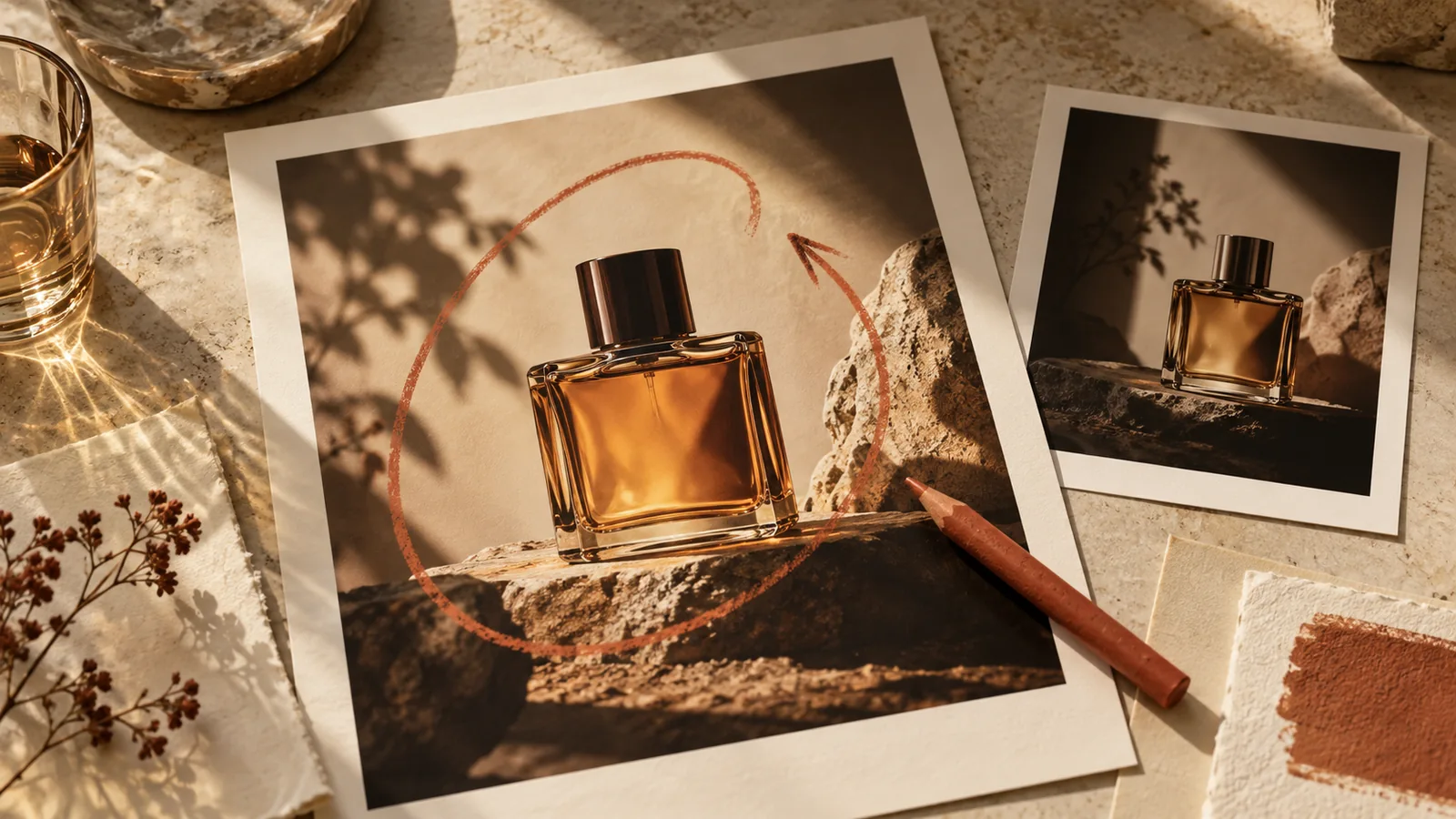
Remove the outdated picture. Keep the current jar photo as the identity source. Use a close-up of its lid only if needed. Identify the perfume image as lighting inspiration, and say that its bottle and lettering do not belong in the new ad.
@image1 is the current product: keep its green jar, ivory lid and label. @image2 shows a close-up of that same lid, not another item to add. @image3 is only a reference for warm side light and a quiet stone setting. Do not copy its bottle or text. Create an ad for the jar in @image1.The jar and image numbers are illustrative. Use the @ identifiers the interface inserts for your actual uploads. This prompt is an editorial example, not a tested guarantee of identity preservation.
Choose the smallest useful set
A clear main image can be enough for an initial composition. Add a second reference to answer a specific uncertainty: what the handle looks like from the side, how a closure works, or which color the product actually is. Three nearly identical front photographs may add less than one clear side view.
Check sharpness and visibility before resolution. A large picture with a bright reflection over the label still hides the label. If every reference obscures a detail, describe it only from verified product information or take another photograph.
For scene inspiration, write down the transferable idea in ordinary words: “low warm light, pale stone, little decoration.” That description often makes the intended borrowing clearer than a style name alone. Keep the distinction between the physical item and its art direction.
Reference the result when making a revision
Once an ad appears on the canvas, specify both the edit target and the product authority: “Revise this result; use the original product photo for the lid and label.” Otherwise, a later iteration may preserve a mistake introduced in the generated version.
In Panelly Studio, add the relevant images and explain those roles in chat. You can ask for advice on the scene before generating. Follow with one correction at a time, keeping a good previous version for comparison. For concise correction language, see creative feedback examples.
The final image can include the headline and CTA. Defining reference roles does not require separating text into a second editing system, and it does not create pixel-locked layers.
FAQ
Are more references always better?
No. More useful information helps; contradictory packaging or unrelated products can make the brief less clear.
Can one picture provide both product and mood?
Yes, if it already shows the intended item and direction. Say which parts should change so the model does not simply repeat its background.
What if a reference has an old logo?
Prefer a current photograph. If the old image is necessary for a hidden physical detail, explicitly exclude its branding and provide the current label separately.
Before the next generation, give every attached image a one-sentence job. Remove the ones with no job.