Website visuals, no ad copy
Landing page image generator: website visuals with no ad copy
Pick a landing-page scene to start. A short prompt is already filled in; add your product photo if you want, then continue into Studio. The images have no advertising copy inside them. This tool does not write website code.
For teams who are designing or updating a product landing page and need coordinated stills, not a finished advertisement and not a website built for them.
Pick a scene
Start from a scene, then generate in Studio
Click a scene to fill a short prompt and use its example still. Edit a little or upload your product photo if you want—you do not need a long brief. Then generate in Studio. You can still edit the prompt and the photo in Studio. Sign in when you are ready to generate. Studio generation uses one-time credit packs and one shared balance; there is no subscription. New accounts start with 20 free credits. The credit estimate is shown before you generate.
What this tool makes
A coordinated set of page visuals
A hero, a product detail, a lifestyle scene and a closing image, kept to one product identity. Leave space on the hero for a website headline if you will add that text in your page layout.
No advertising copy in the image
These are website images, not advertisements. The brief asks for no text inside the pictures. You add titles and body copy in your own website.
Imagery, not a website
You take the images into your own design. Panelly does not generate website code, a page layout, or a published landing page.
What this tool is, and what it is not
This page starts the real Studio landing-visual scenario. You can edit the example brief, add your product photo, then continue into Studio. Generation happens in Studio after you sign in.
Product-angle advertising views are a different job: open the product angle generator. Both jobs are explained on the product-visuals capability page.
Studio generation uses one-time credit packs and one shared balance; there is no subscription. New accounts start with 20 free credits. The credit estimate is shown before you generate.
Example website visuals
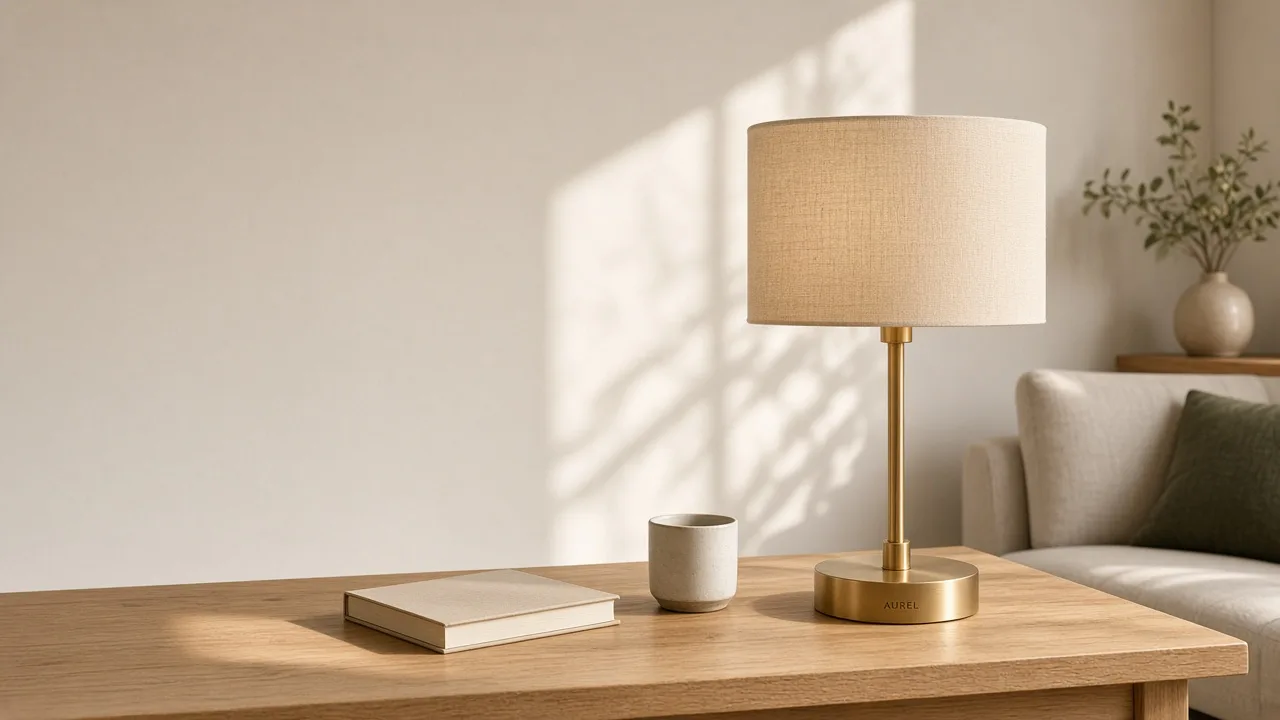
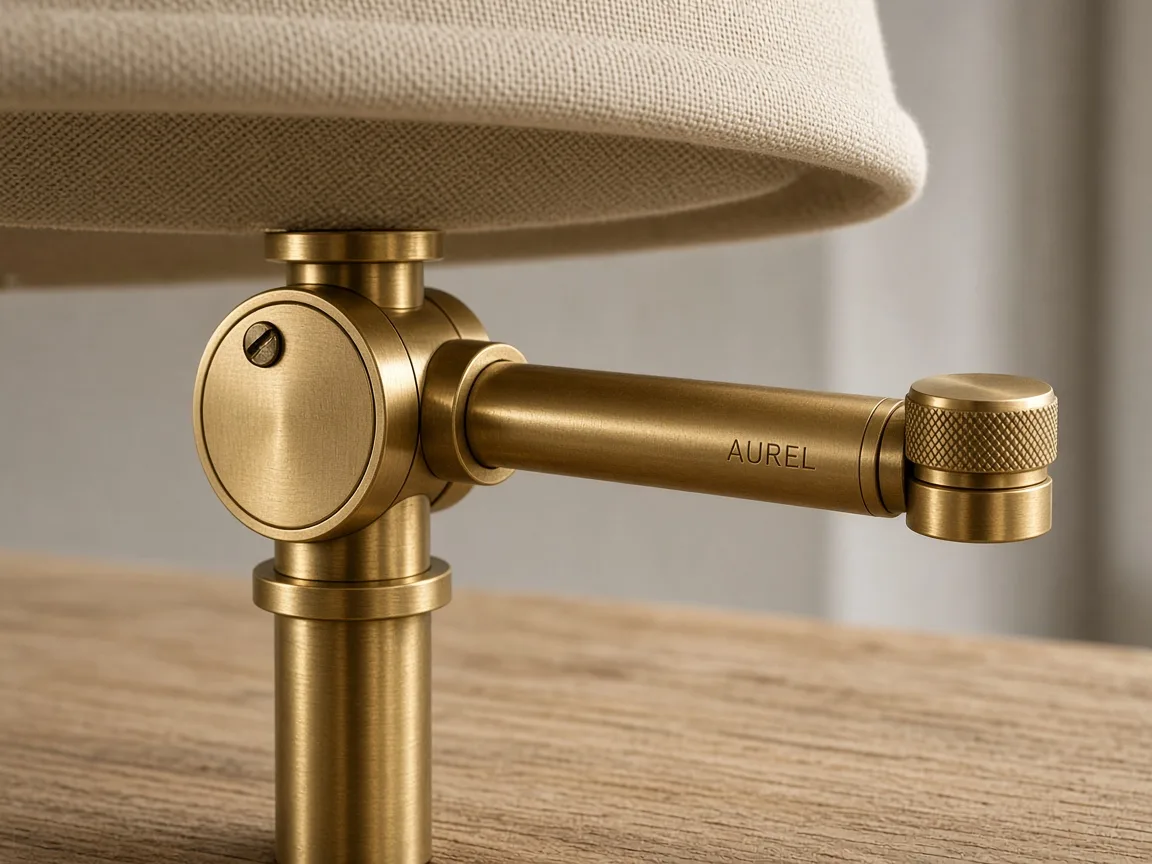
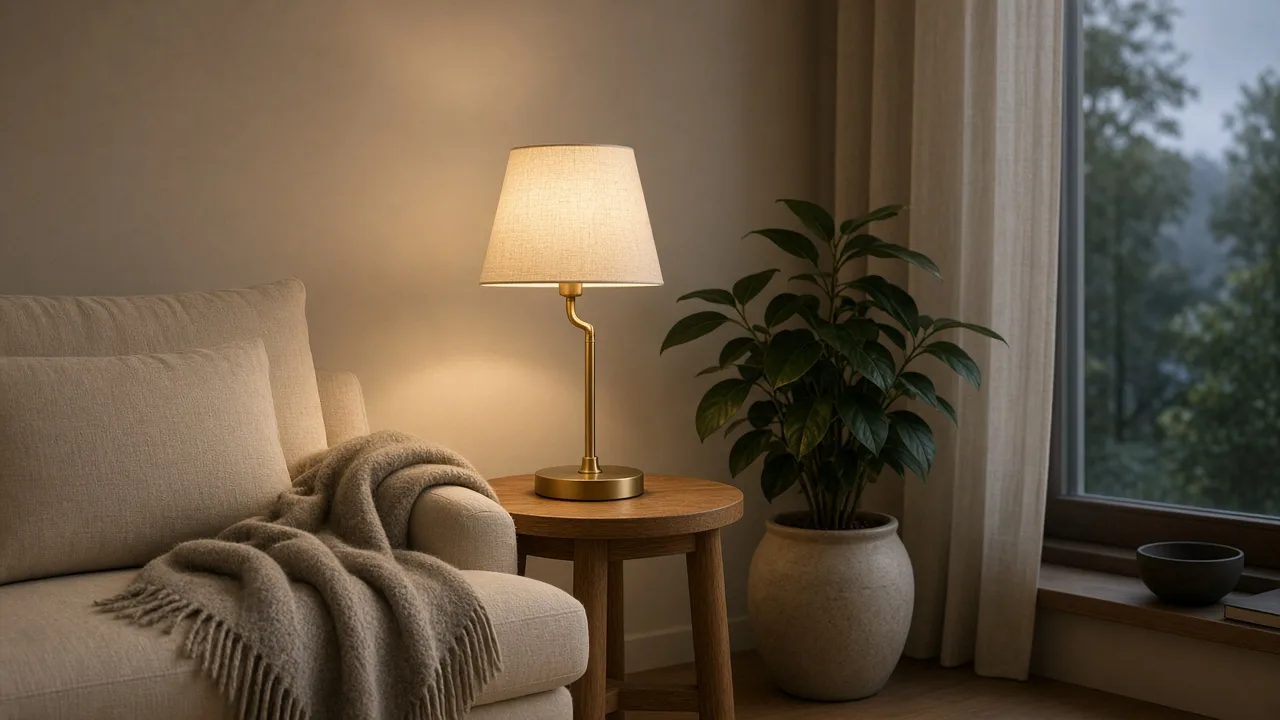
Website-style stills for a fictional lamp brand called AUREL. Starting examples, not customer cases.
A website-style hero with room for a headline, and no advertising copy in the image. Fictional brand. A detail still for a landing page, with no advertising headline. Fictional brand. A lifestyle page-section visual, not a poster. Fictional brand. 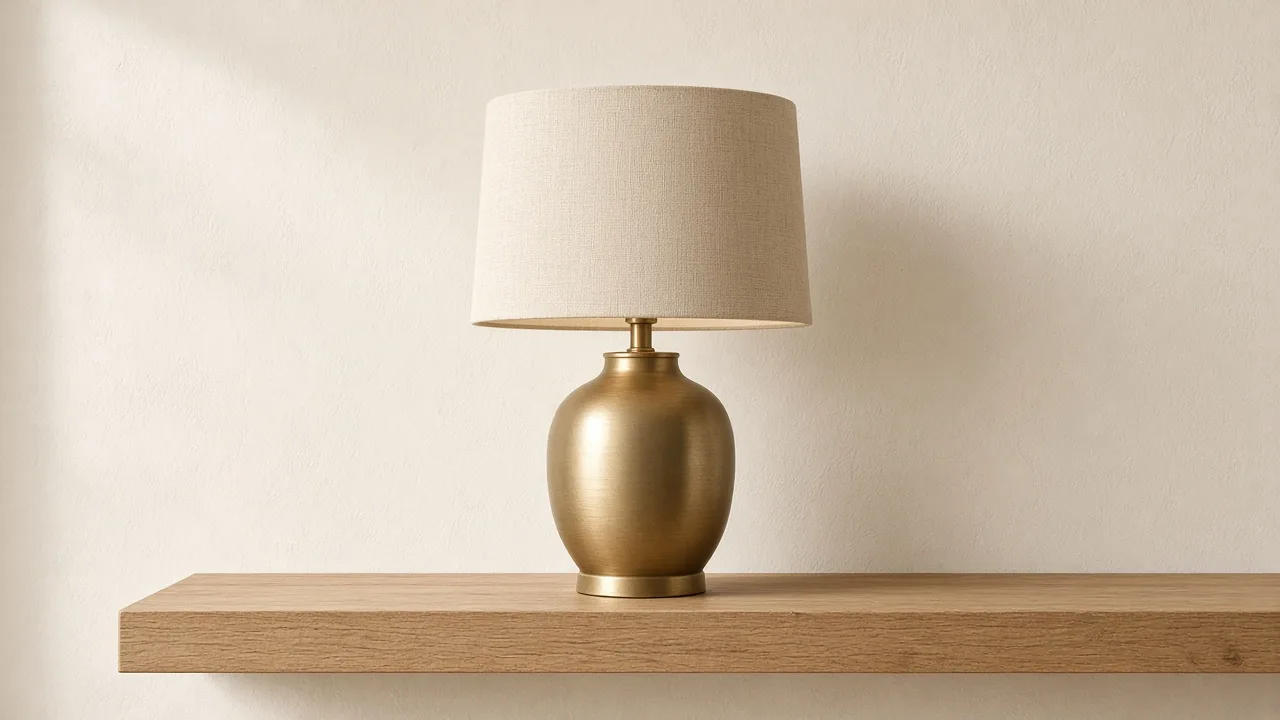
A closing product visual for a landing page. Fictional brand. 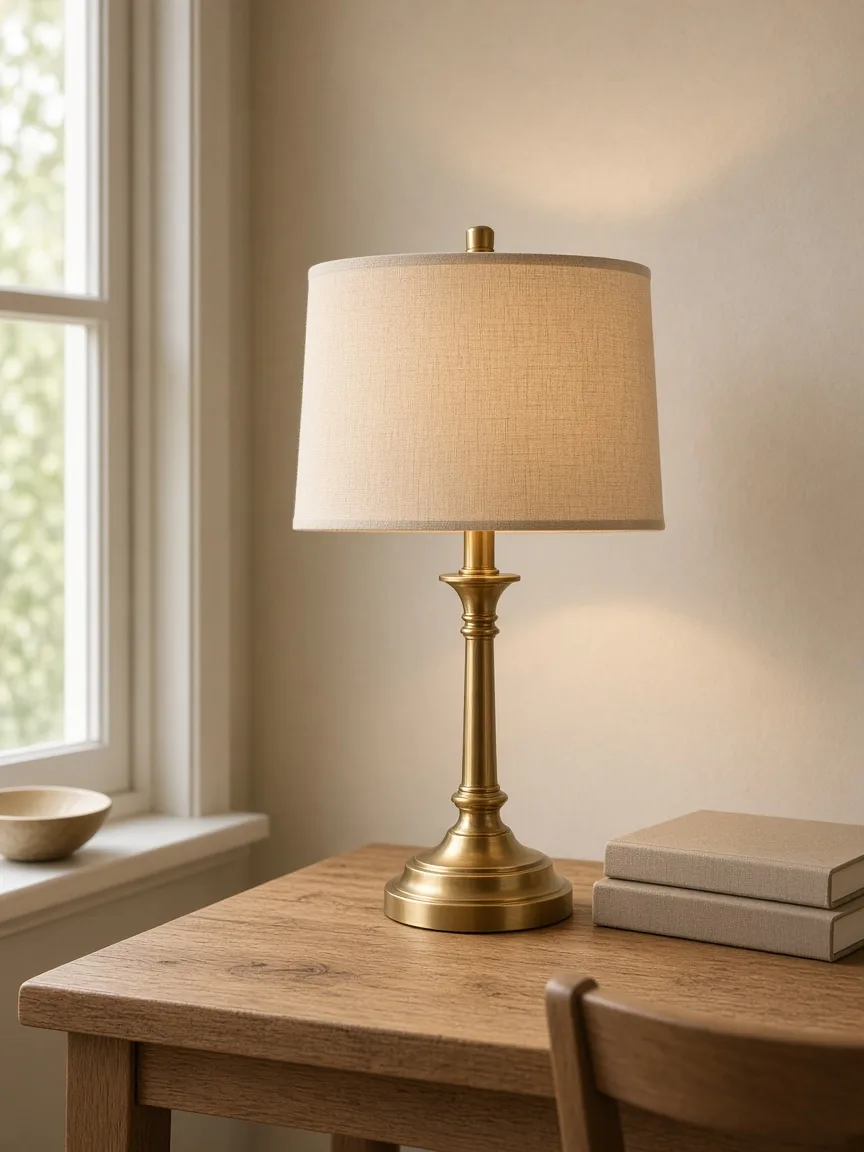
A vertical website-style visual, not a poster. Fictional brand.
How to make landing-page images in Panelly
Pick a landing-page scene, adjust the short prompt or your product photo if you want, then continue into Studio. The credit estimate is shown before you generate. Sign in to generate.
Pick a landing-page scene
Click a scene card. A short prompt fills in, and you can use that scene’s example still. The scenes ask for website imagery—a hero, a detail, a lifestyle scene and a closing image—with no advertising copy inside the pictures.
Adjust if you want
Edit the short prompt, or upload your own product photo. You do not need a long brief. You can also leave the scene as it is.
Generate in Studio
Continue into Studio with this scene already set. The credit estimate is shown before you generate. Sign in to generate. Studio uses one-time credit packs and a shared balance; new accounts start with 20 free credits.
Generate landing visuals in Studio
Questions and answers
Will the images include a headline or call to action?
No. This job is for website visuals with no advertising copy inside the pictures. You add titles and body copy in your own page design. You can leave space on the hero for a headline.
Does Panelly build the landing page?
No. You receive images to bring into your website. This tool does not generate website code or a published page.
How is this different from a product poster?
A product poster is a campaign image and may include wording. A landing-page visual is website imagery without ad copy. Use the product poster maker for posters.
Does this page generate the images by itself?
No. This page helps you pick a scene and a short prompt. Generation happens in Studio after you sign in. The credit estimate is shown before you generate.
What does it cost?
Picking a scene on this page does not use credits. Studio generation uses one-time credit packs and one shared balance; there is no subscription. New accounts start with 20 free credits. The credit estimate is shown before you generate.
Explore related work
 AI product photographyA packshot or lifestyle product photograph, not a landing-page visual set.
- Product-angle and website visualsThe capability this landing-visual job belongs to.
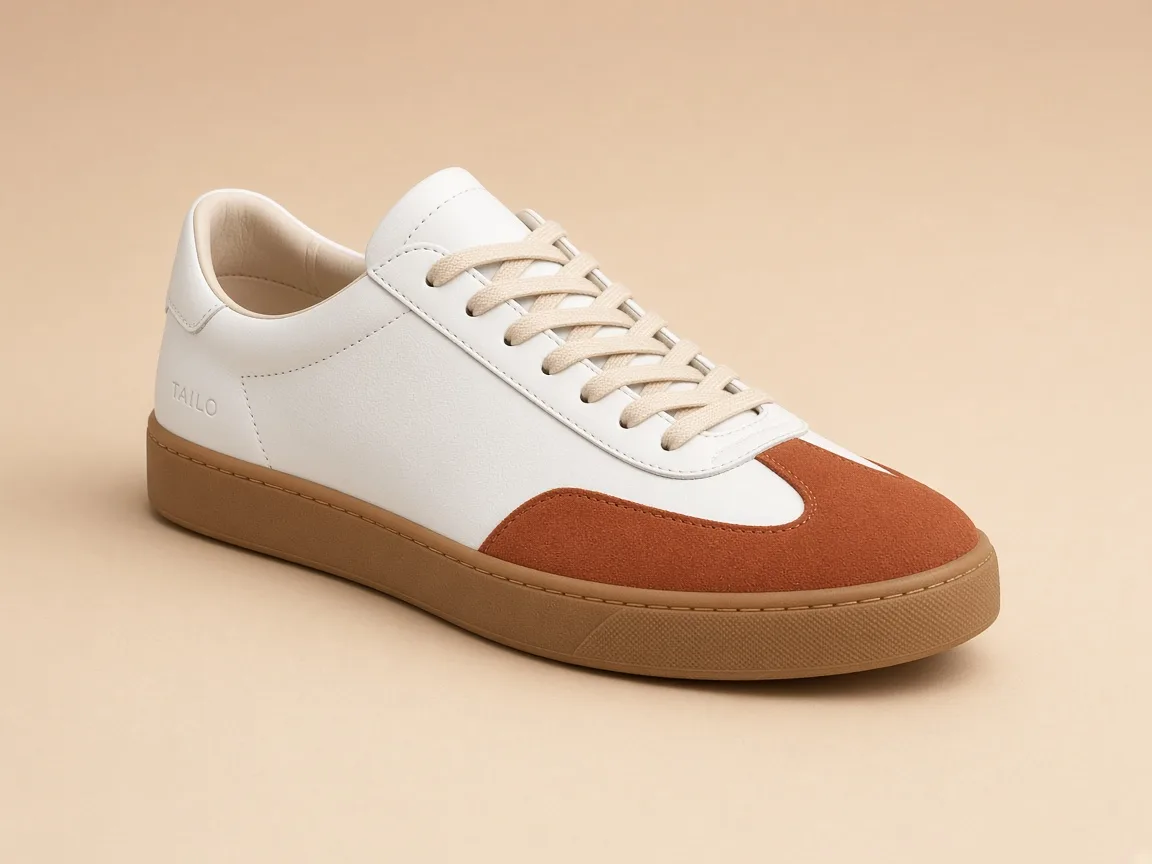 Generate multiple product anglesFront, side, close-up and use scene as advertising images.
 Make a product posterA square campaign hero or portrait poster, which may include wording.
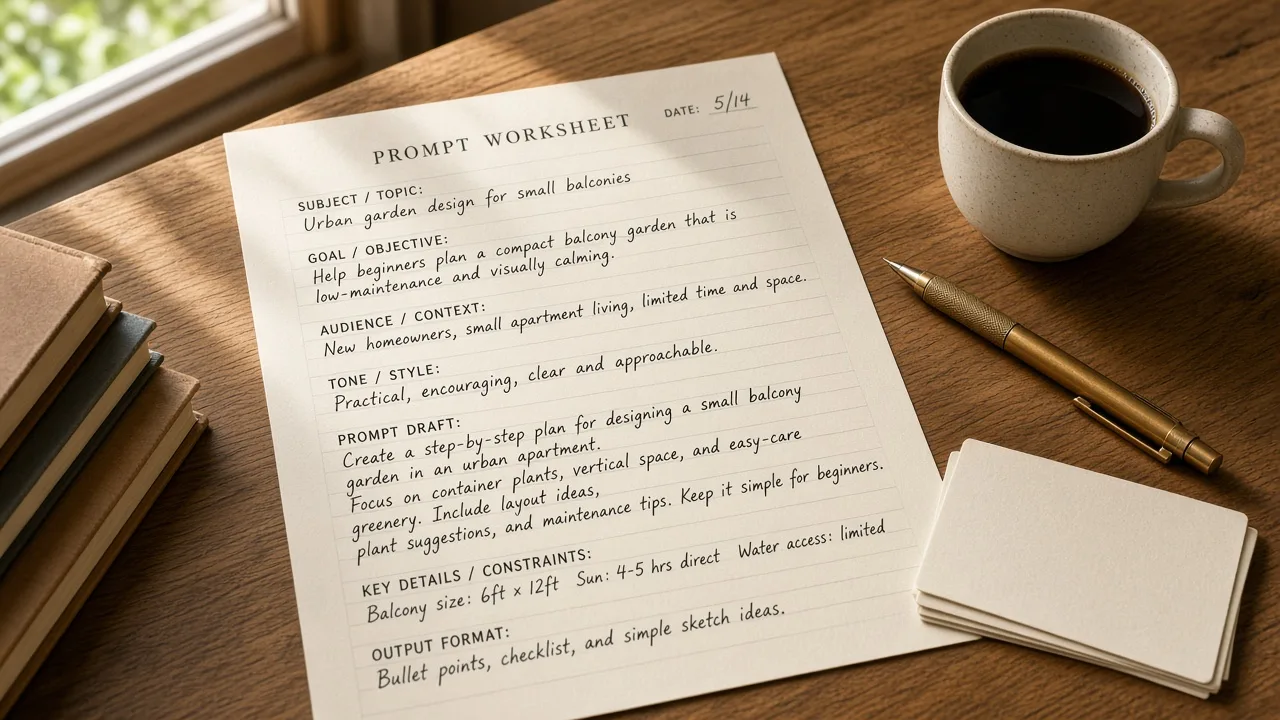 All creative toolsPublic utilities and first-level generation tools.
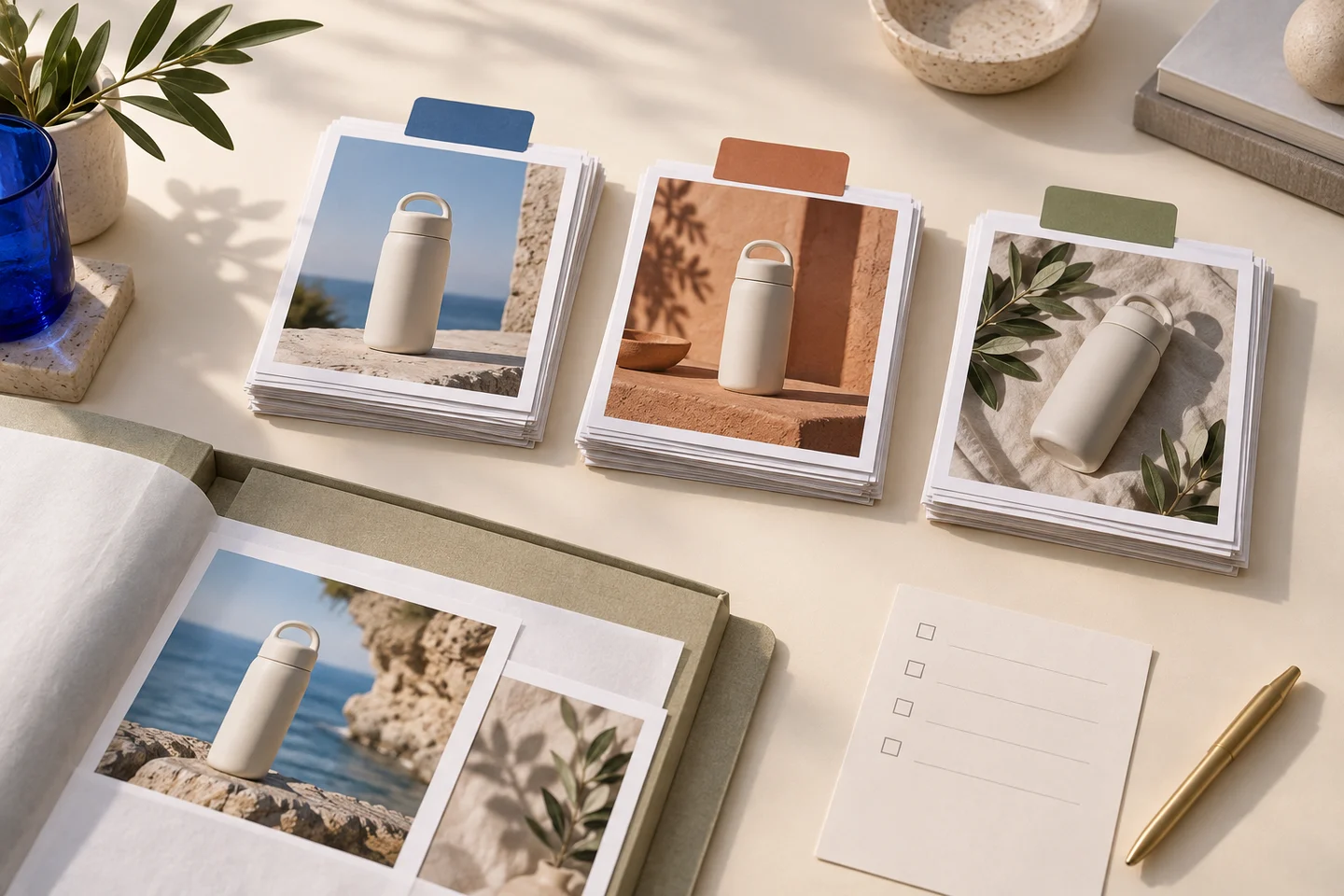 Credit packsOne-time packs, one shared balance, no subscription.