Several views, one product
Product angle generator: multiple angles from one product photo
Pick an angle scene to start. A short prompt is already filled in; add your product photo if you want, then continue into Studio. Use this when you want several clearly different angles—front, three-quarter, close-up and a use scene—as advertising images. It is not a 3D modeling studio and it does not replace the product-visuals capability page.
For ecommerce and product teams who need more than one view of the same product, and who will still review each result against the reference photograph.
Pick a scene
Start from a scene, then generate in Studio
Click a scene to fill a short prompt and use its example still. Edit a little or upload your product photo if you want—you do not need a long brief. Then generate in Studio. You can still edit the prompt and the photo in Studio. Sign in when you are ready to generate. Studio generation uses one-time credit packs and one shared balance; there is no subscription. New accounts start with 20 free credits. The credit estimate is shown before you generate.
What this tool makes
Several angles from one still
A planned set can include a front hero, a three-quarter side view, a material or cap close-up, and a use scene. The angles, shot sizes and compositions should be clearly different.
Advertising images, not a 3D model
You get images you can refine in Studio. Unseen construction is not a verified product specification, and the result is not an editable 3D model.
The same product, kept consistent
Colour, materials and identity should stay consistent with the photograph you provide. Review each view against that reference before you use it.
What this tool is, and what it is not
This page starts the real Studio product-angles scenario. You can edit the example brief, add your product photo or use the example, then continue into Studio. Generation happens in Studio after you sign in.
This tool is the entry for that job. The capability page still explains product-angle and website visuals together: AI product images for ecommerce websites. Website visuals with no ad copy have their own tool, the landing page image generator.
Studio generation uses one-time credit packs and one shared balance; there is no subscription. New accounts start with 20 free credits. The credit estimate is shown before you generate.
Example product views
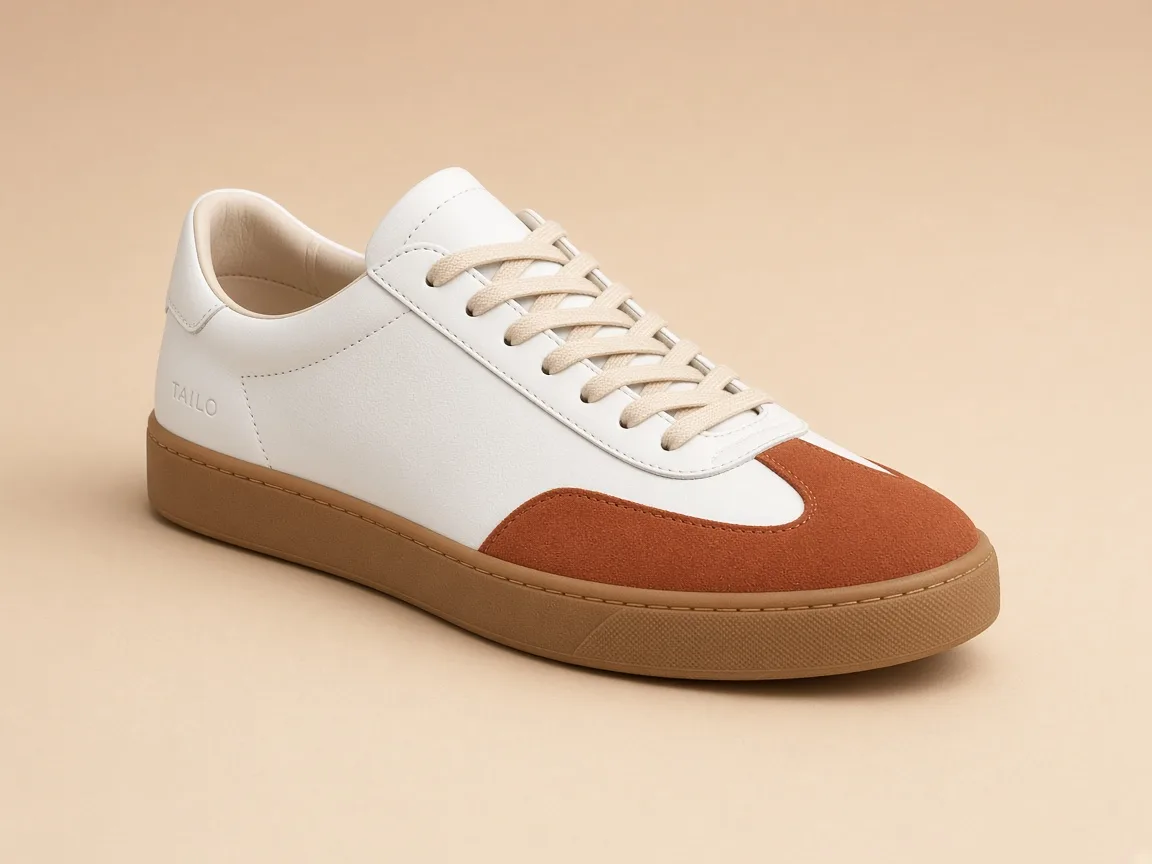
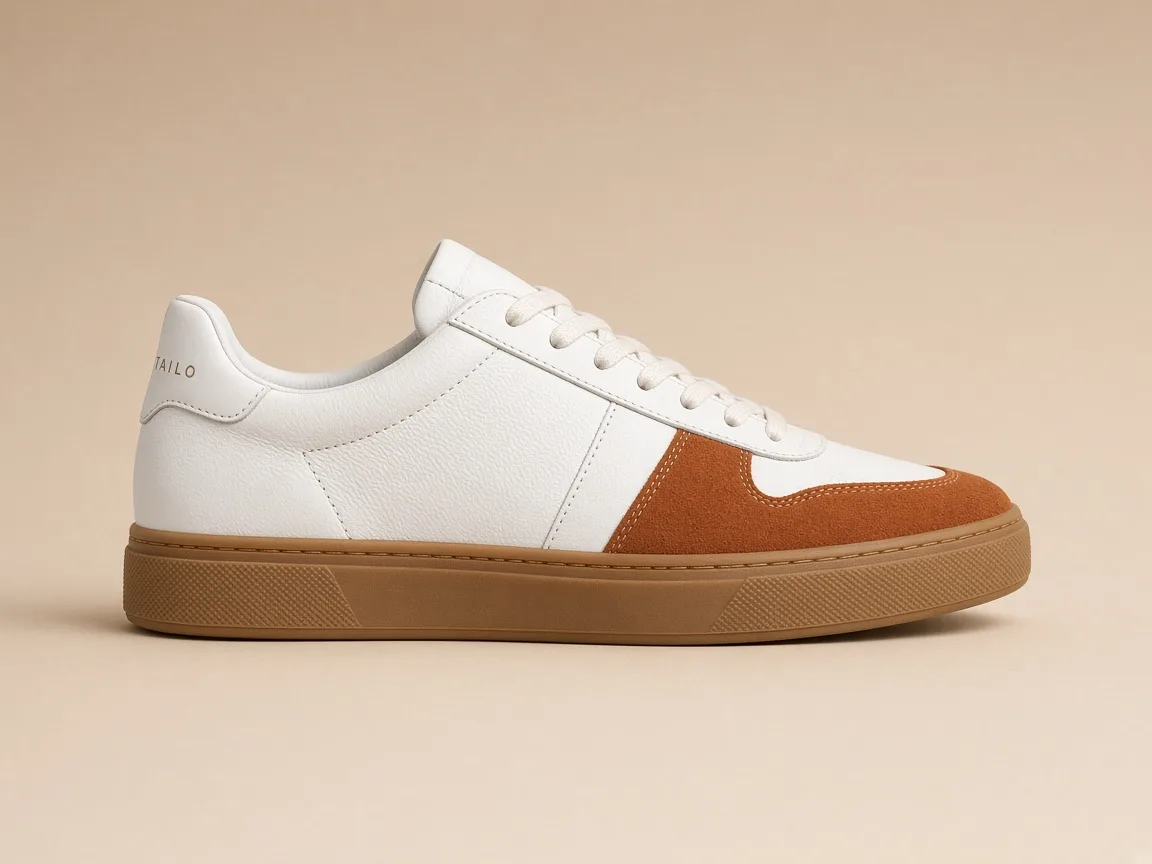
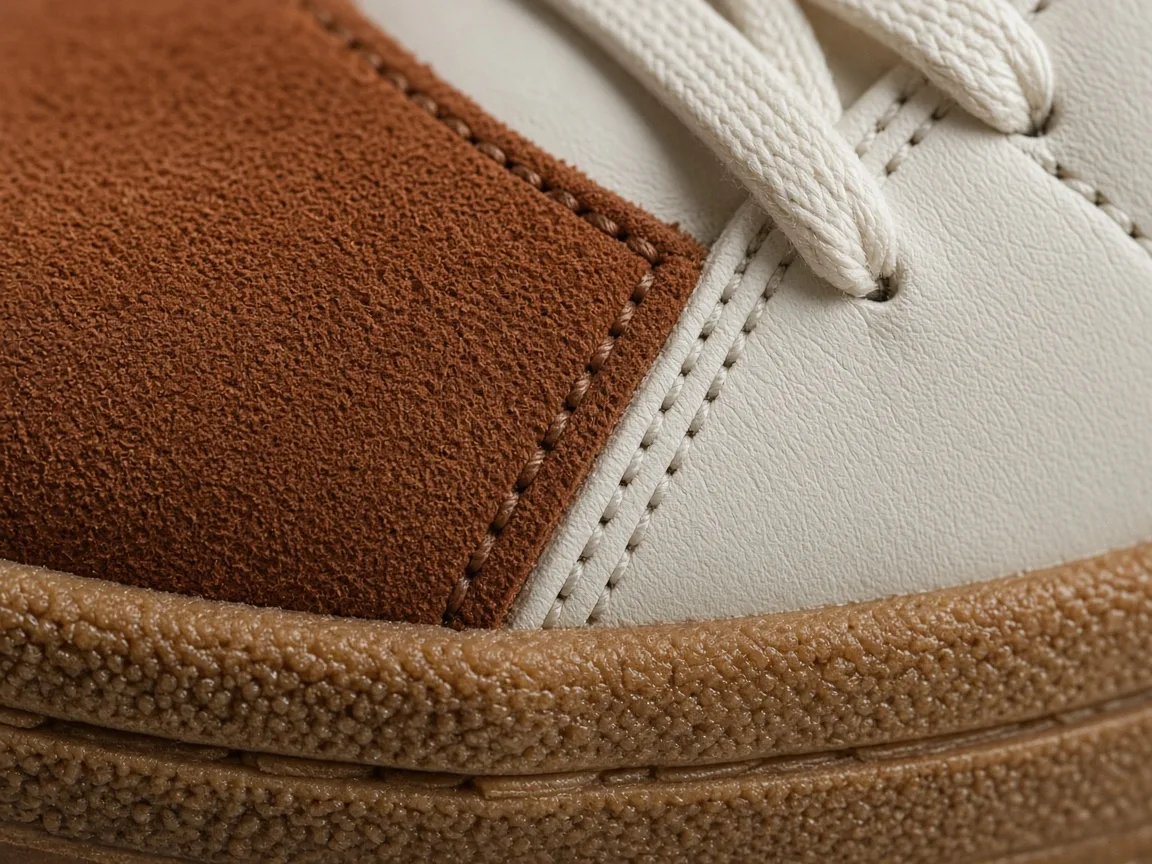
Product-angle stills of a fictional TAILO sneaker. Starting examples, not customer cases, and not a claim that each image was generated as a product-angle set on this page.
A three-quarter product view. Fictional product, not a customer case. A side-profile product view. Fictional product, not a customer case. 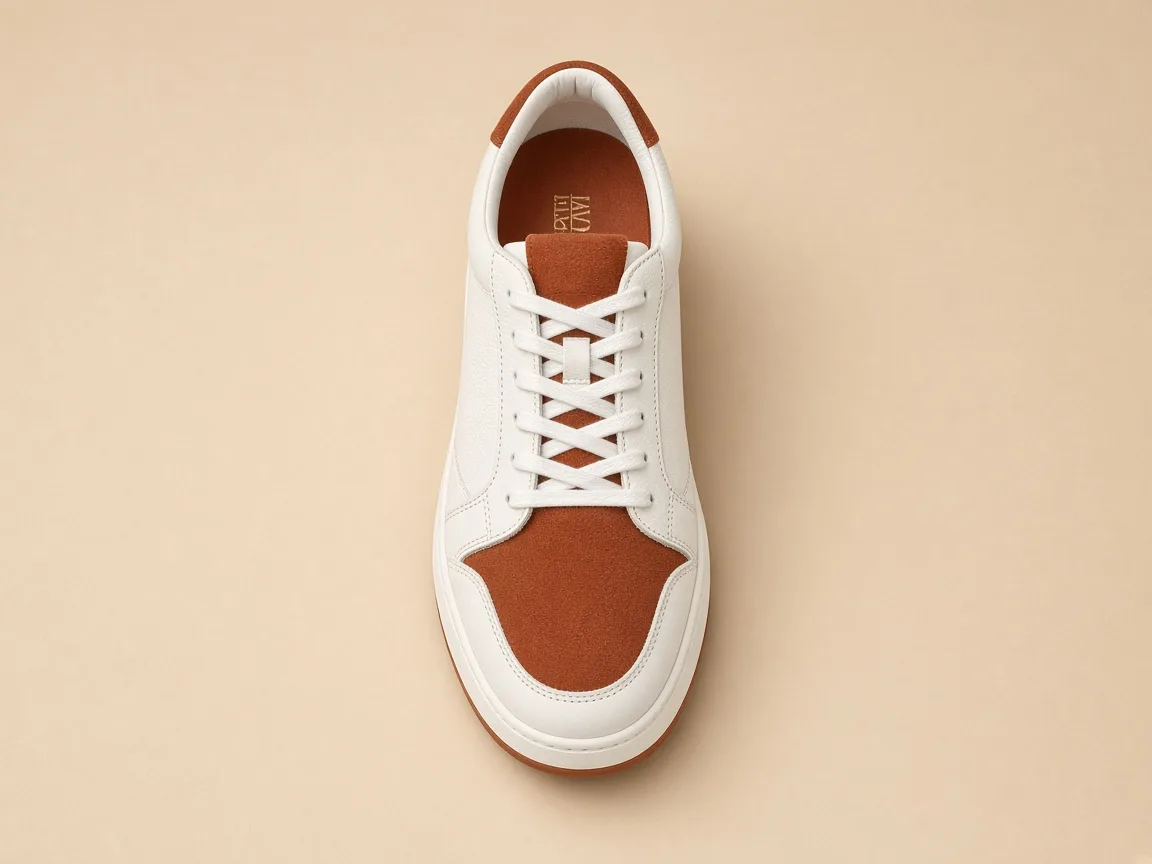
A top-down product view. Fictional product, not a customer case. 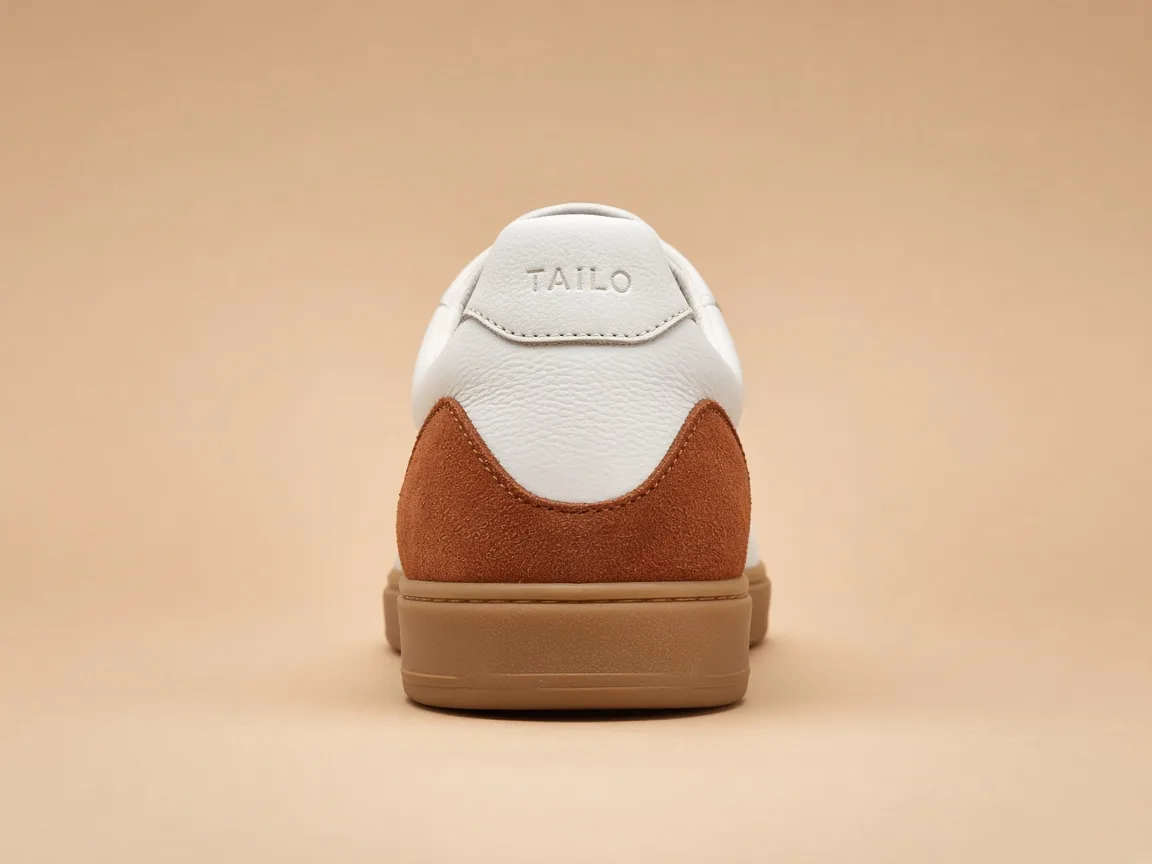
A heel-view product photograph. Fictional product, not a customer case. A material detail from a product-angle set. Fictional product, not a customer case.
How to generate product angles in Panelly
Pick an angle scene, adjust the short prompt or your product photo if you want, then continue into Studio. The credit estimate is shown before you generate. Sign in to generate.
Pick an angle scene
Click a scene card. A short prompt fills in, and you can use that scene’s example still. Scenes ask for clearly different angles: a front hero, a three-quarter side view, a close-up and a use scene.
Adjust if you want
Edit the short prompt to name the angles you need, or upload your own product photo. You do not need a long brief. You can also leave the scene as it is.
Generate in Studio
Continue into Studio with this scene already set. The credit estimate is shown before you generate. Sign in to generate. Studio uses one-time credit packs and a shared balance; new accounts start with 20 free credits.
Generate product angles in Studio
Questions and answers
Do I need a photo from every angle already?
No. One product photograph is enough to start. Angles without a matching reference are inferred and should be reviewed against the photograph you provided.
Is this a 3D product generator?
No. The results are advertising images, not an editable 3D model. Do not treat unseen construction as a verified product specification.
How is this different from the product-visuals page?
The product-visuals capability page explains product-angle and website visuals: what you provide, what comes back, and what it is not. This tool starts the product-angles Studio job itself, from a simple scene.
Does this page generate the images by itself?
No. This page helps you pick a scene and a short prompt. Generation happens in Studio after you sign in. The credit estimate is shown before you generate.
What does it cost?
Picking a scene on this page does not use credits. Studio generation uses one-time credit packs and one shared balance; there is no subscription. New accounts start with 20 free credits. The credit estimate is shown before you generate.
Explore related work
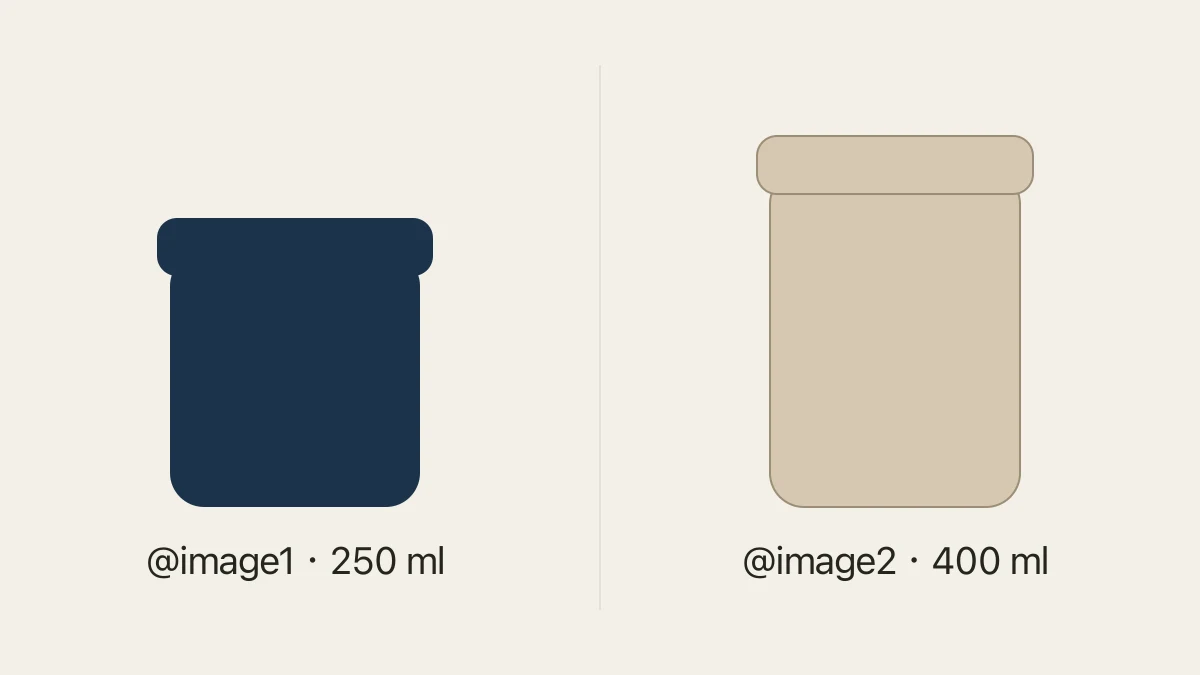 Product photo coverage checkerCompare logged photos against required SKU and view combinations.
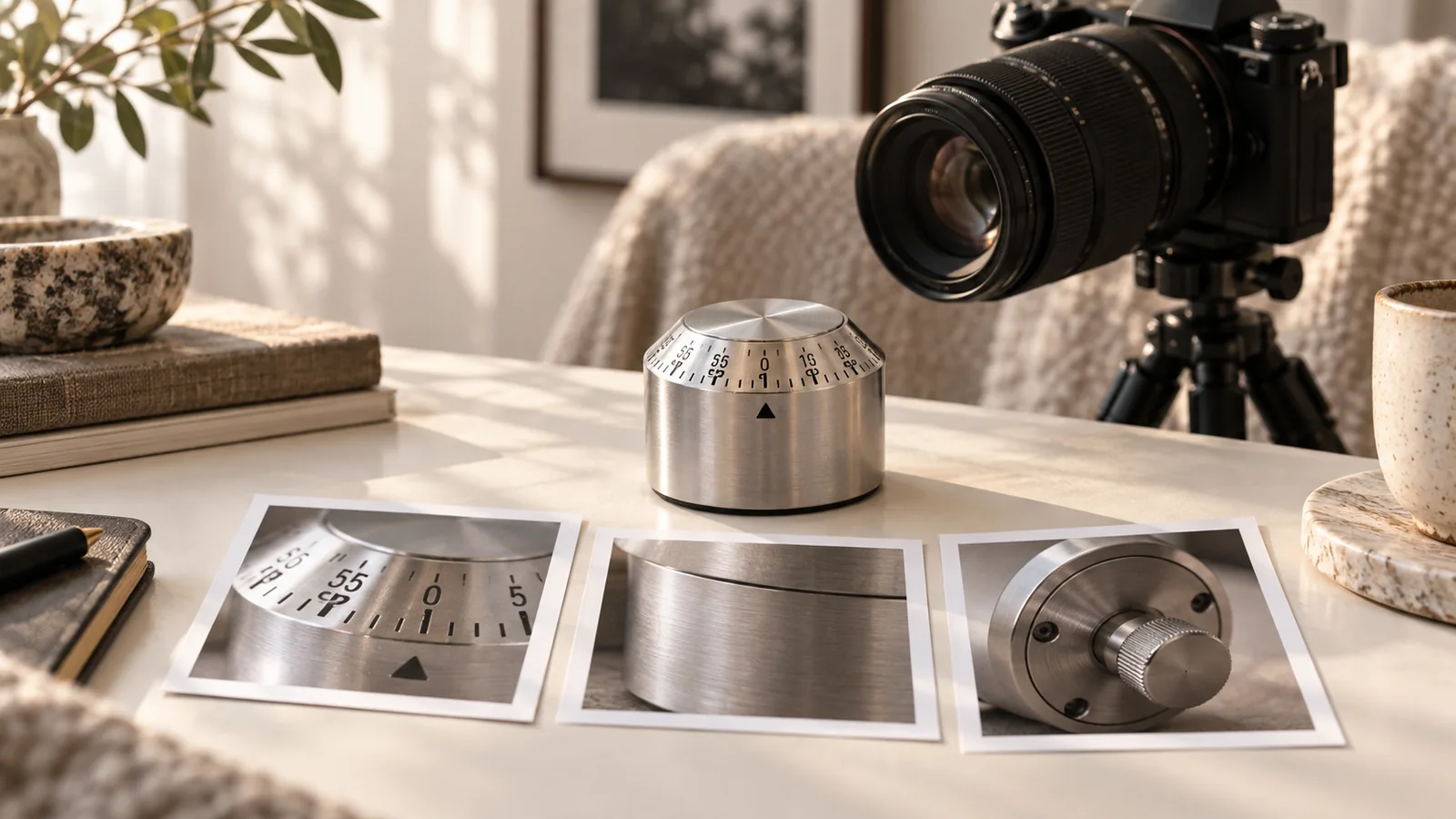 360 product turntable shot listDownload the angle for each exposure in a single rotation.
 AI product photographyA packshot or lifestyle product photograph, not a multi-angle advertising set.
- Product-angle and website visualsThe capability this job belongs to, including website imagery.
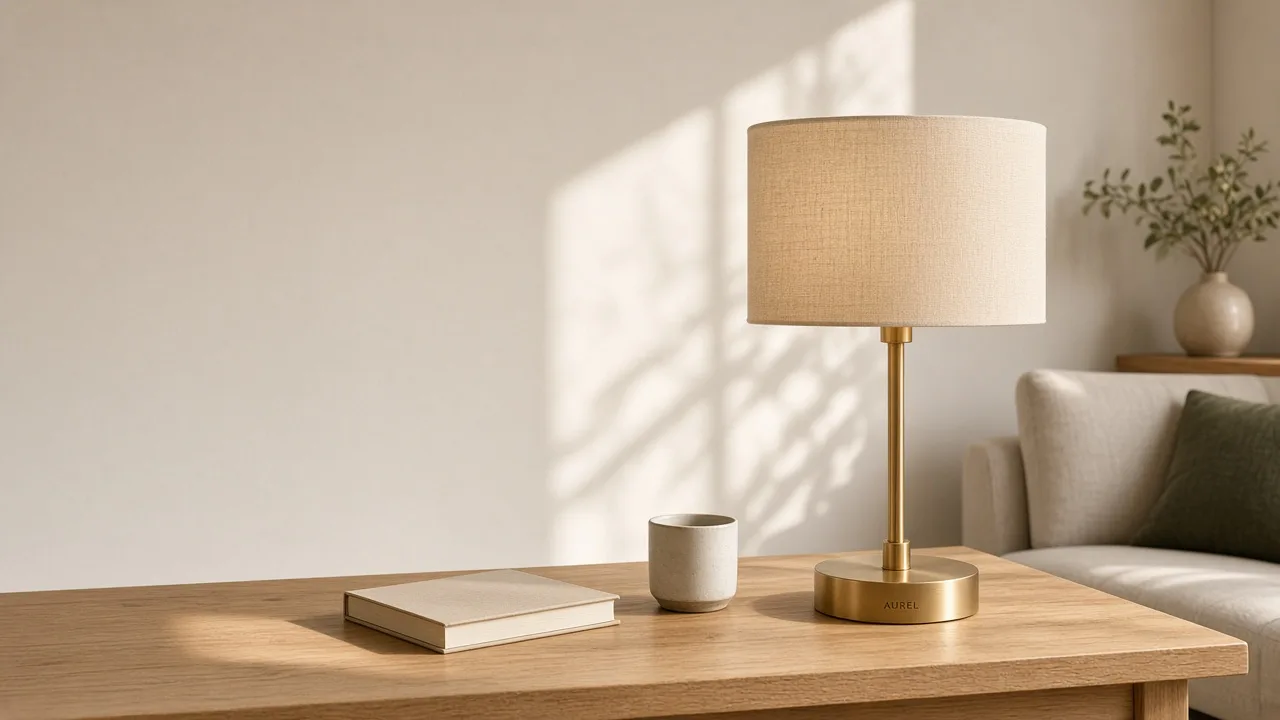 Make landing-page visuals with no ad copyHero, detail, lifestyle and closing images for a website.
 All creative toolsPublic utilities and first-level generation tools.
- Keep product images consistentA journal note on reviewing identity across views.
 Credit packsOne-time packs, one shared balance, no subscription.