Visual mockups, not dielines
Packaging mockup generator: visual box, bag and card mockups
Pick a packaging scene to start. A short prompt is already filled in; add your product photo if you want, then continue into Studio. The results are visual mockups of a paper box, a shopping bag or a thank-you card—images for review, not print-ready dielines or structural packaging files.
For product teams who want to explore how a product could look on a box, bag or card before talking to a printer, and who do not need a dieline or a new vector logo from this tool.
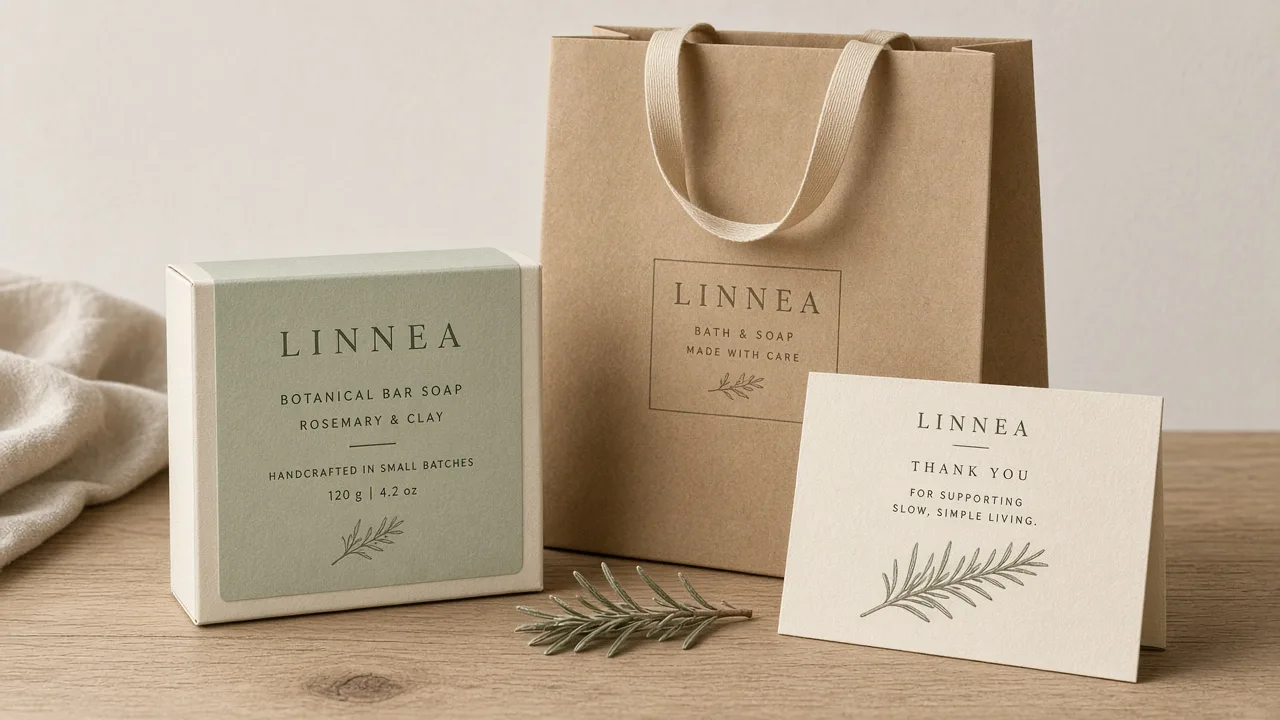
Pick a scene
Start from a scene, then generate in Studio
Click a scene to fill a short prompt and use its example still. Edit a little or upload your product photo if you want—you do not need a long brief. Then generate in Studio. You can still edit the prompt and the photo in Studio. Sign in when you are ready to generate. Studio generation uses one-time credit packs and one shared balance; there is no subscription. New accounts start with 20 free credits. The credit estimate is shown before you generate.
What this tool makes
Paper-box, bag and card mockups
The supported packaging objects are a paper box, a shopping bag and a thank-you card, shown as visual mockups of how the product and artwork could look.
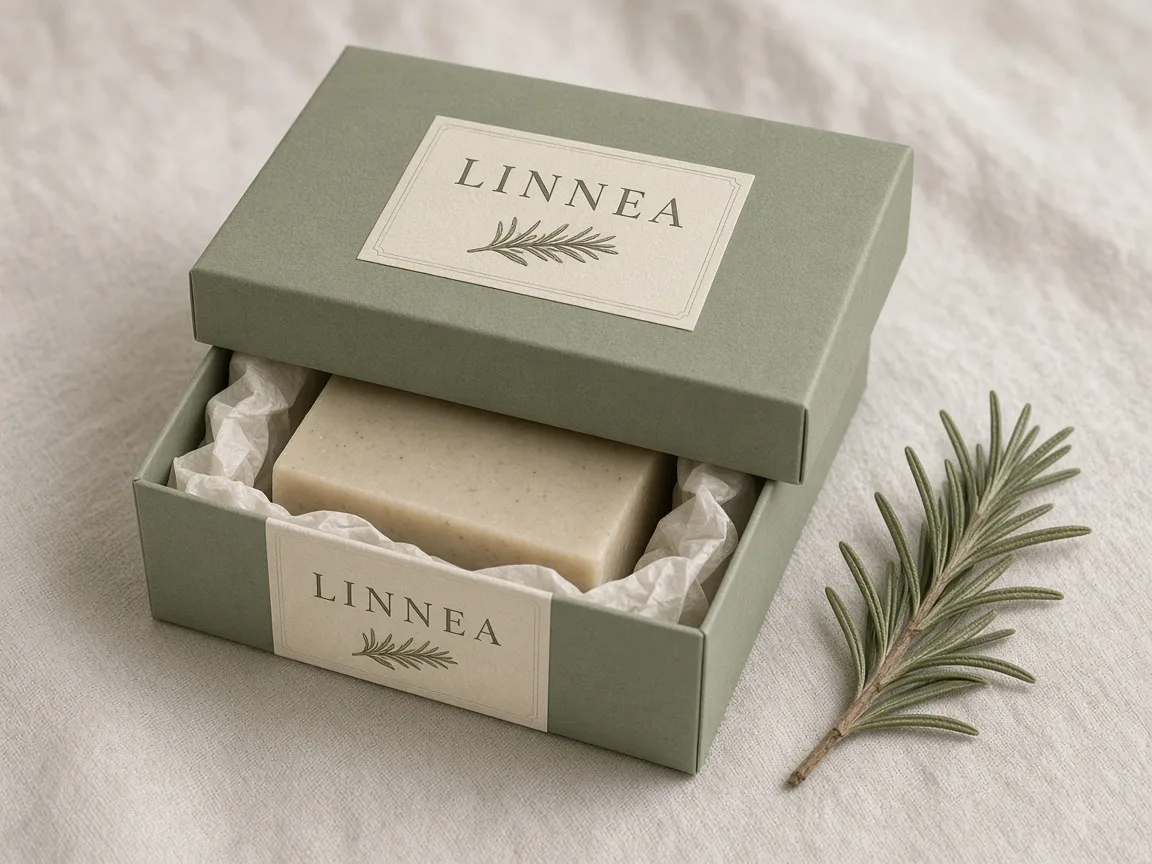
A visual concept, not a dieline
The output is an image you can review. It is not a print dieline, a cut-and-fold template, or a manufacturing specification.
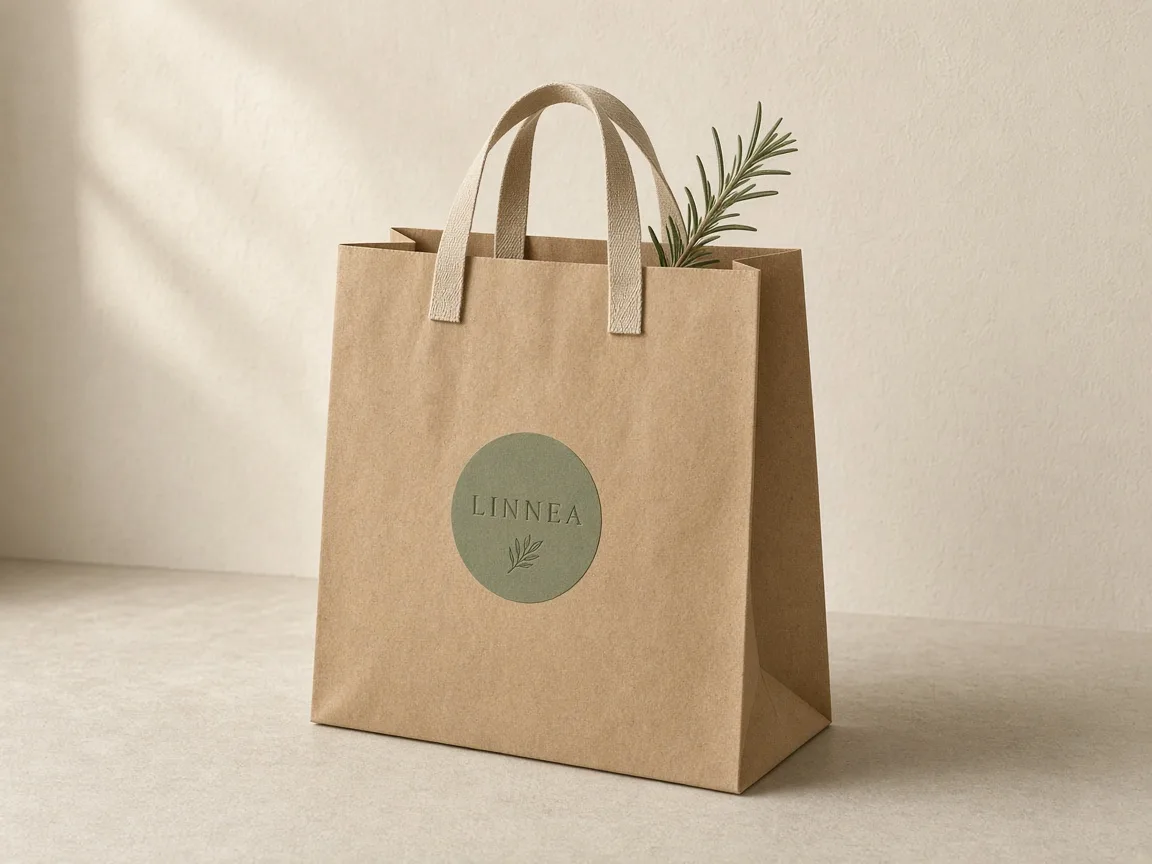
Faithful to the product you provide
Start from a product photograph. Keep the product’s actual appearance. This tool does not invent a new brand identity or an editable vector logo.
What this tool is, and what it is not
This page starts a real Studio brand-campaign job focused on packaging deliverables. You can edit the example brief, add your product photo, then continue into Studio. Generation happens in Studio after you sign in.
The mockups are visual. They are not print dielines, printer specs or structural drawings. Brand visuals produced alongside a campaign are concept images, not editable vector logos.
Studio generation uses one-time credit packs and one shared balance; there is no subscription. New accounts start with 20 free credits. The credit estimate is shown before you generate.
Example packaging visuals
Visual mockups for a fictional bath-soap brand called LINNEA, not print dielines and not customer cases.
Visual box, bag and card mockups—not print dielines. Fictional product. A paper-box visual mockup, not a dieline. Fictional product. A shopping-bag visual mockup, not a dieline. Fictional product. 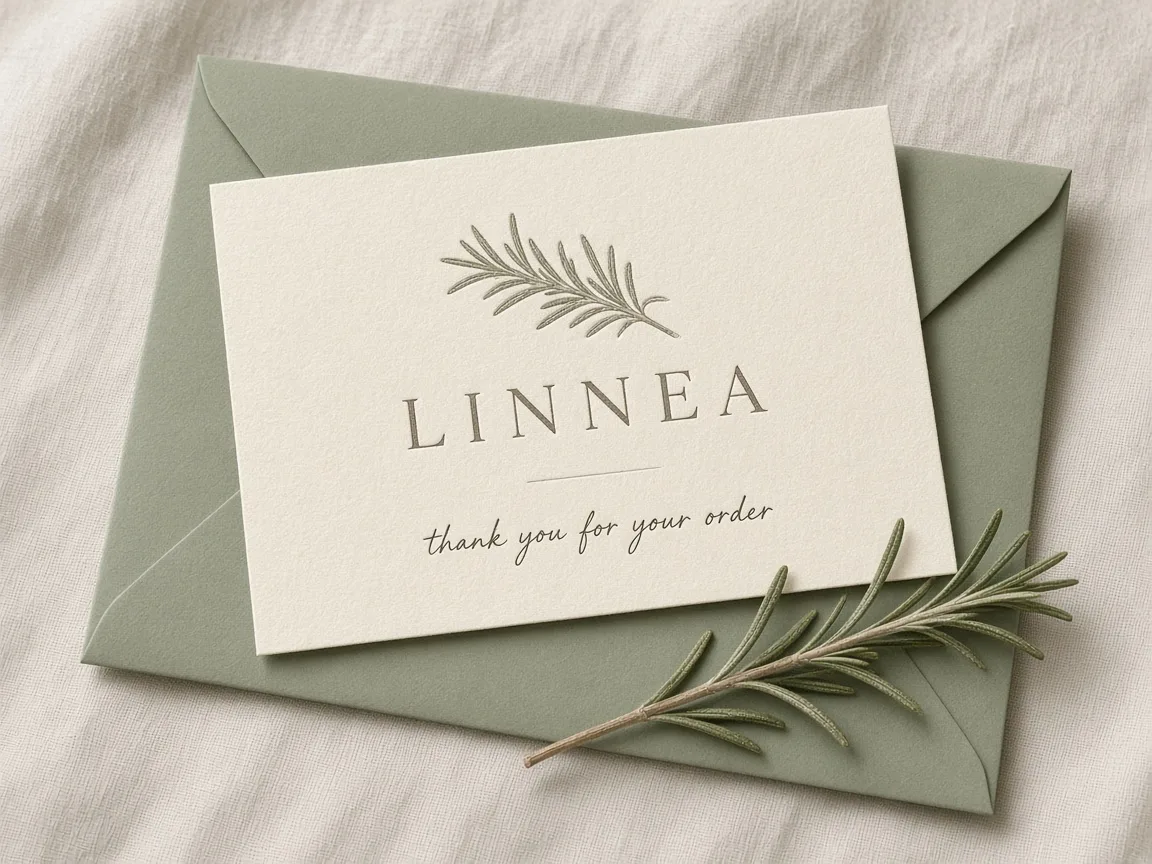
A thank-you-card visual mockup, not a dieline. Fictional product. 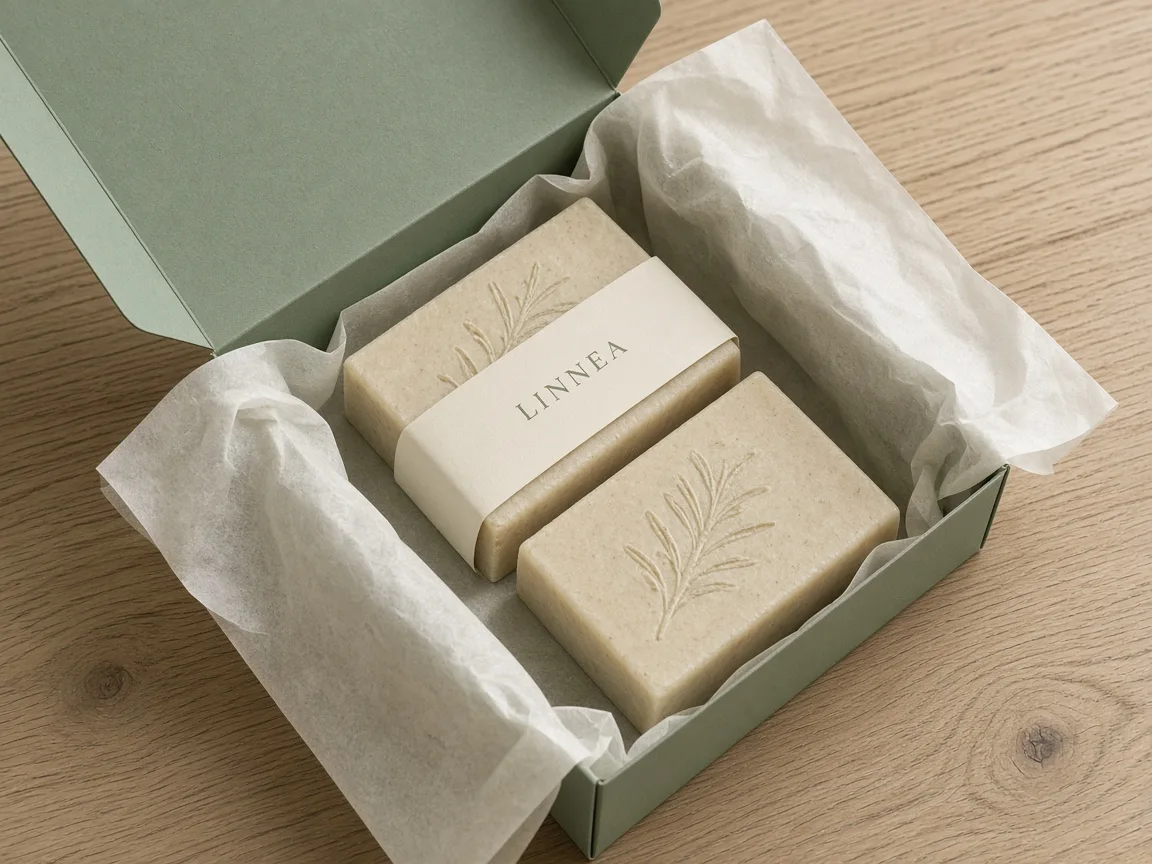
An open-box visual mockup, not a dieline. Fictional product.
How to make a packaging mockup in Panelly
Pick a packaging scene, adjust the short prompt or your product photo if you want, then continue into Studio. The credit estimate is shown before you generate. Sign in to generate.
Pick a packaging scene
Click a scene card. A short prompt fills in, and you can use that scene’s example still. Scenes cover a paper box, a shopping bag and a thank-you card as visual mockups, not print dielines.
Adjust if you want
Edit the short prompt to choose which objects you need, or upload your own product photo. You do not need a long brief. You can also leave the scene as it is.
Generate in Studio
Continue into Studio with this scene already set. The credit estimate is shown before you generate. Sign in to generate. Studio uses one-time credit packs and a shared balance; new accounts start with 20 free credits.
Generate the packaging mockup in Studio
Questions and answers
Does this create a print dieline?
No. The output is a visual packaging mockup—an image of a paper box, shopping bag or thank-you card. It is not a print dieline, a cut-and-fold template, or a manufacturing file.
Which packaging objects can I request?
The product supports a paper box, a shopping bag and a thank-you card as visual mockups. Pick a scene that includes the objects you need, or edit the short prompt.
Does this page generate the mockup by itself?
No. This page helps you pick a scene and a short prompt. Generation happens in Studio after you sign in. The credit estimate is shown before you generate.
Can I get an editable vector logo from this tool?
No. Brand visuals in a campaign are concept images, not editable vector logos. This tool focuses on visual packaging mockups.
What does it cost?
Picking a scene on this page does not use credits. Studio generation uses one-time credit packs and one shared balance; there is no subscription. New accounts start with 20 free credits. The credit estimate is shown before you generate.
Explore related work
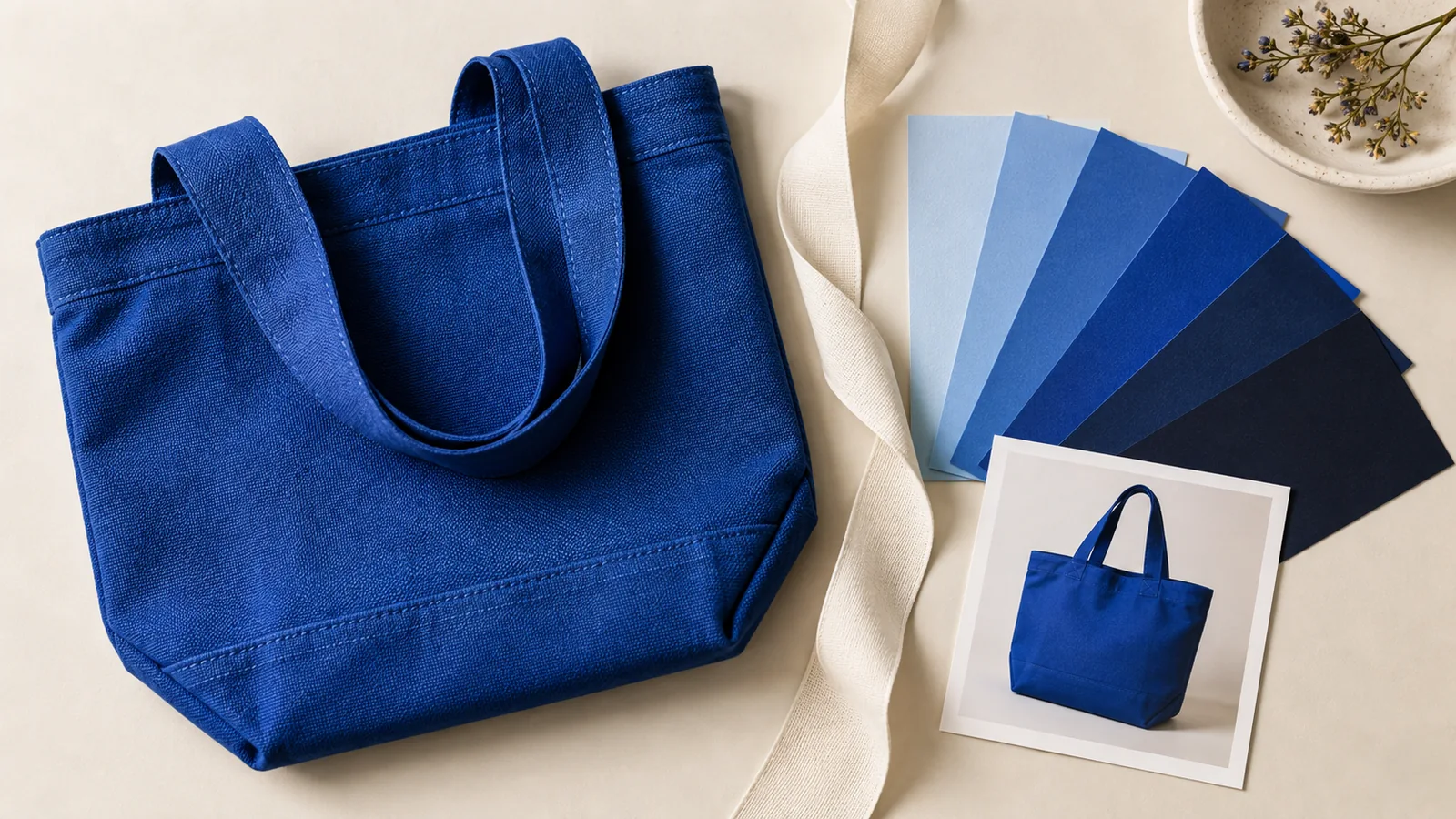 Packaging pattern repeat calculatorFind the motif phase at the folds of a two-face package wrap.
- Plan a coordinated creative setWhen packaging sits beside a four-panel story and posters.
 Make a square hero and portrait posterPosters from the same product photo, not banners.
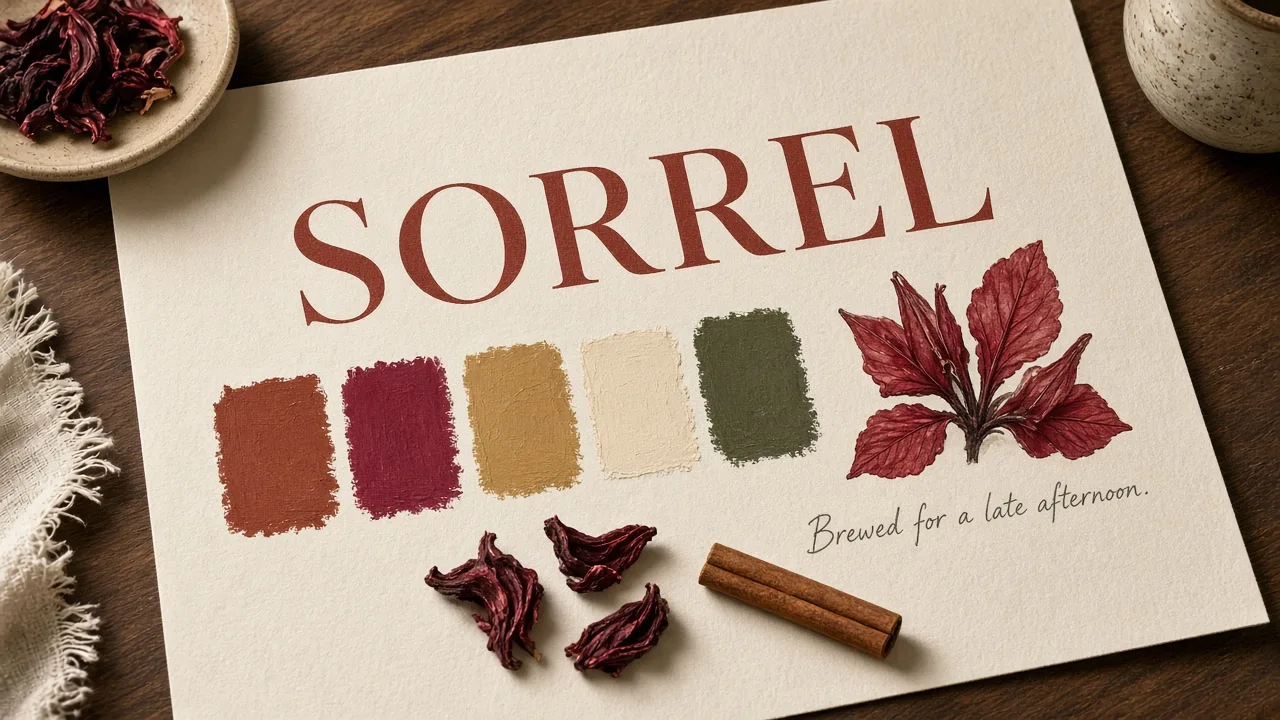 Make a brand identity concept firstA wordmark or palette still, not an editable vector logo, and not a packaging mockup.
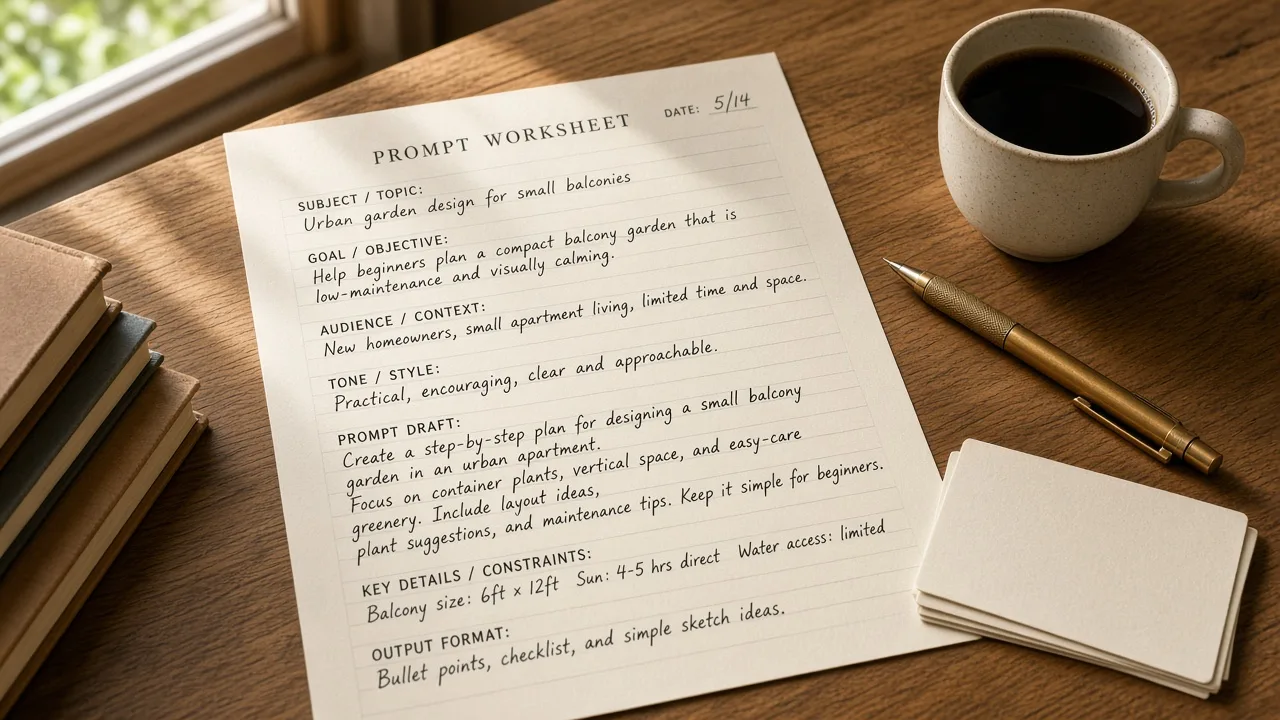 All creative toolsPublic utilities and first-level generation tools.
- Product-angle and website visualsWhen you need product images for a page, not packaging.
 Credit packsOne-time packs, one shared balance, no subscription.