Campaigns
GPT Image 2.6 Markup Edits: Keep the Original Separate
Product-ad workflow: A circle identifies where you want a change; the original, annotation and identity reference tell the model different things. The useful question for GPT Image 2.6 markup is how to assemble those inputs without losing the clean ad or confusing the product reference with the edit target.

Make it with Panelly
Four-panel product ads
Turn a product benefit into a connected four-panel ad. Explore a visual direction, refine the result through conversation, and download the complete image.
Try this in Panelly Edit the brief before you generate.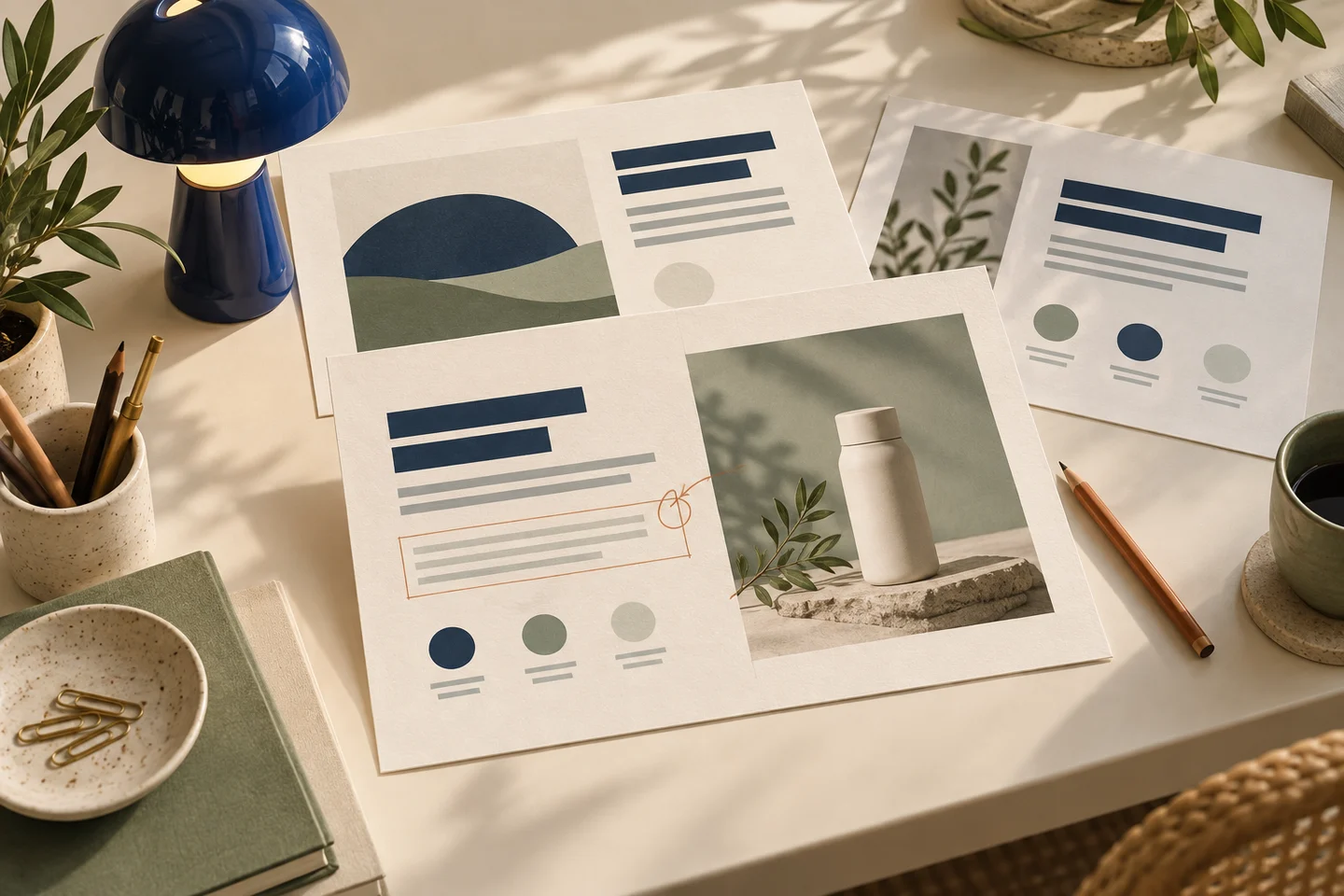
A circle identifies where you want a change; the original, annotation and identity reference tell the model different things. The useful question for GPT Image 2.6 markup is how to assemble those inputs without losing the clean ad or confusing the product reference with the edit target.
This is an input-contract guide for a fictional packaging correction, not a second tutorial for Panelly's circle interface. No generation was run, and Panelly has not integrated 2.6 native markup. Supported GPT Image 2.5 models also have documented markup support; it is not exclusive to 2.6.
Give each input one explicit role
Suppose a fictional perfume ad shows a box labeled AVENN when the approved spelling is AVEN. The clean ad is the thing to edit. A transparent PNG points to the wrong label. An authorized product photograph supplies the actual bottle and package identity. Combining all three into a marked screenshot makes these roles harder to audit.
The official markup workflow applies the annotation to the first input image. Additional images are references. A different ordering changes which image is being directed, so name the target and freeze the order before submission.
Align the overlay with the oriented original
Create a separate transparent PNG containing only the annotation. After orientation correction, its dimensions must match the first input image. A phone photograph may have orientation metadata; matching the stored width alone does not prove that the circle points to the intended label.
The documented first image and annotation each have a maximum of 16,777,216 pixels; the annotation also has a 50 MB limit. Multipart accepts a markup file; JSON accepts exactly one of image_url or file_id for markup and uses an images input array. Do not combine markup with mask or prompt_rewriter. These are API facts, not current Panelly upload controls.
Put the idea to work for your product
Four-panel product ads
Turn a product benefit into a connected four-panel ad. Explore a visual direction, refine the result through conversation, and download the complete image.
Try this in Panelly Edit the brief and replace the reference in Studio. Sign in when you are ready to create.Pair the mark with an exact replacement request
This original request is illustrative and was not sent:
The annotation identifies the AVENN label on the box in the first clean ad image. Replace it with exactly AVEN at that location. Use the additional actual product photograph to check the bottle and package identity. Keep the cap shape, package proportions, colors and approved surrounding copy. Do not invent claims or prices. Do not leave visible markup in the result.Keep the old version and its input files. “Keep” describes the requested behavior, not a promise that pixels outside the mark will be identical. A correctly positioned circle does not prove that the model followed the request or that the label is commercially accurate.
Compare two references after the edit
First compare the result to the clean ad for layout drift, extra text and annotation residue. Then compare it to the actual product photograph for identity. Read the replacement and every nearby caption at the intended display size. A fixed word with a changed bottle or duplicated cap has not passed.
Retain each input hash, order, request, output and failed attempt if you conduct an authorized test. Do not rename a regenerated image as an edit of the original without lineage evidence. We provide no measured preservation score or demonstrated AVEN output.
Use the existing correction owner in Panelly
The visual-feedback guide remains the owner of current circle-operation instructions. In the four-panel task, select the actual result you intend to refine, describe the exact correction and review the displayed plan or cost before submission. Compare the complete next version.
Panelly's present circle reference is not the independent native overlay described above. The feedback examples help turn “fix the branding” into an observable instruction. Neither page promises unchanged labels, untouched pixels or changes confined to one frame. The next useful action is to identify the real edit target and approved spelling, not assume that a new model name has already changed the application's contract.