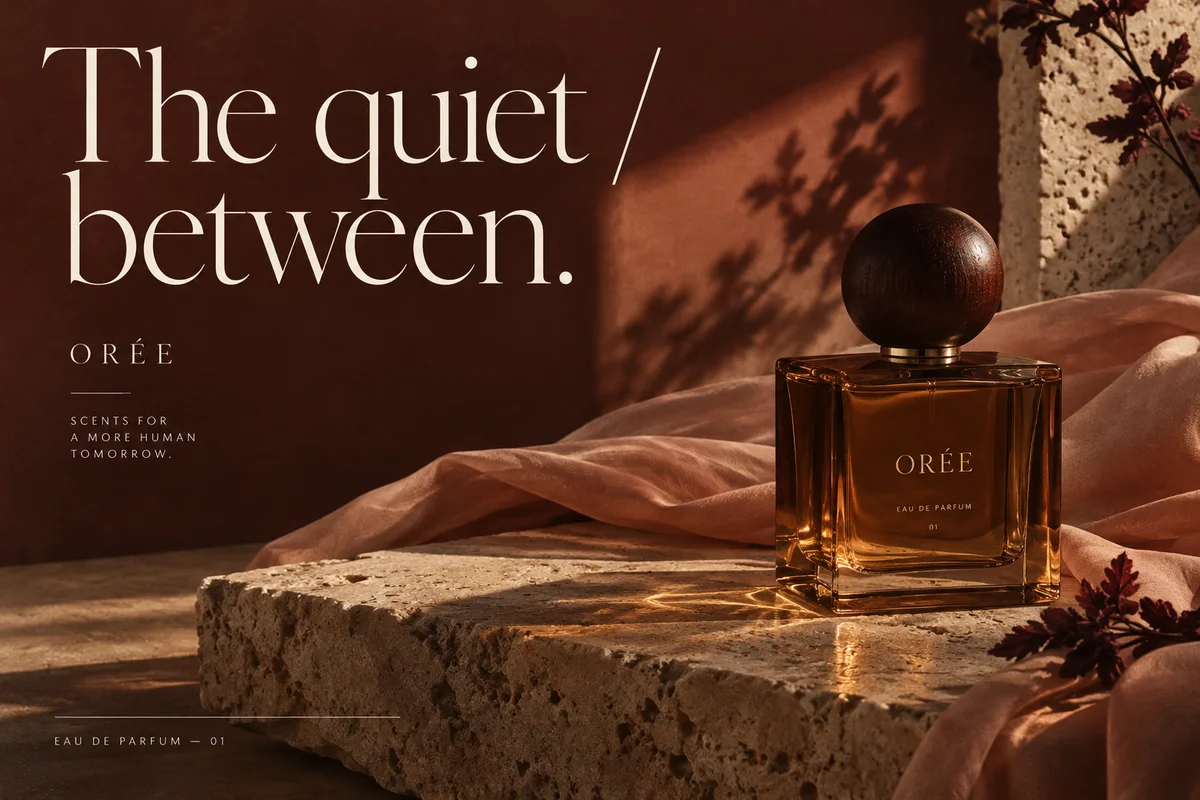
Existing English-language ORÉE fragrance creative examples; not generated with GPT Image 2.6.
ORÉE fragrance campaign visual
Choose Flare or Sunburst
Use an iteration brief when comparing directions; use a detail brief when the product and lettering need closer attention.
OpenAI positions Flare for fast iteration and Sunburst for detailed work. These are model descriptions, not a measured Panelly comparison. Keep the prompt and reference fixed when comparing.
Example instruction
Make two compositions for this bottle: centered with generous space, and offset with the supplied headline. Keep the bottle and wording identical so I can compare the layout.
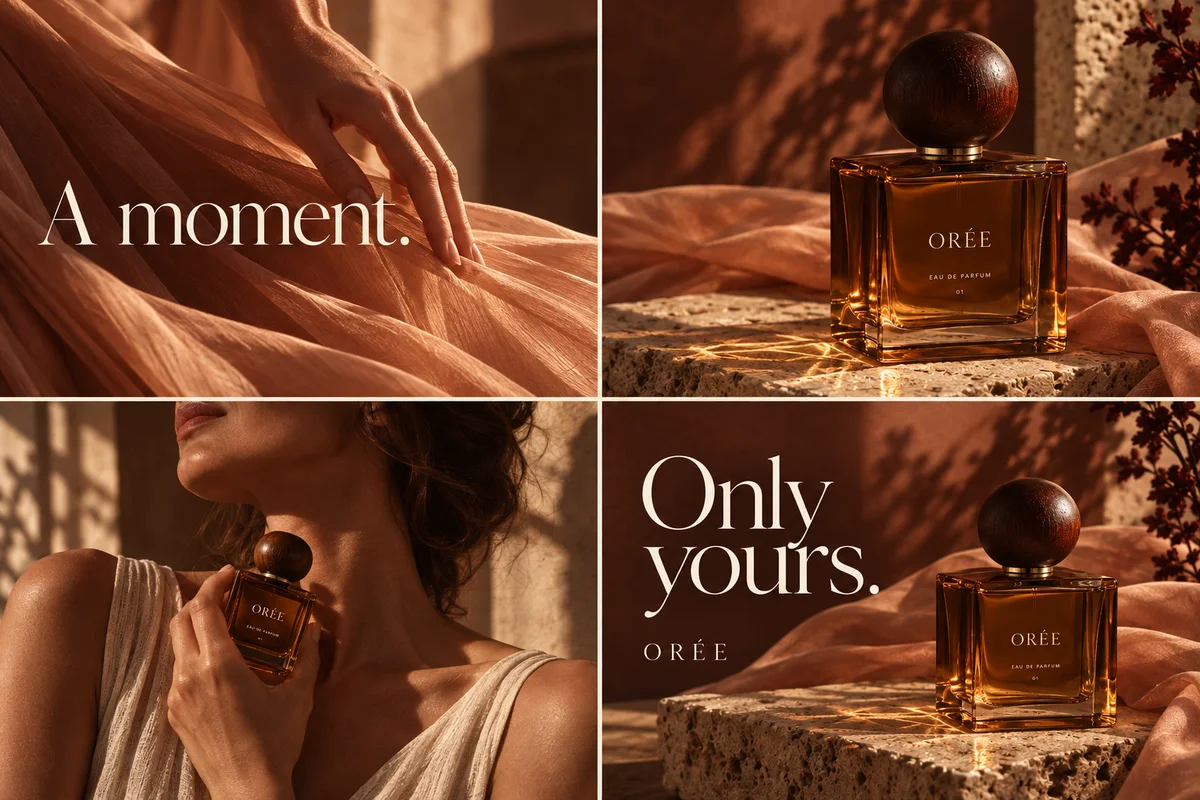
ORÉE four-panel fragrance story
Match the planning effort
A single packshot and a layered campaign scene ask different things of the model.
Complexity controls planning effort separately from quality. Start with the simplest setting that fits the task; extra planning may add latency or unintended changes.
Example instruction
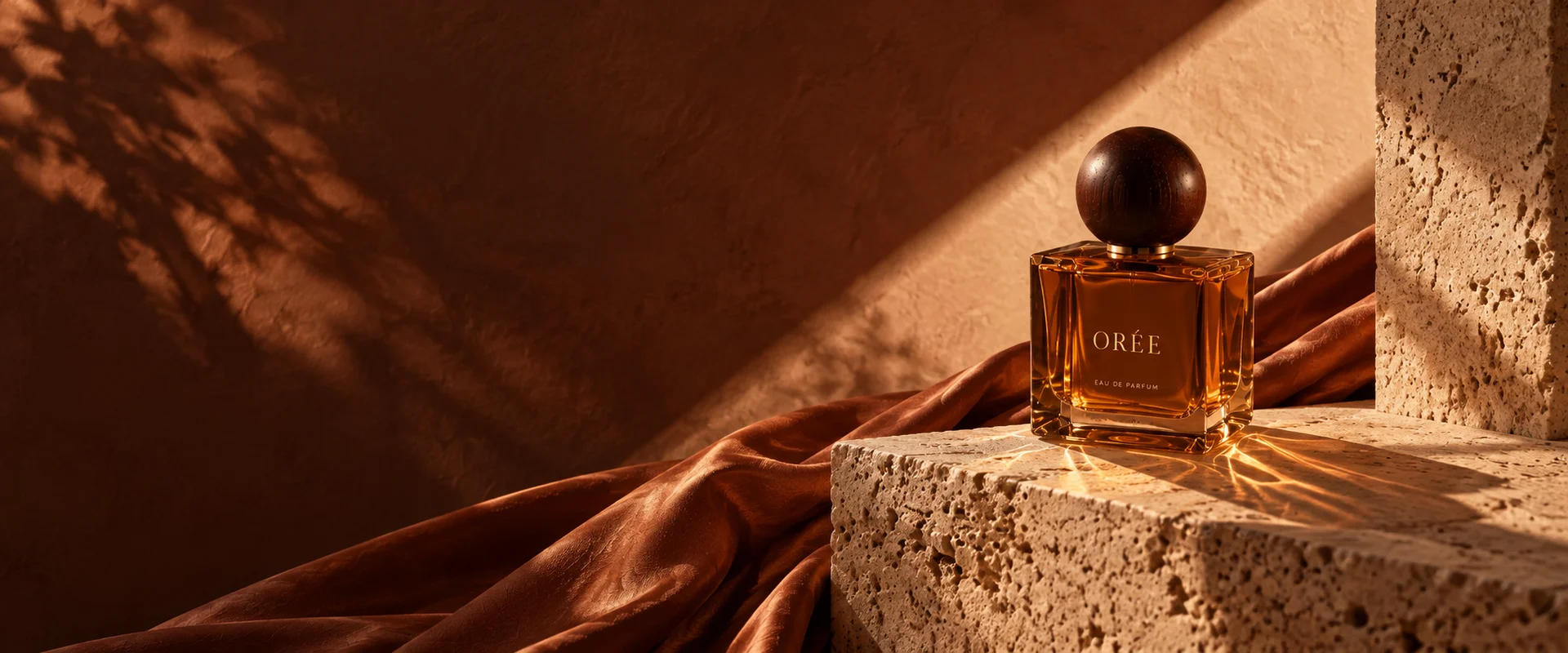
Arrange one bottle, one folded fabric and a stone base. Keep the headline separate from the label; avoid extra objects, reflections or invented claims.
ORÉE fragrance campaign scene
Make a marked correction
The composition already works, but a small label or product detail needs another pass.
A markup image can guide the edit. Name the change and the elements to preserve; marked regions do not guarantee unchanged pixels elsewhere.
Example instruction
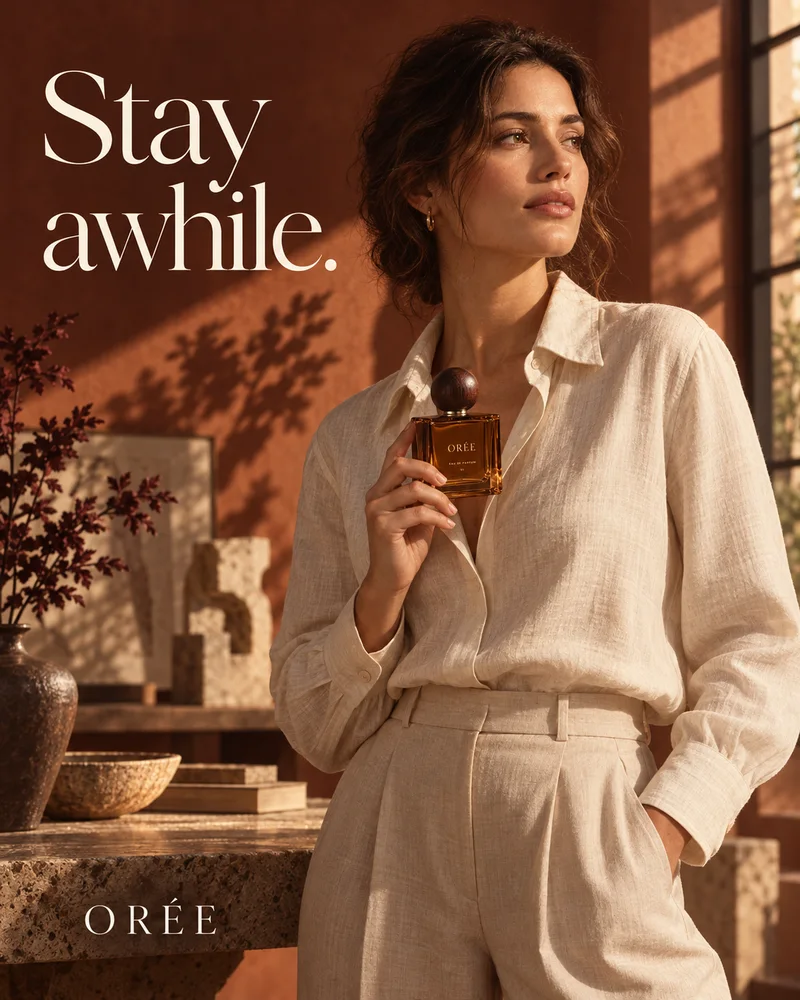
In the marked area, restore the label to “ORÉE”. Preserve the bottle geometry, hand position, skin tone and background. Compare the whole image with the original.
ORÉE portrait fragrance advertisement
Specify the final format
A flat graphic needs editable shapes; a short product loop needs a clear motion brief.
The official Image API documents SVG and animated GIF. These formats are not available in Panelly yet. A GIF is not an MP4 advertisement; decide on the required file before commissioning the work.
Example instruction
For an SVG handoff, keep the supplied logo lettering exact and use editable flat shapes. For a GIF brief, describe a single gentle light movement while the product and text remain still.
Questions before creating
Can I generate with 2.6 here?
GPT Image 2.6 is not yet available in Panelly. Studio currently offers GPT Image 2.5.
Does copying a prompt use credits?
No. This local tool does not call a model. Studio shows its own quote before image generation.
Will my product details appear in the link?
No. Continuing saves a temporary draft on this device and passes only a random identifier. It does not automatically send the prompt.