Turn a product reference into a campaign: a hero image, a four-panel story and a focused revision. Explore GPT Image 2.6 through the requests that make each result useful.
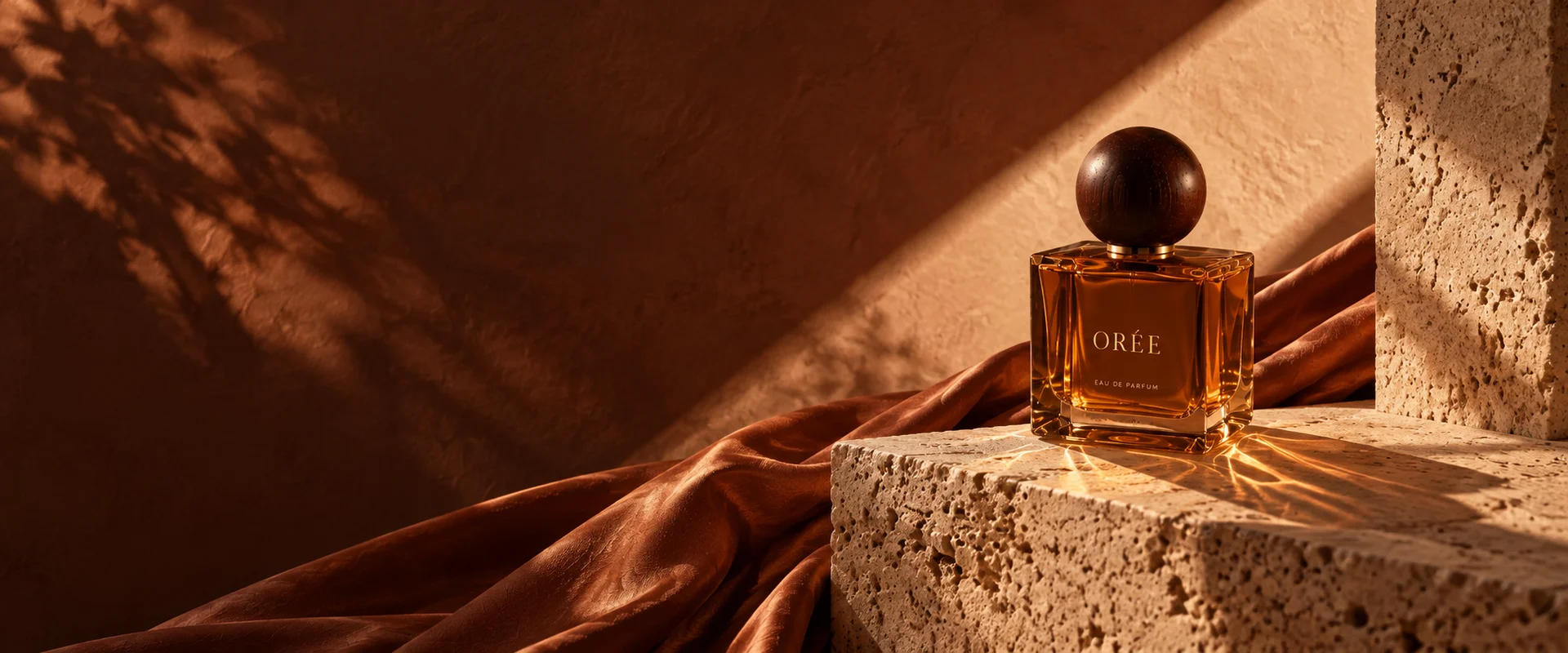
The ORÉE collection shows how a bottle, warm light and a consistent message can carry through a scene, a story and a portrait. Each brief below names a different deliverable.
Existing English-language ORÉE fragrance creative examples; not generated with GPT Image 2.6.
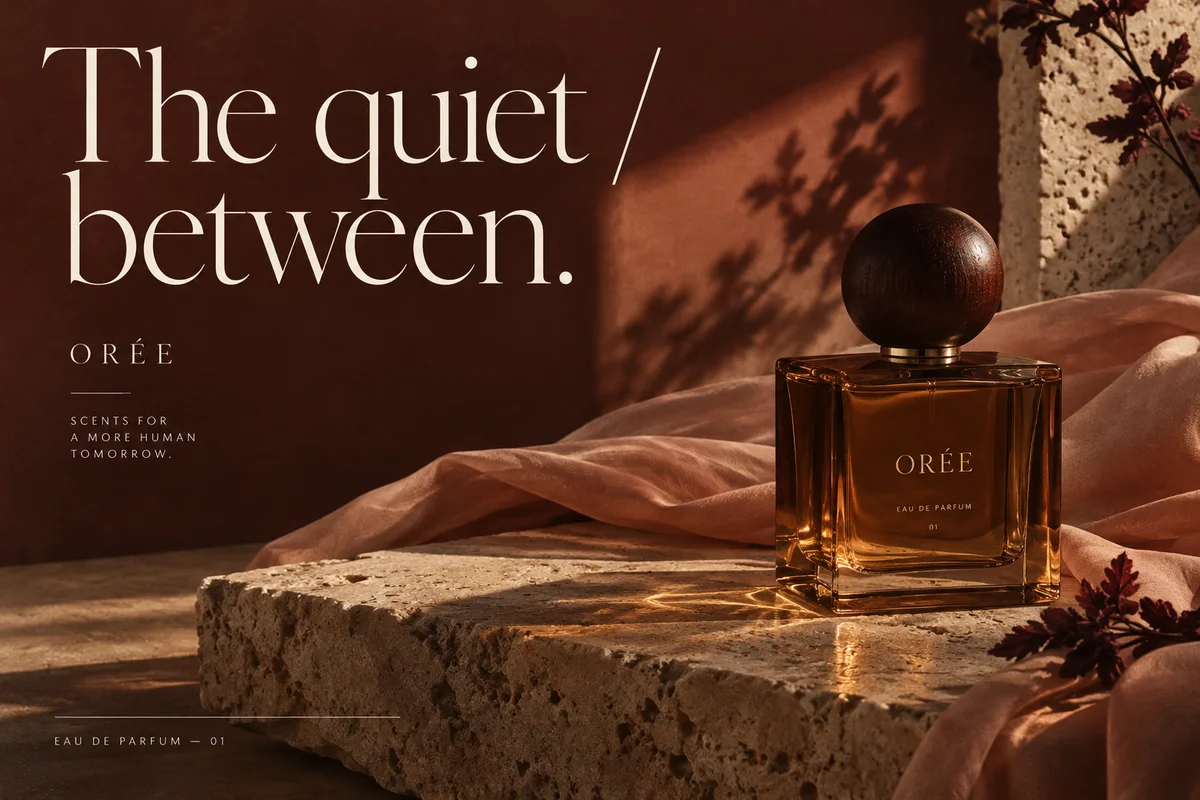
ORÉE fragrance campaign scene
Give the product a setting
Set the scene before asking for decoration: the surface, the light, the bottle position and the words. A clear hero image leaves room for both product detail and the message.
Try this request
Create a landscape launch advertisement for ORÉE fragrance. Place the reference bottle on travertine in warm afternoon light. Keep the amber glass, round dark cap and ORÉE label unchanged. Put the exact words “The quiet between.” on the left; leave space around the bottle. Do not add a price or a discount.
What to reviewA landscape advertisement with readable supplied text and a bottle that matches the reference. Check the label, silhouette and space around the headline.
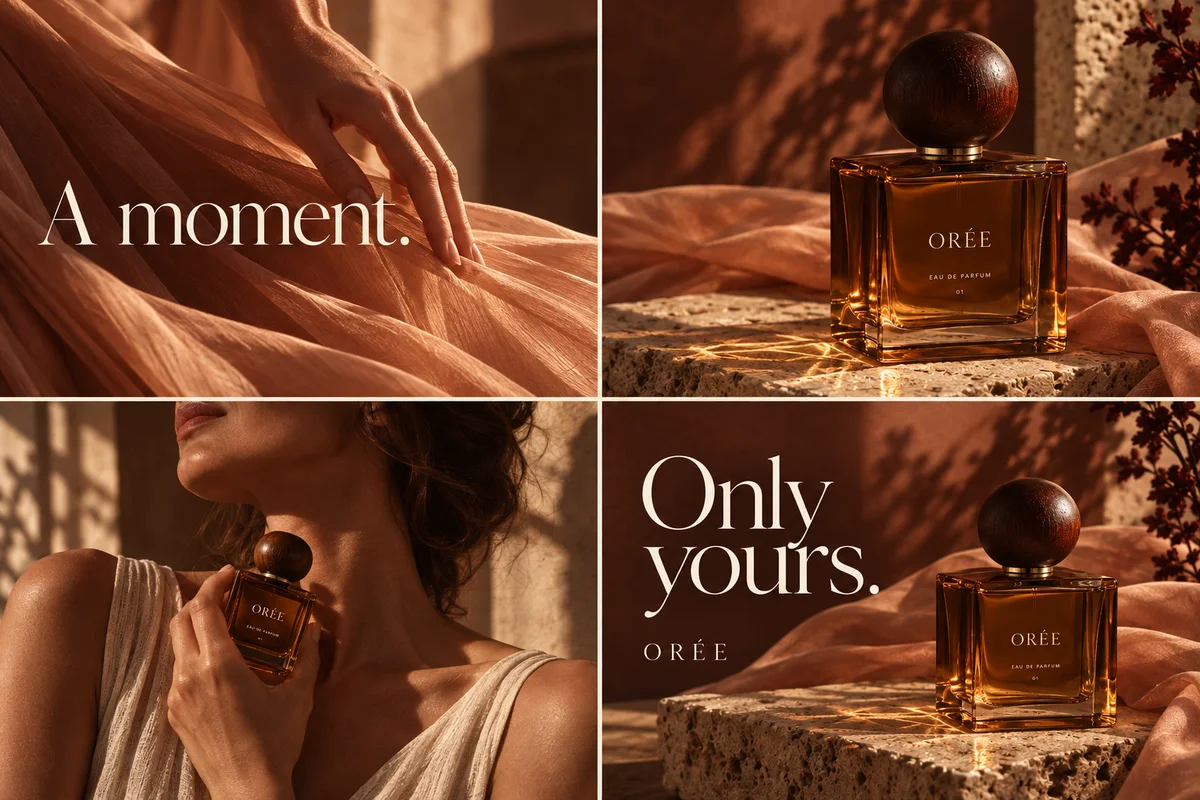
ORÉE four-panel fragrance story
Tell the story in four frames
Assign each panel a job: atmosphere, product, use and closing message. This gives the sequence a reason to exist beyond repeating the same packshot.
Try this request
Create a four-panel ORÉE fragrance story. Panel one: a hand touches sunlit fabric. Panel two: the reference bottle on stone. Panel three: a person holds the bottle naturally. Panel four: the bottle with the exact words “Only yours.” Keep the same bottle, warm palette and reading order throughout.
What to reviewOne four-panel composition with a consistent product and a readable sequence. Check every appearance of the bottle and the exact closing words.
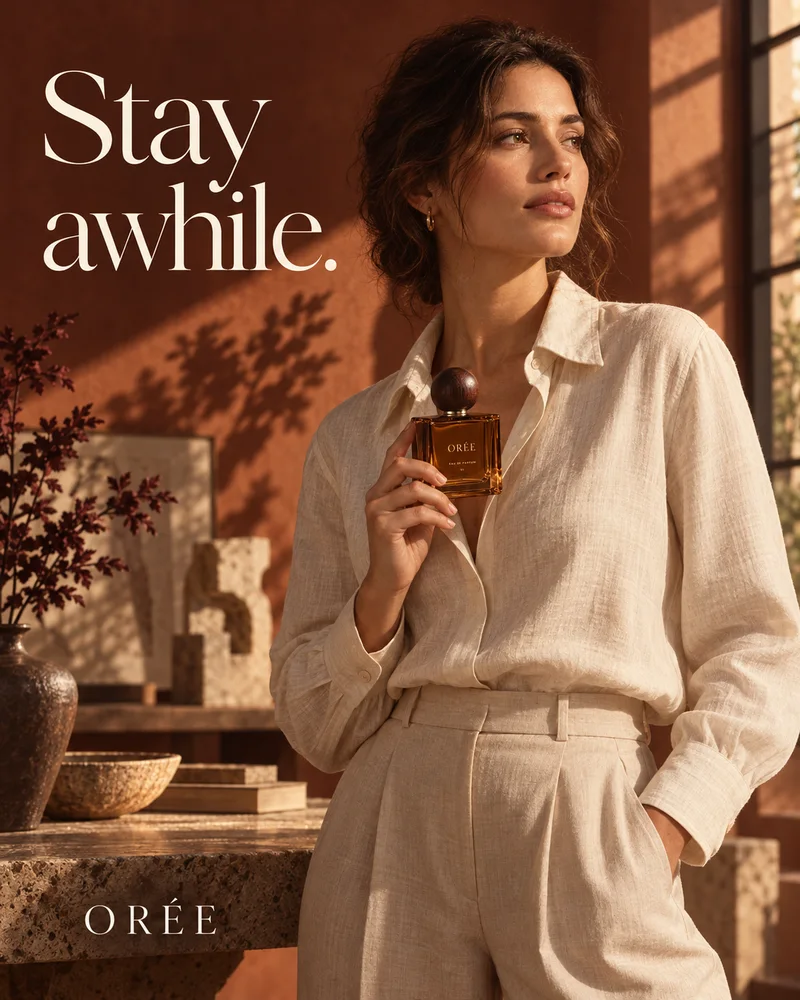
ORÉE portrait fragrance advertisement
Fix one detail, keep the image
A good revision names both the change and what must stay. Supply the original image and mark the label, hand or packaging detail that needs attention.
Try this request
In the supplied ORÉE portrait advertisement, correct only the bottle label to read “ORÉE”. Preserve the person’s face, hands, pose, clothing, bottle shape and lighting. Keep the headline “Stay awhile.” unchanged. Use the marked label area as guidance and check the whole image for unintended changes.