A single composite image
Four-panel product advertisements: one composite 2×2 image
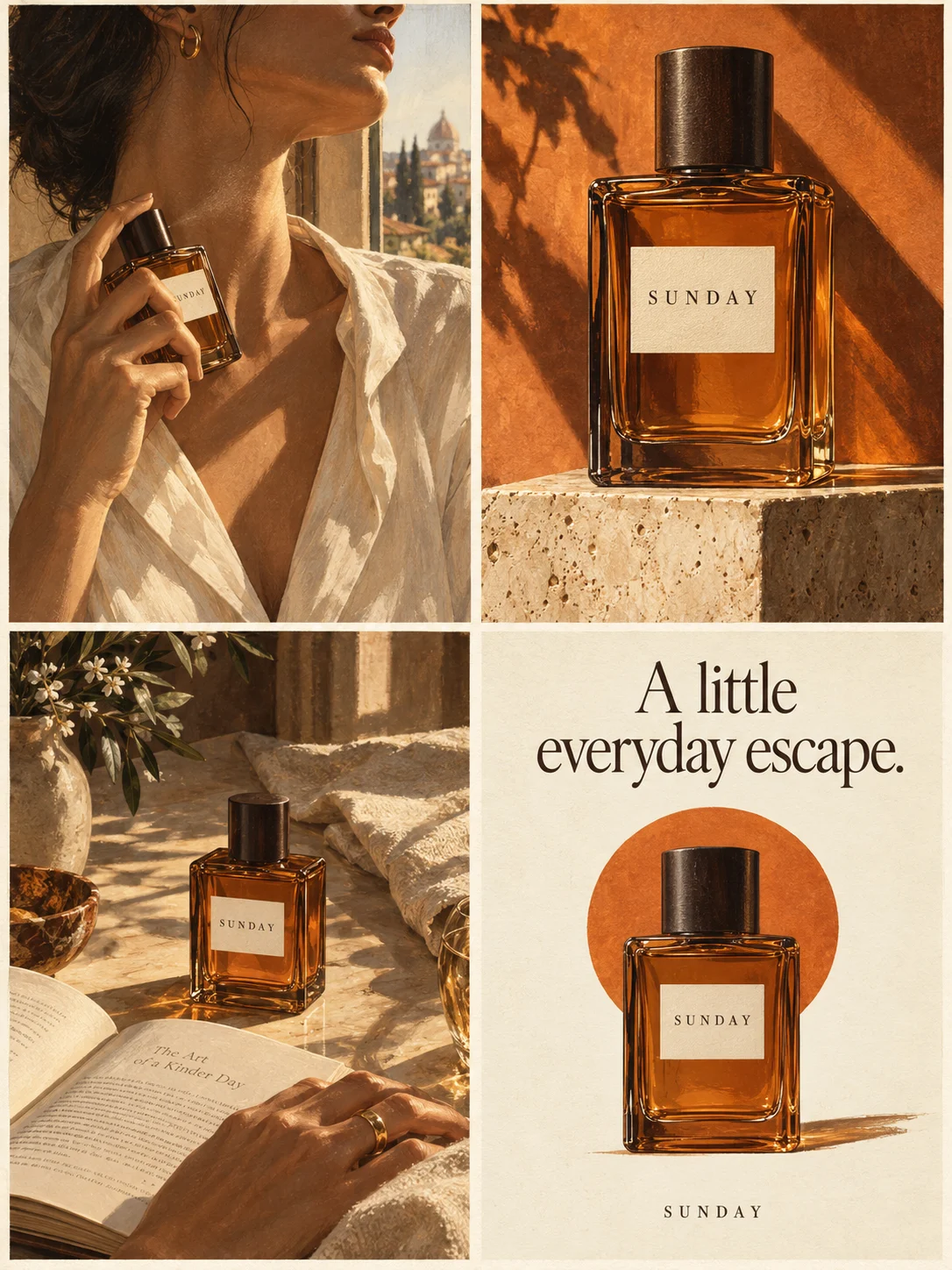
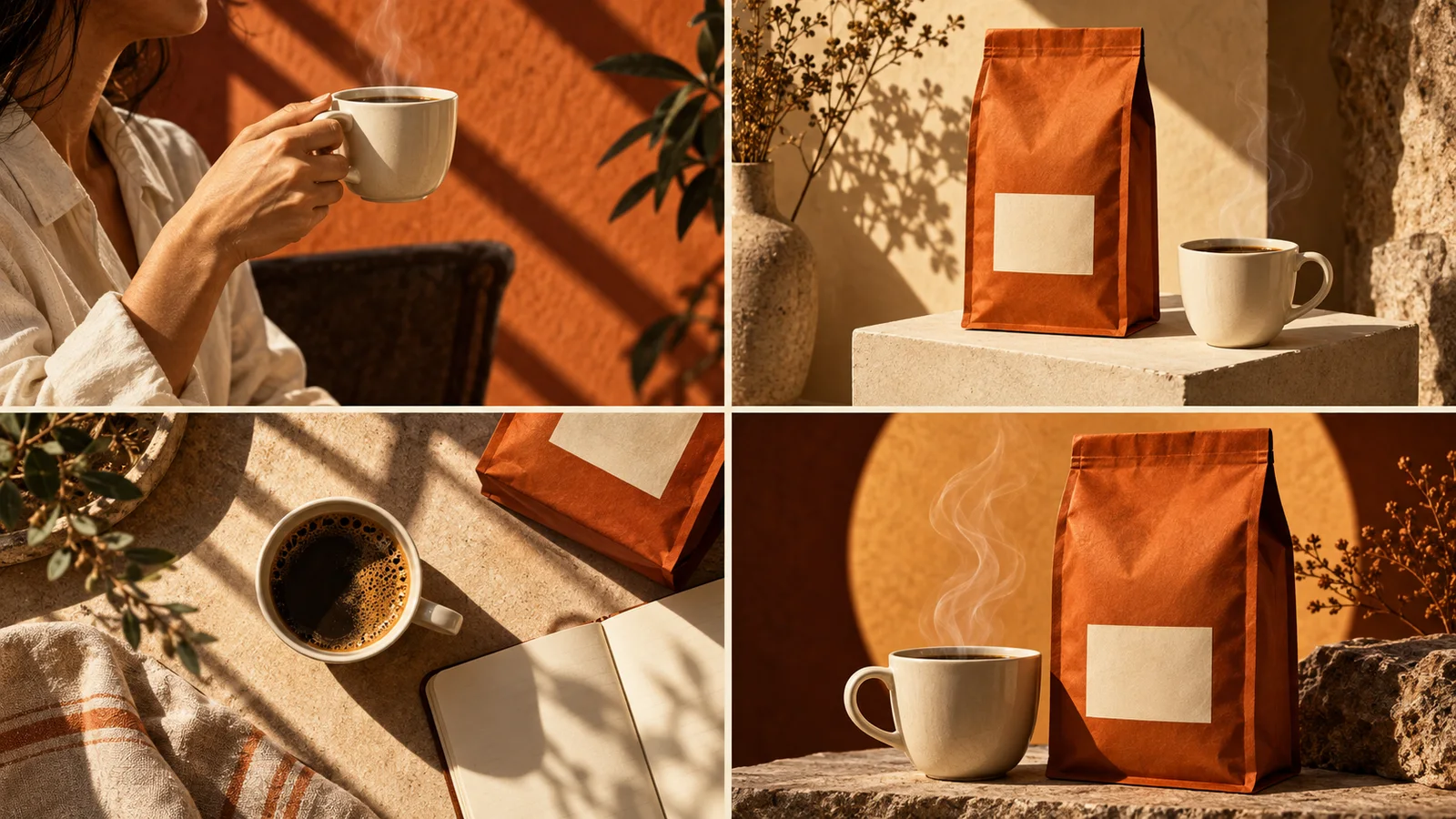
A four-panel product advertisement on Panelly is one complete, flat image. Four scenes sit in a 2×2 grid—top-left, top-right, bottom-left, bottom-right—with product imagery and wording generated together. The four beats are positions inside that image, not four separate files and not interactive regions.
What this capability covers
One flat 2×2 file
Generation returns one complete image. The four scenes are positions in that grid, not a carousel of separate slides and not a video.
Scenes and wording together
Product imagery and wording are generated together. The headline and call to action are part of the same image, not separate layers you can edit independently.
A brief you can write first
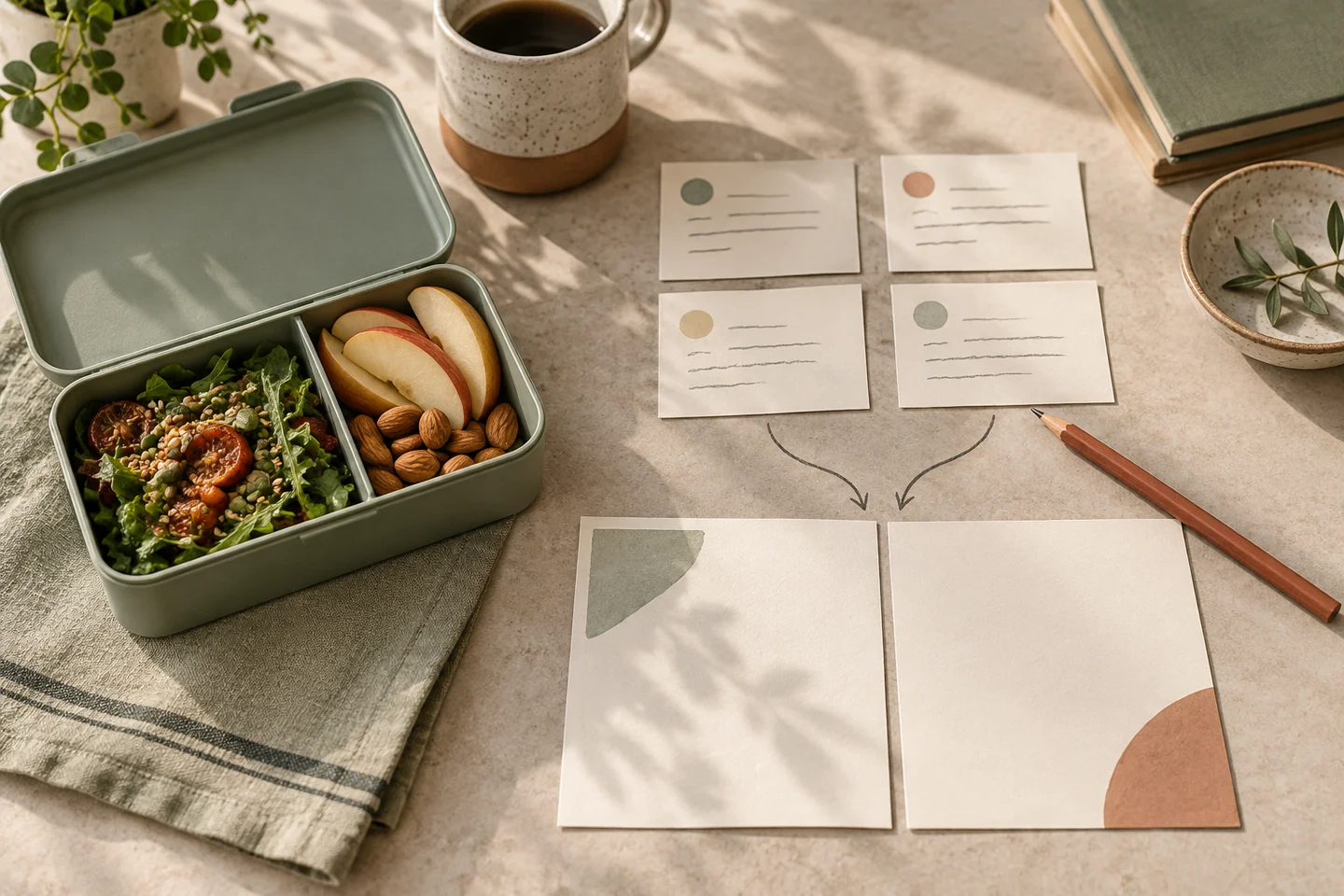
Start with a product photo and a short brief: the product name, an approved selling point, the audience and the moment you have in mind. A public brief template can format those facts without generating an image.
An optional illustrated treatment
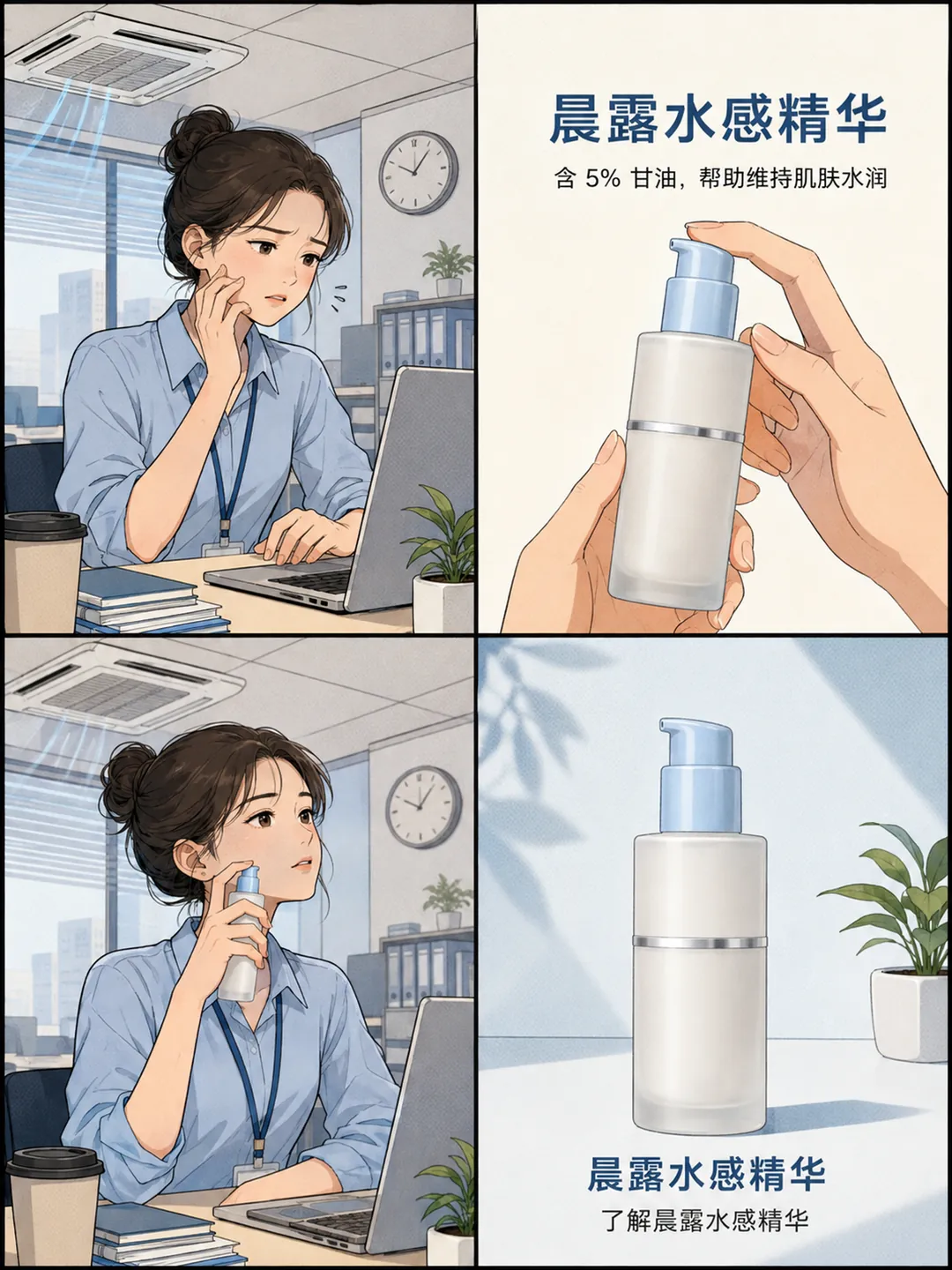
You can describe a realistic advertising look, or ask for an illustrated comic style. Comic styling means clear linework and flat or halftone colour on this 2×2 advertisement. Panelly is not a general comic studio.
One image, four connected moments
Use this page when you want to understand the composite 2×2 output itself. The matching use case walks through a full advertising goal and the path into Studio. Both pages describe the same product capability; they answer different questions.
To start the job from a simple scene template, use the four-panel ad maker. This page stays the capability story for the 2×2 output. The tool is not a general AI ad generator, and it is not a carousel or a video.
Start with a product photo and a short brief: the product name, an approved selling point, the audience and the moment you have in mind. You can describe a realistic advertising look or, if you want an illustrated comic style, say so in the brief. Comic styling means clear linework and flat or halftone colour on this 2×2 advertisement. Panelly is not a general comic studio, and other visual directions are not called comics.
Generation returns one complete image. Review the product, the wording and the four positions against your original facts before you download or publish. Downloading does not place the advertisement on a social platform.
From a brief to one complete image
You can prepare an editable product-ad brief with the public brief template—no account is required, and the tool does not generate an image. The four-panel brief checklist lists the fields and checks for a reviewable request.
When the brief is ready, open the four-panel task in Studio and generate one complete image. Continue the conversation if you need a change, then inspect the next complete version against your original facts.
After you have an image you want to keep, resize or fit it to a working canvas or compare a compressed delivery copy — both tools work on an image you already have, and neither uses generation credits. Studio generation itself uses the credit packs and plans described on the pricing page; the quote is shown before you generate.
What to bring, and what this is not
Required facts are the product name, the approved selling point, and the audience or usage context. A product photo or appearance description, brand wording, a call to action, exclusions and optional beat-copy overrides are useful when you have them.
The four-panel advertisement does not automatically become a video, a carousel of separate slides, or a set of cropped exports. If you later need a square campaign hero, a portrait poster, or another format, that is a coordinated creative set—a different job, described on its own page.
Panelly will not invent certifications, unstated performance, or benefits you did not approve. Include exact wording in the request; the headline and call to action are part of the same image, not separate layers you can edit independently.
Who this page is for
This page is for people who want to evaluate one complete 2×2 product advertisement: product launches, small brands and everyday campaigns that need a connected story in a single file.
If you are applying the task to a complete advertising goal, open the four-panel use case. If the advertisement is for a Xiaohongshu placement, that use case still produces one complete four-panel image, in a 3:4 frame, for you to download and caption yourself. If you need a static 9:16 previsualization before a shoot, use the vertical-video storyboard use case—it does not create a finished video.
If you need a square campaign hero and a portrait poster as well, that is a coordinated creative set. If you need product-angle or website visuals without copy in the image, use the product-visuals page. A walkthrough of a static product-ad workflow, without a video promise, is in the static product-ad article.
A worked 2×2 plan
Sunday, a fictional amber fragrance
Create a four-panel ad for an amber fragrance called Sunday. Show a quiet afternoon, a bottle close-up, the perfume in use and a simple product ending. Use warm side light, terracotta and cream. Finish with “A little everyday escape.”
- OpeningA quiet afternoon that gives a reason to pause.
- ProductA bottle close-up that keeps the real packaging recognisable.
- UseThe perfume in a believable moment, without implied results.
- CloseA simple product ending with the approved line: “A little everyday escape.”
This brief is for a fictional product. Replace it with your own facts and reference. The example image on this page follows that plan.
How to make a four-panel product advertisement
Prepare a brief, provide a product photo and your approved message, then generate one complete 2×2 image in Studio and inspect it against your original facts.
Prepare a brief
Collect the product name, the approved selling point, the audience and the moment you have in mind. You can fill, check, copy or download an editable brief with the advertising creative brief template. No account is required for that tool, and it does not generate an image. The four-panel brief checklist lists the fields and checks for a reviewable request.
Open the advertising creative brief template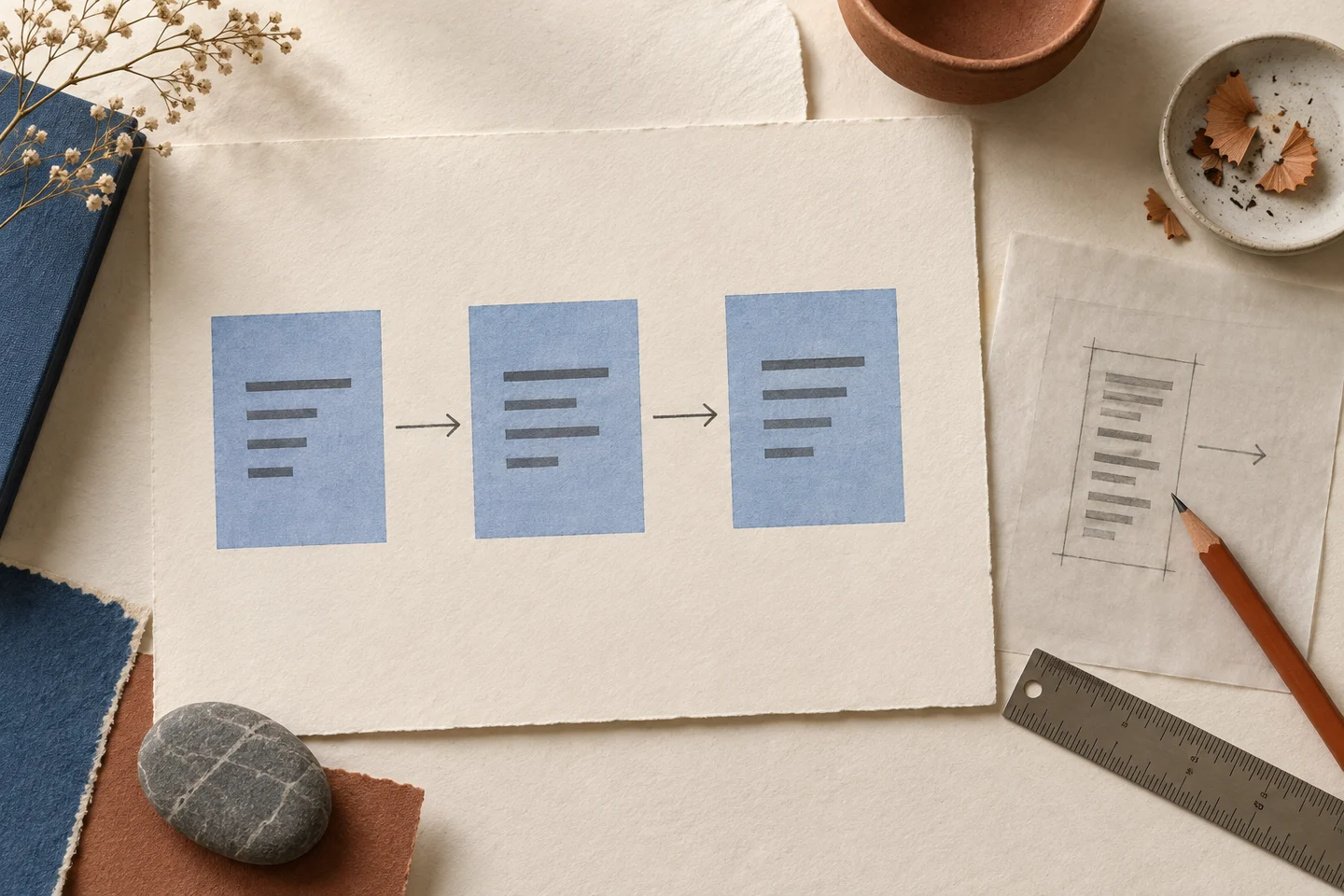
Provide a product photo and your approved message
Add a product photo or describe the product’s appearance. Include exact wording you have approved, a call to action if you have one, and any exclusions. You can describe a realistic advertising look, or ask for an illustrated comic style on this 2×2 advertisement. Comic styling means clear linework and flat or halftone colour. Panelly is not a general comic studio.
Generate and inspect in Studio
Open the four-panel task in Studio and generate one complete image. Review the product, the wording and the four positions against your original facts before you download or publish. The headline and call to action are part of the same image, not separate layers. Downloading does not place the advertisement on a social platform. Studio generation uses credit packs described on the pricing page; the credit quote is shown before you generate.
Open the four-panel task in Studio
Questions and answers
Is a four-panel advertisement one image or four files?
It is one complete, flat image. Four scenes sit in a 2×2 grid—top-left, top-right, bottom-left, bottom-right. The four beats are positions inside that image, not four separate files and not interactive regions.
Can I request a comic or illustrated style?
Yes. Say so in the brief. Comic styling means clear linework and flat or halftone colour on this 2×2 advertisement. Panelly is not a general comic studio, and other visual directions are not called comics.
Does this create a video, a carousel, or cropped exports?
No. The four-panel advertisement does not automatically become a video, a carousel of separate slides, or a set of cropped exports. A carousel uses separate images, which is a different job. Video from a selected image is a separate Studio action, with a credit quote shown before generation, and is not the job of this page.
Can I edit the headline as a separate layer?
No. The headline and call to action are part of the same image, not separate layers you can edit independently. You can continue the conversation in Studio to request a change, then inspect the next complete image against your original facts.
Will Panelly invent certifications or performance claims?
No. Panelly will not invent certifications, unstated performance, or benefits you did not approve. Include exact wording in the request, and review the result before you download.
How is this page different from the four-panel use case?
This page explains the composite 2×2 output itself: what you provide, what comes back, and what it is not. The four-panel ad maker is the simple scene-template entry that starts this Studio job. The four-panel use case walks through a complete advertising goal and the path into Studio.
Do I need an account, and how do credits work?
The advertising creative brief template requires no account and does not generate an image. Generating in Studio is a Studio task. Studio generation uses one-time credit packs and one shared balance for image and video models. New credits are valid for 6 months, and there is no subscription. New accounts start with 20 free credits. A finished image, including a four-panel advertisement, counts as one image generation; the credit quote is shown before you generate. Current packs are listed on the pricing page.
Explore related work
- Four-panel ad makerThe simple scene-template entry that starts this 2×2 Studio job. Not a carousel, not a video, and not a general AI ad generator.
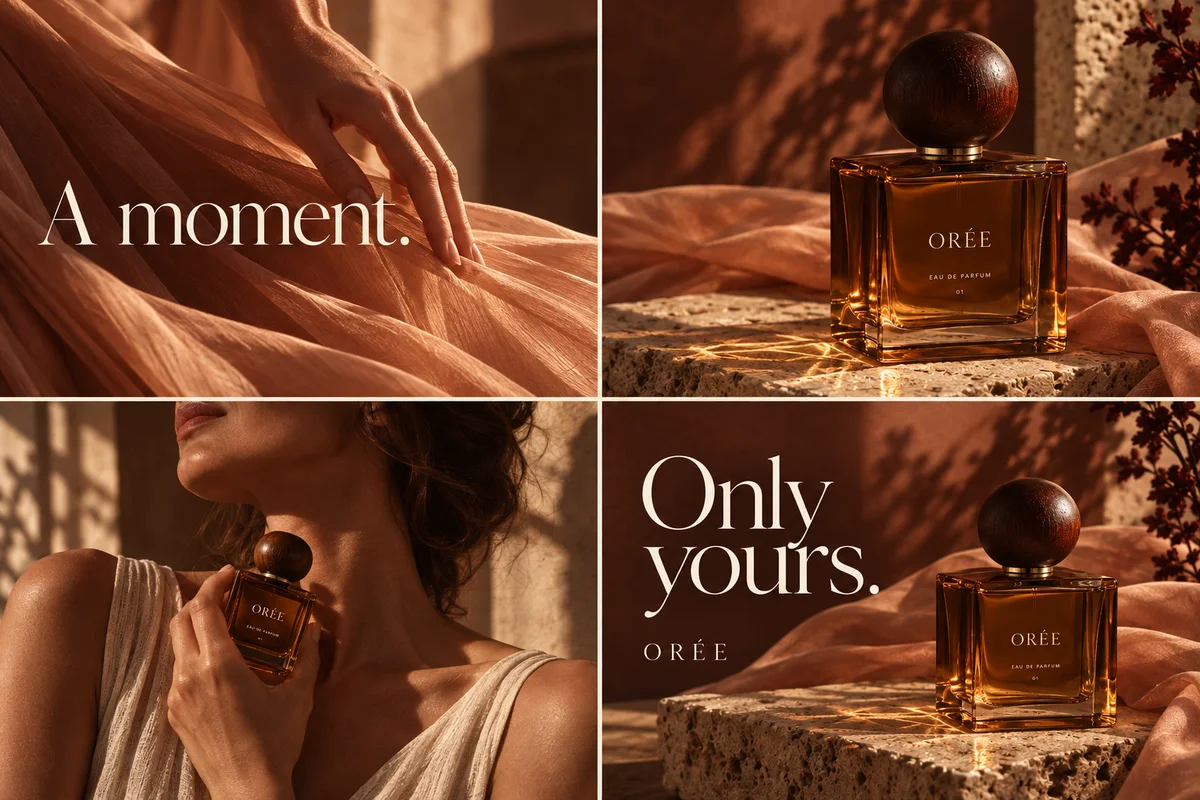 Make four separate carousel imagesSequential slides, not a 2×2 composite and not a video.
- Make a short video from a stillAfter you have a selected image, including a four-panel result, in Studio.
- Apply the four-panel task to a complete ad goalThe use case: audience, a full example and the creation action.
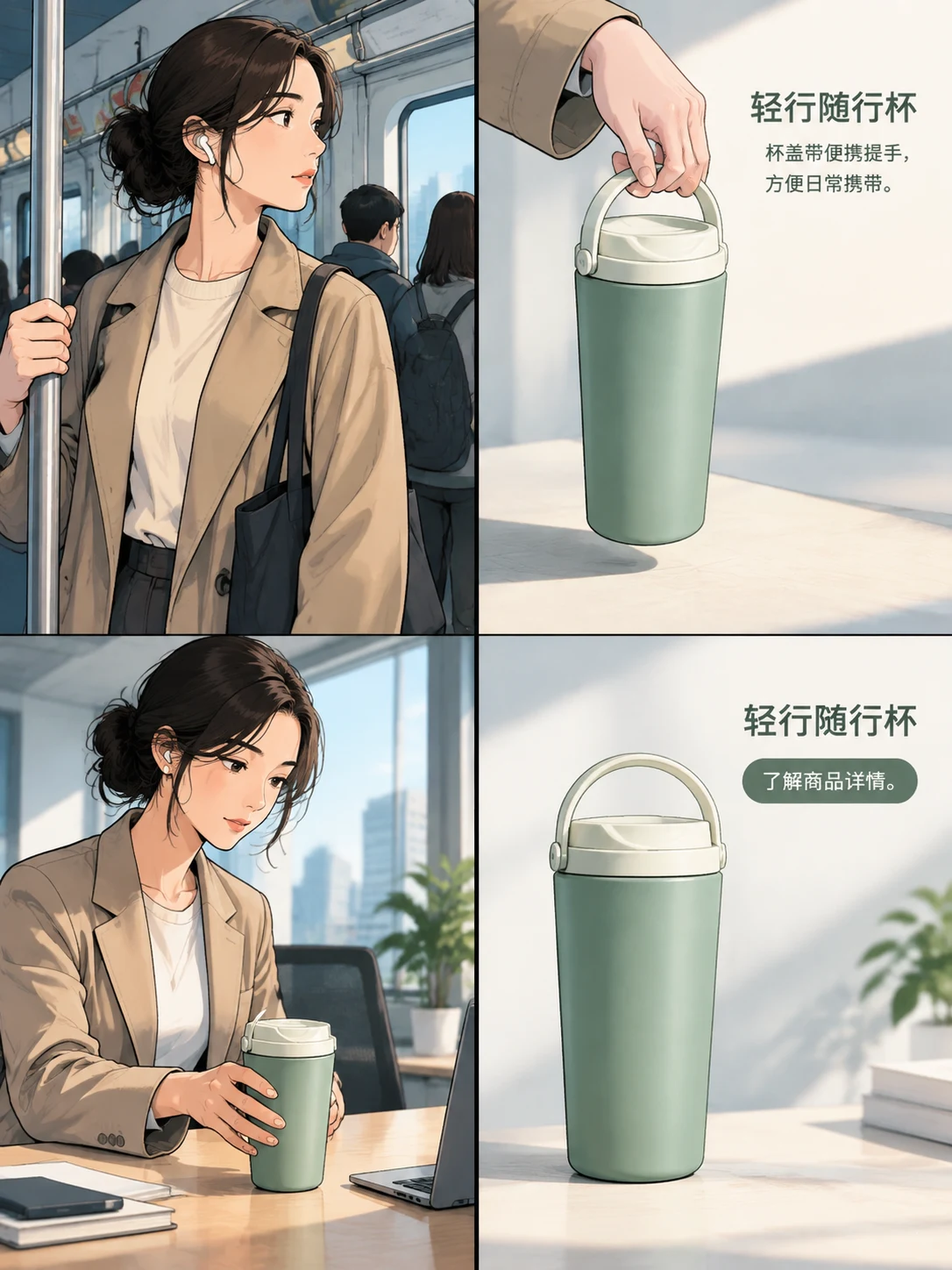 Make a 3:4 four-panel advertisement for XiaohongshuStill one complete image, for you to download and caption yourself. Panelly does not publish to the platform.
- Plan a static vertical-video storyboardA 9:16 four-panel previsualization, not a finished video.
- Review the brief fields before you generateThe facts, questions and checks for a reviewable request.
- Prepare an editable product-ad briefFill, check, copy or download a brief. No account is required, and the tool does not generate an image.
- Walk through a static product-ad workflowFrom brief and reference to inspection, without a video promise.
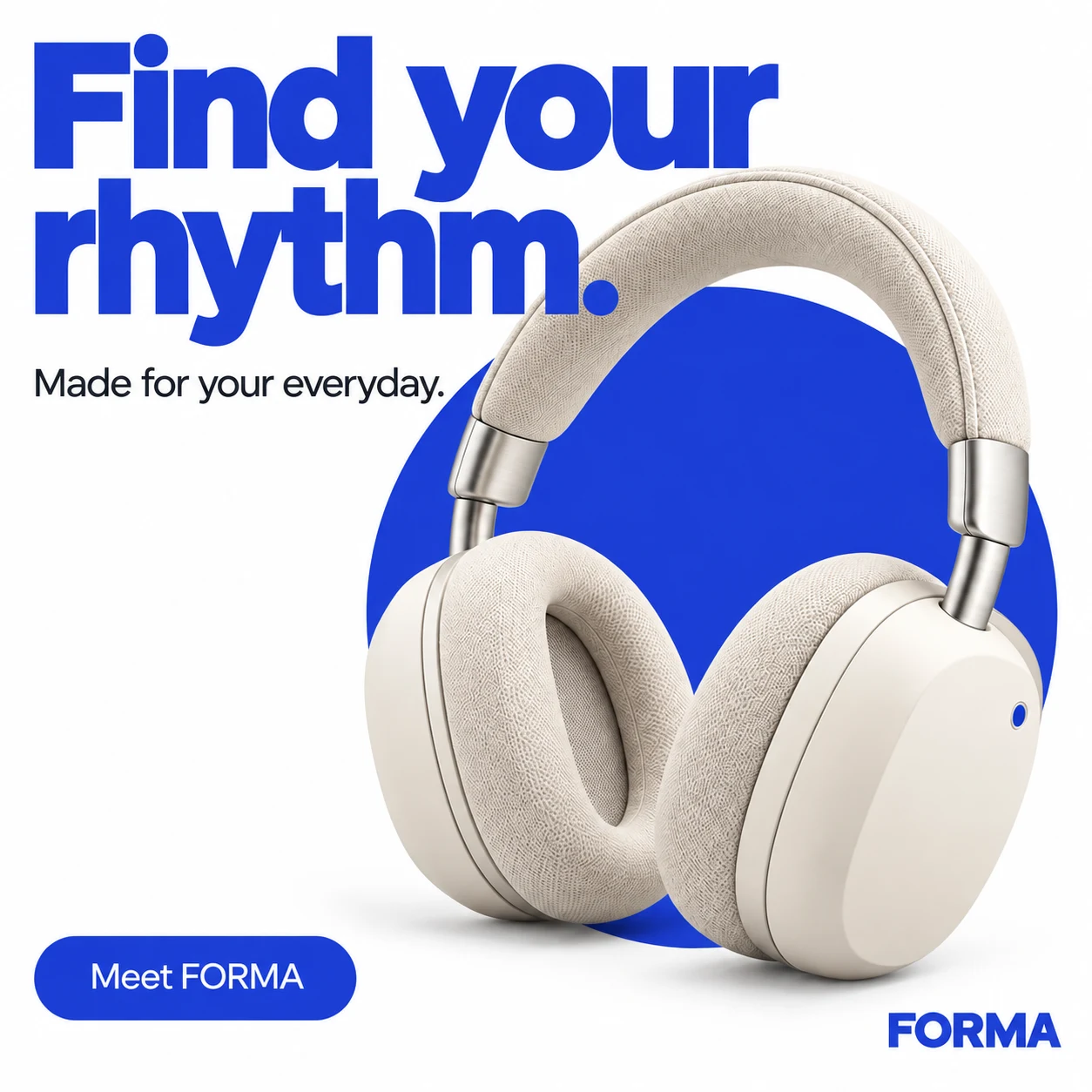 Plan a coordinated set around the same productA four-panel story, a square hero and a portrait poster, each with its own role.
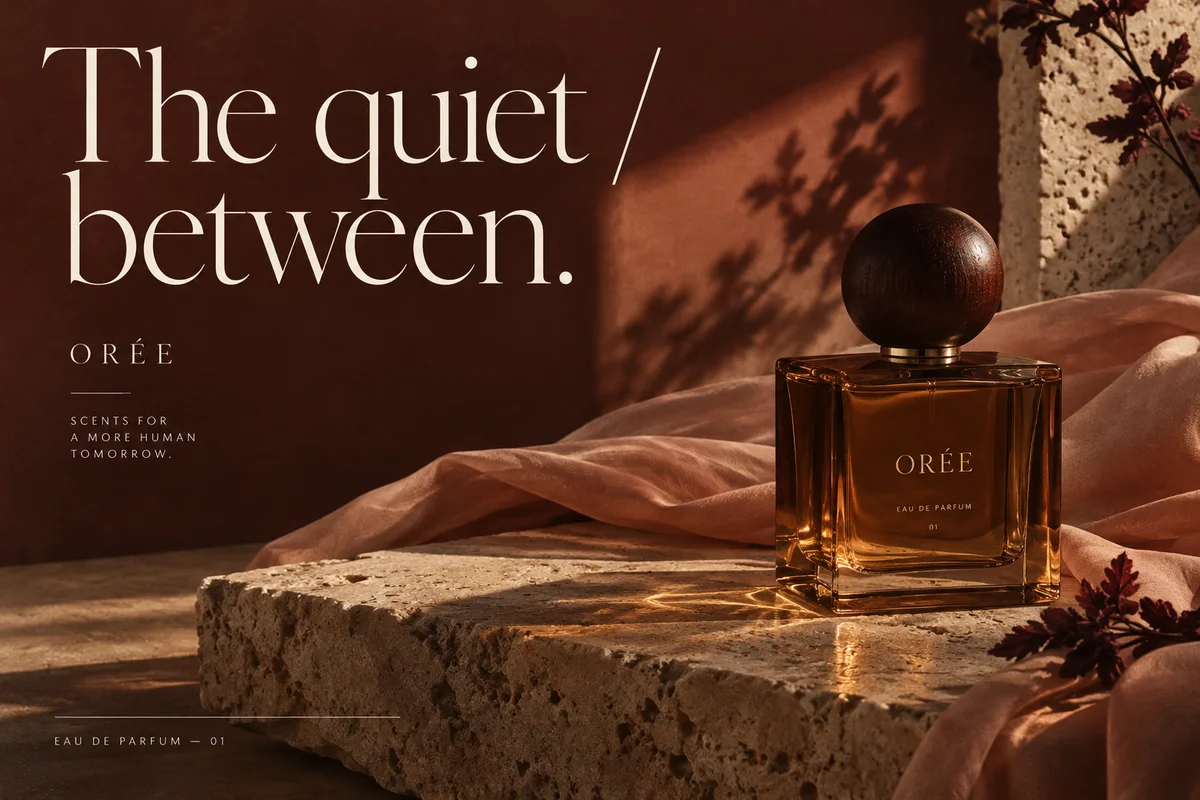 Request clean product-angle and website visualsHero, detail, lifestyle or closing images, distinct from this composite advertisement.
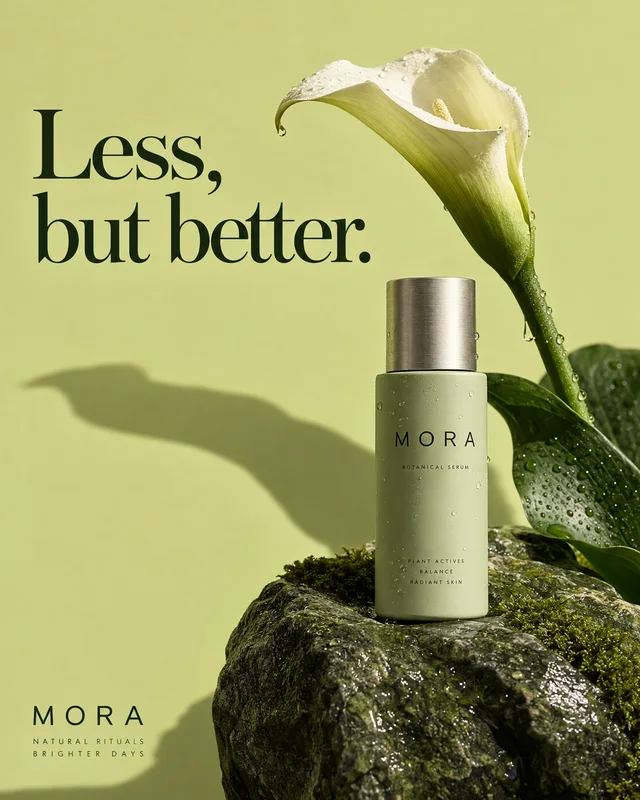 All product-ad capabilitiesThe collection of live capability pages, including GPT Image 2.6 product tasks.
 Resize an image you already haveCrop or fit a finished advertisement to a working canvas. This tool does not generate an image.
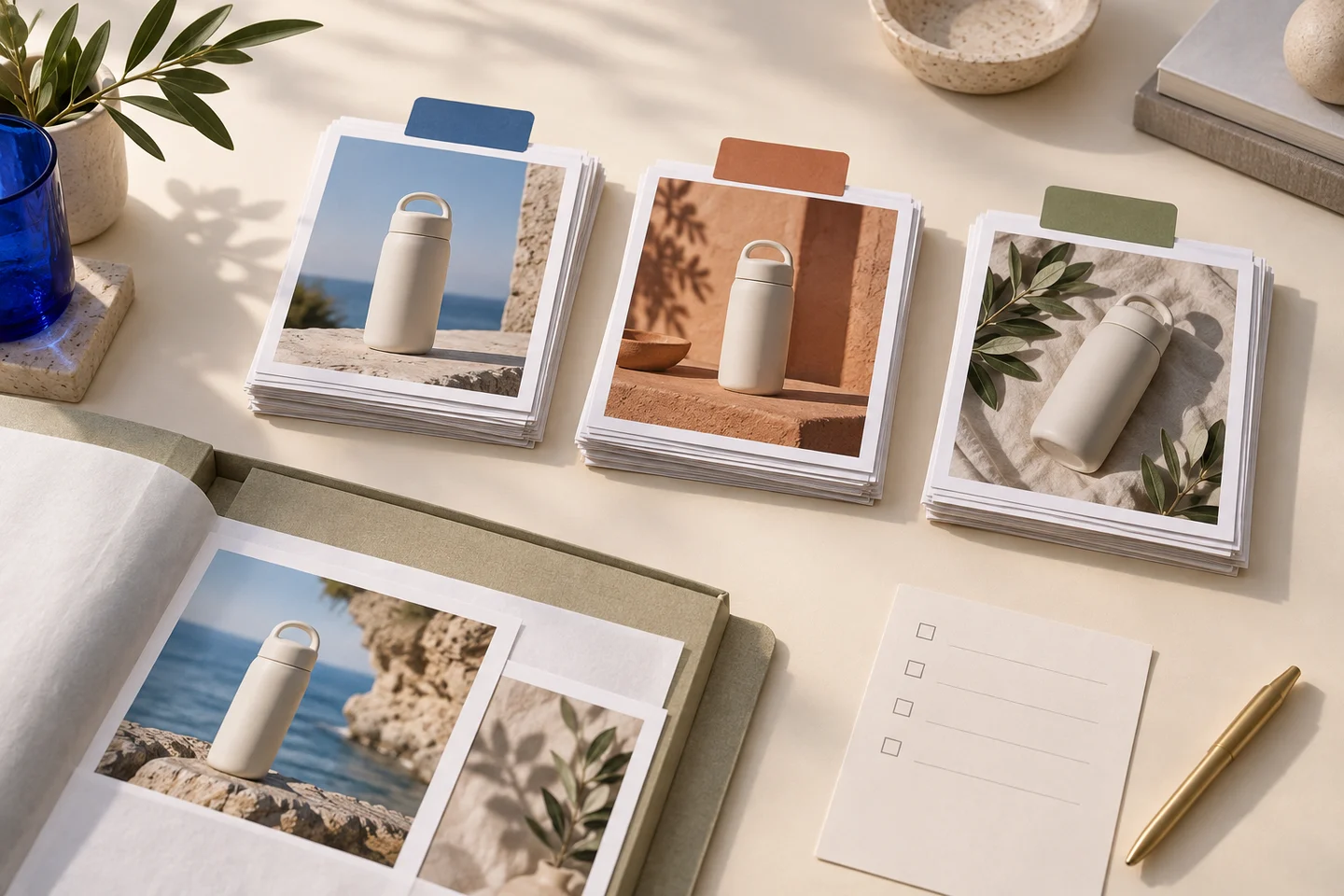 See credit packs and plansOne-time credit packs, one shared balance, no subscription. New accounts start with 20 free credits. A finished image, including a four-panel advertisement, counts as one image generation; the quote is shown before you generate.