Campaigns
Personalized Product Ad Copy Examples: Name the Editable Detail
Plan a static product ad that separates sample names, buyer input and order proofs. Includes original copy, real Brief output and a complete Studio request.
Make it with Panelly
Four-panel product ads
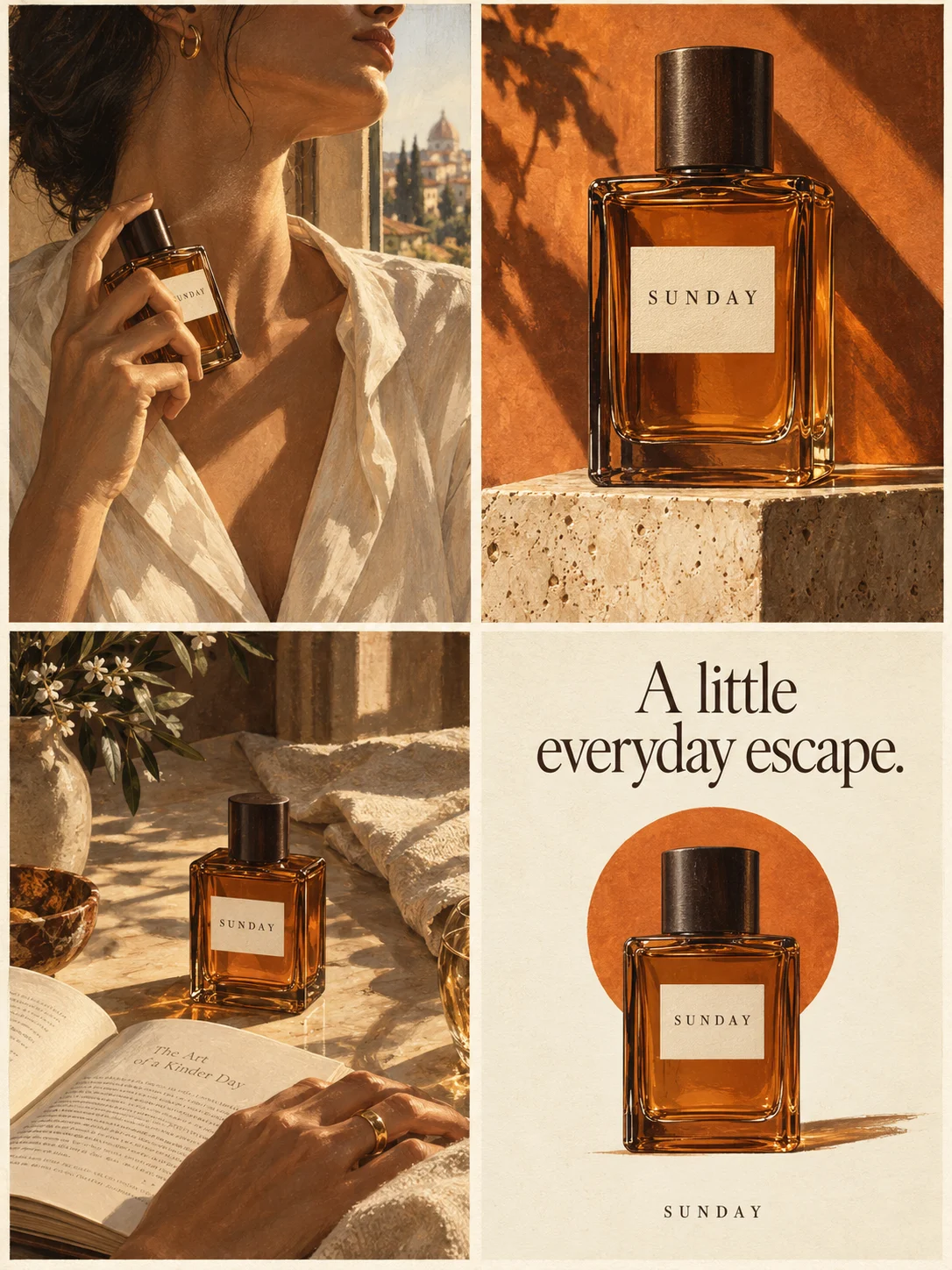
Turn a product benefit into a connected four-panel ad. Explore a visual direction, refine the result through conversation, and download the complete image.
Try this in Panelly Edit the brief before you generate.
A personalized product ad should identify the detail a buyer can change, show a clearly labeled example, and explain where the buyer supplies their own information. “Make it yours” can set the tone, but it cannot replace the name field, placement and limits that define the purchase. Here, personalization means customizing the product, not targeting an advertisement to a visitor.
This worked brief uses a fictional Miro clay-blue notebook. The offer allows one front-cover name, up to eight uppercase A–Z letters, in one fixed lettering style. AVERY is an invented sample name. No customer data, manufacturing sample or completed order was used. We actually ran Panelly's current Brief formatter locally and saved its complete input and text output; no photograph was uploaded and no advertising image was generated. For the wider campaign plan, use the small-business advertising ideas pillar.
Define the editable detail before writing the headline
Write one sentence that separates the base product from the customer's contribution. For this notebook: “The notebook stays clay-blue; the buyer supplies one name for the front cover.” A headline about choosing a color would advertise an option absent from this brief. A photograph with two lettering styles would make the same mistake visually.
| Decision | Supplied fictional fact | Keep out of this ad |
|---|---|---|
| What changes | One front-cover name | Inside pages, cover color or extra messages |
| Accepted text | Up to eight uppercase A–Z letters | Unlimited names, every alphabet or emoji |
| Appearance | One fixed lettering style | A font selector or unverified finish |
These are invented exercise constraints, not Miro inventory or Panelly text-rendering limits. A real seller should substitute the actual accepted characters, placement and available choices. Do not quietly remove meaningful restrictions to make the headline shorter. Put a short condition beside the invitation and carry the full details on the destination page.
The existing jewelry article helps choose styling, gifting and detail directions. Bundle photography handles included objects and selectable components. Neither turns a name inscription into a new bundle. Keep those tasks with their owners instead of creating another gift-set article.
Label the sample name and separate it from an order proof
Use the sample to show placement, then say it is an example. The buyer should not have to guess whether AVERY is fixed artwork, a product name or the text they will receive. For the fictional campaign, pair the finished-sample concept with “Example name: AVERY. Enter your own name on the product page.” This instruction must agree with the real purchasing flow before the ad is used.
A seller's original question about a misspelled customer name illustrates a possible input problem. It is one historical anecdote, not evidence of its frequency or a replacement policy. Our recommendation is to make the submission step explicit; the ad itself does not validate spelling or approve production.
Etsy's official guidance describes clear customization instructions and distinguishes finished samples from mockups in listing imagery. Its marketplace rules belong to Etsy. A Panelly campaign concept does not automatically satisfy a marketplace's main-image requirements.
Separate three things in your own workflow: a real photograph showing the craft, an illustrative campaign explaining the option, and an order-specific proof showing the buyer's submitted text. Only promise a proof or approval step when your business actually provides one. Panelly does not engrave products, capture checkout personalization or certify the final manufactured lettering.
Choose copy that tells buyers what to submit
These three original directions use the same facts. They are editorial choices, not measured winners. Select one based on the question your audience needs answered, rather than combining all three openings in a small image.
| Direction | Headline and supporting copy | Next step |
|---|---|---|
| Personal ownership | “A cover with your name.” One front-cover name, up to eight uppercase A–Z letters. | View personalization details |
| Explain the sample | “AVERY is our example. Your name is the choice.” One fixed lettering style on the clay-blue notebook. | See how to enter your name |
| Make the input concrete | “Choose the name. Check the spelling.” Enter your own text on the product page; review it before ordering. | Review the name instructions |
The second line does not mean the buyer can change every element. The third does not promise automatic spelling correction or a separate approval email. Avoid “any name, any way” when the offer has character and style limits. Avoid “free personalization,” a dispatch deadline or a refund rule when those facts have not been provided.
A merchant's Engraveology inspiration page explicitly labels its campaign scenes as concepts. That disclosure is a useful format example, not evidence of manufactured goods or a service Panelly supplies. No campaign wording, artwork or results from that page are reused here.
Put the idea to work for your product
Four-panel product ads
Turn a product benefit into a connected four-panel ad. Explore a visual direction, refine the result through conversation, and download the complete image.
Try this in Panelly Edit the brief and replace the reference in Studio. Sign in when you are ready to create.Keep the original Brief input and actual output together
The Brief builder formats supplied information into editable template text. It does not generate an image, verify an offer or pass the result into Studio automatically. In this exercise we executed the current compiler locally, not a new production form session. The complete original input and output are retained with the manuscript; the table and excerpt below show the fields that carry the core decisions.
| Input field | Value used in this exercise | Why it matters |
|---|---|---|
| Product | Miro clay-blue notebook; one front-cover name in one fixed style | Separates the base object from its editable detail |
| Approved message | Eight uppercase A–Z letters at most; AVERY is a sample; enter and review your own text | Keeps restrictions and sample meaning together |
| Audience | A buyer checking what changes and which name to submit | Gives the ad one reader task |
| Visual direction | Whole notebook, placement detail, input instruction, details invitation | Gives four positions different jobs |
| Exclusions | No extra fonts, unlimited text, live preview, proof approval or delivery promise | Stops a creative plan from inventing services |
The actual English output excerpt is:
Product: Fictional Miro clay-blue notebook; one front-cover name, one fixed lettering style, up to eight uppercase A-Z letters. Sample name AVERY is an example, not a customer order.
Approved message: Add your name to the front cover. Up to eight uppercase A-Z letters in the shown fixed style. AVERY is the sample name; enter and review your own text on the product page.
Visual direction: One static four-panel ad: whole notebook sample, name placement detail, clear text-entry instruction without a working form, and View personalization details. One notebook repeated, no extra fonts or products.
Call to action: View personalization details.
Deliverable: One complete static 2×2 four-panel image; 3:4 overall aspect ratio.
The formatter returns the supplied wording, including its punctuation. A complete template is not validation of those facts. Read the full output, replace exercise details with verified business information and resolve missing terms on the actual product page before using it for a campaign.
Request one static concept with a single real sample reference
For your own product, attach a merchant-owned finished-sample photo that shows the cover and inscription placement clearly. Insert its actual image mention in the four-panel Studio task; use @image1 only after that reference is attached. This exercise supplies the complete request below but has not sent it or evaluated an output image.
@image1 is my finished sample reference for the fictional Miro clay-blue notebook. Create one complete static 2×2 four-panel product ad, 3:4 overall. The offer changes only one front-cover name, up to eight uppercase A-Z letters in one fixed lettering style. AVERY is a sample name, not a customer order. First show the whole notebook with “A cover with your name”; then show the placement with “Example name: AVERY”; then explain “Enter and review your own name on the product page” without a working form; close with one notebook and “View personalization details”. Use quiet cream surroundings and readable short copy. Do not add fonts, color choices, inside-page customization, extra products, discounts, free service, delivery dates, live previews or proof approval. This is an illustrative campaign concept, not a manufacturing proof. Keep the supplied product details as guidance and leave space for manual text correction.A request guides a new complete image. It cannot guarantee exact letters, unchanged labels, preserved pixels or accurate manufacturing appearance. If the sample's lettering matters commercially, retain real detail photography and correct visible text in a suitable design workflow before use. Mention and refine is available after selecting a generated image; inspect the entire returned version rather than assuming only the name changed.
Check the full download and the actual name-entry destination
At mobile size, identify what changes, what remains fixed and where the buyer supplies the name. Read AVERY letter by letter and check that “example” remains nearby. Repeated notebook views should read as one product shown four ways, not four notebooks included in the order. The editorial cover here shows a cup, paper frame and blank keys; it is not a Miro photograph, a lettering sample or a generated personalized-product ad.
Use the image resizer to inspect crop or fit and download a chosen size. Its pixel transformations do not repair names or certify placement safety. The image compressor can produce a smaller JPEG or WebP; inspect lettering again after encoding, since meeting a byte budget does not prove readability.
Finally, follow the ad's real destination and check the field, accepted text and selected product against the brief. Apply the message-match checklist without treating an AI concept as a functioning checkout preview. If the field cannot accept the example's promise, fix the offer or the ad before sharing it. Your next step in Studio is one clearly scoped static concept using your verified details and your own sample reference.