Campaigns
Free Gift with Purchase Ad Copy Examples: Show the Qualifying Order
Plan a static product promotion that names the paid qualifying item, conditional gift and redemption action. Original copy, actual Brief output and a full request.
Make it with Panelly
Four-panel product ads
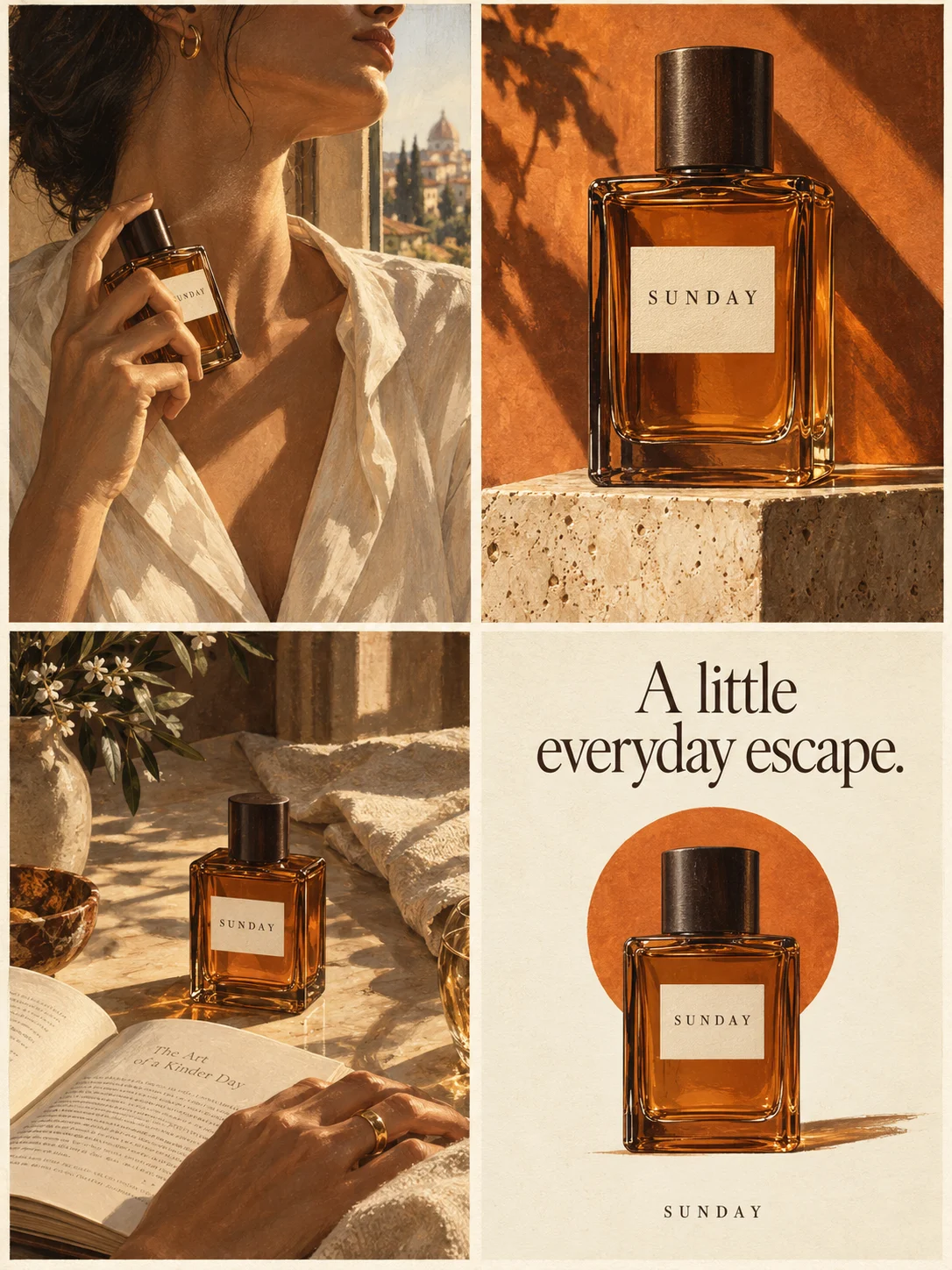
Turn a product benefit into a connected four-panel ad. Explore a visual direction, refine the result through conversation, and download the complete image.
Try this in Panelly Edit the brief before you generate.
A free-gift-with-purchase ad should name the paid purchase that qualifies, identify the gift and explain what the shopper must do to receive it. Put those facts together before adding a large “free” badge. A photo of two products can look like an ordinary set, and an automatic discount does not necessarily mean a gift is added automatically.
This worked example uses fictional Alder large sand ceramic planters. Buying the large planter qualifies for one plain cork mat at no additional item price, with one gift per order. The small planter is excluded. The shopper must add both items to the cart; no code is required. These are supplied exercise facts, not a live offer. We executed Panelly's current Brief formatter locally and saved the complete input, actual output and reusable input file. No store, discount, fulfillment or generated image was tested. For the broader creative plan, start with the small-business advertising ideas pillar.
Put the qualifying purchase in the main offer line
Lead with the eligible product, rather than making the reader discover the purchase condition after the gift. For Alder, “Buy the large sand planter; receive one cork mat” is more specific than “Free mat with every planter.” The second sentence would wrongly include the small size and could imply a gift for each planter.
| Offer detail | Fictional Alder fact | Creative implication |
|---|---|---|
| Qualifying purchase | Large sand ceramic planter only | Name the size and color beside the gift |
| Conditional gift | One plain cork mat, no additional item price | Identify the mat separately from the paid planter |
| Redemption | Add both items; no code; one gift per order | Explain the action and cap without “per planter” |
The planter price, shipping, taxes, offer period and stock situation are not supplied. Leave them unresolved rather than adding “free delivery,” a savings value or a countdown. Before a real campaign, the merchant must confirm the actual offer and destination information; the exercise is not ready-to-run store advertising.
The official Harry Potter Shop's expired September 2026 promotion separately described an eligible purchase and automatic gift insertion. It is a merchant example of separating conditions and receipt, not a current offer or a rule for other stores. Its branded artwork, threshold and terms are not used in the Alder example.
Tell shoppers whether they must add the gift
Use the store's actual redemption behavior. “No code” answers one question; it does not answer whether the shopper must select the gift. In Alder's fictional offer, both products must be added. A button saying only “Claim your gift” could obscure the paid qualifying purchase and leave the shopper unsure where to begin.
Shopify's Buy X get Y documentation says customers must add the applicable items themselves, including the discounted gift. An automatic discount applies to eligible items already added; it does not automatically insert the gift. That is a Shopify-specific distinction, not a Panelly integration or a demonstration of this fictional cart.
An archived buyer question in r/Ulta describes confusion when a gift did not appear despite the buyer believing the order qualified. It is one historical account. The replies do not establish the cause, current retailer policy or how common the problem is. It supplies a useful review question: can the reader tell which item to select and what happens next?
For your own campaign, record manual addition, automatic insertion or a selection step only after checking the real destination. If the behavior is unknown, resolve it before publishing the promotion rather than letting the image model choose one.
Choose copy around eligibility, quantity or the next action
These three original copy directions emphasize different parts of the same Alder offer. They are editorial alternatives, not tested winners. Each still needs the purchase condition and one-per-order limit nearby.
| Direction | Headline and support | Action wording |
|---|---|---|
| Eligible purchase | “A mat with the large planter.” Buy the large sand planter; receive one plain cork mat at no additional item price. One per order. | View the large planter offer |
| Gift limit | “One order. One cork mat.” The large sand planter qualifies; the small planter does not. Add both items; no code. | Check the qualifying planter |
| Redemption step | “Choose the planter. Add the mat.” Add the large sand planter and one plain cork mat; the mat has no additional item price. One gift per order. | See the offer details |
Do not enlarge the gift so much that the paid item becomes an unidentified prop. A quiet two-object view can work: label the planter as the qualifying purchase and the mat as the conditional gift. Keep one mat visible even when several planters appear elsewhere in a campaign. Repeating the same pair across frames should not look like four gifts in one order.
The existing bundle-photography guide covers included quantities and confusing props. Reuse that inventory discipline, while keeping this offer's eligibility and redemption separate from an unconditional paid set. The creative-brief examples explain the general promotion workflow.
Put the idea to work for your product
Four-panel product ads
Turn a product benefit into a connected four-panel ad. Explore a visual direction, refine the result through conversation, and download the complete image.
Try this in Panelly Edit the brief and replace the reference in Studio. Sign in when you are ready to create.Build a promotion Brief from the exact offer
Choose the promotion goal in the Brief builder so the Confirmed offer field is included. This tool formats your facts into editable text; it does not create or verify a discount. Our complete original input and output accompany this manuscript. Here are the fields that carry the purchase condition:
| Input | Value used | Purpose |
|---|---|---|
| Product | Alder large sand ceramic planter and one plain cork mat | Distinguish the two objects |
| Approved message | Large planter only; small excluded; one gift per order | Prevent a broader qualifying claim |
| Confirmed offer | Buy large planter; add both; no code; mat has no additional item price | Preserve the actual example mechanism |
| Call to action | View the large planter offer | Keep the purchase in the next step |
| Do not add | Free shipping, urgency, gift value or extra gifts | Keep unsupported additions out |
The following is an excerpt from the actual English formatter output:
Product: Fictional Alder large sand ceramic planter and one plain cork mat
Approved message: Only the large sand planter qualifies. The small planter does not. One gift per order, not per planter.
Offer: Buy the Alder large sand planter and receive one plain cork mat at no additional item price. Add both items to the cart; no code. One gift per order. Small planter excluded.
Deadline: None supplied. Do not invent urgency or a deadline.
Deliverable: One complete static 2×2 four-panel image; 3:4 overall aspect ratio.
The local run used the promotion goal, so Offer is present and an empty deadline explicitly stays unspecified. We also saved and parsed the input JSON, then confirmed that recompiling it reproduced the complete output exactly. This checks text handling, not whether a shop will honor the offer.
You can save input fields as JSON and load them later. Loading keeps the current result until you explicitly Build again. The input file excludes manual edits to the result; Download .txt retains those edits. Read the whole result before reusing it, especially if the qualifying variant or gift limit has changed.
Request one complete static ad from one real reference
In the four-panel Studio task, attach one authorized photograph showing the actual qualifying product and gift together. Insert that image's real mention. The complete request below is an illustrative example, not a submitted generation or an accepted product image:
@image1 is my reference photo of the fictional Alder large sand ceramic planter and one plain cork mat together. Create one complete static 2x2 four-panel product promotion, 3:4 overall. Only the large sand planter qualifies; the small planter does not. Buying it qualifies for one cork mat at no additional item price, one gift per order. The shopper adds both items; no code. Frame1: the large planter with “Buy the large sand planter”. Frame2: one mat beside it with “One cork mat with the qualifying purchase”. Frame3: the same pair with “One gift per order · Add both items · No code”. Frame4: the same pair with “View the large planter offer”. Use a quiet cream surface and readable short copy. Do not add a plant, gift box, extra mat, small planter, price, gift value, free shipping, deadline, scarcity or protective-performance claim. The planter is paid; do not make the whole purchase look free. Leave room for manual text correction.The result is one whole image, not four separate carousel files, editable layers or a video. A reference does not guarantee exact lettering, product shape or unchanged pixels. After selecting a result, use Mention and refine for a concrete correction and compare the entire next version. Clarifying the gift caption can also change another part of the image.
Check the offer at the destination and after export
Read the four frames as a shopper: which planter is paid, which mat is the gift, how many gifts can this order receive and must both items be added? Then compare the actual destination's selected variant, gift instructions and cart behavior. The message-match checklist can organize that review. A completed Brief or generated mock-up cannot substitute for it.
Inspect the final crop with the image resizer and use the image compressor if a JPEG/WebP byte limit matters. Reread the size exclusion, one-per-order cap and action after export; neither tool certifies readability or platform approval. The blue bottle prints, thread and loupe on this article's cover are an editorial illustration, not Alder products, a redeemable offer or generated gift-promotion output.
Your next step in Studio is one bounded static concept using verified offer facts and your own reference. Keep the qualifying purchase and gift conditions visible together.