Campaigns
Open-Box Product Ad Examples: Say What This Unit Includes
Plan a static open-box product ad with checked condition facts, visible exclusions and a clear path to actual-unit photos. Use an actual brief output and a complete Studio request.

Make it with Panelly
Four-panel product ads
Turn a product benefit into a connected four-panel ad. Explore a visual direction, refine the result through conversation, and download the complete image.
Try this in Panelly Edit the brief before you generate.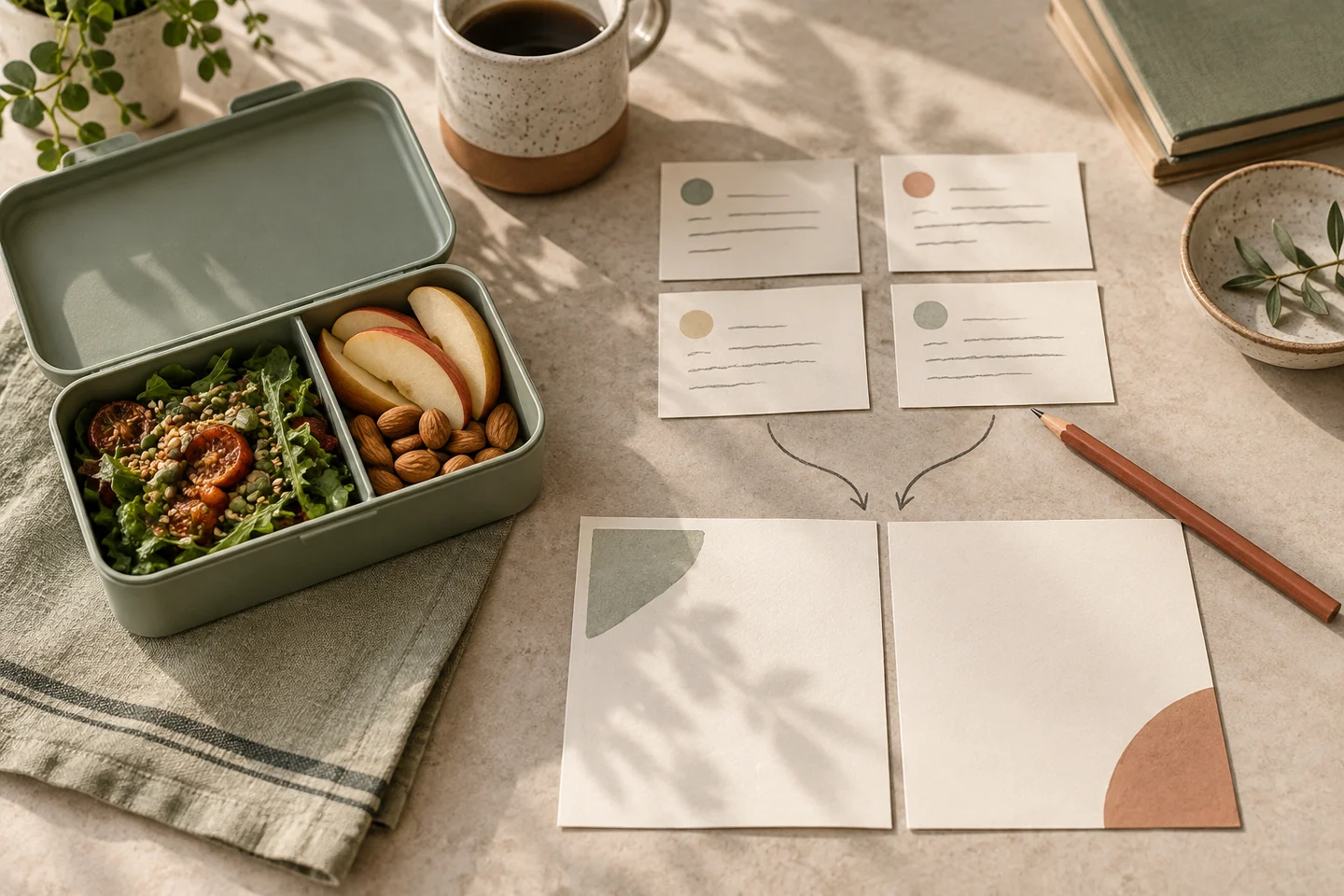
An open-box product ad should say what is known about this unit, what is missing and where the buyer can inspect the real condition. Put the useful qualification beside the invitation to act. “Open box” alone cannot explain whether a sleeve is missing, the packaging is damaged or the item has been used.
This guide works through a fictional Luma navy steel desk tray. Its outer carton has been opened and its paper sleeve is missing. Those are example inputs, not findings from inspecting a real product. We actually ran Panelly’s current Brief Builder formatter locally and retained its output. No product photo was uploaded and no ad image was generated. For the broader planning task, start with creative advertising ideas for small businesses.
Separate the packaging fact from the condition claim
Write two sentences before designing the ad: what happened to the packaging, and what you can support about the item. Do not let an opened carton silently become “unused,” “like new” or “tested.” If you do not know its usage history, leave that claim out and investigate before choosing a marketplace condition grade.
An original eBay community discussion shows buyers and sellers interpreting the label differently, including concerns about missing accessories. That is a qualitative reader problem, not a condition standard, a return-policy guarantee or evidence of keyword demand.
| Question about the fictional tray | Supplied fact | Advertising decision |
|---|---|---|
| Has the outer carton been opened? | Yes | Say “Box opened” |
| Is the paper sleeve included? | No | Keep the exclusion visible |
| Was the tray unused or tested? | Not supplied | Do not invent a claim or grade |
| What will the buyer receive? | One navy steel tray | Do not add a pen, mat or spare tray |
The OfferUp listing guide asks sellers to explain condition and missing accessories in plain language and photograph flaws. Its advice belongs to that marketplace. Keep your own destination’s requirements separate from your creative brief; a generated promotional illustration cannot replace real condition evidence.
Choose a message that does not upgrade the item
These three original examples change the opening, not the underlying offer. They are editorial copy, not customer campaigns or tested conversion winners. Use them only after replacing the fictional facts with information you have checked.
| Opening | Supporting line | Next action |
|---|---|---|
| Box opened. One navy desk tray. | Paper sleeve not included. | See actual-unit photos and condition notes. |
| Check the tray, then decide. | Opened outer carton; paper sleeve missing. | See actual-unit photos and condition notes. |
| A desk tray with the packaging explained. | One navy steel tray. No paper sleeve. | See actual-unit photos and condition notes. |
The first version suits a buyer already browsing the product. The second gives a cautious buyer a useful next step. The third introduces an unfamiliar product while retaining the qualification. A lower price is not necessary to make these messages understandable; no price or saving has been supplied here.
Avoid “factory fresh,” “complete set” and a warranty badge when the fact sheet does not support them. A photographed box is not proof of a manufacturer’s seal. If the missing object is necessary for use rather than merely packaging, describe that precisely and reconsider whether this purchase is suitable for the intended buyer.
Build the brief from facts rather than a condition slogan
The Brief Builder formats supplied text. It does not inspect the tray, choose a condition grade or verify a seller’s account. We used the current compiler locally for the fictional example below; this was not a new live form session or a merchant listing integration.
| Field | Original example input | Why it matters |
|---|---|---|
| Product | One fictional Luma navy steel desk tray; carton opened; sleeve missing | Keeps the unit and exclusion together |
| Audience | Buyer deciding whether this exact unit and packaging suit them | Makes inspection the next action |
| Approved message | Box opened. One navy desk tray. Paper sleeve not included. | Leaves the condition unembellished |
| Direction | Clearly labelled illustrative static four-panel concept | Separates illustration from evidence |
| Reference notes | Attach one actual product photo in Studio; keep untouched condition photos in the listing | Distinguishes the two image jobs |
| Exclusions | No unused/tested/like-new claim, warranty, price, saving or deadline | Stops absent facts becoming sales promises |
Here are five exact lines selected from the actual English formatter output. The full raw input and output are retained with this manuscript. The formatter preserved the supplied wording; it did not certify it.
Product: Fictional Luma navy steel desk tray; one tray; outer carton opened; paper sleeve missing.
Approved message: Box opened. One navy desk tray. Paper sleeve not included.
Visual direction: A clearly labelled illustrative static four-panel ad concept. Separate promotional illustration from actual-unit condition photographs.
Call to action: See actual-unit photos and condition notes.
Deliverable: One complete static 2×2 four-panel image; 3:4 overall aspect ratio.
Read the output before copying it. Keep the complete condition notes in the real listing even when the ad has room for only one short qualification. The bundle photography guide covers counting included objects; this article adds the separate problem of what can truthfully be said about this particular unit’s condition and packaging.
Put the idea to work for your product
Four-panel product ads
Turn a product benefit into a connected four-panel ad. Explore a visual direction, refine the result through conversation, and download the complete image.
Try this in Panelly Edit the brief and replace the reference in Studio. Sign in when you are ready to create.Give the four panels a route to real evidence
Use the four-panel composition as a promotional concept, not an inspection record. The four-panel use case delivers one complete static image. Repeating the tray across four positions must not suggest four trays in the order.
- Introduce one tray with “Box opened.”
- Name the missing sleeve without drawing it as an included accessory.
- Invite a look at the actual-unit condition photographs.
- Close with the same inspection action and the packaging qualification.
Label the concept as an illustration. Do not add a gleaming replacement carton, quality-inspection stamp or made-up before-and-after photograph. Keep actual, untouched photos of the unit and its defects separately available at the destination. If your selling channel needs original item photos, use those there; a generated ad is not permission to substitute an illustration.
Try a complete single-reference Studio request
Open the four-panel task in Studio. Attach one real reference only when you have the right to use it, replace all fictional details and review the proposed plan and displayed credit cost. Explicitly confirm generation only when you intend to run it. This illustrative request has not been sent to a provider:
Plan one complete static 2×2 product ad concept for a fictional Luma navy steel desk tray, 3:4 overall.
Facts: one tray; outer carton opened; paper sleeve not included. Usage history and inspection status are not supplied.
Use this wording: “Box opened. One navy desk tray.” “Paper sleeve not included.” “See actual-unit photos and condition notes.”
Label the concept “Illustration — not condition evidence.” Use the one actual product photo I attach in this conversation as a visual reference, not as proof that generated details are accurate.
Top left: introduce one tray. Top right: state the missing sleeve. Bottom left: point the reader toward the real condition photos. Bottom right: repeat the inspection action and packaging qualification.
Do not invent accessories, seals, defects, testing, unused/like-new status, refurbishment, warranty, price, discount or deadline. Do not represent generated panels as actual-unit condition photographs.
Deliver one complete static image, not four carousel files or a video. Replace all fictional facts before real use.
A reference cannot guarantee preservation of a mark, label or pixel. Compare the complete result with the verified fact sheet and actual object. If an image creates a misleading impression of condition, do not publish it as evidence. A refinement request is followed by another whole-image review, including panels you did not ask to change.
Preserve the qualification through export and the destination
Use the local image resizer and cropper to compare crop and fit when you need different pixel dimensions. Then use the image compressor for an actual JPEG or WebP byte comparison if the destination accepts that format. Crop can remove the exclusion; fitting can shrink it; lossy compression can make it harder to read. Inspect the downloaded file rather than assuming that a met byte target means readable wording.
Finally, follow the action yourself. The destination should show the matching unit, what is included, what is missing and the real condition photos. Check its actual price, availability and applicable terms there; Panelly does not synchronize those records or publish to the marketplace. The ad-to-landing-page check helps compare the two promises.
Your next step is a checked fact sheet in the Brief Builder, followed by the reviewed concept in Studio. If you cannot yet supply the unit’s condition evidence, collect it before inviting a purchase.