Campaigns
Wallpaper Sample Ad Copy Examples: Sell the Sample, Not the Room
Plan a static product ad for a paid wallpaper sample. Includes original copy, real Brief output and a complete request without full-roll or color-proof promises.
Make it with Panelly
Four-panel product ads
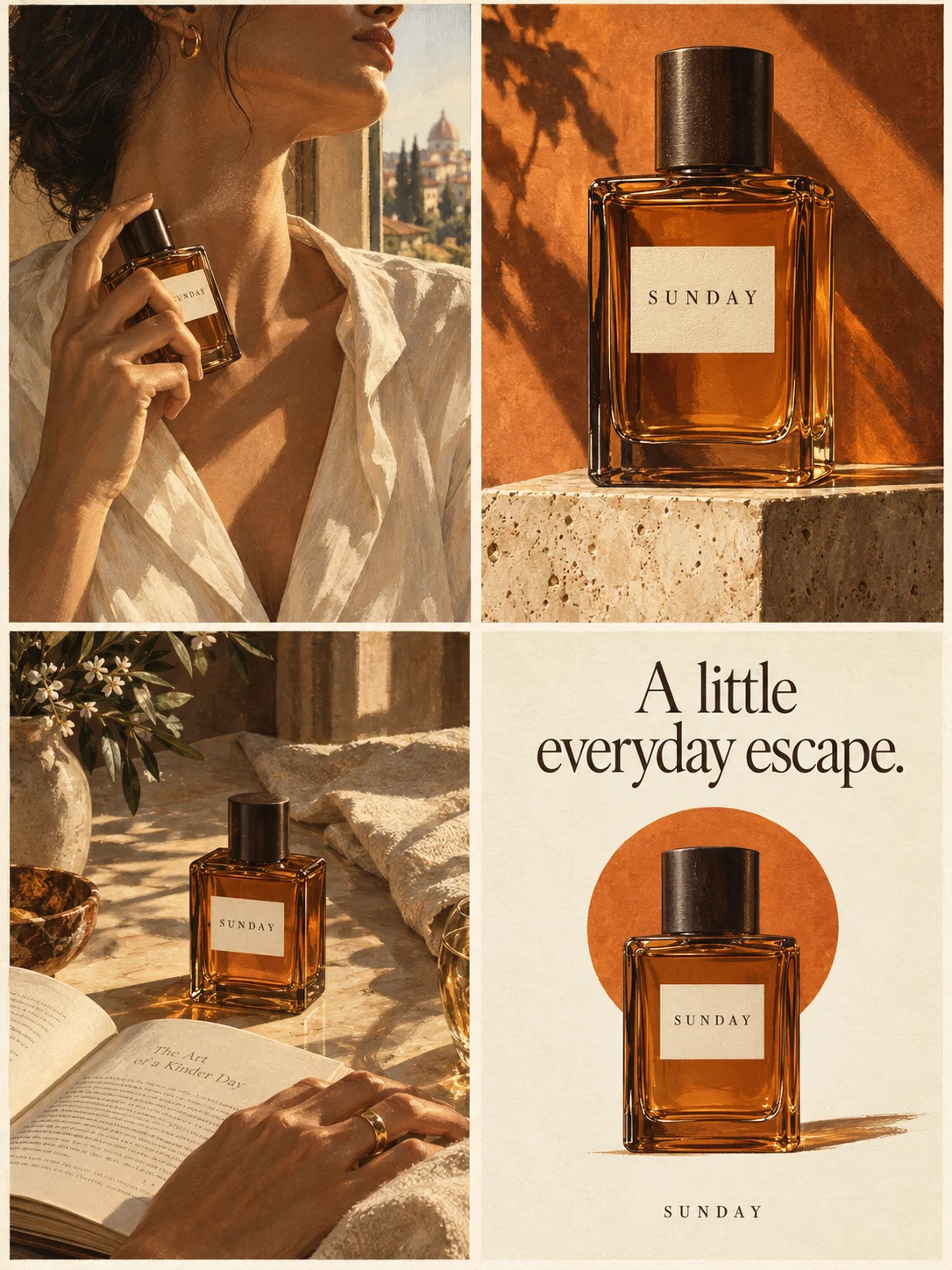
Turn a product benefit into a connected four-panel ad. Explore a visual direction, refine the result through conversation, and download the complete image.
Try this in Panelly Edit the brief before you generate.
A wallpaper sample ad should sell the physical sample the shopper will receive, with its quantity, dimensions and price close to the invitation. A decorated room can explain a design direction, but it must not make a small sample purchase look like enough wallpaper to cover that room. Start by making the sample order clear, then help the reader decide whether to investigate the full wallpaper.
This worked example uses fictional Vale warm-gray Line wallpaper: one 20 × 25 cm material sample for 5 USD. Rolls are bought separately. The sample may not contain the complete pattern repeat. These are invented exercise facts, not a real merchant offer. We ran Panelly's current Brief compiler locally and retained the complete input and actual text output. We also checked its saved-input file round trip locally. No photograph was uploaded, physical sample inspected, checkout tested or advertisement image generated. For the wider creative plan, see the small-business advertising ideas pillar.
Put the sample purchase beside the price
Name the item as a sample before presenting its price. “Line wallpaper — 5 USD” could look like the price of a roll. “One Line wallpaper sample — 5 USD” makes the transaction more specific. Keep the dimensions nearby rather than leaving them only on the destination page.
| Detail | Supplied fictional fact | Do not imply |
|---|---|---|
| Purchase | One 20 × 25 cm material sample | A roll, panel or room coverage |
| Price | 5 USD for that sample | A free trial or a full-roll price |
| Later decision | Wallpaper bought separately | An automatic order, credit or discount |
Shipping, tax, returns, adhesive suitability and delivery timing have not been provided. Keep them unresolved in this exercise; a seller must verify the applicable information before using a real campaign. The sample price alone does not establish a delivered total.
A buyer's original DIYUK question asks how to inspect wallpaper before committing to a roll. A visible reply describes a small square that does not show the full design. This is a historical discussion, not a demand estimate or a reliable statement of any retailer's current returns policy. It suggests a useful creative question: what can this particular sample help the buyer examine?
Separate a material detail from a complete pattern view
Use a real sample photograph to document the piece, and distinguish a magnified detail from its actual dimensions. A cropped pattern fragment cannot establish the repeat across a whole wall. If the merchant has a separate verified repeat diagram or installed photograph, give that evidence its own clear label and context.
Livette's sample product page distinguishes sample ordering from wallpaper panels and notes possible differences between screen appearance and actual material. It is a merchant's own explanation, not a color guarantee or independent quality test. We do not reuse its promotions, installation claims, shipping terms, artwork or results.
For Vale, show the small piece and label the close-up “Detail of sample.” Do not tile that fragment across an invented room and call it an accurate preview. Generated pattern repeats, screen color and material texture are not physical proofs. Even a photograph needs suitable context if it is being used to support a purchasing claim.
The existing size-photography guide covers measured views and perspective; use it for scale cues instead of inventing another measurement tutorial. Bundle photography remains the owner for multi-sample packs and included quantities. This article addresses one paid sample as a separate purchase decision.
Choose copy that invites inspection rather than a room transformation
Use one of these original copy directions according to the buyer's question. They are editorial alternatives, not tested winners or claims about reduced returns. Each keeps the sample identity in the main message.
| Direction | Headline and supporting line | Next step |
|---|---|---|
| Identify the order | “Start with one sample.” One 20 × 25 cm Line wallpaper sample for 5 USD. | View sample details |
| Clarify the view | “A closer look before the roll.” Examine this material sample; the full repeat may not fit on it. | See what the sample shows |
| Separate the purchases | “Sample now. Decide on wallpaper later.” Full wallpaper is bought separately. | Review the sample option |
The second direction does not promise an exact future production batch. The third does not mean the sample price will be credited toward a roll. If either condition belongs to the real offer, verify it explicitly and write it separately. Avoid adding “free,” “risk-free,” guaranteed color matching or a delivery date because they sound reassuring.
On a phone-sized image, give the offer line priority over decorative captions. Repeating “sample” can be useful when a detail frame is viewed apart from the first frame; repeating an entire paragraph usually makes the image harder to read. Keep detailed evidence and purchasing terms available on the real destination page.
Put the idea to work for your product
Four-panel product ads
Turn a product benefit into a connected four-panel ad. Explore a visual direction, refine the result through conversation, and download the complete image.
Try this in Panelly Edit the brief and replace the reference in Studio. Sign in when you are ready to create.Keep the Brief input, saved fields and actual output distinct
The Brief builder formats supplied facts into editable text. It can save input fields as JSON and load them later. That file excludes hand edits to the result; Download .txt saves the edited result. Loading fields keeps the current result until you explicitly Build again. None of these actions checks a seller's inventory or generates an image.
| Input field | Value used here | Reason |
|---|---|---|
| Product | One Vale Line sample, 20 × 25 cm, 5 USD | Identifies the small paid item |
| Approved message | Rolls separate; full repeat may not fit | Limits what the purchase and view promise |
| Audience | Shopper considering a sample before a roll | Gives the creative one decision |
| Visual direction | Whole piece, detail, size/price, next step | Four roles without a false room preview |
| Exclusions | No free offer, exact color or installation promise | Prevents invented reassurance |
The actual English output excerpt is:
Product: Fictional Vale warm-gray Line wallpaper sample: one 20 x 25 cm physical piece for 5 USD. This is a paid sample, not a roll or installation material.
Approved message: One 20 x 25 cm wallpaper sample for 5 USD. Examine this material sample before deciding on full wallpaper. Rolls are bought separately; a sample may not show the complete pattern repeat.
Visual direction: One static four-panel ad: one sample piece, a labeled detail crop, a size-and-price reminder, and View sample details. No decorated room, full roll, extra samples or installation scene.
Call to action: View sample details.
Deliverable: One complete static 2×2 four-panel image; 3:4 overall aspect ratio.
We executed the current formatter and input-file parser locally, not a new production form session. The complete original input, output and saved JSON accompany the manuscript. A field round trip only proves that those values were restored. It does not turn the hypothetical sample or its measurements into verified product evidence.
For a real brief, place essential purchase conditions in Approved message. This product-discovery goal does not use the promotion-only Offer field to carry the sample price. Read the complete output before saving a reusable version, and distinguish inputs you want to reuse from result wording you have changed manually.
Request one static ad using an actual sample reference
Attach your own authorized photograph of the actual sample in the four-panel Studio task, then insert its real mention. Use @image1 only after that image is attached. This complete example request has not been submitted to a provider and has no generated output to assess.
@image1 is my reference photo of the fictional Vale warm-gray Line wallpaper sample. Create one complete static 2×2 four-panel product ad, 3:4 overall. The offer is one 20×25 cm physical sample for 5 USD; full wallpaper is purchased separately and the complete pattern repeat may not fit on the sample. Show one whole sample with “Start with one sample”; a close-up labeled “Detail of sample”; the sample with “One 20×25 cm piece ·5 USD”; and the same single sample with “View sample details”. Use a quiet cream surface and short readable copy. Do not invent a decorated room, installed wall, full roll, extra samples, free offer, price credit, exact color match, shipping date or installation result. This is a campaign concept, not a physical color or scale proof. Leave room for manual text correction.The reference guides a complete generated image; it does not lock pattern geometry, printed lettering, colors or unchanged pixels. Keep the original material photograph available as the evidence. After selecting an output you can use Mention and refine, then compare the entire next version. A request to clarify one caption is not a guarantee that every other detail stays unchanged.
Check the sample option and the whole exported image
Before sharing, read every frame as a shopper. Is the repeated piece clearly one sample shown several ways, rather than four samples included? Are 20 × 25 cm and 5 USD readable? Does a close-up look like magnification instead of a larger product? Correct the offer and image together if the visual impression contradicts the words.
Open the actual linked product page and inspect its selected sample option. Shopify's official variants overview describes separate option combinations such as size and color. That is store documentation, not a Panelly integration. Whether your store uses a variant or a separate sample product, confirm that the destination describes the sample rather than silently selecting a roll. The message-match checklist can structure that comparison.
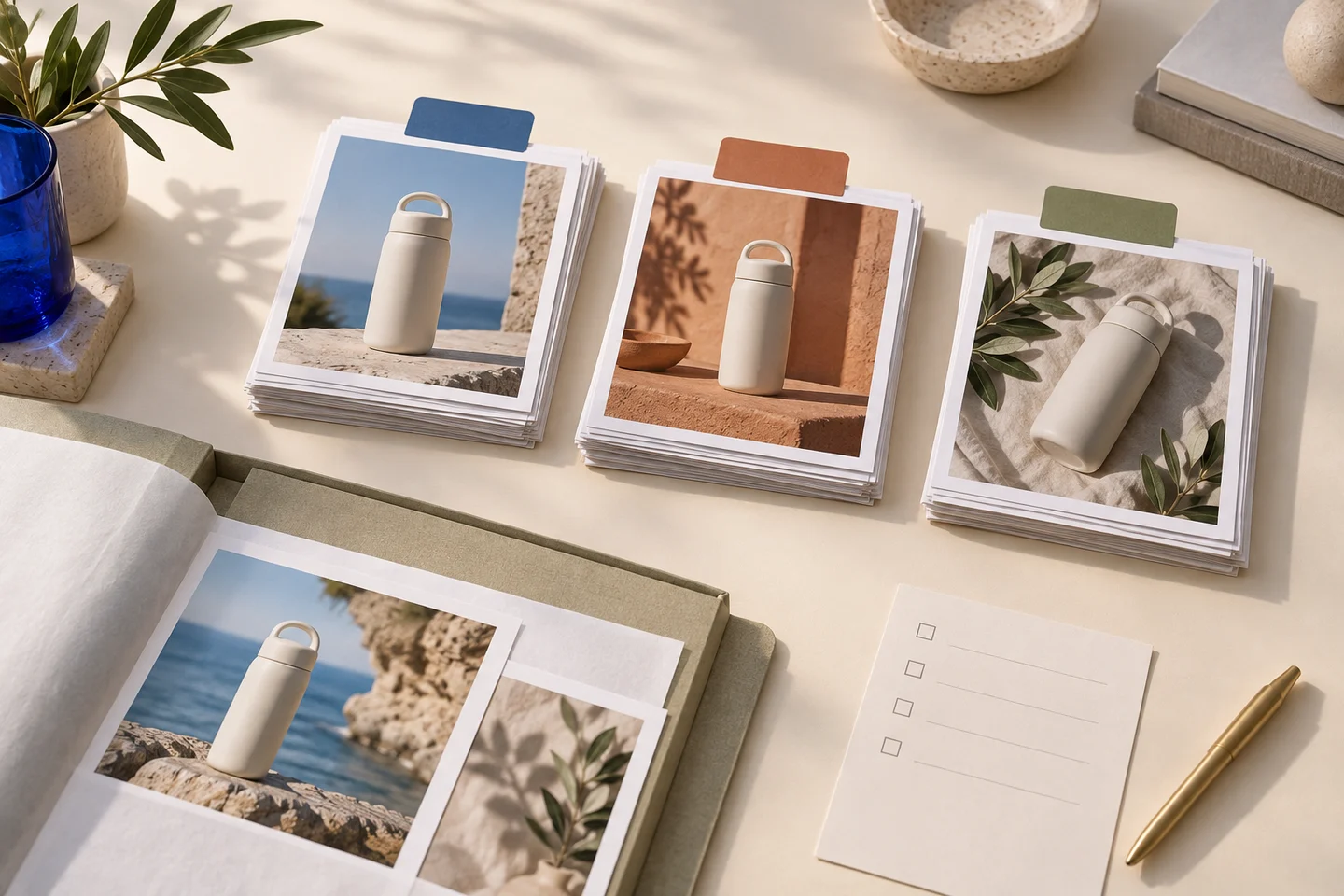
Use the image resizer to inspect crop or fit and export dimensions. Use the image compressor if a JPEG/WebP byte budget matters, then reread the small sample label after encoding. Neither tool proves color accuracy, pattern repeat, legibility or platform acceptance. The blue bag and paper swatches on this article's cover are an editorial concept, not Vale material, a measured sample or a generated wallpaper ad.
Your next step in Studio is a bounded static concept with verified sample facts and your own reference. Keep the physical selection decision with the merchant's actual sample and product information.